Microwaver 59 Retro Arcade UI
A Nuxt framework arcade-style interface featuring a coin-start screen, name-entry forms, interactive HUD, and a stylized leaderboard list with retro aesthetic elements.

Overview
This project features a high-fidelity retro arcade user interface (UI) built with the Nuxt framework. It provides a niche but highly effective pattern for gamified web experiences, utilizing a tiered navigation flow that transitions from a "Insert Coin" splash screen to user input and high-score leaderboards.
Design System
- Color Palette & Visual Hierarchy: The design uses a high-contrast dark theme with neon yellow and hot pink accents, typical of 80s synthwave aesthetics. The primary hierarchy is centered, drawing the eye immediately to interactive prompts like the "INSERT COIN" button.
- Typography System: The UI leverages stylized monospace and blocky display fonts to mimic low-resolution arcade screens. Labels use uppercase characters to reinforce the "active" game state.
- Page Structure & Section Flow: The structure follows a linear game-loop logic:
loader(start screen) →name-input(onboarding) →hud(active play state) →scores(leaderboard results). - Reusable Components:
- The Arcade Button: The
.coinand.startbutton patterns utilize pixel-art-esque borders and glowing hover states. - The Name Entry Form: A unique input wrapper (
.text-bar) with custom background layers designed for high readability against a dark backdrop. - Scoreboard List: A robust
.listcomponent that organizes complex data points (rank, name, wave, and points) into a clean, vertically scrollable layout.
- The Arcade Button: The
- Interaction & Motion Patterns: The HTML reveals a custom
.cursorelement, suggesting a unique mouse-replacement interaction. State changes are managed through visibility toggles across the container IDs like#loader,#game, and#scores. - Implementation Clues: Developed using Nuxt/Vue as evidenced by the
__nuxtwrapper anddata-v-scoped styling attributes. This indicates a component-based architecture where each UI state is likely a separate view or component.
Use Cases
- Who should clone this pattern: Developers building browser-based games, marketing microsites for product launches, or designers creating interactive portfolios with a retro theme.
- Remix Directions:
- E-commerce: Transform the leaderboard into a "Top Buyers" or "Trending Products" list with the same high-contrast aesthetic.
- Event Registration: Adapt the
.name-inputform for event sign-ups where a distinct, memorable brand voice is required. - Retro Branding: Swap the neon pink/yellow for more muted 70s earth tones to pivot from "arcade" to "analog tech" aesthetics.
- Suggested Clone Scope: A full-page clone is best for those needing the complete state-management flow, while the
.scoresleaderboard and.name-inputblocks are excellent standalone components for reusable dashboard widgets.
Related Inspirations
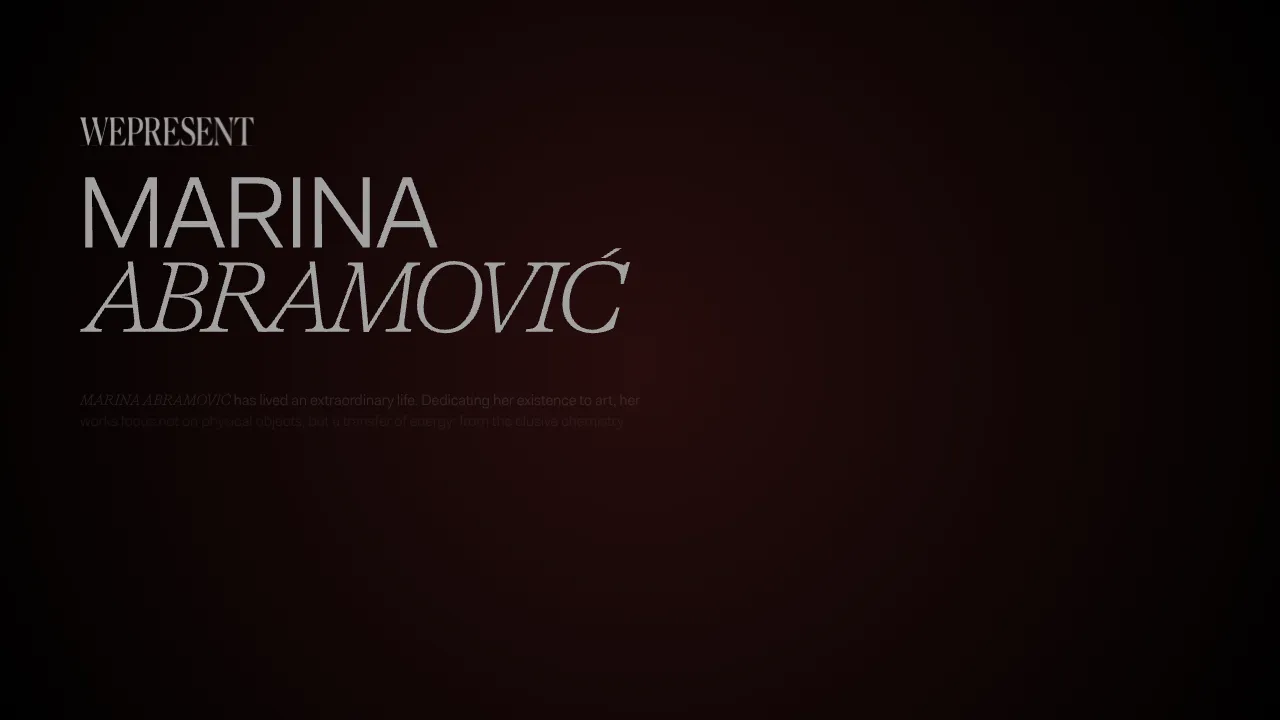
Marina Abramović Immersive Storytelling Gallery
A high-end multimedia experience featuring a 3D canvas background, custom cursor effects, interactive audio controls, and an overlay-based menu for immersive digital narratives.
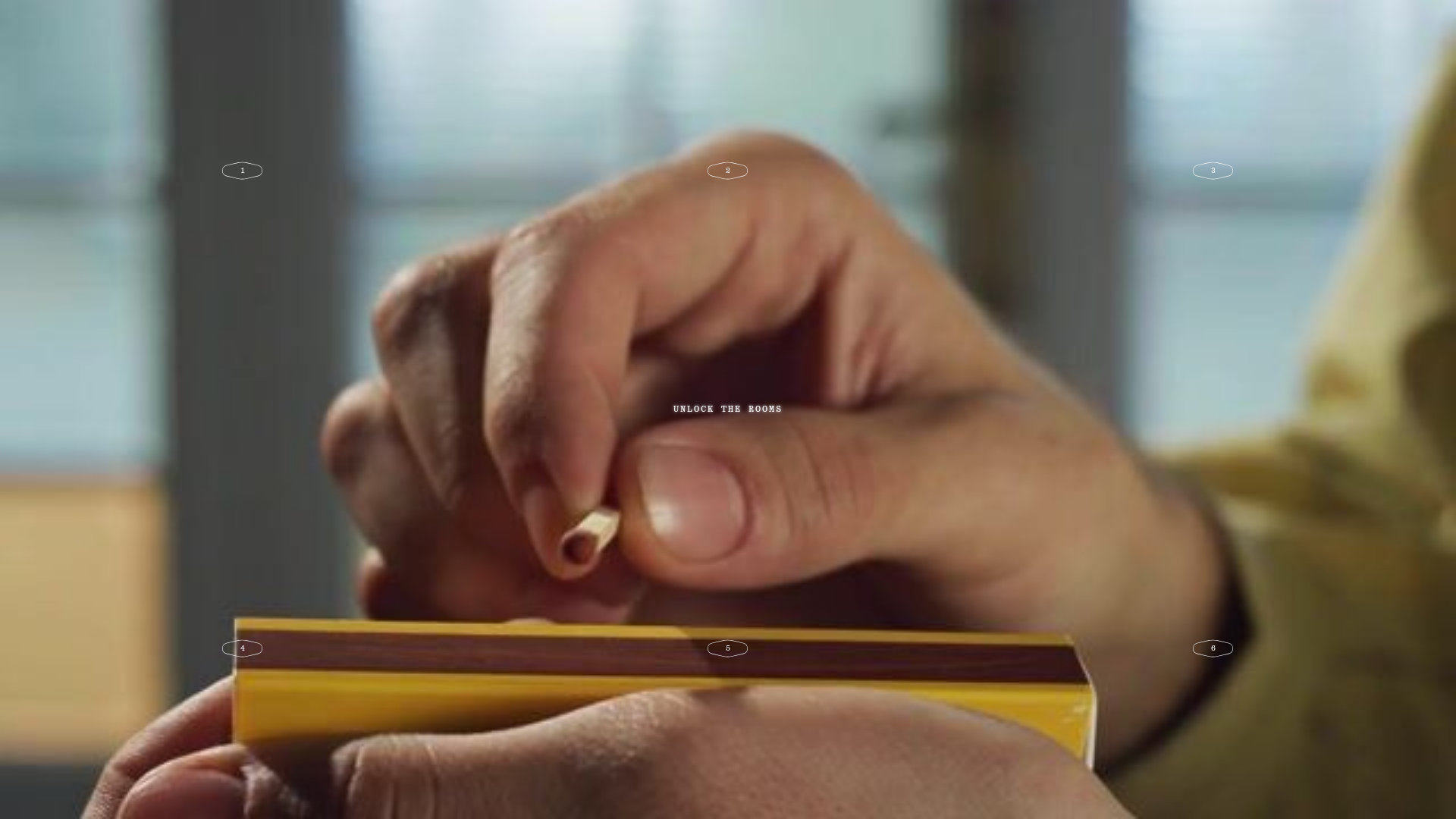
Fornasetti Profumi ASMR Interactive Gallery
A high-concept landing page featuring full-screen atmospheric video backgrounds, numbered interactive hotspots, and a minimal overlay UI for an immersive storytelling experience.
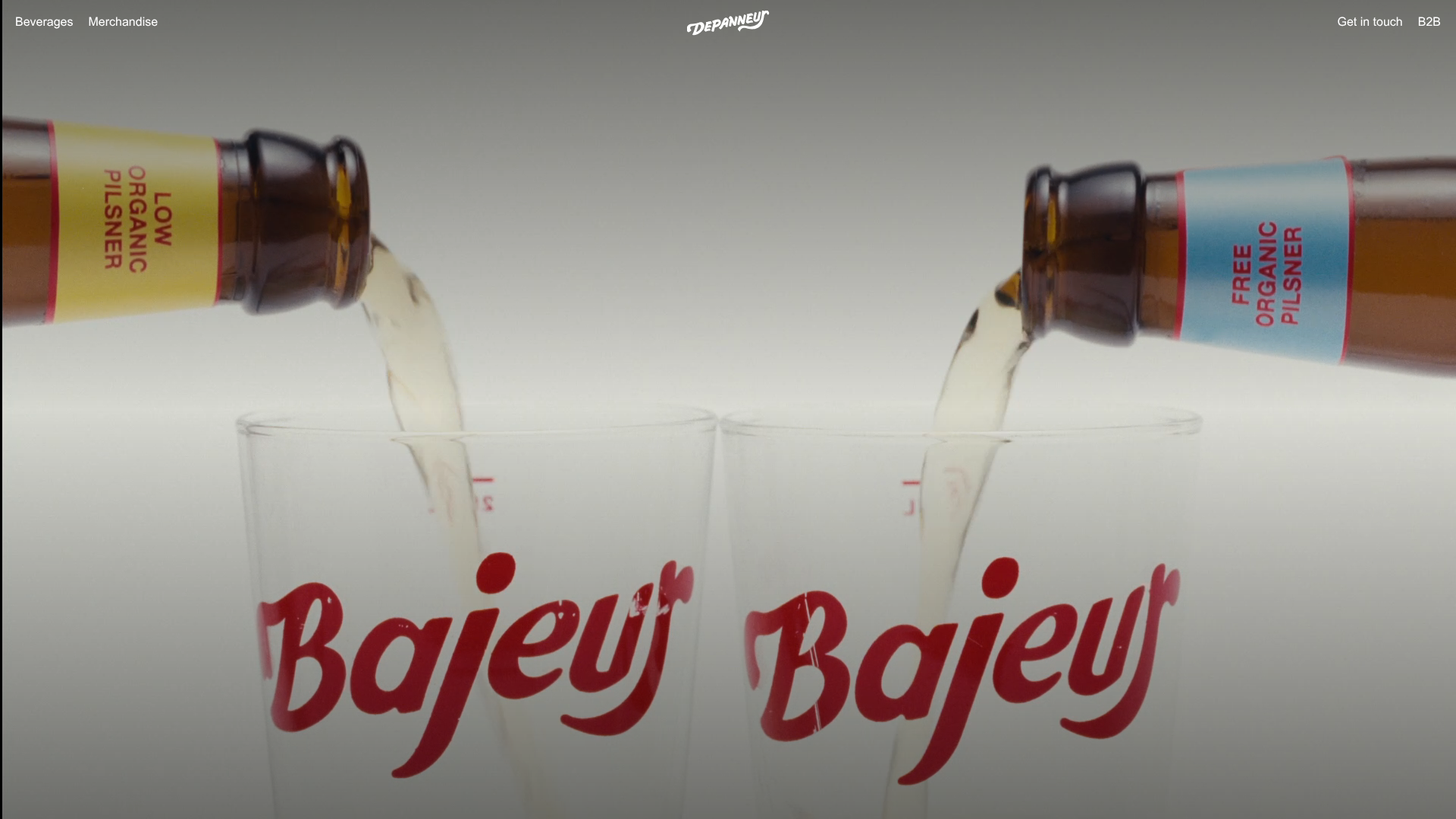
Depanneur Beverage E-commerce Hero
A minimalist Shopify storefront featuring a full-screen background video hero, sticky translucent navigation, and integrated mobile menu components.
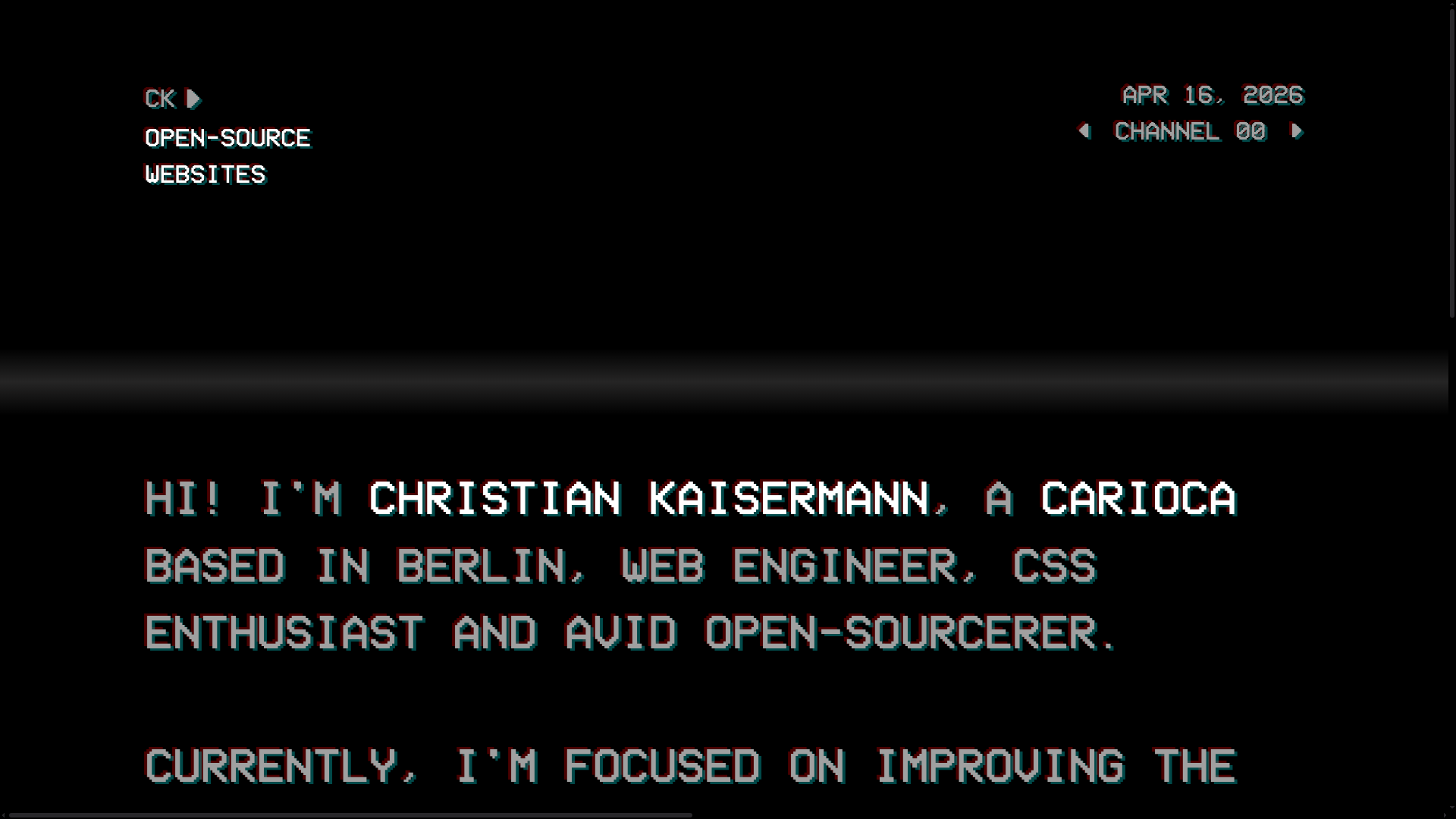
Christian Kaisermann Retro CRT Portfolio
A dark-themed developer portfolio featuring a 90s CRT television interface with glitch text effects, scanlines, and an interactive remote control navigation system.
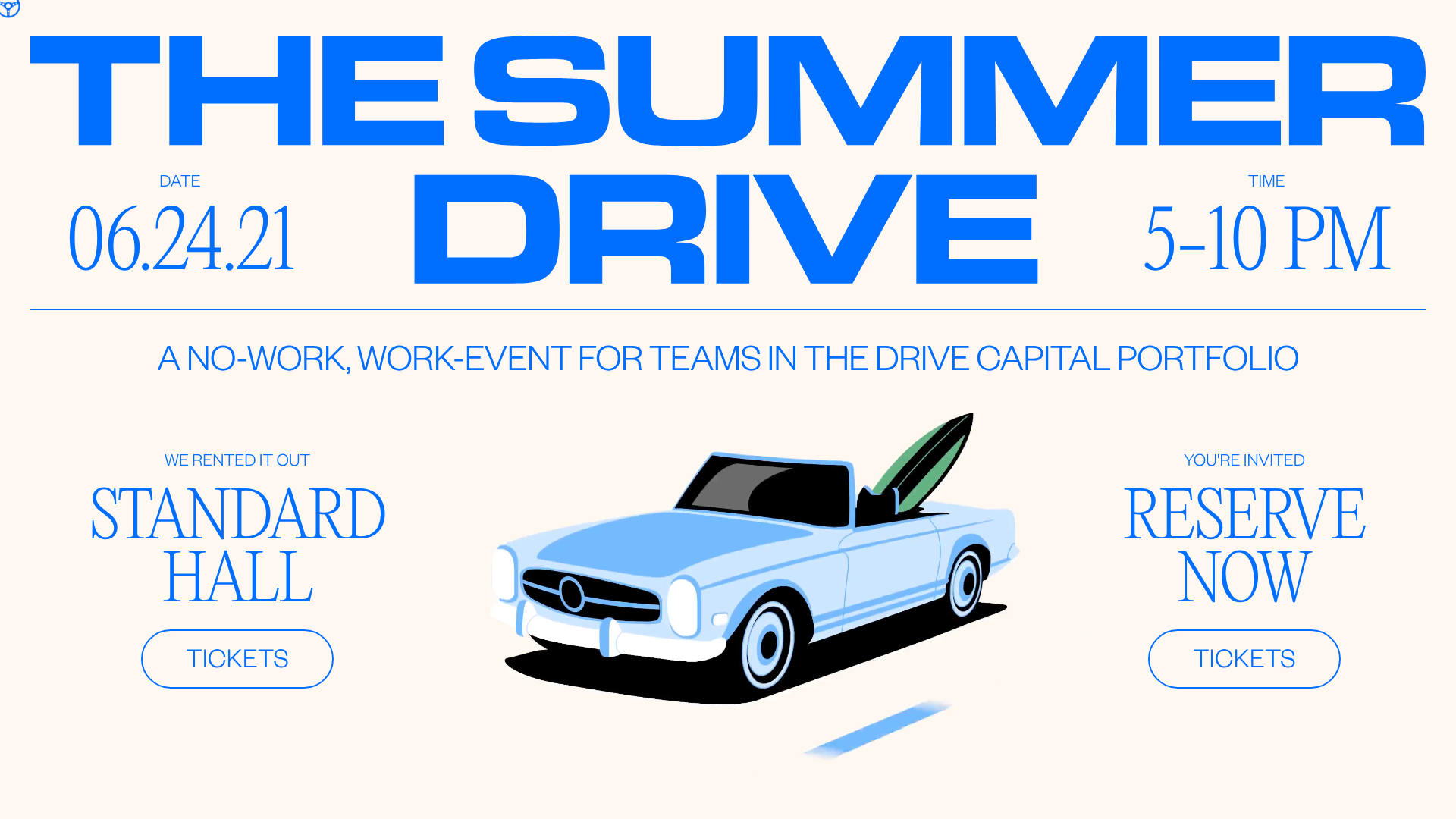
Summer Drive Event Landing Page
A vibrant event page featuring bold typography, a smooth scroll-triggered hero section, a video car animation, and a decorative logo marquee for portfolio teams.
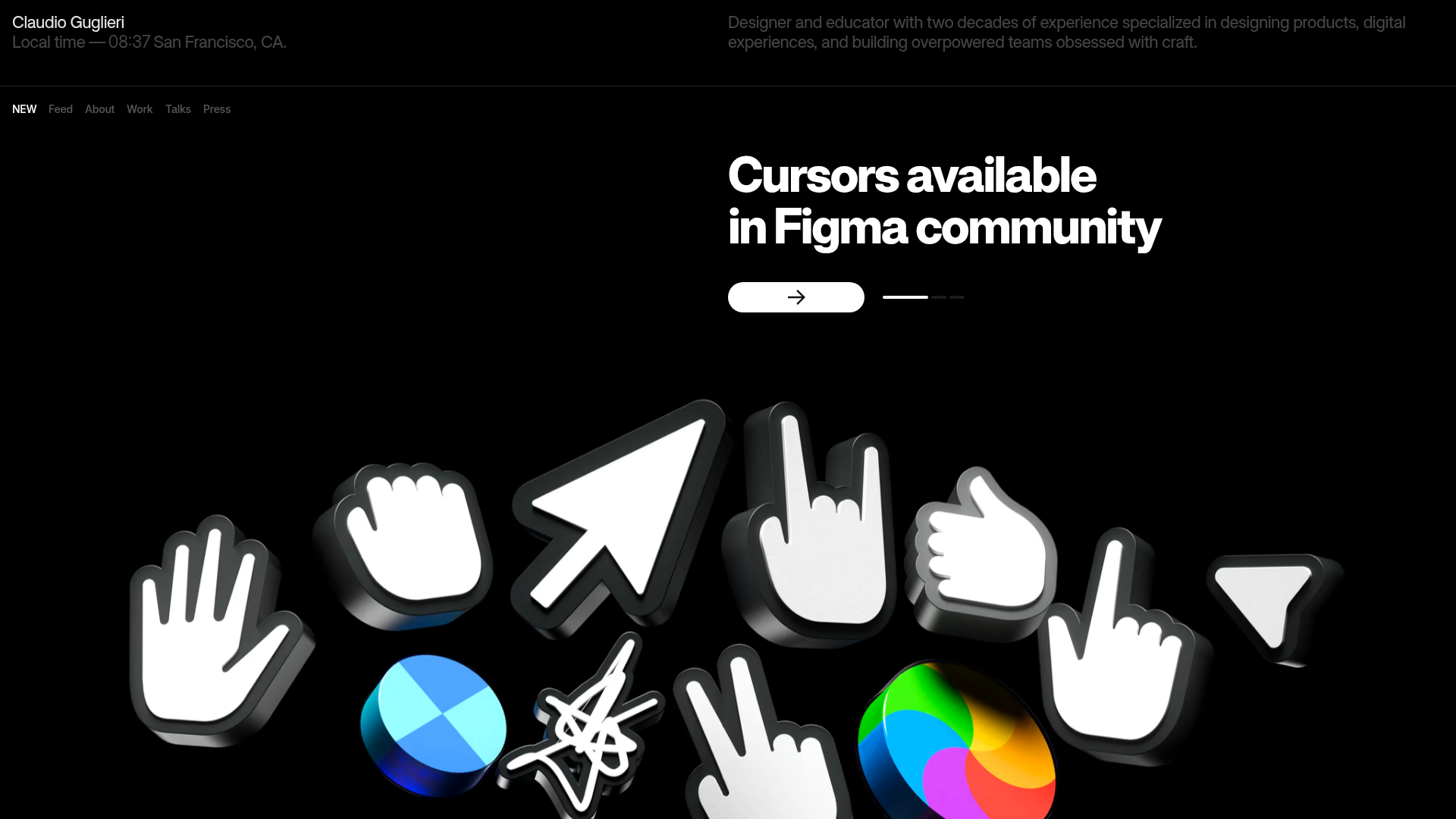
Claudio Guglieri Portfolio Portfolio Hero
A dark-themed designer portfolio featuring a 3D asset hero section, minimal top navigation bar, and integrated visitor message submission form.
