Sneak in Peace Live Video Store
A dark-themed video streaming layout for e-commerce with floating overlays, live status indicators, viewer counts, and a mobile-optimized tab bar.

Overview
This website is a premium e-commerce video streaming platform that blends high-fidelity content delivery with direct shoppable interfaces. It serves as a strong reference for creators and brands looking to build a "live shopping" experience, featuring an immersive dark-themed background that allows product video content to take center stage.
Design System
- Color Palette & Visual Hierarchy: The system uses a high-contrast "Pitch Black" background (#000000) to create a cinematic feel. High-action elements use a primary "Live Red" (#E1261C) for status indicators, while secondary navigation and utility text use grayscale tones (white and soft grey).
- Typography: A clean, modern sans-serif stack is utilized. High-emphasis tags (like "LIVE" and "SCHEDULE") use all-caps for urgency, while the "Sneak TV" logo uses a distinctive bold weight with a pill-shaped badge for brand identity.
- Page Structure & Section Flow: The layout is built around a full-screen background video (
.live-streaming-video). Navigation is divided into three distinct floating layers: a top utility bar for global links, a right-side vertical container for social/store context, and a persistent bottom mobile tab bar. - Reusable Components:
- Floating Utility Nav: A horizontal pill-shaped bar containing menu triggers, store links, and full-screen toggles.
- Status Badges: The
.live-tags-placementcontainer with "Live" and "Schedule" buttons is a highly portable component for time-sensitive content. - Viewer Count Widget: A small, high-contrast badge showing real-time engagement (
.viewers-button). - Quick View Modal: A complex e-commerce overlay (
#quick-view-modal) featuring product galleries, variant selectors, and "Buy Now" CTAs.
- Interaction & Motion: The design emphasizes "Tap to Hide" functionality, allowing users to dismiss UI overlays to watch the video uninterrupted. State changes (like the mute/unmute toggle) use simple icon swaps.
- Mobile Behavior: The mobile experience is prioritized via a persistent
bottom-nav-containerand a unique swipeablemobile-live-cardcomponent that reveals product details without navigating away from the stream. - Implementation Clues: The HTML structure reveals a Shopify-based backend with custom-coded liquid sections. It uses absolute positioning extensively for the floating UI elements and relies on a
modal-overlaysystem for product interactions.
Use Cases
- Who should clone this: Fashion retailers, luxury goods brands, or tech companies launching live product drops or keynotes.
- Remix potential: The "video background with floating UI" pattern can be adapted for digital portfolio homepages, high-end real estate virtual tours, or music artist landing pages.
- Remix Directions: Swap the sneaker-specific "Wishlist" and "Shop" icons for "Download" or "Book Now" depending on the vertical; replace the live stream source with a curated loop of high-quality brand assets.
- Suggested Clone Scope: Start by cloning the floating top navigation and the live status badges (Live/Schedule/Viewers) to add a "broadcast" feel to any existing site. The full-page video background with a persistent mobile tab bar is ideal for a complete landing page revamp.
Related Inspirations
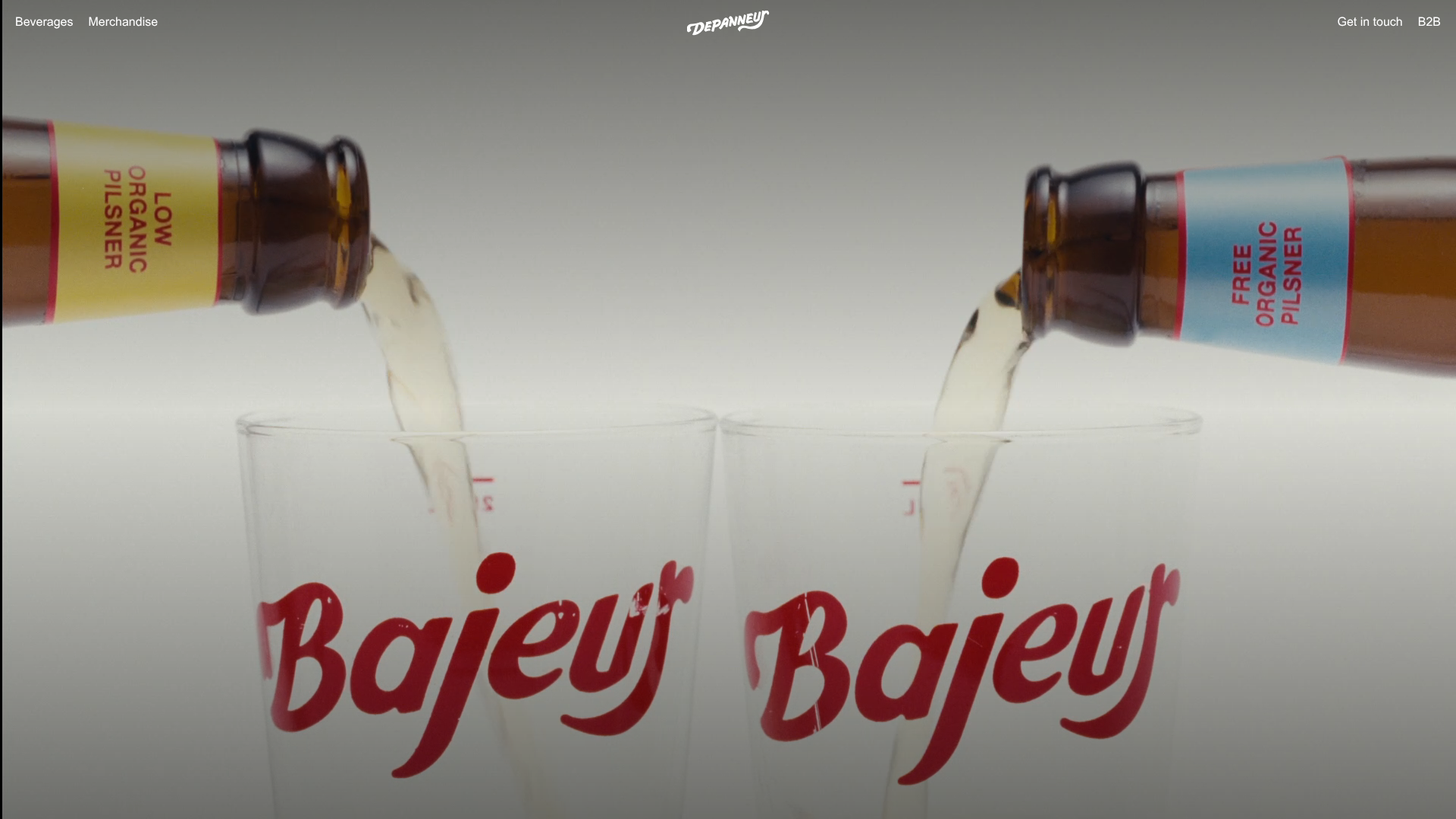
Depanneur Beverage E-commerce Hero
A minimalist Shopify storefront featuring a full-screen background video hero, sticky translucent navigation, and integrated mobile menu components.
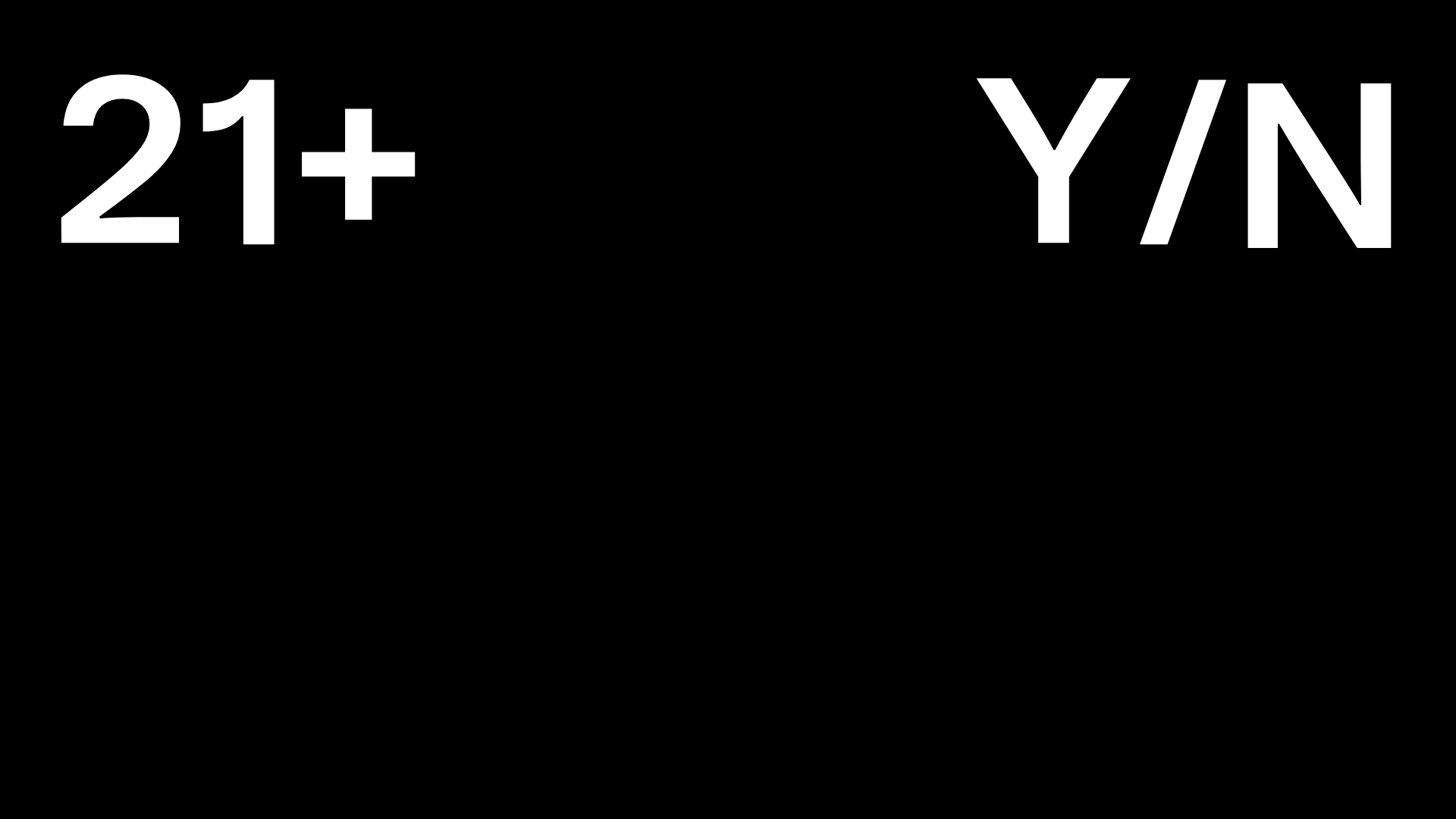
Post Familiar Minimalist Winery Storefront
An experimental e-commerce layout featuring a high-contrast age verification screen, bold typography grids, and a horizontal scrollable product showcase.
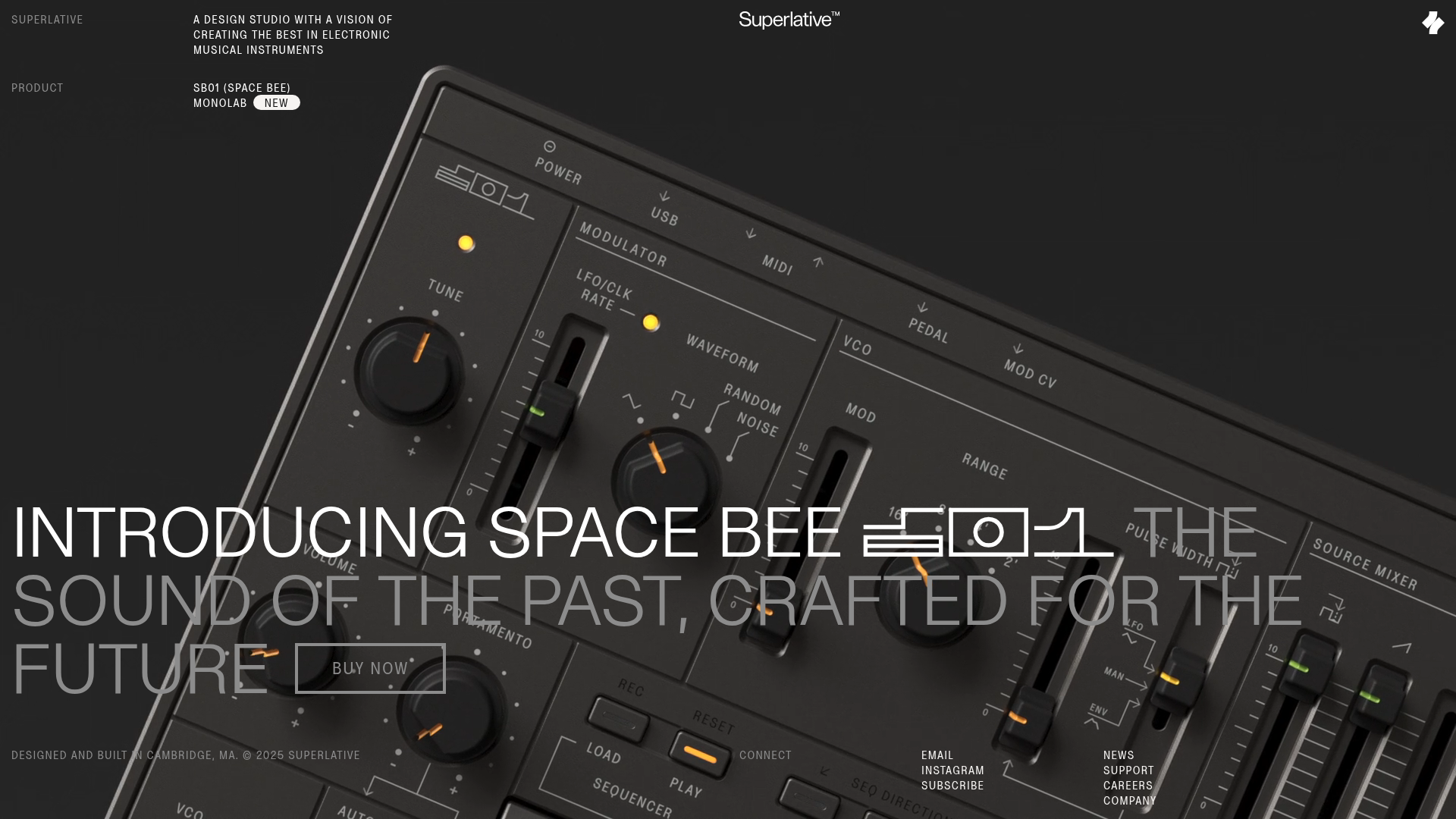
Superlative SB01 Product Landing Page
An elegant dark-themed product site featuring a full-screen video hero, sticky technical specification sidebar, an animated exploded-view diagram, and a layered product details grid.
Wayfinder Minimalist Loading Screen
A clean, dark-themed loading state featuring a centered CSS logo animation and subtle typography for use in high-contrast immersive web experiences.
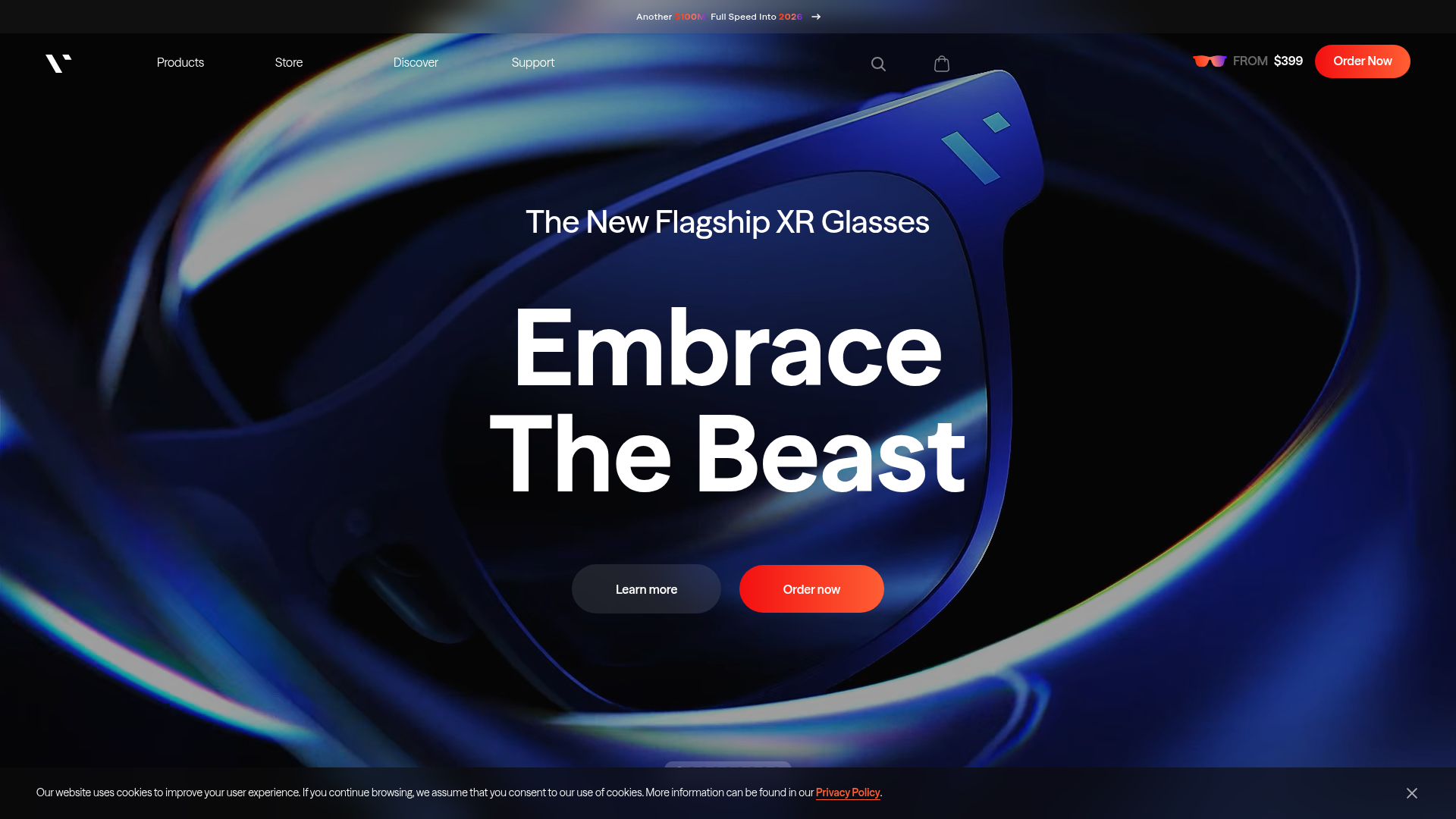
VITURE Flagship XR Product Landing Page
High-impact tech landing page featuring an immersive dark-themed hero section, animated announcement slider, and modern call-to-action buttons with vibrant gradients.
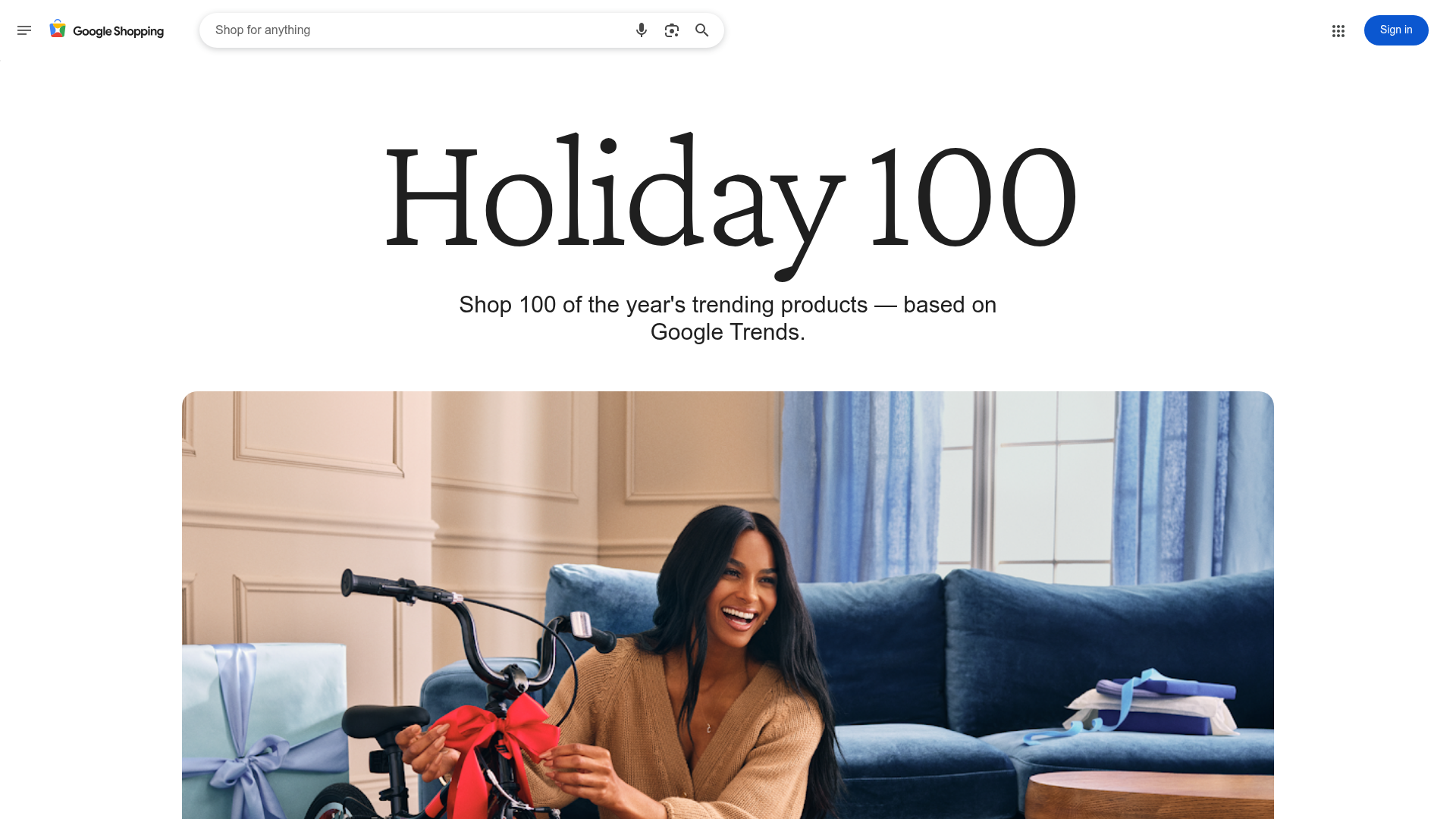
Google Holiday 100 Curator Landing Page
A minimalist e-commerce showcase featuring a wide hero section, clean search integration, and a bold typography-driven header designed for trending product collections.
