Vercel Ship Event Hero Page
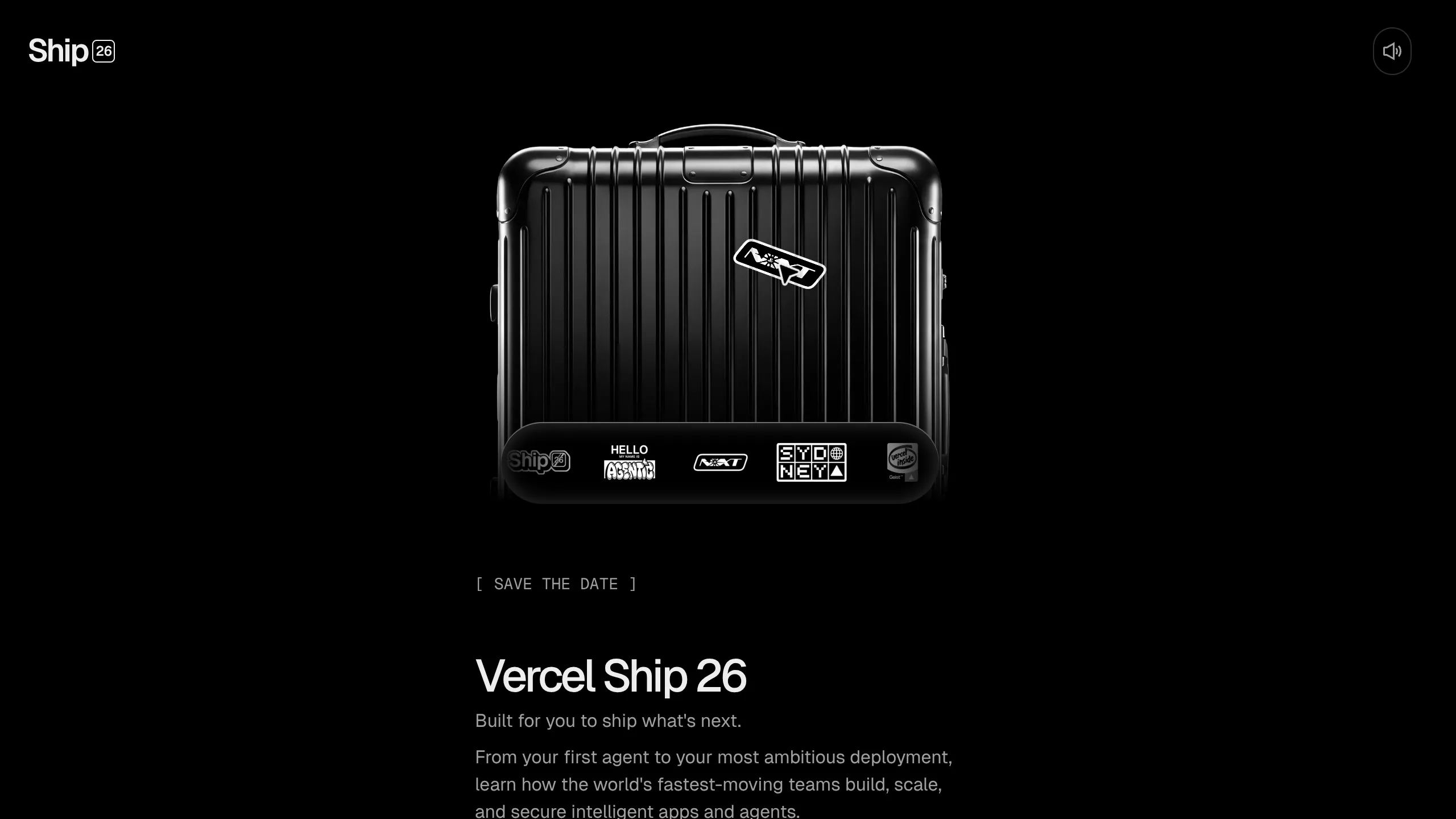
A dark-themed event landing page featuring a 3D suitcase hero with interactive drag-and-drop stickers, a multi-select location form, and a sleek dark mono design.
Overview
This dark-mode event hero page features a sophisticated 3D suitcase centerpiece built with Three.js, supporting interactive drag-and-drop sticker placement. It serves as a premier example of how to combine high-end 3D graphics with standard lead generation forms to create an immersive, high-conversion landing experience. It is a strong reference for developers looking to integrate interactive canvas elements with modern UI frameworks like Next.js and Tailwind CSS.
Design System
- Color Palette & Visual Hierarchy: The design uses a deep monochromatic theme centered around a
#000000background. Visual hierarchy is established through high-contrast white text for titles and a muted grey (--ds-gray-900) for secondary metadata like the "[ SAVE THE DATE ]" tag. - Typography: The system utilizes a dual-font approach. A clean, medium-weight sans-serif is used for primary headings ("Vercel Ship 26"), while a monospace font is applied to labels, form inputs, and decorative tags to evoke a technical, developer-centric aesthetic.
- Page Structure: The layout follows a split-hero pattern. On large screens, the 3D interactive canvas occupies the right/center-right space, while the lead capture form and event description are pinned to the left. On smaller screens, the layout reverses vertically, prioritising the visual 3D asset first.
- Reusable Components:
- Monospace Forms: Clean, border-only input fields with refined focus states (
focus-visible:ring-2). - Interactive Sticker Bar: A horizontal scrollable container at the bottom of the suitcase that allows users to pick and drag image assets onto the canvas.
- Dual-State CTA: A submit button that transitions from "Notify me" to an "Added to list" state.
- Monospace Forms: Clean, border-only input fields with refined focus states (
- Interaction & Motion: The page employs a "cursor wrapper" for custom cursor effects over the 3D area. The sticker bar features a
mask-image: linear-gradientfor a fading edge effect on scroll. Buttons use aduration-200transition for hover opacity shifts. - Implementation Clues: The HTML reveals a Next.js architecture using Radix UI primitives (e.g.,
radix-_R_qbml...) for accessible form components and Tailwind CSS for rapid utility-based styling.
Use Cases
- Who should clone this: Developers building launch pages for SaaS products, AI tools, or developer conferences who want to move beyond static imagery into interactive storytelling.
- Effective Remixes:
- E-commerce: Swap the suitcase for a product (like a shoe or laptop) and replace stickers with material/color swatches for a customizer tool.
- Portfolios: Use the 3D centerpiece as a gallery for project screenshots that users can "pin" or rearrange.
- Practical Directions: A builder could strip the Three.js canvas and replace it with a high-quality Lottie animation or a simple video loop while retaining the excellent monospace form layouts and split-screen responsive architecture.
- Suggested Scope: A full-page clone is best for those wanting to learn Three.js integration; however, the header and form group are excellent standalone components for any dark-themed lead capture page.
Related Inspirations
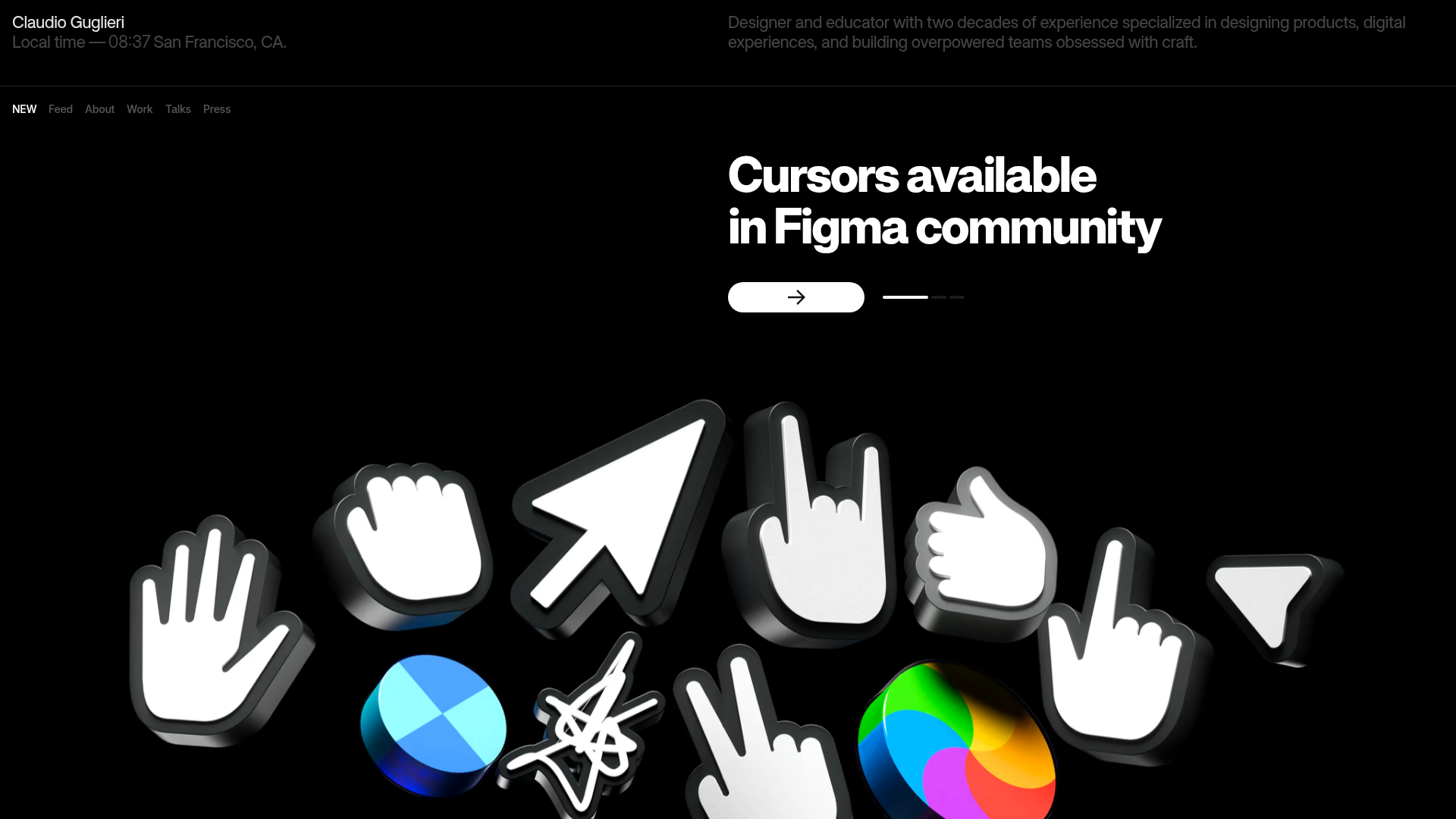
Claudio Guglieri Portfolio Portfolio Hero
A dark-themed designer portfolio featuring a 3D asset hero section, minimal top navigation bar, and integrated visitor message submission form.
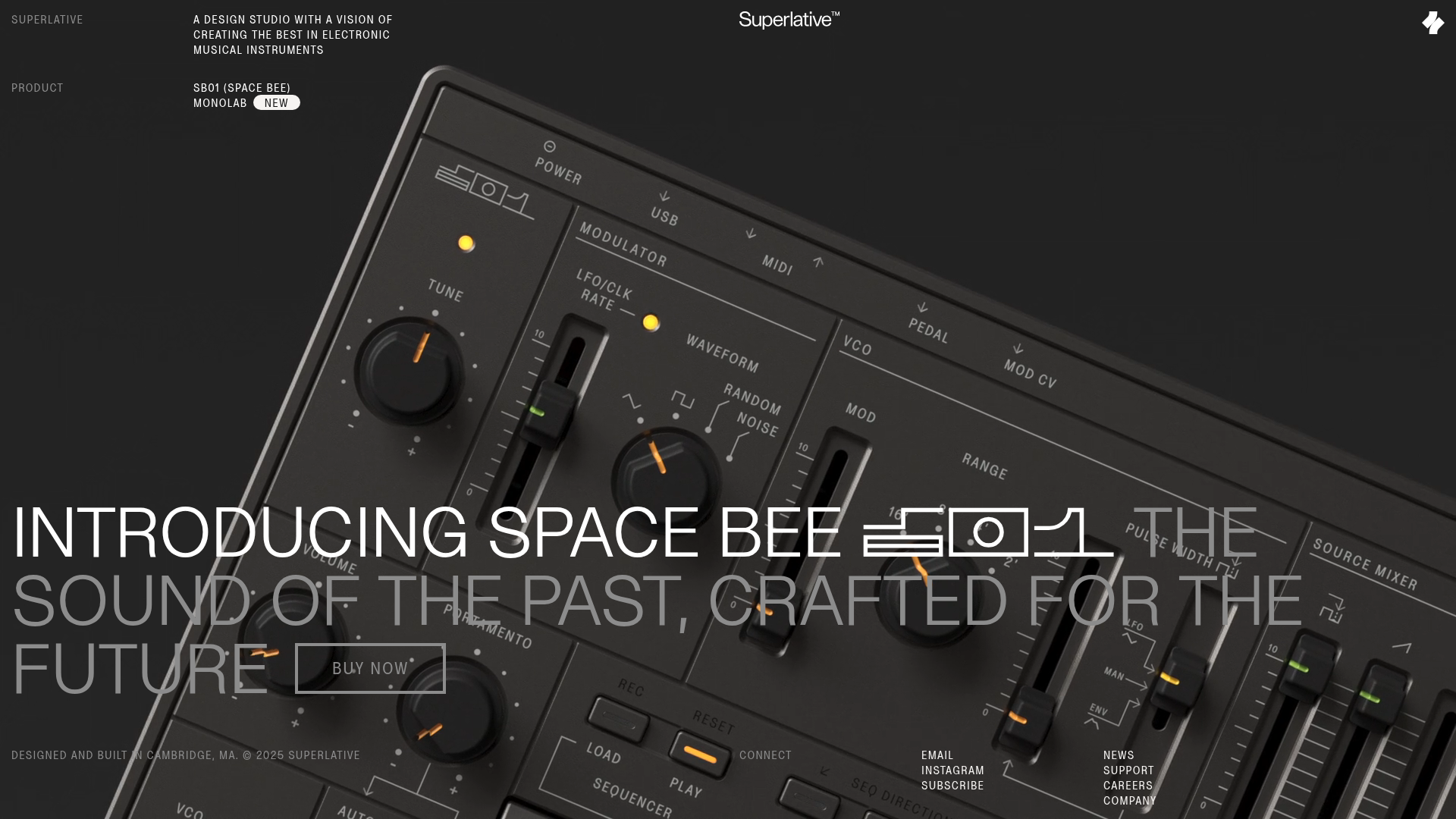
Superlative SB01 Product Landing Page
An elegant dark-themed product site featuring a full-screen video hero, sticky technical specification sidebar, an animated exploded-view diagram, and a layered product details grid.
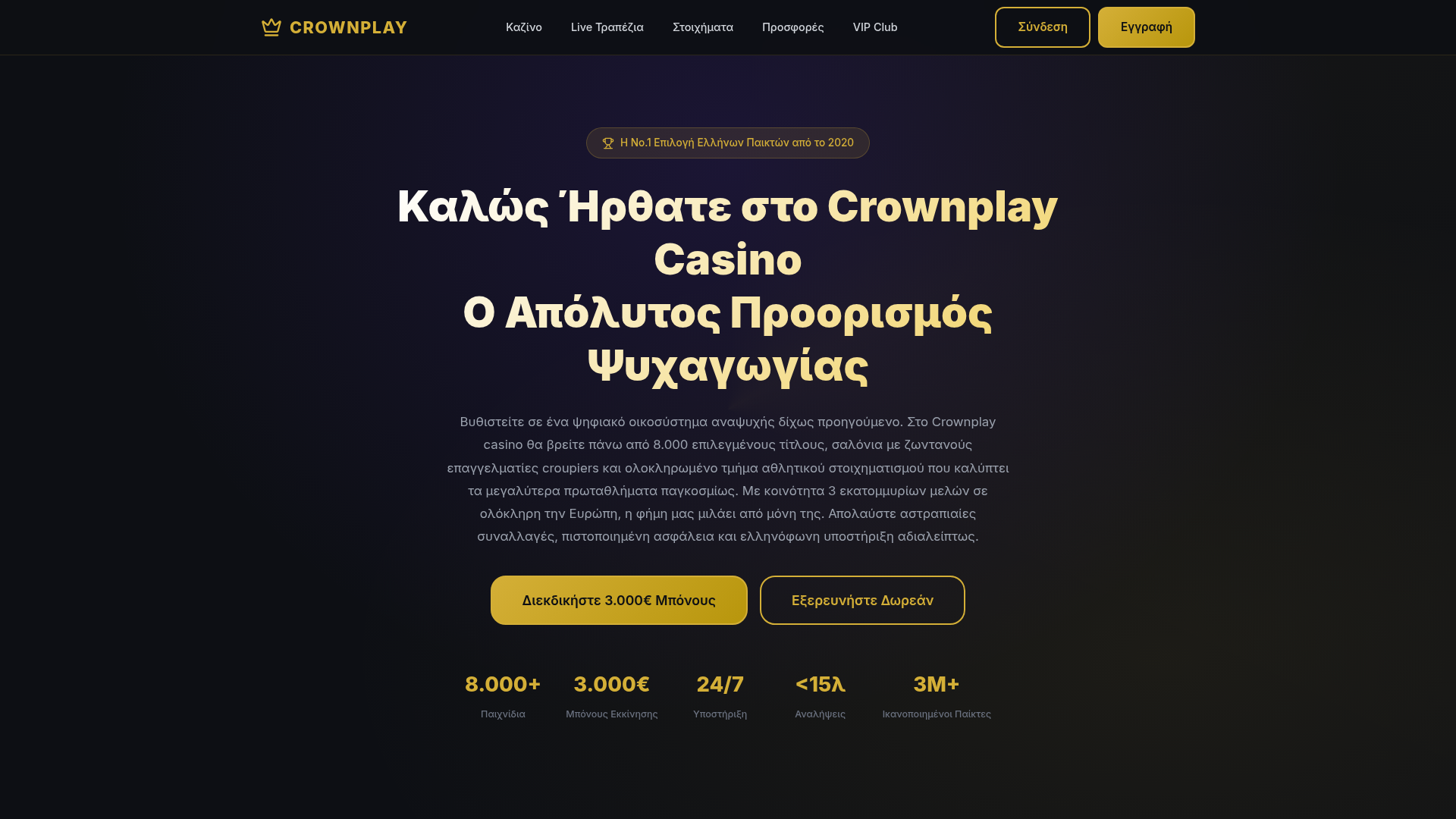
Crownplay Casino Landing Page
A luxury-themed dark mode landing page featuring a center-aligned hero section, value proposition counters, and a high-contrast call-to-action button layout.
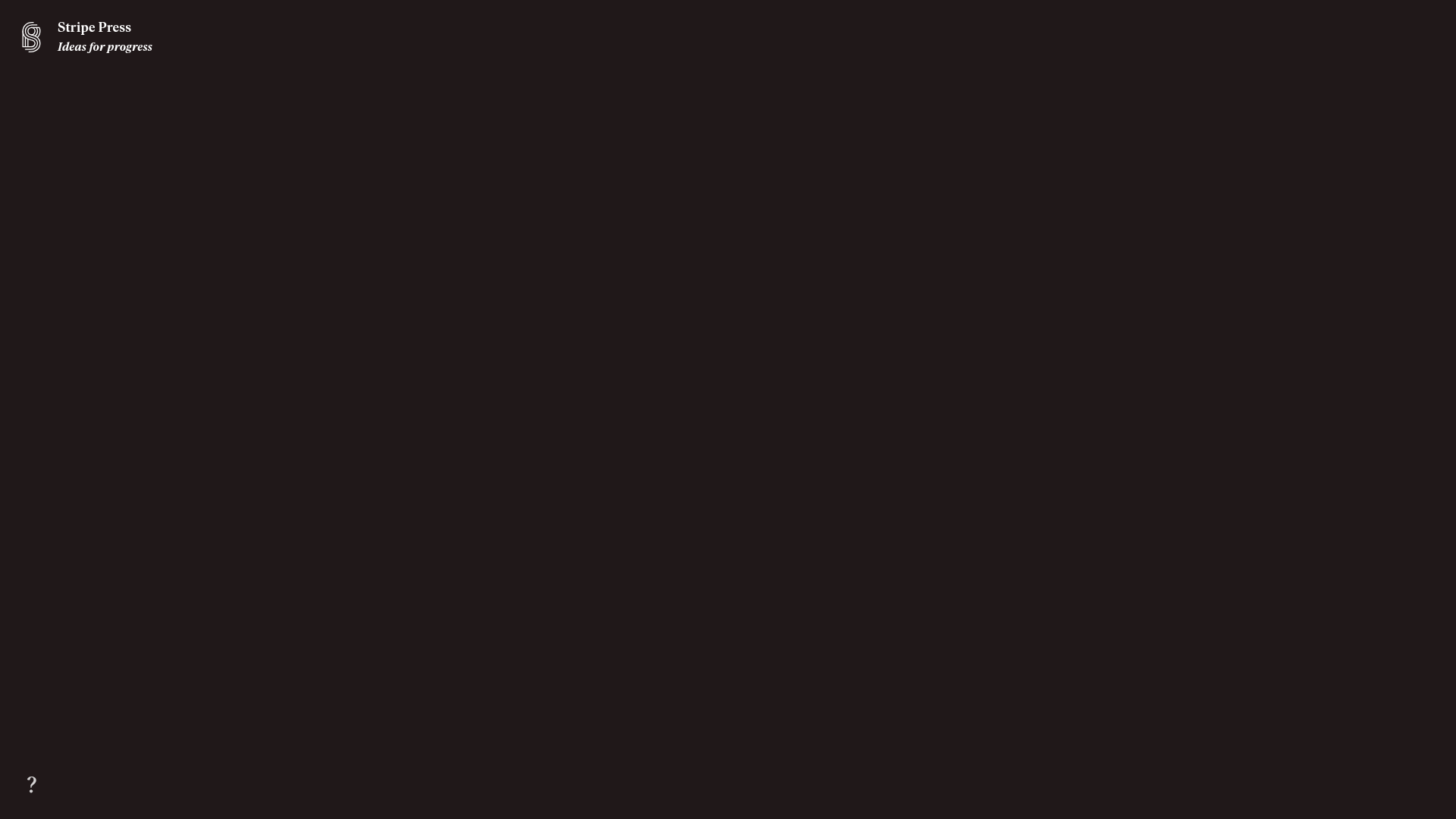
Stripe Press Interactive Book Gallery
A high-end catalog featuring an immersive 3D canvas, horizontal scrolling product lists, and dynamic detail sections with thematic color-shifting backgrounds and integrated buy-flows.
Wayfinder Minimalist Loading Screen
A clean, dark-themed loading state featuring a centered CSS logo animation and subtle typography for use in high-contrast immersive web experiences.
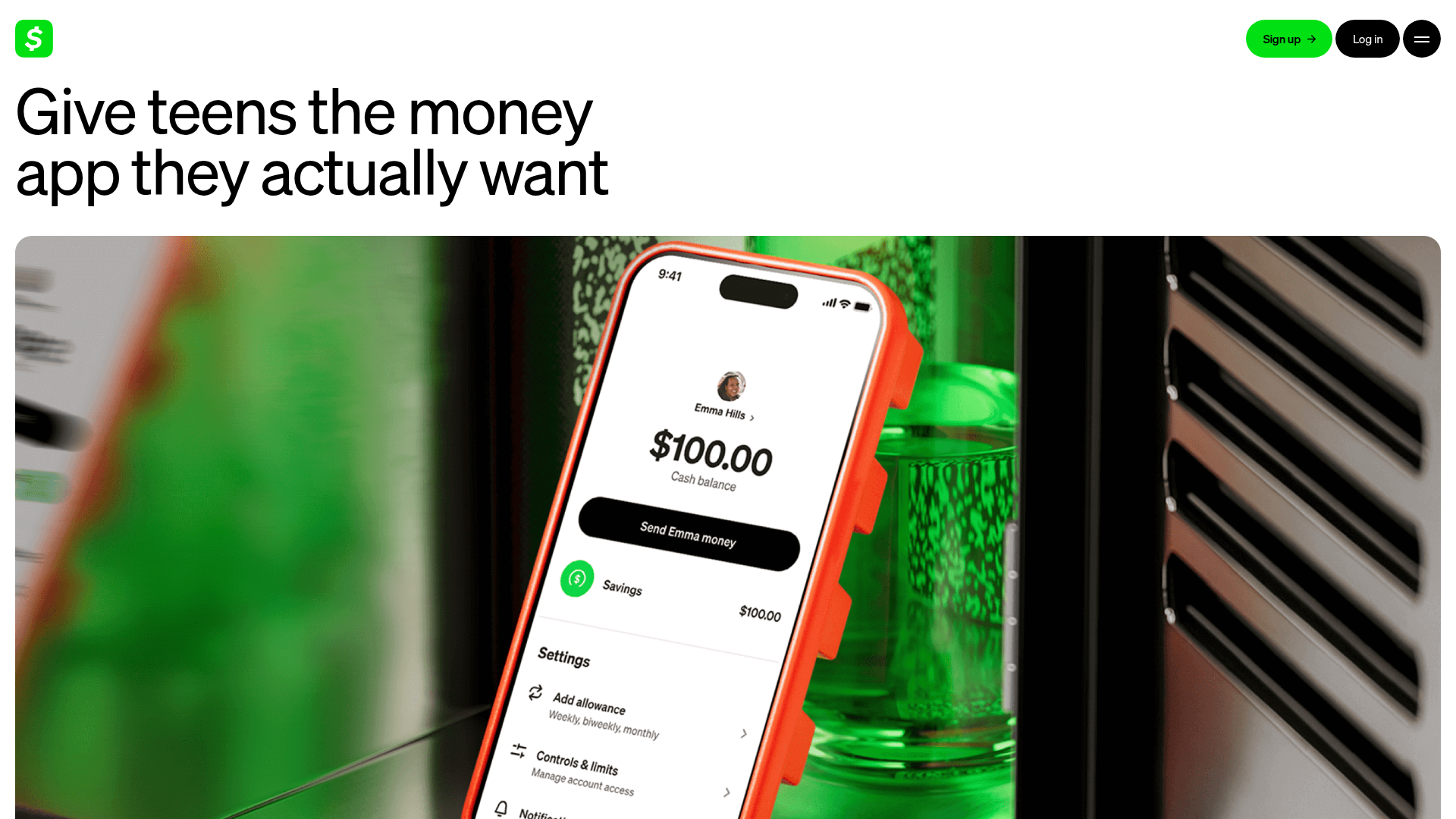
Cash App Families Landing Page
A financial services landing page featuring a minimalist high-contrast hero, flexible bento-style feature grids, an accordion-based FAQ, and a clean three-column card layout.
