Henry Heffernan Interactive OS Portfolio
A 3D desktop simulation featuring a BIOS-style loading sequence, Three.js environment, and an iframe-based virtual operating system interface.
Overview
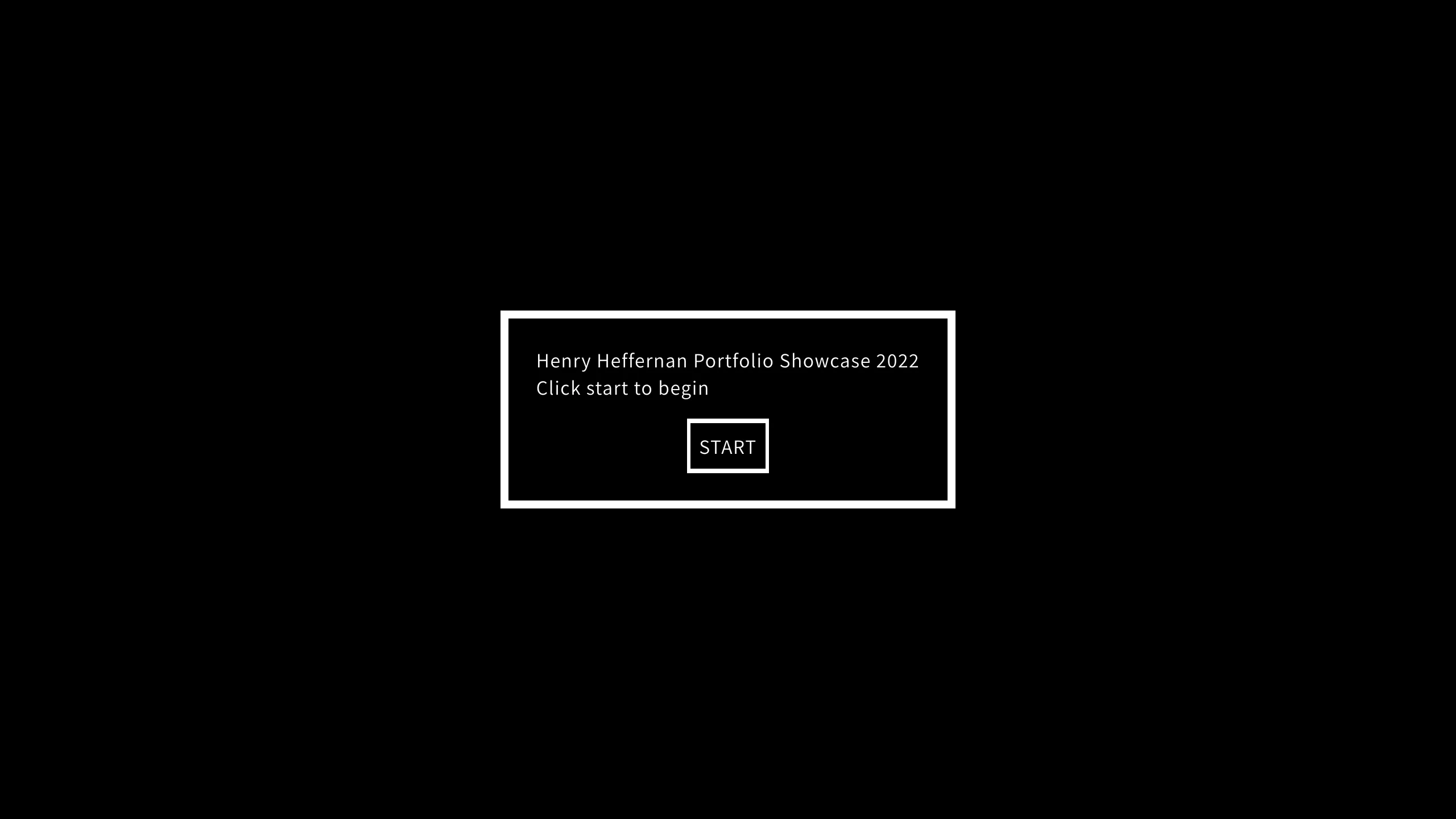
This project is a sophisticated interactive 3D portfolio that simulates a retro workstation environment using Three.js and CSS3D transforms. It is a premier reference for builders looking to implement "Operating System" metaphors, combining immersive 3D spatial awareness with functional, interactive web applications embedded within the scene.
Design System
- Color Palette & Visual Hierarchy: The aesthetic is rooted in early computing (BIOS/terminal) styles, primarily using a
#000000background with high-contrast#FFFFFF(white) text and borders. High visual hierarchy is established through thickness (7px borders on the start modal) and negative space to draw focus to the central UI container. - Typography System: The interface uses a monospaced font family consistent with DOS/BIOS environments. Hierarchy is achieved through weight (
<b>tags for emphasis) and specialized animation (e.g., the.blinking-cursorclass used to mimic terminal input). - Page Structure & Section Flow:
- Boot Screen (Entry): A modal container centered via flexbox asks the user to "START."
- BIOS Sequence: A hidden loading container (
.loading-screen-body) that displays technical log text, emulating RAM checks and resource loading. - The 3D Workspace: A Three.js canvas renders the room, while a nested iframe (
#computer-screen) serves the actual OS interface usingmatrix3dtransforms to align the web content with the 3D monitor object.
- Reusable Components:
- The BIOS Modal: A flexible, high-border container for splash screens.
- Blinking Cursor: A simple but effective CSS animation for terminal-style text blocks.
- CSS3D Iframe Wrapper: A robust container for projecting standard HTML pages into 3D space.
- Interaction & Motion Patterns: The site utilizes a "gateway" interaction where the button click triggers a transition from a 2D UI overlay to a 3D camera zoom. The HTML shows
mix-blend-mode: soft-lighton overlay canvases, likely used to simulate CRT screen flicker or dust textures. - Implementation Clues: The site is built using Three.js (r137) for the 3D engine, utilizing a split architecture where
#webglhandles the environment and#ui-apphandles the retro 2D interface elements.
Use Cases
- Who should clone this: Creative developers, game designers, and digital artists who want a high-engagement, narrative-driven portfolio.
- Effective Remixes:
- Virtual Showroom: Swap the office environment for a retail store or gallery, maintaining the interactive screen for product details.
- Educational Tools: Use the BIOS loading sequence to "onboard" users into a complex technical simulation or coding platform.
- Practical Remix Directions: Retain the 3D scene-to-screen transition but swap the retro BIOS style for a modern Apple-style UI or a futuristic sci-fi aesthetic. For a simpler project, clone only the
.bios-start-buttonand modal styles for a unique landing page. - Suggested Clone Scope: A full-page clone is recommended to maintain the seamless handoff between the 2D loading screen and the 3D environment, as the spatial positioning (the
matrix3dtransforms) is finely tuned to the 3D model's coordinates.
Related Inspirations
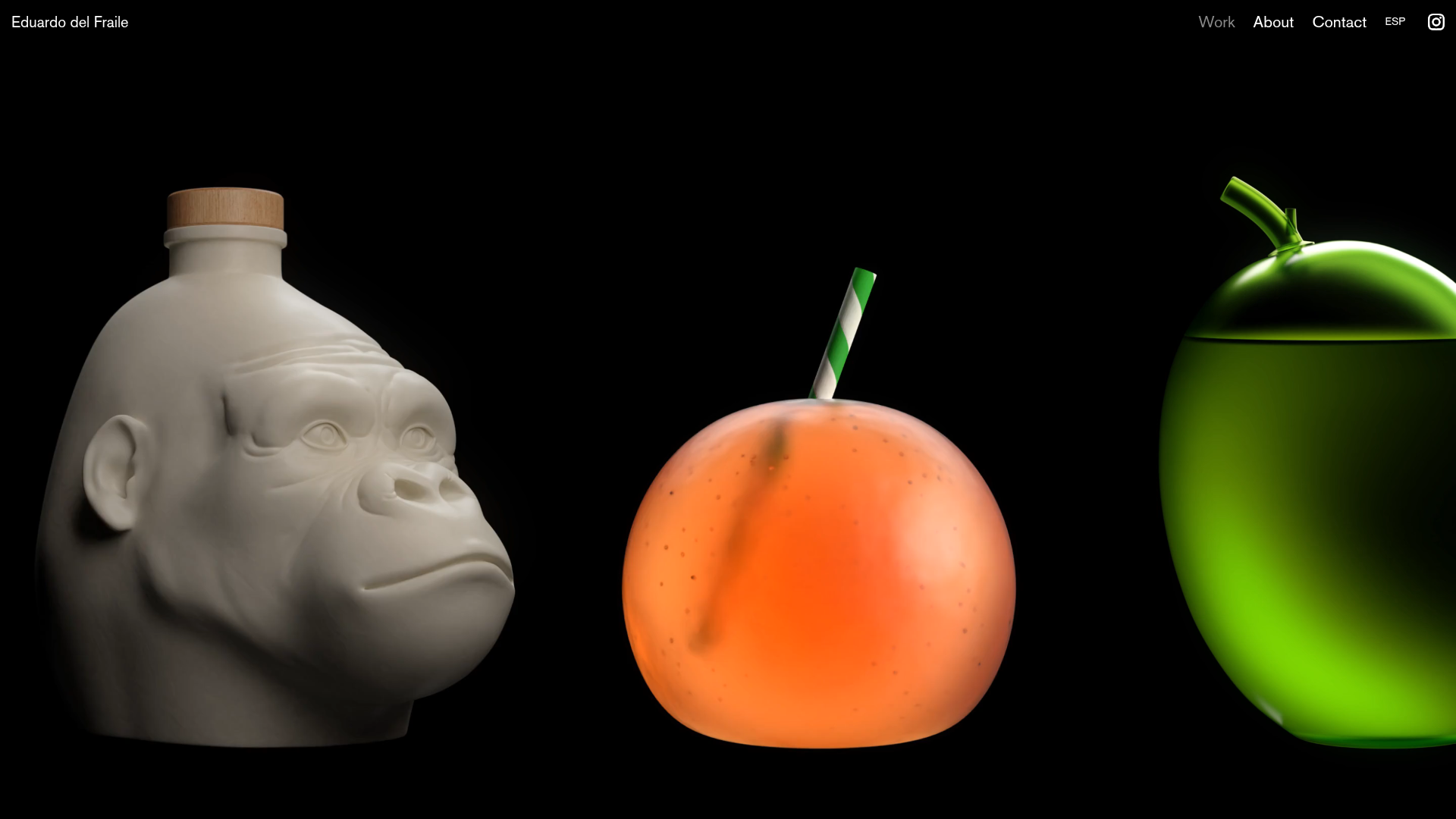
Eduardo del Fraile Horizontal Portfolio
A minimalist horizontal-scroll gallery featuring large-scale media blocks with integrated video-on-hover effects and a custom scrollbar tracker.
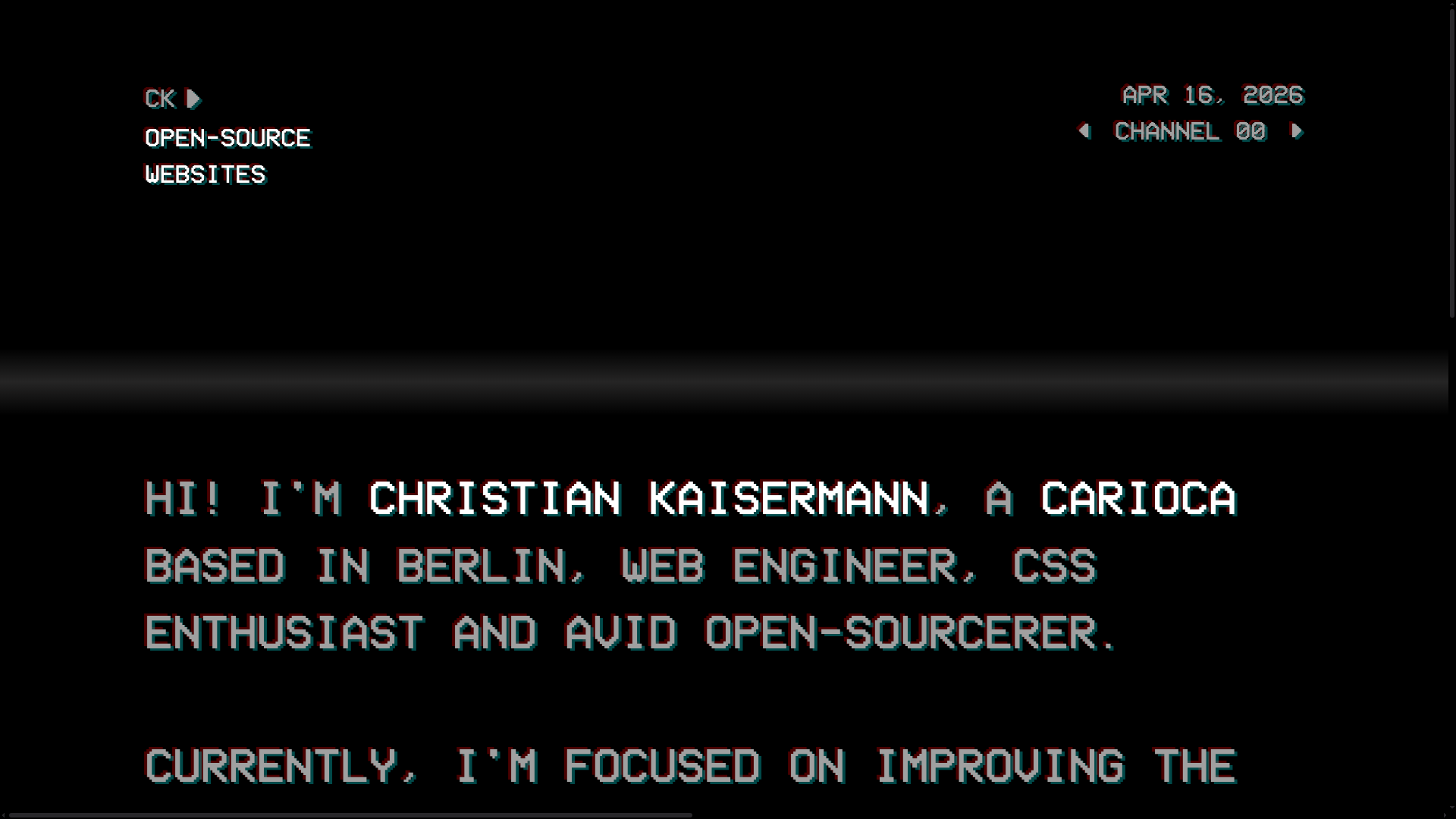
Christian Kaisermann Retro CRT Portfolio
A dark-themed developer portfolio featuring a 90s CRT television interface with glitch text effects, scanlines, and an interactive remote control navigation system.

Bruno Simon 3D Interactive Portfolio
A Three.js and WebGPU driven 3D game environment featuring interactive navigation, custom touch controls, and a canvas-based layout for immersive web experiences.

Seksy Planety Interactive Brand Portfolio
A Nuxt-based project featuring a dynamic preloader and draggable, floating social media tags using absolute coordinate positioning for a playful, interactive UI.

OHZI Interactive Studio WebGL Showcase
A high-performance interactive portfolio featuring WebGL/Three.js environments, smooth section transitions, localized video case studies, and a progress-bar navigation system.
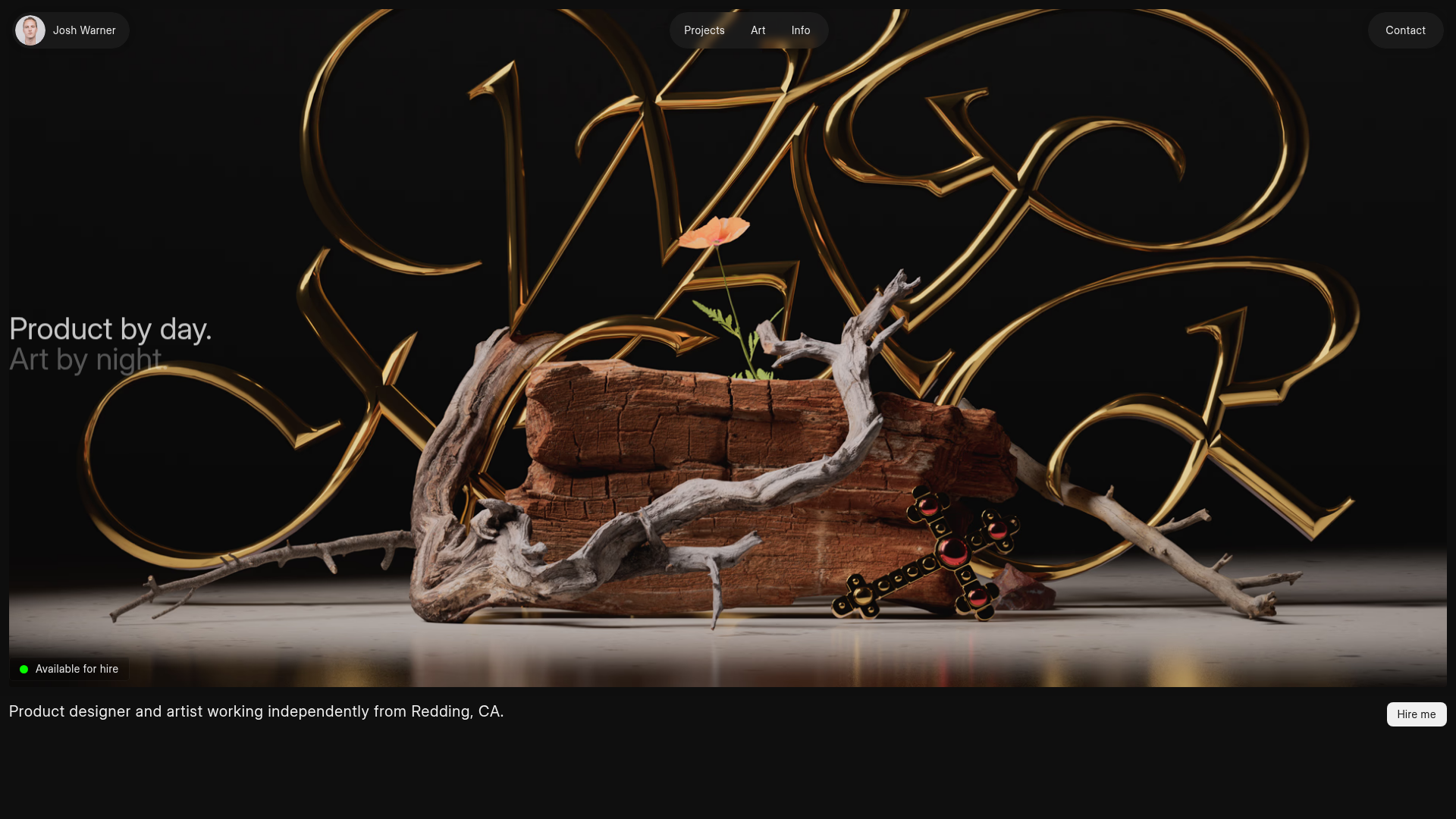
Josh Warner Portfolio Landing Page
A dark-themed designer portfolio featuring an immersive high-fidelity 3D hero section, floating pill-style navigation, and integrated case study cards.
