OHZI Interactive Studio WebGL Showcase
A high-performance interactive portfolio featuring WebGL/Three.js environments, smooth section transitions, localized video case studies, and a progress-bar navigation system.

Overview
This showcase for OHZI Interactive Studio is a high-performance WebGL-driven portfolio that demonstrates how to merge 3D environments with traditional UI elements. It is a premier reference for builders looking to implement immersive section-based navigation and sophisticated loading states in a Three.js context.
Design System
- Color Palette & Visual Hierarchy: The site uses a high-contrast “Dark Mode” foundation, featuring a deep black background (
#000000) and neutral gray accents for progress indicators and text. This minimalist palette ensures that the focus remains entirely on the colorful, high-definition WebGL textures and video case studies. - Typography: The system utilizes a bold, all-caps sans-serif for section titles (e.g., "OUR WORK", "WHO WE ARE") to create a cinematic feel. Titles are broken down into individual character divs (
section__title-letter), suggesting a staggered animation entry pattern. Body text uses a clean, readable sans-serif for descriptions. - Structure & Section Flow: The application is structured as a single-page immersive journey. Sections like
home,who-we-are,how-we-do-it, andour-workare housed in hidden divs that are toggled via state changes, managed by a centralcanvas.main-canvasthat renders the 3D backdrop. - Reusable Components:
- Progress Bar: A horizontal navigation track (
progress-bar__line) that visualizes the user's journey through the story. - Case Study Cards: The
our-work__video-groupfeaturing dual-layered videos (standard and noise/overlay) for a glitch-texture effect. - Interaction Icons: Custom
tap-iconandscroll-iconcomponents that provide visual affordance for the interactive 3D environment.
- Progress Bar: A horizontal navigation track (
- Motion Patterns: The HTML structure points to heavy use of transition classes (
transition-from-section,transition-back). Interaction is driven by a "Tap and Hold" mechanism and scrolling to trigger camera movements in the 3D scene. - Mobile Adaptation: A dedicated
menu-mobilecontainer provides a numbered list navigation (1. HOME,2. WHO WE ARE) to replace complex desktop hover interactions, ensuring accessibility on touch devices.
Use Cases
- Who Should Clone: Creative developers, interactive agencies, or freelance artists who need a high-impact portfolio that prioritizes visual storytelling over text-heavy content.
- Remix Directions: Replace the 3D astronaut/studio assets with architectural renders for a luxury real estate site, or with high-fidelity product models for a premium hardware launch page.
- Practical Adaptation: The
our-worksection can be remixed as a vertical slider for any project-based portfolio. The video compression tool link indicates that high-performance video backgrounds are a core part of the UX; builders can reuse this hierarchy by substituting theour-work__videosources. - Suggested Clone Scope: For a quick win, clone the
progress-barandscroll-iconcomponents to add a professional polish to an existing vertical site. For a deep project, clone the entire section-state management system to build a full-screen WebGL experience.
Related Inspirations

Bruno Simon 3D Interactive Portfolio
A Three.js and WebGPU driven 3D game environment featuring interactive navigation, custom touch controls, and a canvas-based layout for immersive web experiences.

Homunculus Portfolio Canvas Experience
A high-end creative portfolio featuring a full-screen WebGL canvas, immersive scroll-triggered transitions, and a JavaScript-driven project list gallery.
Unseen Studio Immersive Digital Portfolio
An interactive studio site featuring Three.js 3D backgrounds, custom animated cursors, smooth scroll containers, and high-fidelity motion-driven button transitions.

Lusion 3D Interactive Agency Portfolio
An immersive Three.js-powered portfolio featuring a sleek loading sequence, full-screen 3D canvas backgrounds, and scroll-triggered animations for showcasing high-end digital projects.
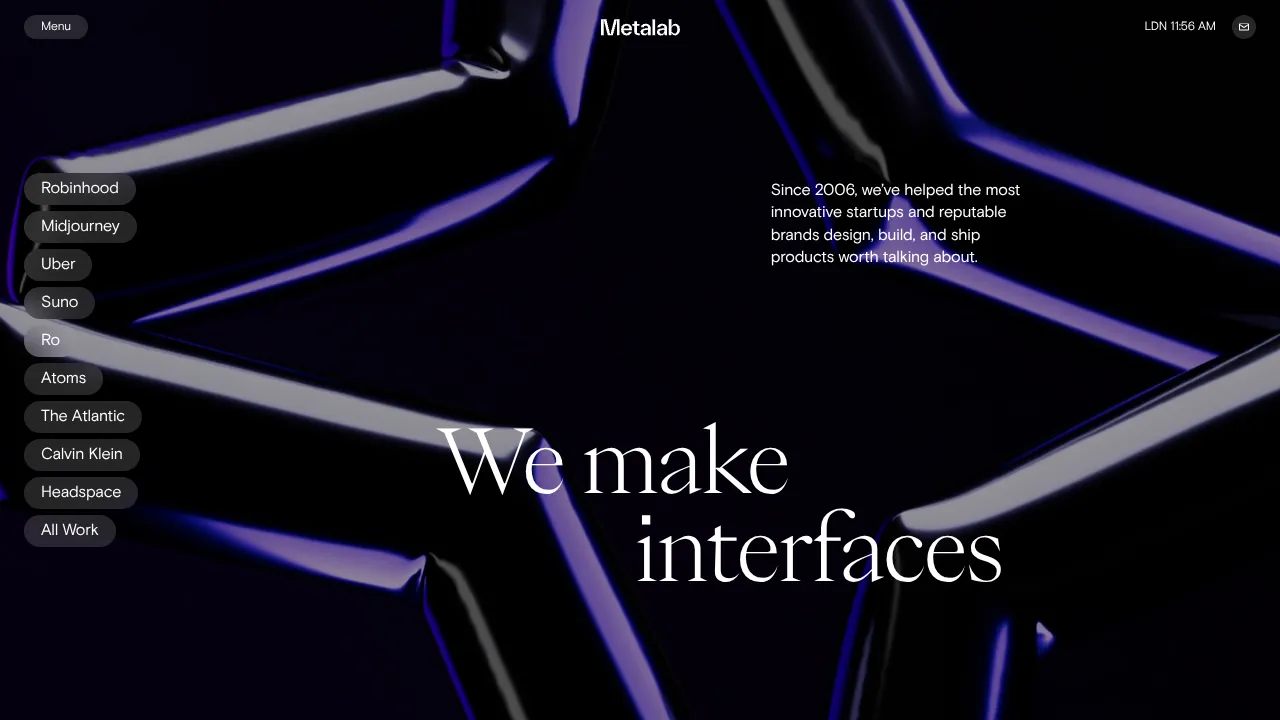
Metalab Agency Hero Landing Page
An immersive dark-mode hero section featuring high-contrast typography, a sidebar pill-navigation for case studies, and a fluid 3D-effect background.
SavoirFaire Holistic Studio Portfolio Hero
A high-concept dark mode landing page featuring a Three.js WebGL background, interactive custom cursor, marquee animations, and a numerical preloader.
