Cinderbloc Minimalist Creative Portfolio Landing
A high-performance creative agency site featuring a WebGL-enhanced hero, lottie logo animations, and a sophisticated full-screen project navigation with hover-triggered media previews.

Overview
Cinderbloc is a high-performance creative agency landing page that prioritizes immersive visual storytelling through minimalist design and advanced motion. It serves as an excellent reference for builders wanting to implement WebGL-enhanced heroes, Lottie-based branding, and non-traditional navigational systems that use hover-triggered media previews.
Design System
- Color Palette & Visual Hierarchy: A strictly monochromatic base (typically white or light gray backgrounds) allows high-quality project photography and video to dominate the visual hierarchy. The HTML reveals a neutral palette (e.g.,
bg:#bcbec0,bg:#fff,c:#595959) used to maintain a clean, architectural aesthetic. - Typography: The site utilizes a clean, sans-serif face (evident in the project list) with a focus on uppercase styling, generous letter spacing (
letter:0.08em), and extreme scales for nav elements (fs:62fx). - Page Structure & Flow: The initial view is a minimalist hero containing a centered Lottie logo animation. This leads into a full-screen, scrollable project menu (
app-menu) where navigation items are stacked vertically, transforming the entire viewport into a project discovery tool. - Reusable Components:
- Lottie Hero: A centered
lottie-playercomponent for high-impact brand entrances. - Interactive List Navigation: A full-screen menu structure where each link (
data-project) acts as a trigger for global state changes. - Media Preview Containers: Masked absolute-positioned containers (
mask before) designed to hold bothimgandvideotags for quick-loading previews.
- Lottie Hero: A centered
- Interaction & Motion Patterns: The design relies heavily on "tweening" (visible via utility classes like
tween:all,0.6s,easeOut). Key patterns include hover-triggered opacity shifts for project previews and a scroll-following line indicator (anim:scrollLine). The HTML suggests a sophisticated masking system where project images follow the mouse or change on list hover. - Implementation Clues: The site uses a custom Web Component architecture (
web-application,scroll-manager,page-block) paired with utility-first CSS classes (e.g.,rel,abs,w:fit,fs:15fx). Transition logic is baked into the HTML attributes, suggesting a highly declarative animation system.
Use Cases
- Who should clone this: Creative studios, independent designers, and architectural firms looking for a high-end, "portfolio-first" digital presence that feels curated and luxury.
- Remix Directions:
- Luxury E-commerce: Adapt the full-screen list navigation to display curated product collections, swapping project previews for high-fashion lookbook clips.
- Event Showcase: Use the WebGL/Lottie hero for a countdown or keynote reveal, leading into a list of sessions/speakers.
- Practical Remixing: Builders can extract the
app-menulogic—specifically the hover-to-show-media preview pattern—to add interactivity to a standard text-based list. - Clone Scope: A full-page clone is most effective to preserve the integrated motion experience, but the hero section + Lottie logo component is a perfect individual "quick clone" for a minimalist landing page.
Related Inspirations

True Staging Immersive Hero Portfolio
An interactive WebGL landing page featuring large serif typography, custom CSS3D button animations, and a smooth asynchronous page transition system.

Studio Arvin Leeuwis Portfolio Gallery
A high-end creative portfolio featuring a Three.js canvas background, immersive project sections with dynamic opacity transitions, and a structured grid layout for project archives.
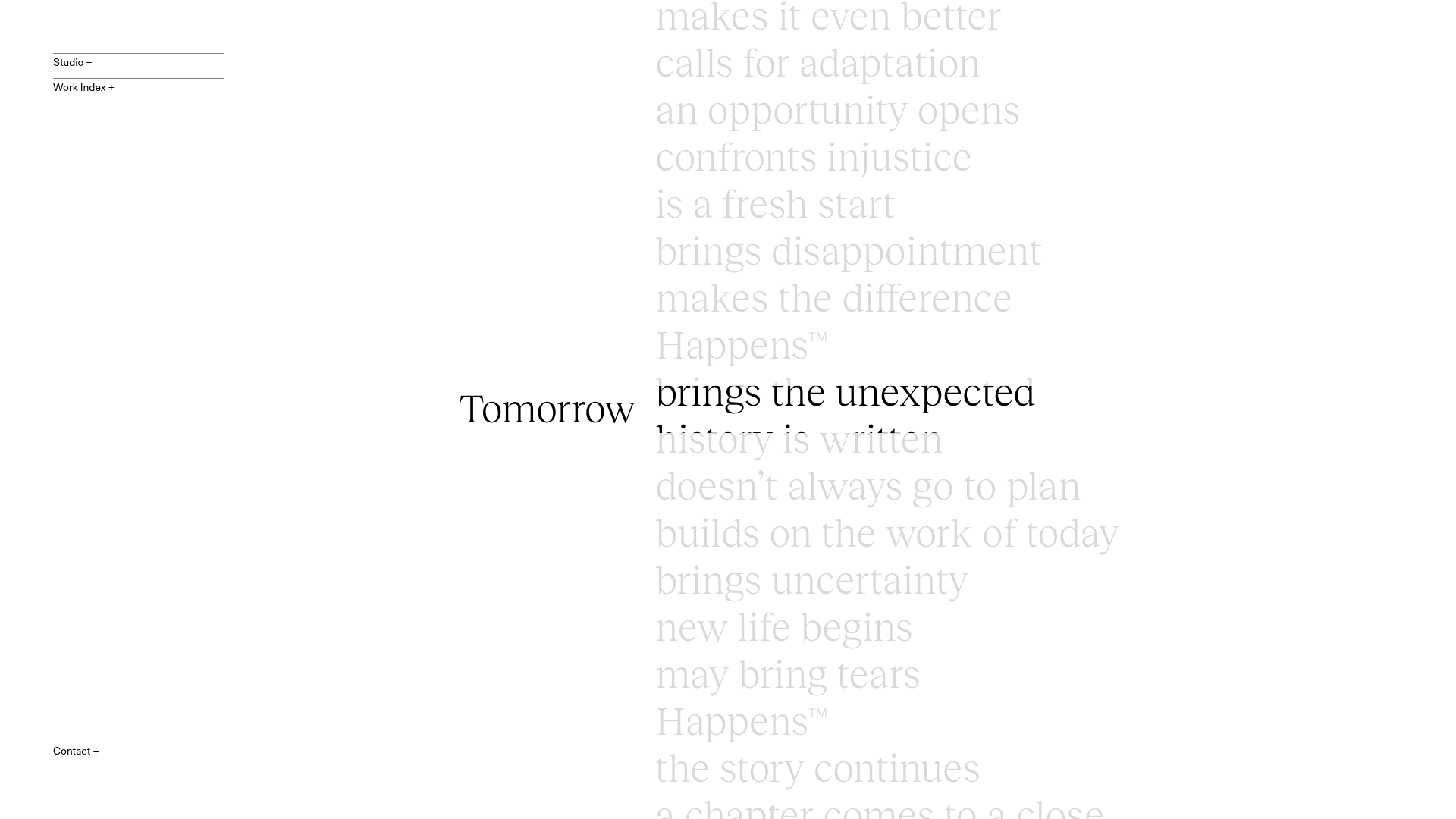
Tomorrow Happens Interactive Portolio
A minimalist design studio site featuring a vertical scrolling typography mask hero and accordion-based project navigation with video hover reveals.
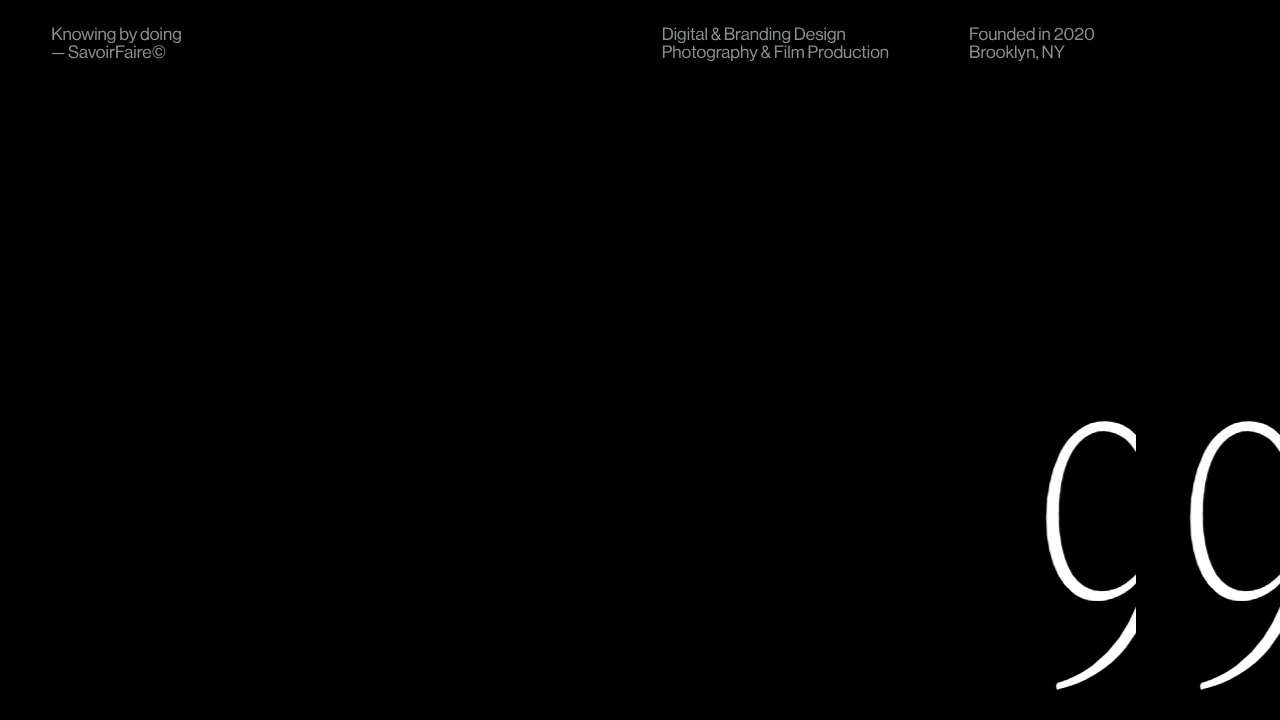
SavoirFaire Holistic Studio Portfolio Hero
A high-concept dark mode landing page featuring a Three.js WebGL background, interactive custom cursor, marquee animations, and a numerical preloader.
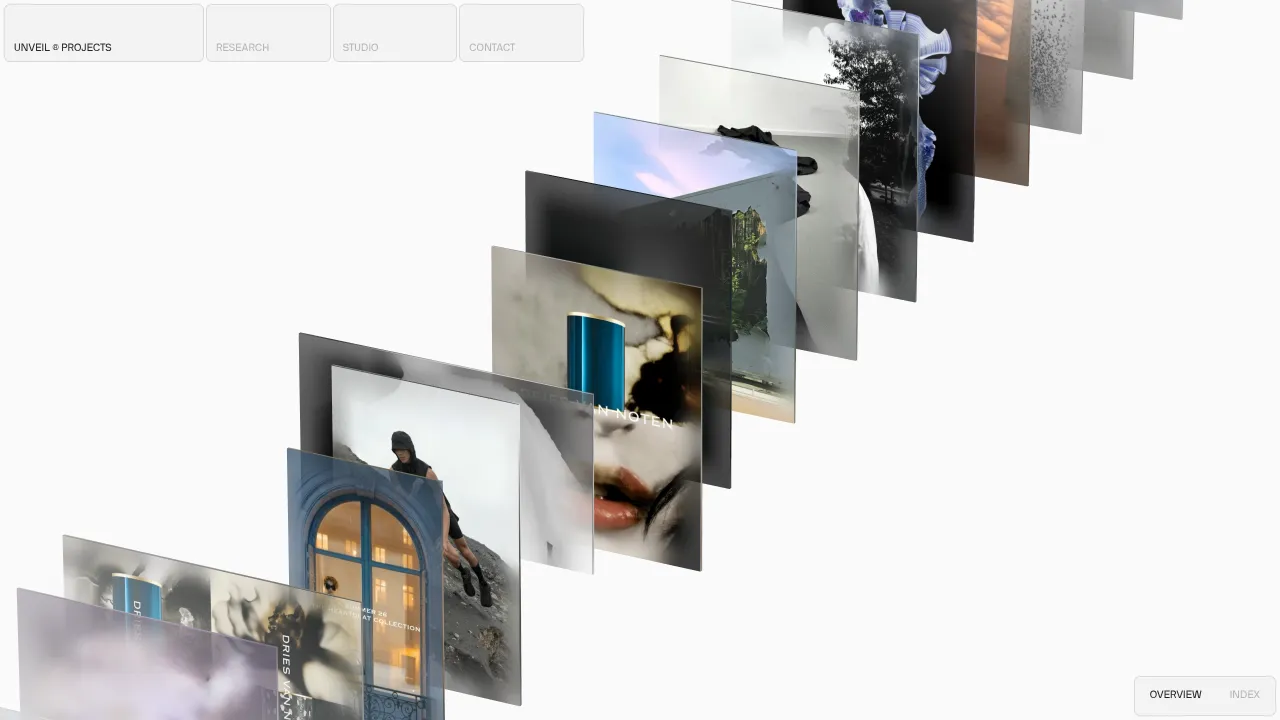
Unveil Creative Studio Three.js Slider
A minimalist portfolio layout featuring a 3D perspective image carousel and smooth transition effects powered by Three.js and Svelte.
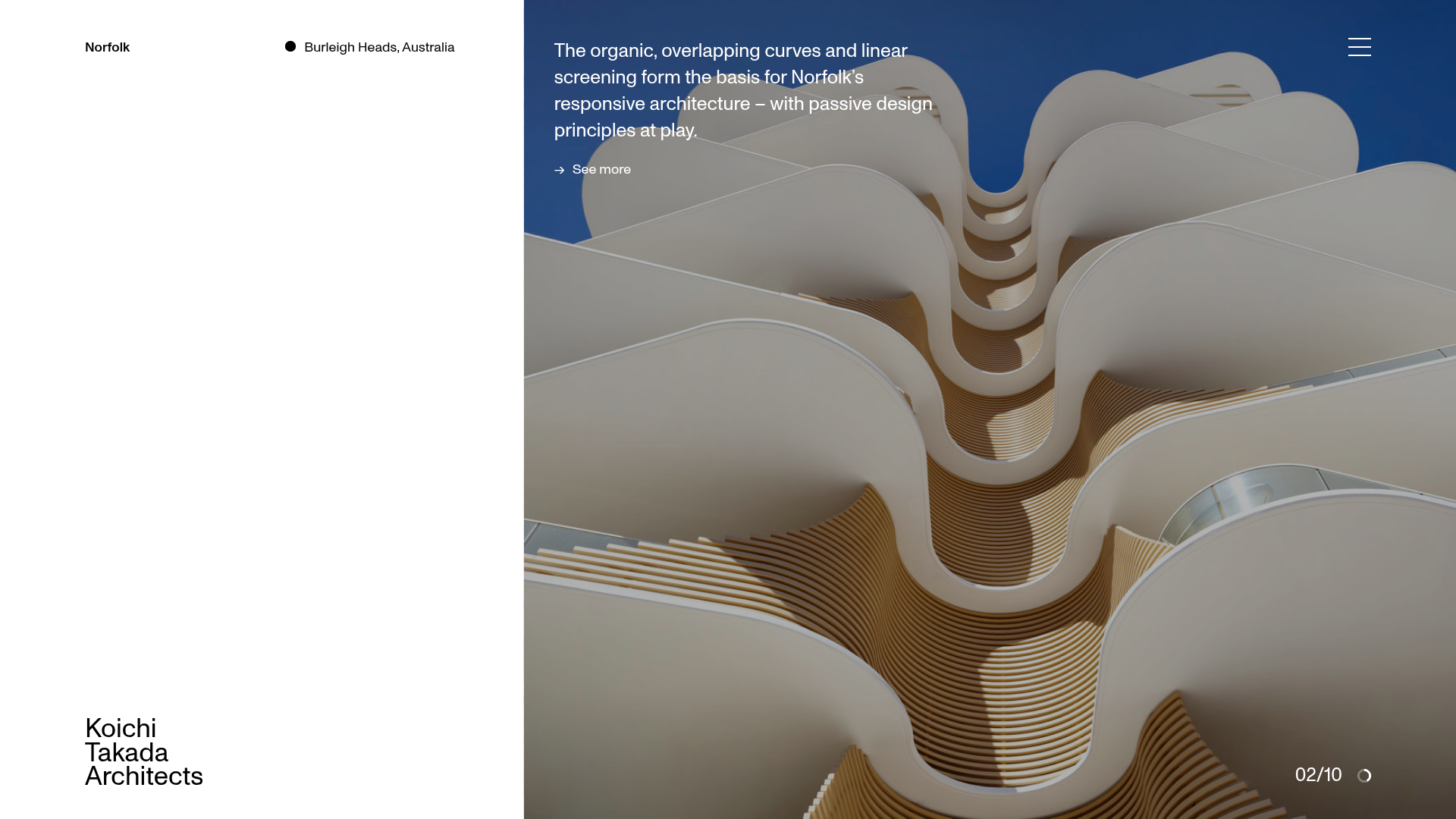
Koichi Takada Architects Portfolio Home
A high-end architectural portfolio featuring a split-screen layout with an interactive project slider, sticky typography, and smooth transition animations.
