Shuttle Cloud File Transfer Landing
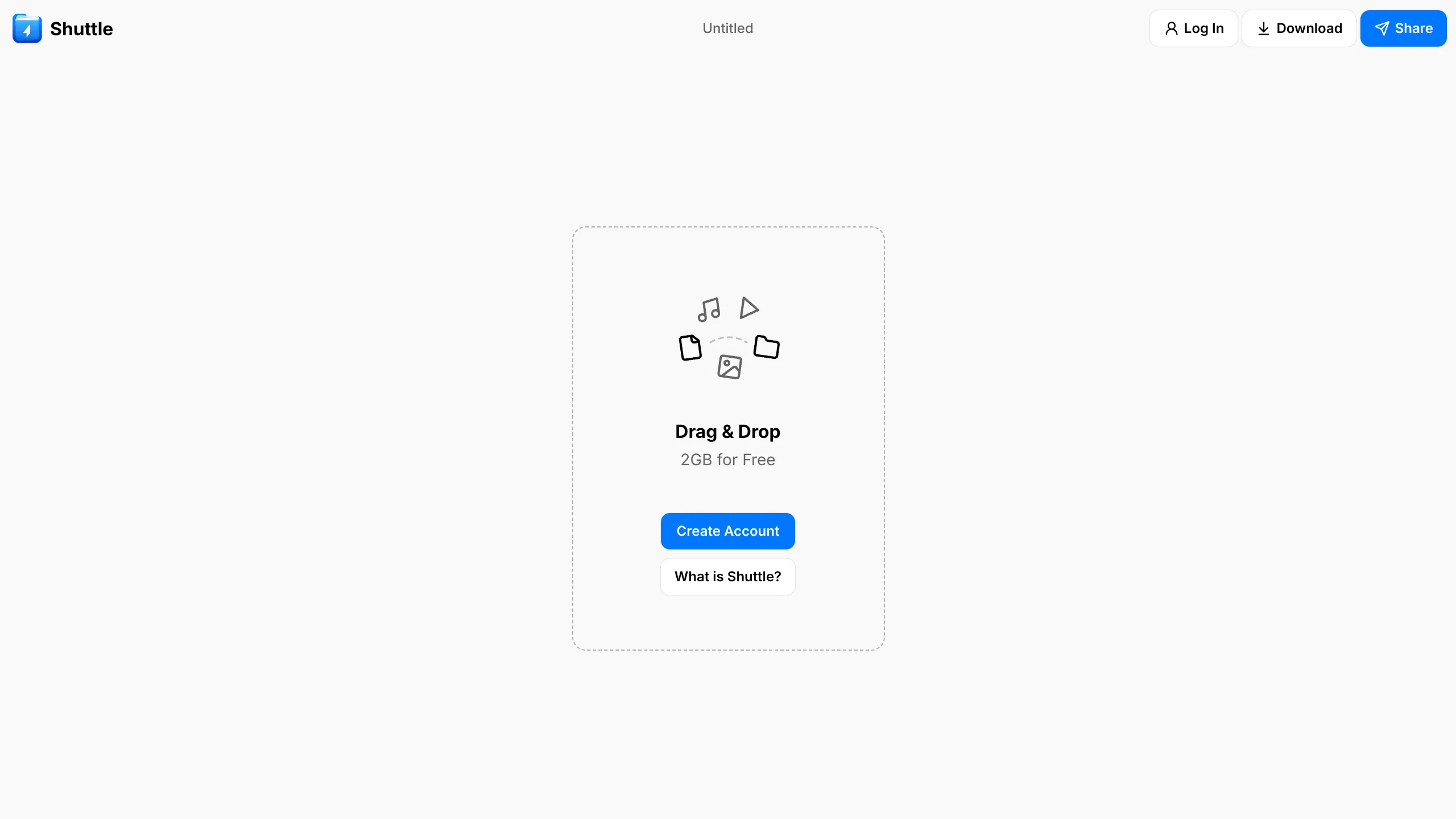
A minimalist file sharing interface featuring a full-screen Three.js animated cloud sky background, translucent glassmorphism UI center-card, and drag-and-drop interaction zones.
Overview
Shuttle is a minimalist file-sharing landing page that emphasizes weightlessness and simplicity through a floating central UI. It is an excellent clone reference for building focused, utilitarian tools that require immediate user action without the clutter of a traditional multi-section homepage. Its primary strength lies in the integration of a Three.js-powered cloud atmosphere with a glassmorphism interface.
Design System
- Color Palette & Visual Hierarchy: The palette uses a gradient of sky blues and airy whites, creating a high-contrast environment for the central action card. The primary call-to-action (CTA) uses a vibrant blue (
bg-tint), while secondary actions use a neutral, low-opacity gray (bg-group). Visual hierarchy is centered entirely on the upload zone. - Typography: A clean sans-serif system is used with a focus on distinct weight shifts. The 'Drag & Drop' header is bold and prominent, followed by medium-weight support text. Smaller, semi-bold text is used for button labels to maintain legibility against the blurred background.
- Page Structure: The layout follows a fixed, non-scrolling single-page application (SPA) structure. A thin header (50px height) contains the logo, navigation status, and utility actions, while the remaining viewport is dedicated to the interactive file drop zone.
- Reusable Components:
- Glassmorphism Card: A 275px wide centered card with a
backdrop-blur-lgand a dashedborder-label3that serves as both a container and a drag-and-drop trigger. - Button Suite: Unified small-format buttons (8px height) with subtle
shadow-[0_0_1px_0_rgba(0,0,0,0.25)]and rounded-lg corners. - Utility Nav: A compact top bar for managing session states (Log In, Download, Share).
- Glassmorphism Card: A 275px wide centered card with a
- Interaction & Motion: The HTML indicates a Three.js canvas rendering the animated sky. The file input is hidden behind a label acting as a large click-target. Interaction states include a scale-up effect and border color changes (
hover:border-label2) when dragging files over the interface. - Implementation Clues: The structure uses Tailwind CSS for layout and styling (e.g.,
h-dvh,size-full,backdrop-blur). The presence ofmodulepreloadlinks suggest a React-based framework (likely Remix or Vite-based) with componentized logic.
Use Cases
- Who should clone this: Developers creating single-purpose utility tools like file converters, secure drop-boxes, or temporary URL shorteners.
- Effective Remixes: This pattern is ideal for "App-first" landing pages where the marketing content is secondary to the tool itself. You could remix the Three.js background to represent different themes—such as a deep space nebula for tech tools or a clean laboratory for data processors.
- Remix Directions: Replace the drag-and-drop card with a centered login portal for a private directory, or adapt the layout into a "Link-in-bio" style page that uses the cloud background for a premium feel.
- Suggested Scope: A full-page clone is recommended to capture the atmospheric immersion, as the aesthetic relies heavily on the relationship between the full-screen canvas and the centered glass UI.
Related Inspirations

Atmos Immersive Three.js Landing Page
A scroll-driven 3D experience featuring a full-screen Three.js canvas, synchronized text animations, and a custom audio visualizer component.
Mono X7 Minimalist Product Landing
A dark-themed Vue.js product page featuring a full-screen loading state, animated ticker text, interactive Three.js container, and a localized minimalist content layout.
Until App Product Landing Page
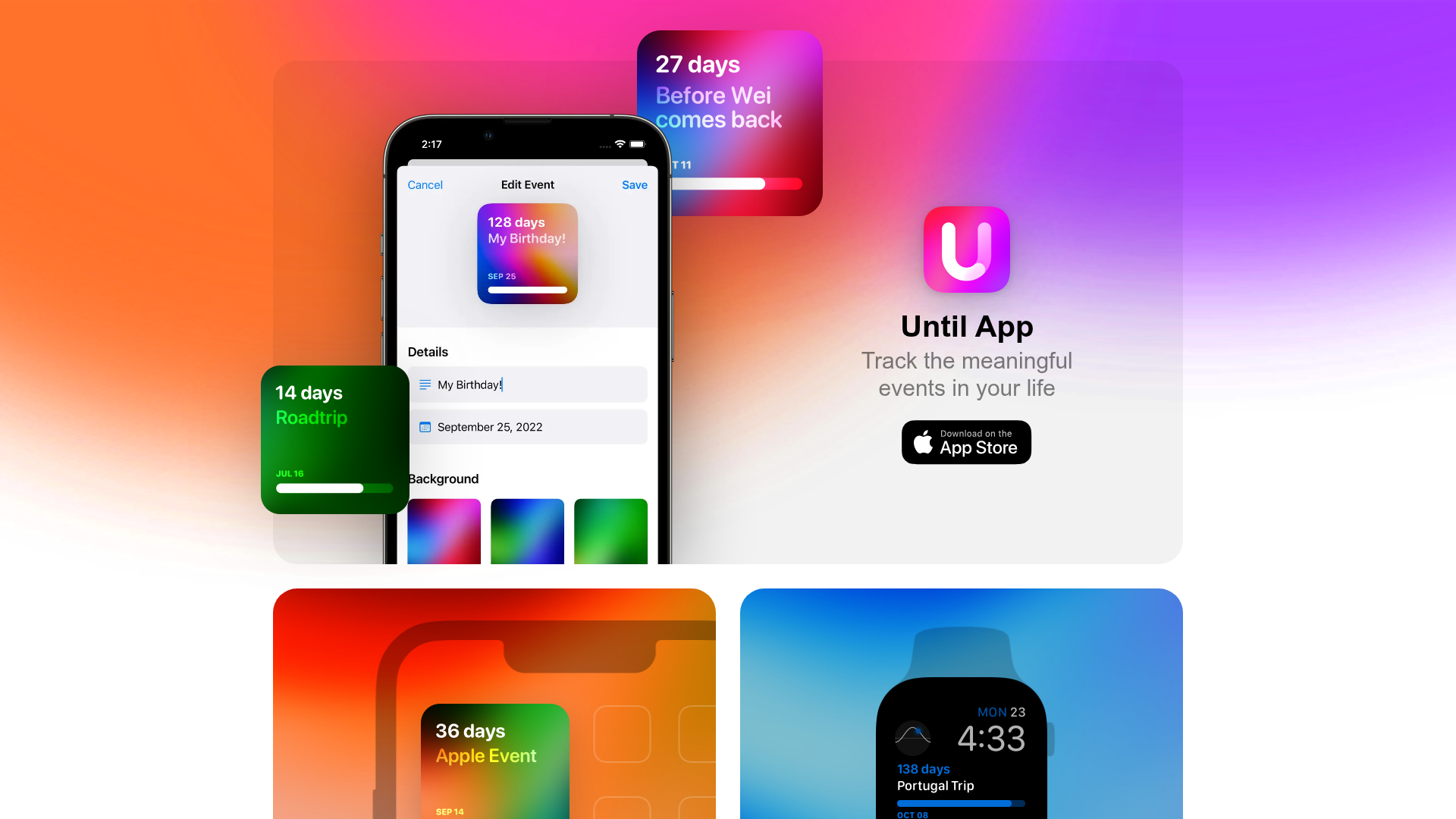
A vibrant app landing page featuring a glassmorphism card layout, floating UI components, high-contrast colorful gradients, and a two-column widget section with device overlays.

Lóvi AI Skin Care Landing Page
A clean, minimalist landing page featuring a centered hero section, animated iPhone mockups with video overlays, and a floating badge for award recognition.
Moving Parts SwiftUI Component Library
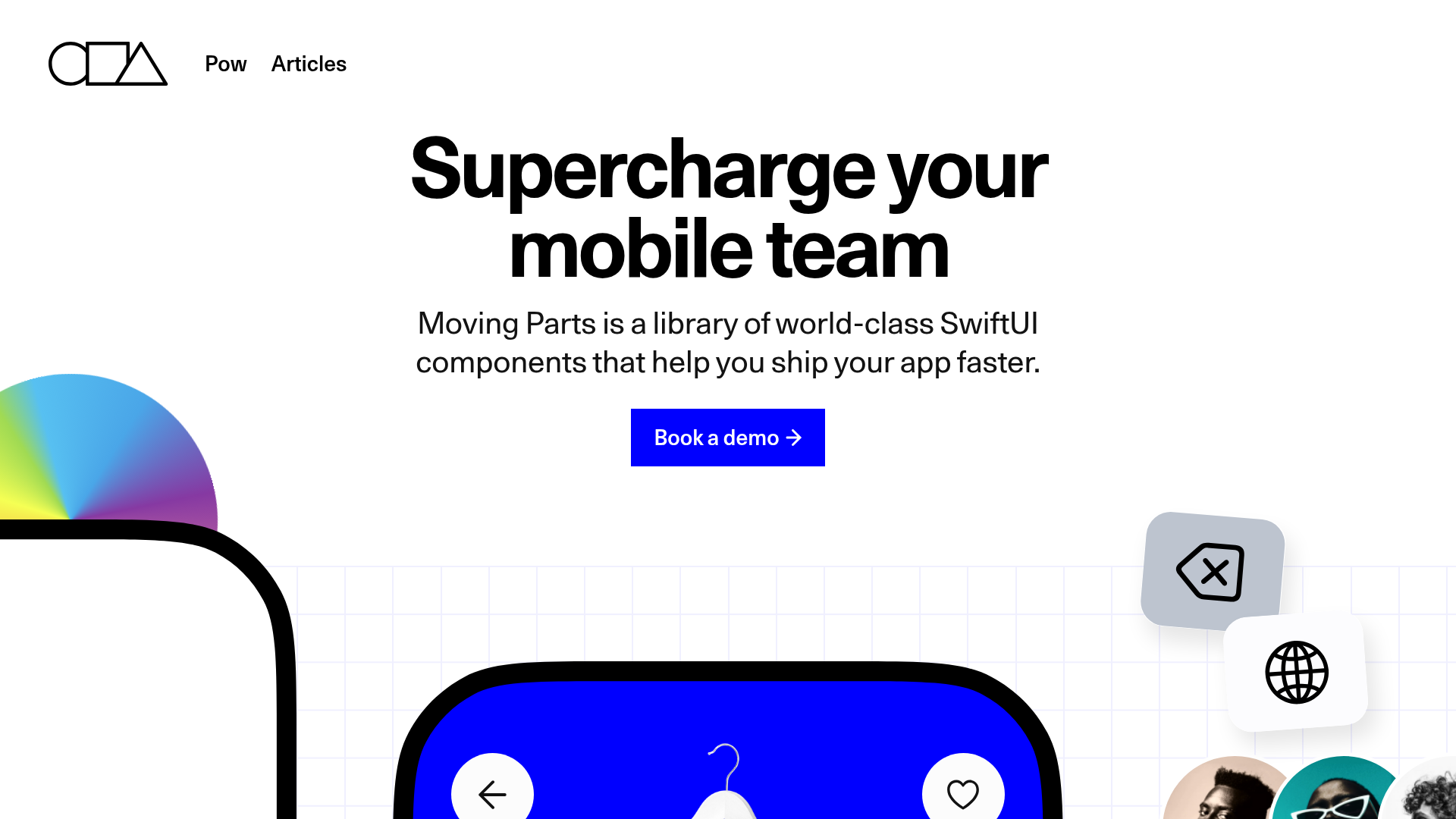
A high-performance landing page featuring a interactive code comparison toggle, animated mobile UI previews, and a clean minimalist aesthetic for developer tools.
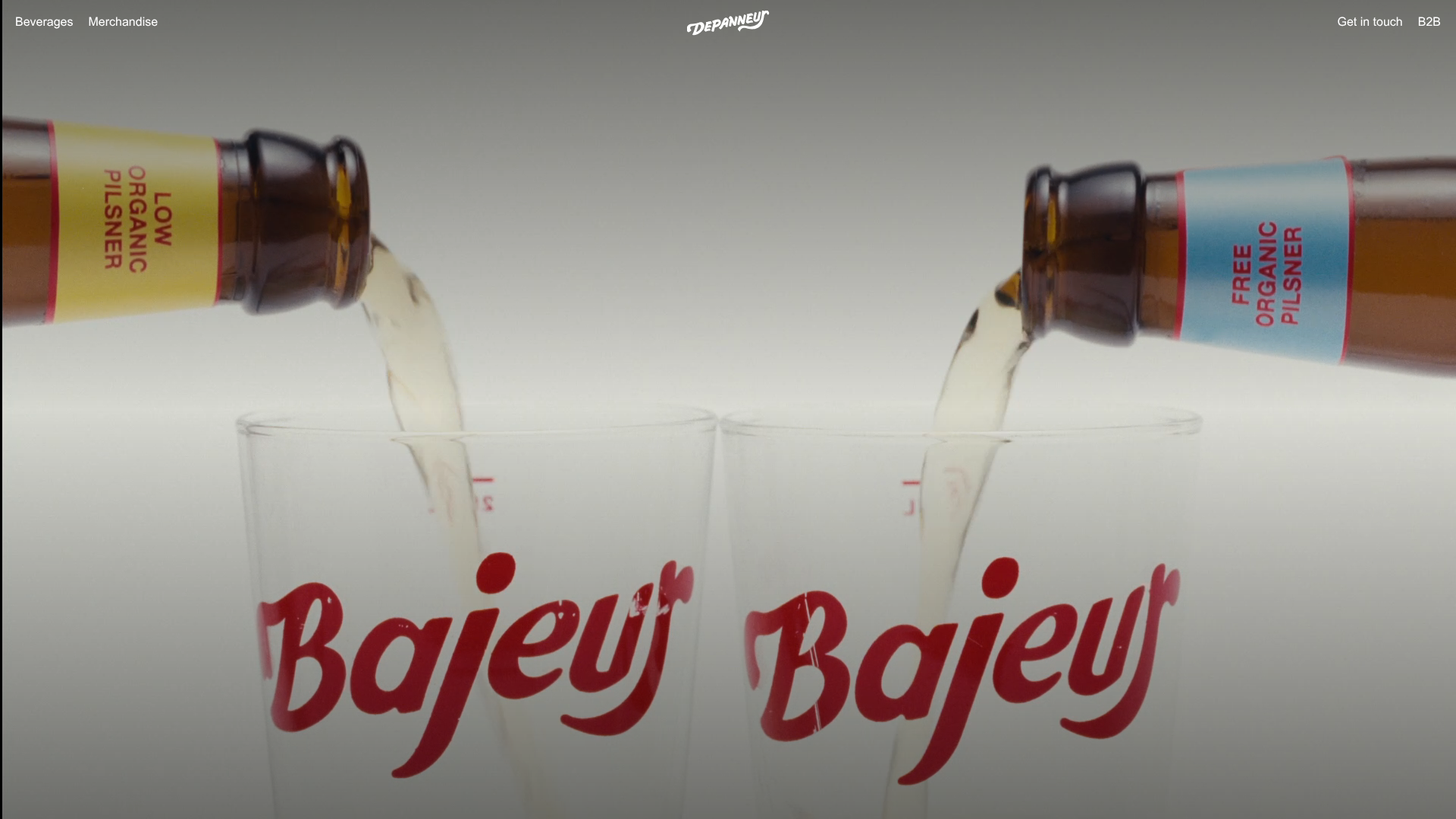
Depanneur Beverage E-commerce Hero
A minimalist Shopify storefront featuring a full-screen background video hero, sticky translucent navigation, and integrated mobile menu components.
