Cloudflare Connection Error Page Layout
A clean, functional 522 error template featuring a three-column diagnostic status bar, responsive grid layout, and clear informational hierarchy for troubleshooting.
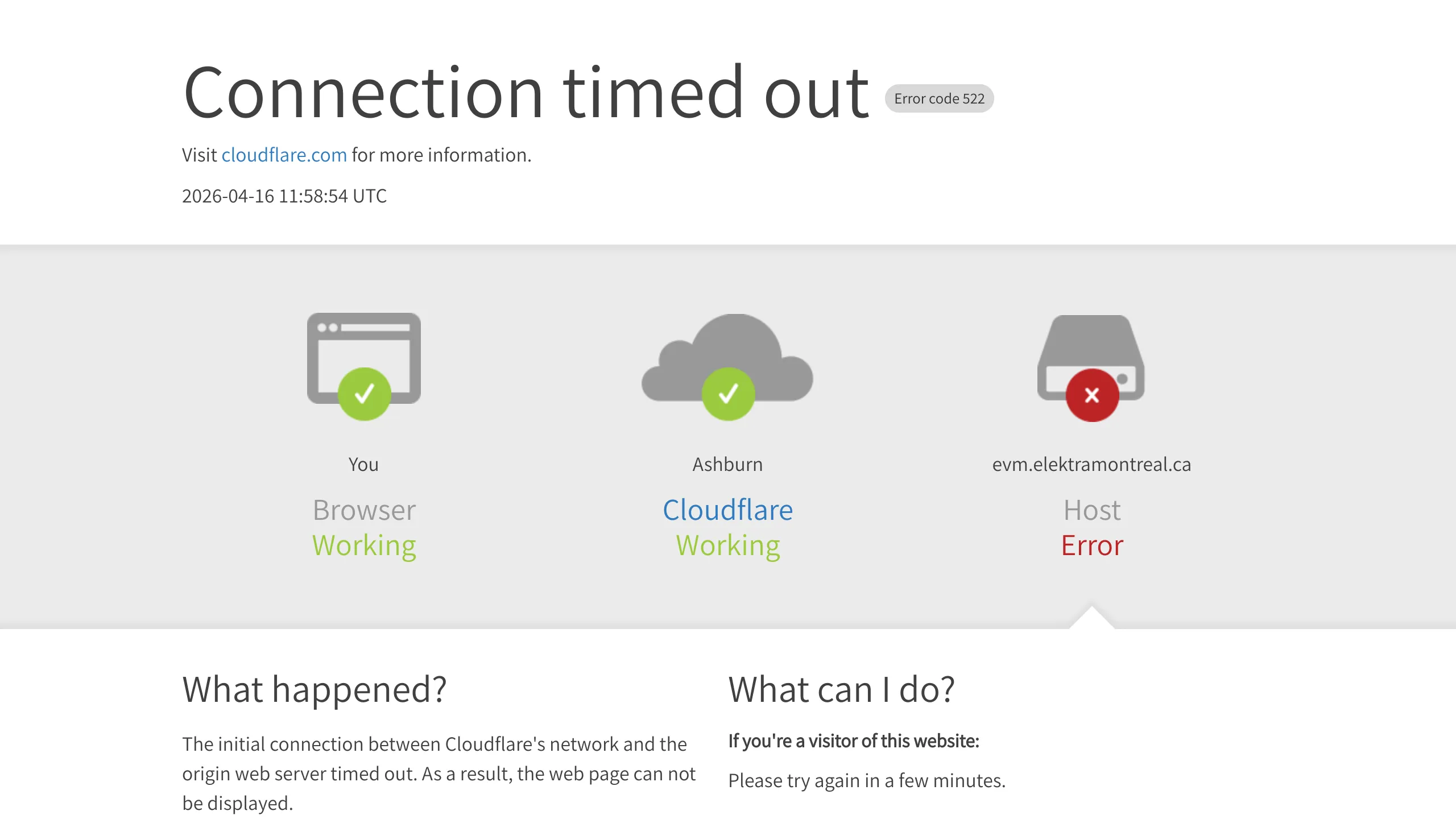
Overview
This template is a masterclass in functional error state design, specifically modeling a Cloudflare 522 "Connection timed out" page. It excels as a clone reference because it provides a clear diagnostic path for users, balancing technical utility with a clean, low-friction aesthetic that reduces user frustration during downtime.
Design System
- Color Palette & Visual Hierarchy: The design uses a high-contrast grayscale base with semantic color coding for status indicators: Green (
#green-success) for functional nodes and Red (#red-error) for the failure point. The background utilizes a subtle grey gradient to separate the diagnostic visualization from the text content. - Typography System: The layout relies on a clean sans-serif stack. It uses a light font-weight for large headings (
text-60ortext-4xl) to maintain a "soft" tone, while using bold weights (font-semibold) for technical identifiers like Ray IDs and IP addresses to ensure visibility. - Page Structure: The flow is strictly hierarchical:
- Header: Essential error code and timestamp.
- Diagnostic Bar: A three-column grid showing the connection path (Browser -> Cloudflare -> Host).
- Troubleshooting: A two-column grid explaining "What happened?" versus "What can I do?".
- Footer: Technical metadata for support tickets.
- Reusable Components: The diagnostic icons with status overlays (tick/cross) are excellent objects to clone for any dashboard or system status page. The "error-code-label" pill is a versatile UI pattern for categorizing system states.
- Responsive Behavior: The HTML reveals a mobile-first transition where the three-column diagnostic bar (
w-1/3) stacks into a vertical list (w-full) on mobile devices. Large 60px headings scale down totext-4xlfor accessibility on smaller screens. - Implementation Clues: The HTML structure indicates a utility-first approach (similar to Tailwind CSS) using classes like
mx-auto,pt-10, andflex-like grid helpers (float-leftandw-1/2).
Use Cases
- Who should clone this: Developers building SaaS platforms, API status pages, or custom 404/5xx error pages for enterprise applications.
- Effective Remixes: This pattern can be remixed for onboarding flows (showing step-by-step progress) or shipment tracking (Warehouse -> Transit -> Delivered).
- Remix Directions: Swap the default Cloudflare branding for specific product themes. The central gray diagnostic bar can be repurposed into a multi-step user verification status or a system health dashboard.
- Clone Scope: A full-page clone is recommended for high-stakes system error handling. For lighter projects, cloning the three-column diagnostic status bar alone provides a highly professional "System Status" component for any admin dashboard.
Related Inspirations
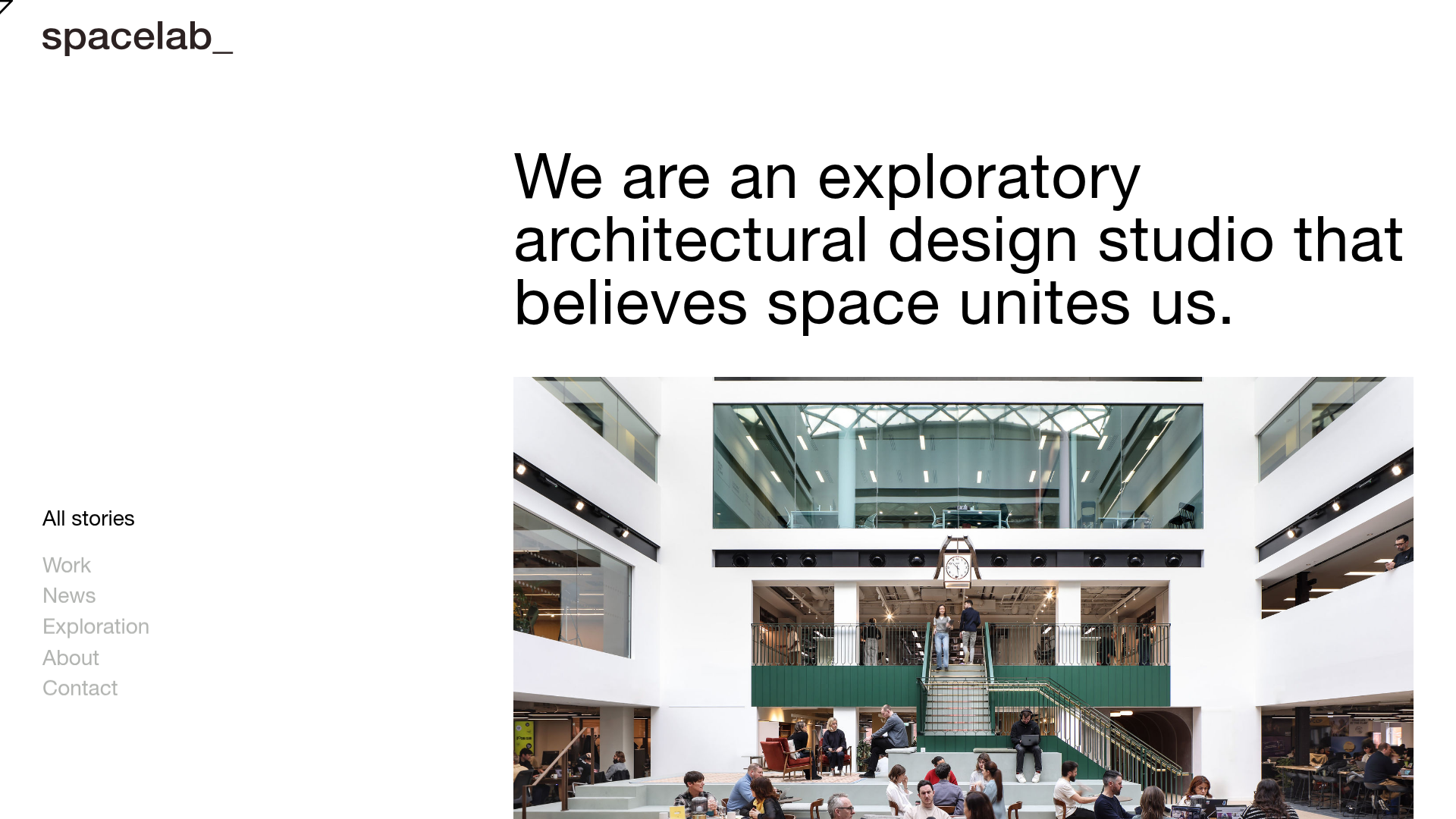
Spacelab Exploratory Architectural Portfolio
A minimalist studio website featuring a clean sidebar navigation and a high-impact asymmetric grid layout designed for visual storytelling.
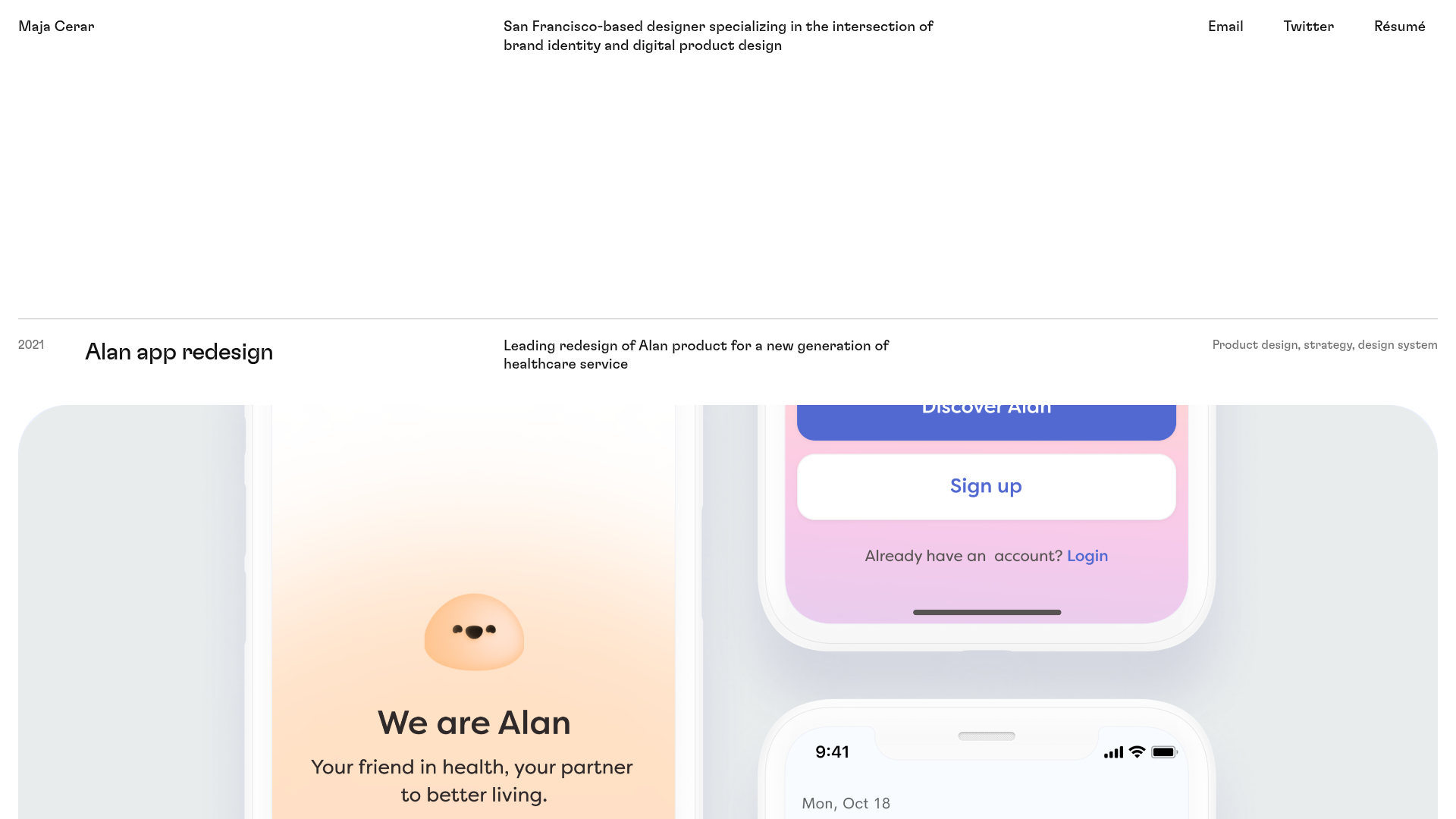
Maja Cerar Minimalist Portfolio Template
A clean, horizontal-grid portfolio featuring a sticky header, structured project metadata, and high-impact full-width imagery for product design case studies.
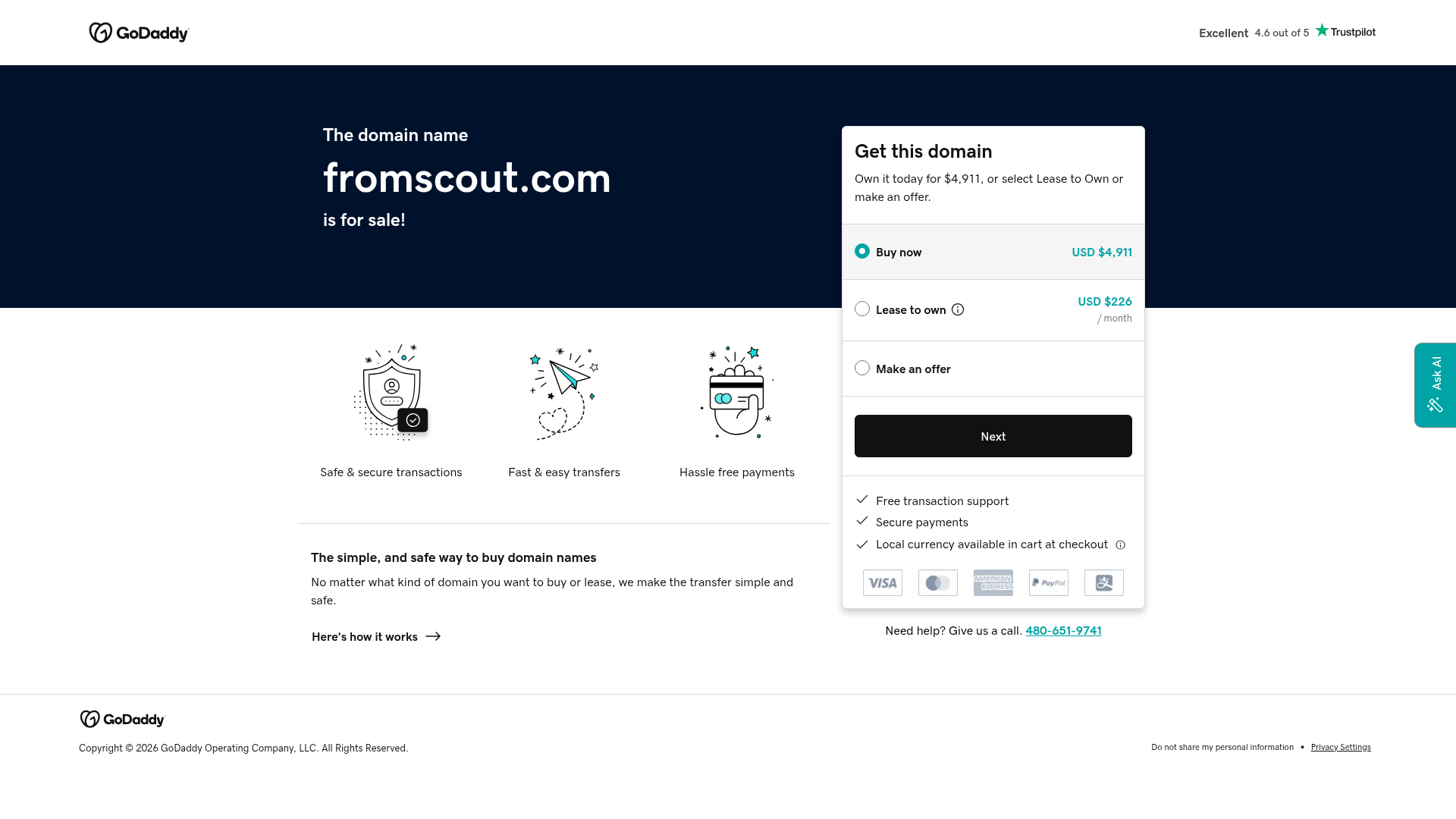
GoDaddy Domain Sales Landing Page
A clean, functional landing page layout featuring a split-hero section with a multi-option pricing card, payment method icons, and custom SVG benefit modules.
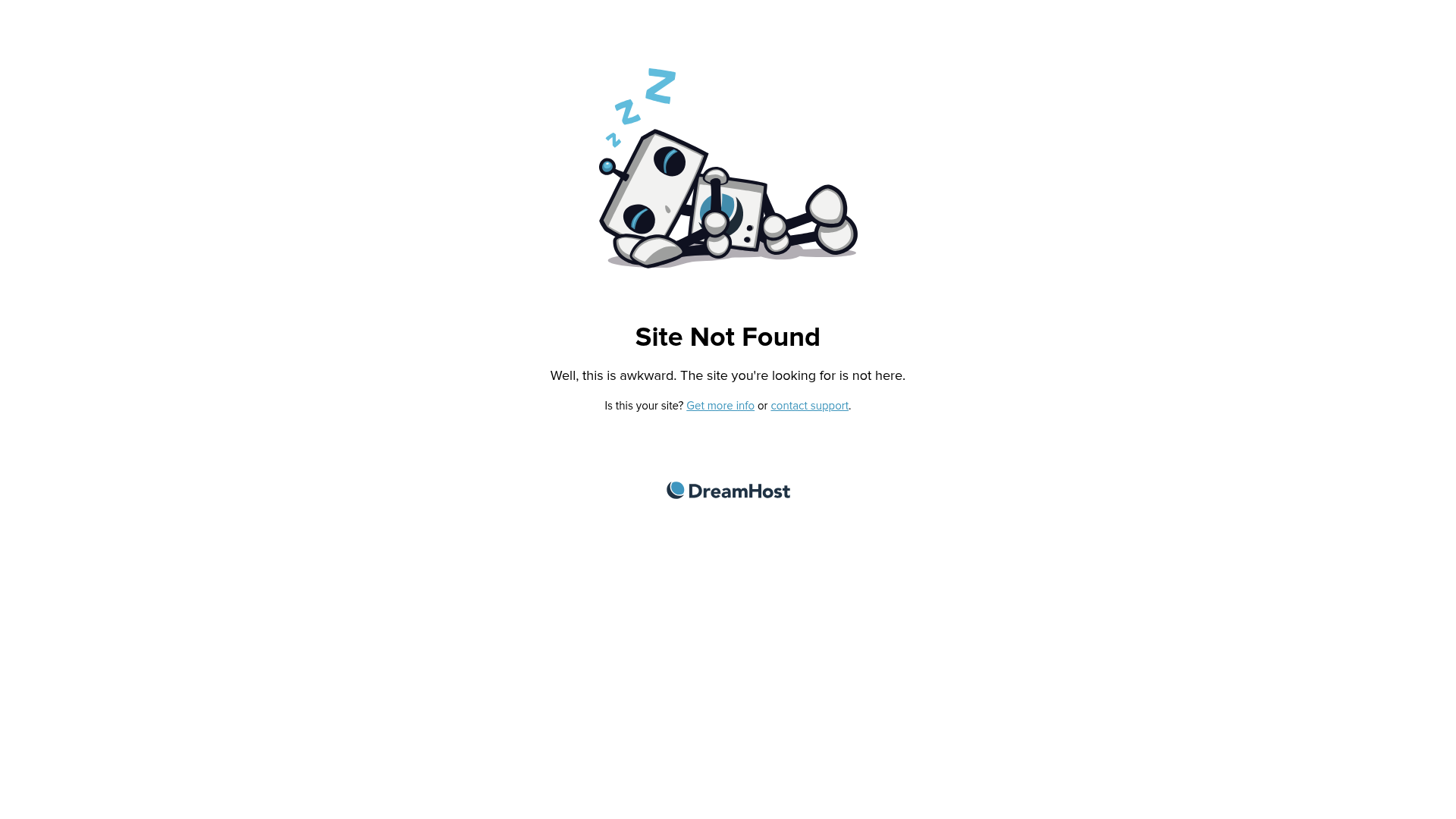
DreamHost Site Not Found Page
A clean, minimalist 404 error page layout featuring a centered botanical/character illustration, clear typography, and support links.
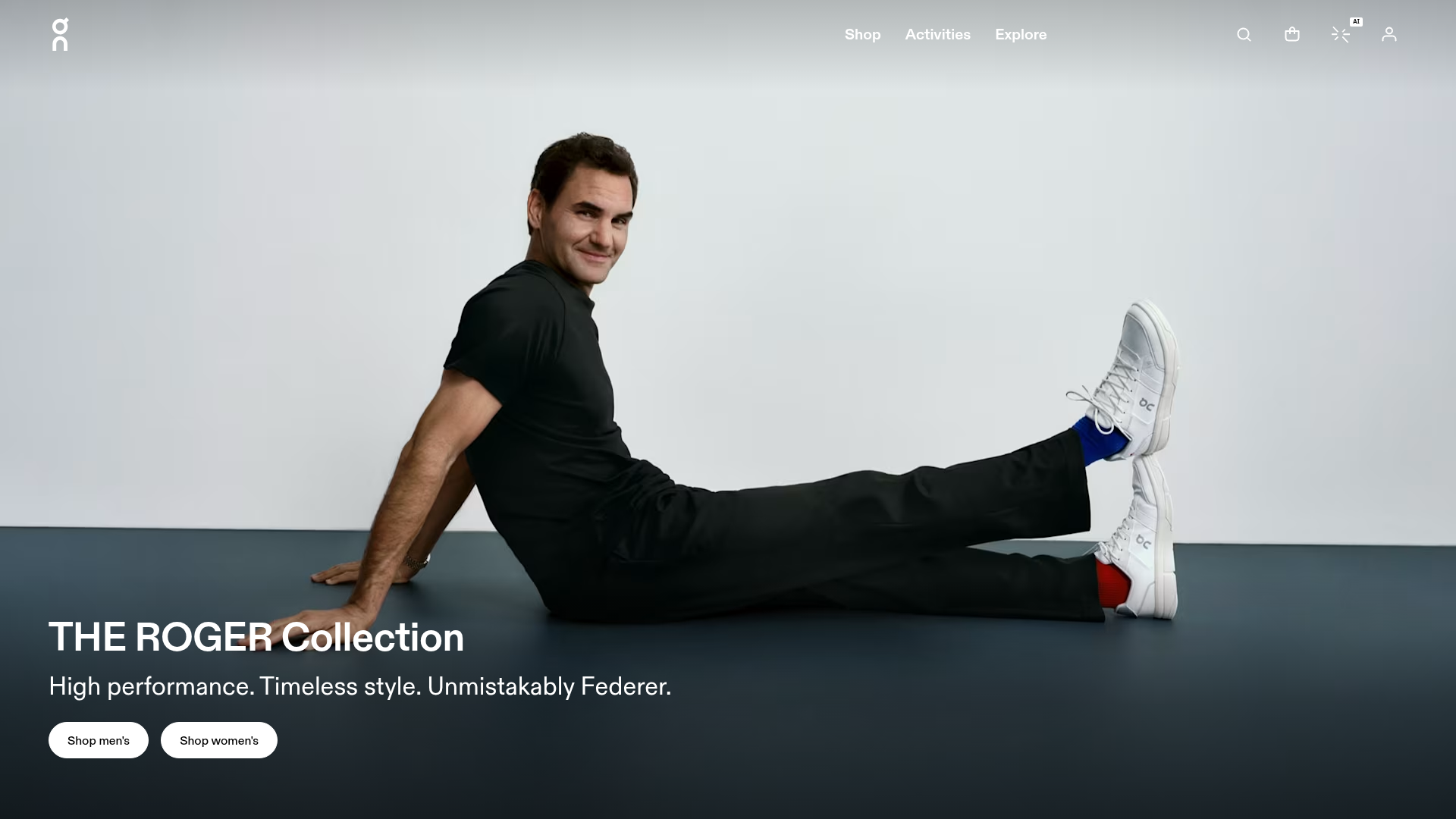
On Shoes Roger Federer Collection Landing Page
A minimalist lifestyle brand landing page featuring a full-bleed cinematic hero section, high-contrast typography, and CTA-focused navigation for a premium e-commerce experience.
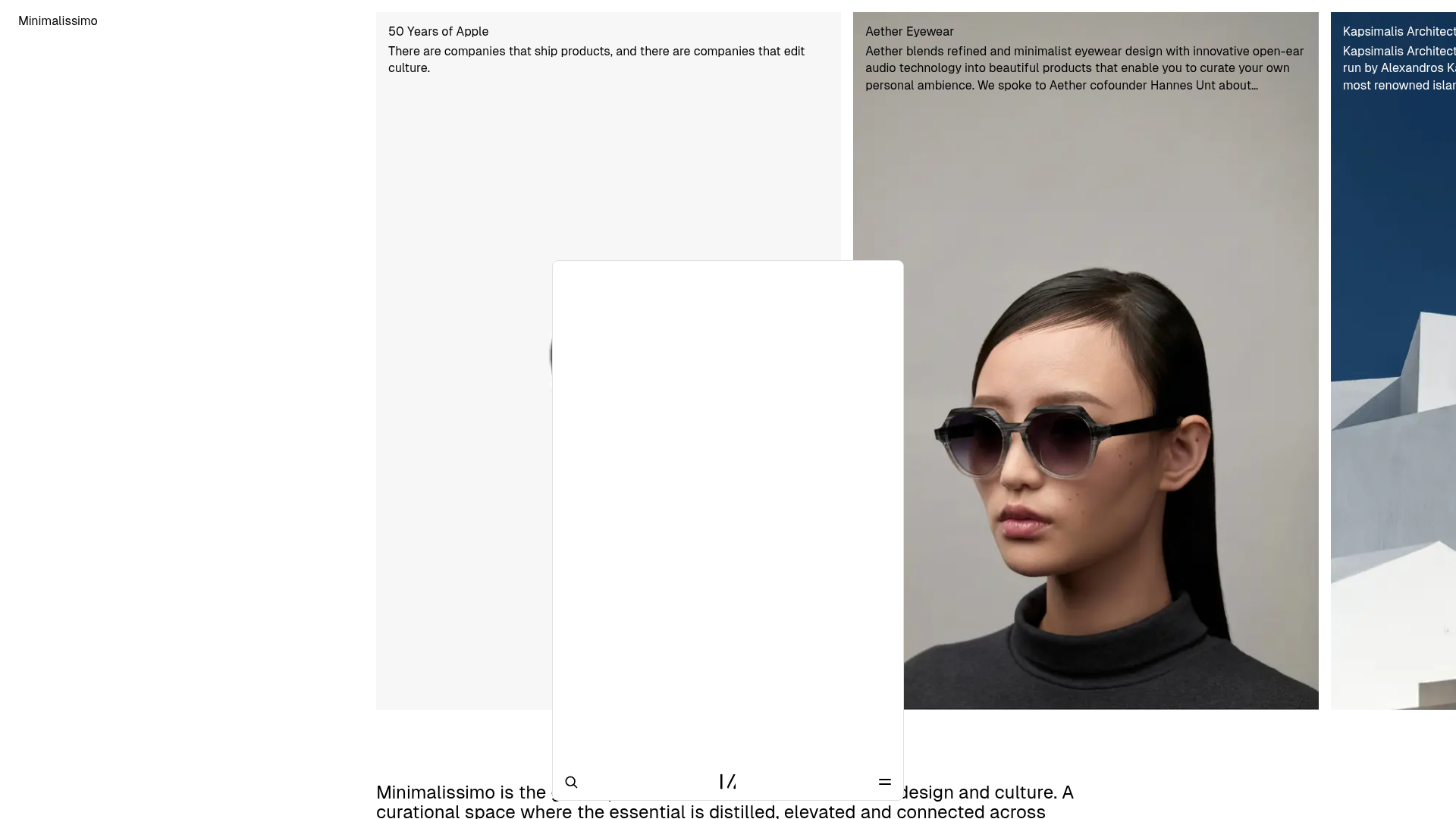
Minimalissimo Design Gallery and Portfolio
A clean magazine-style layout featuring horizontal scroll sections for featured portraits, an balanced article grid, and a bottom-anchored floating navigation bar with integrated search.
