Interactive Digital Book and Resource Guide
A minimalist, full-screen interactive book experience featuring canvas-based page navigation, draggable components, and a centralized educational resource panel.
Overview
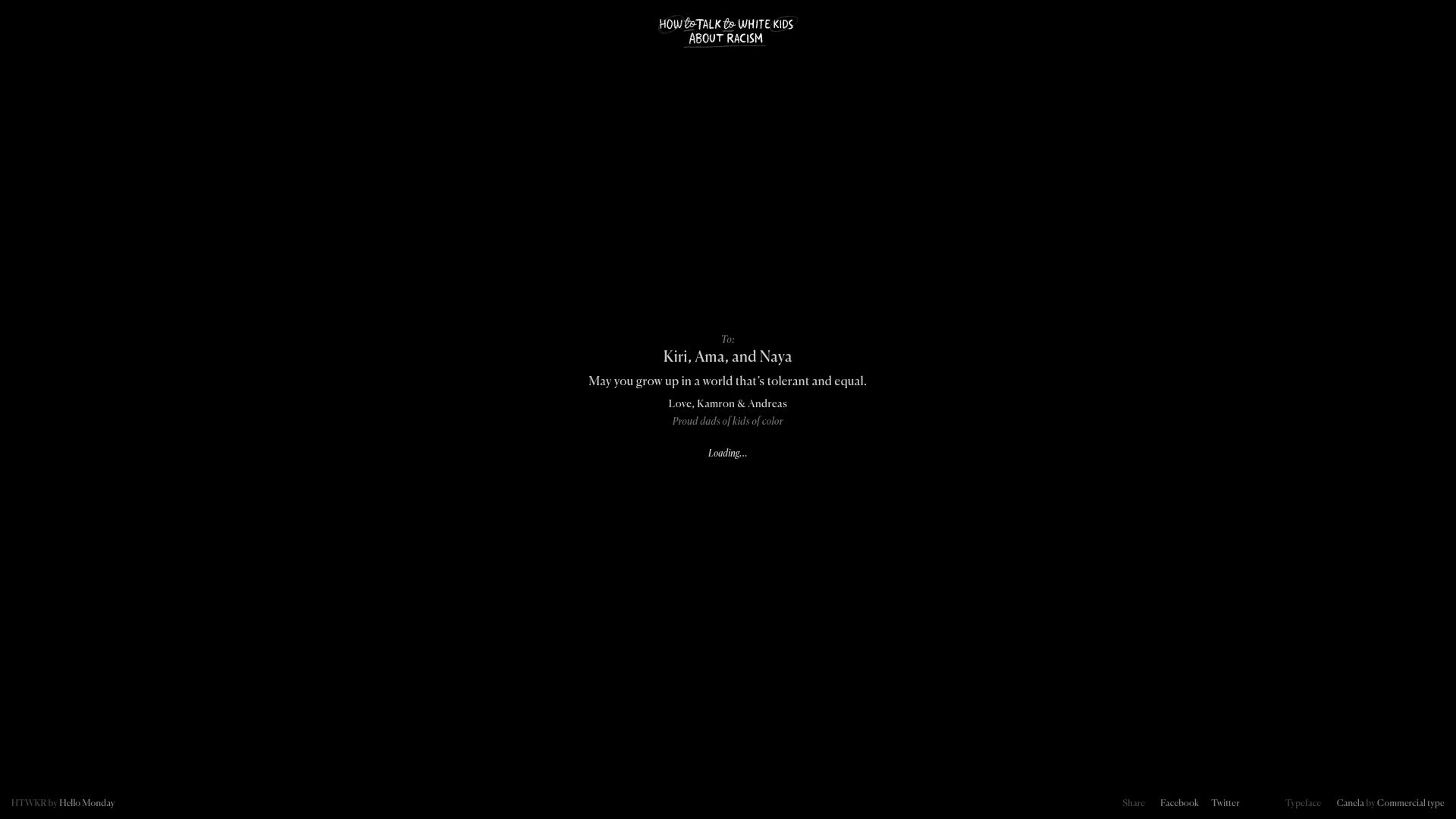
This project is a high-end interactive digital book designed for immersive educational storytelling. It uses a minimalist, canvas-driven architecture paired with draggable elements to create a tactile reading experience that prioritizes content focus and emotional weight. It is an excellent reference for builders looking to create sophisticated interactive narratives, digital annual reports, or guided micro-learning platforms.
Design System
- Color Palette & Visual Hierarchy: The system uses a high-contrast, dark-mode aesthetic with a solid black background (
#000000) and pure white text. This creates a focused, "lights-per-out" environment where the visual weight is concentrated on central typography and the logo. - Typography System: The site features Canela (by Commercial Type), a graceful serif with flared terminals that lends a dignified and serious tone. Hierarchy is established through scale: small caps for headers like "TO:", large serif display for names and core messages, and italicized secondary text for credits and loading states.
- Page Structure & Section Flow: The application is built as a single-page canvas application (
#canvasContainer). It begins with a dedicated intro screen (pretext) featuring an "Open book" call-to-action, transitioning into a linear narrative split into individualcaptiondivs that serve as content chapters. - Reusable Components:
- Navigation Arrows: Minimalist
navArrowbuttons designed for a draggable canvas environment. - Resource Panel: A structured
extraResourceslist component designed for linking out to external media (articles, podcasts, social media) without breaking the aesthetic. - Centralized Logo: A hand-drawn style SVG/image logo placed at the top-center to anchor the brand identity.
- Navigation Arrows: Minimalist
- Interaction & Motion: The HTML indicates a draggable interface (
class="draggable") and a loading state system. Navigation is intended to be fluid, likely utilizing page transitions or canvas-based sliding rather than standard vertical scrolling. - Implementation Clues: The structure uses a custom canvas container to manage state and rendering, with off-screen content hidden in a
captionscontainer to be injected/revealed as the user navigates.
Use Cases
- Who should clone this: Non-profits, educators, and creative agencies building "micro-sites" for awareness campaigns or storytelling.
- Effective Remixes: This pattern is ideal for digital product manuals, interactive museum exhibits, or high-end portfolio sites where the user needs to focus on one piece of information at a time.
- Practical Directions: Remixers can swap the solid black background for curated photography or use the
extraResourcescomponent as a persistent "toolkit" panel in educational apps. The central message block can be adapted into a pricing card or testimonial section for luxury brands. - Clone Scope: For a fast implementation, focus on cloning the
pretextintro screen and the typography scale. For a deep technical project, clone the full draggable canvas interaction to handle state-based content transitions.
Related Inspirations
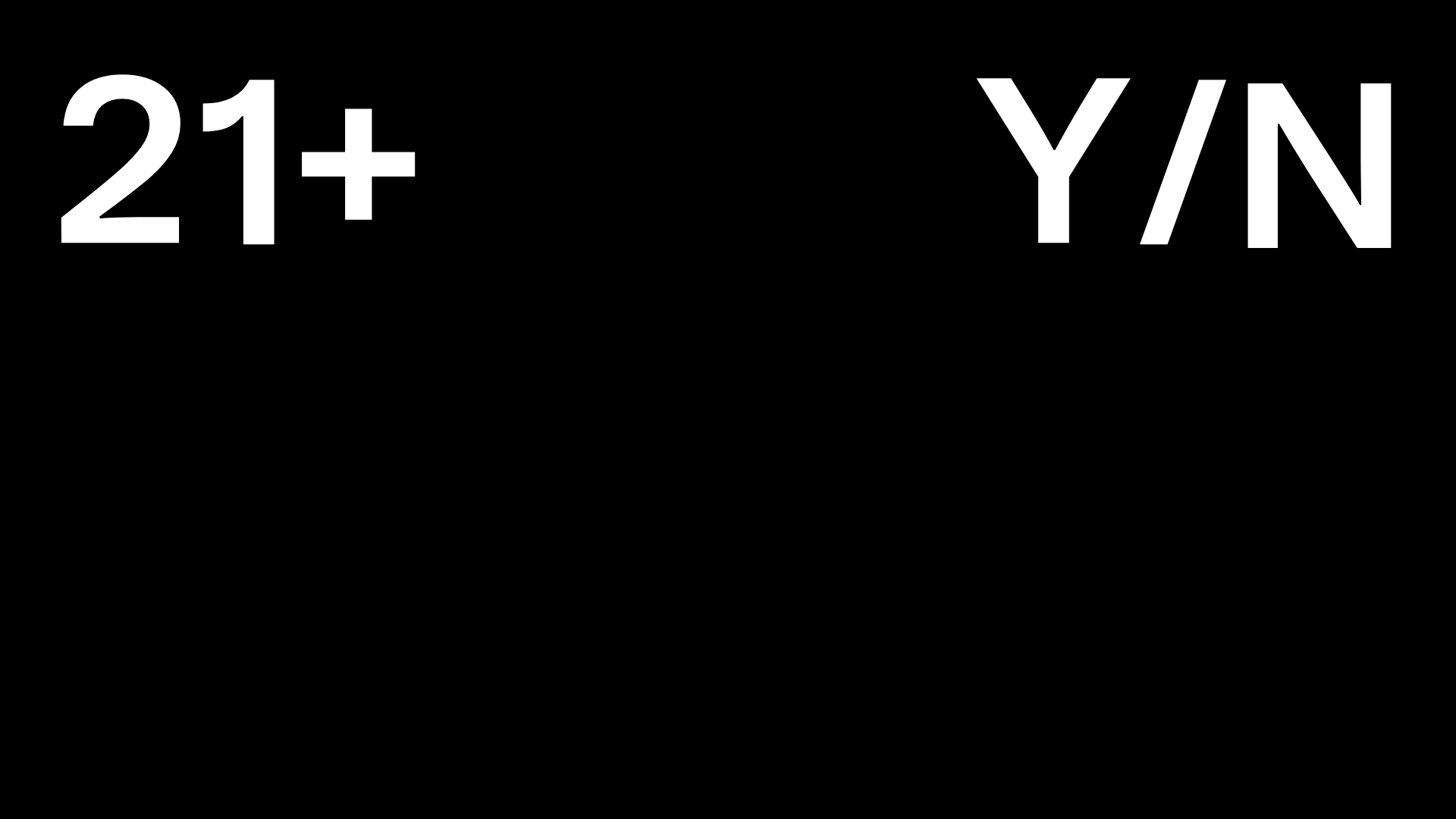
Post Familiar Minimalist Winery Storefront
An experimental e-commerce layout featuring a high-contrast age verification screen, bold typography grids, and a horizontal scrollable product showcase.
PostNew Moving Image Portfolio Gallery
A minimalist dark-themed portfolio featuring a full-screen vertical scroll layout, video-based grid sections, and blur-effect navigation components.
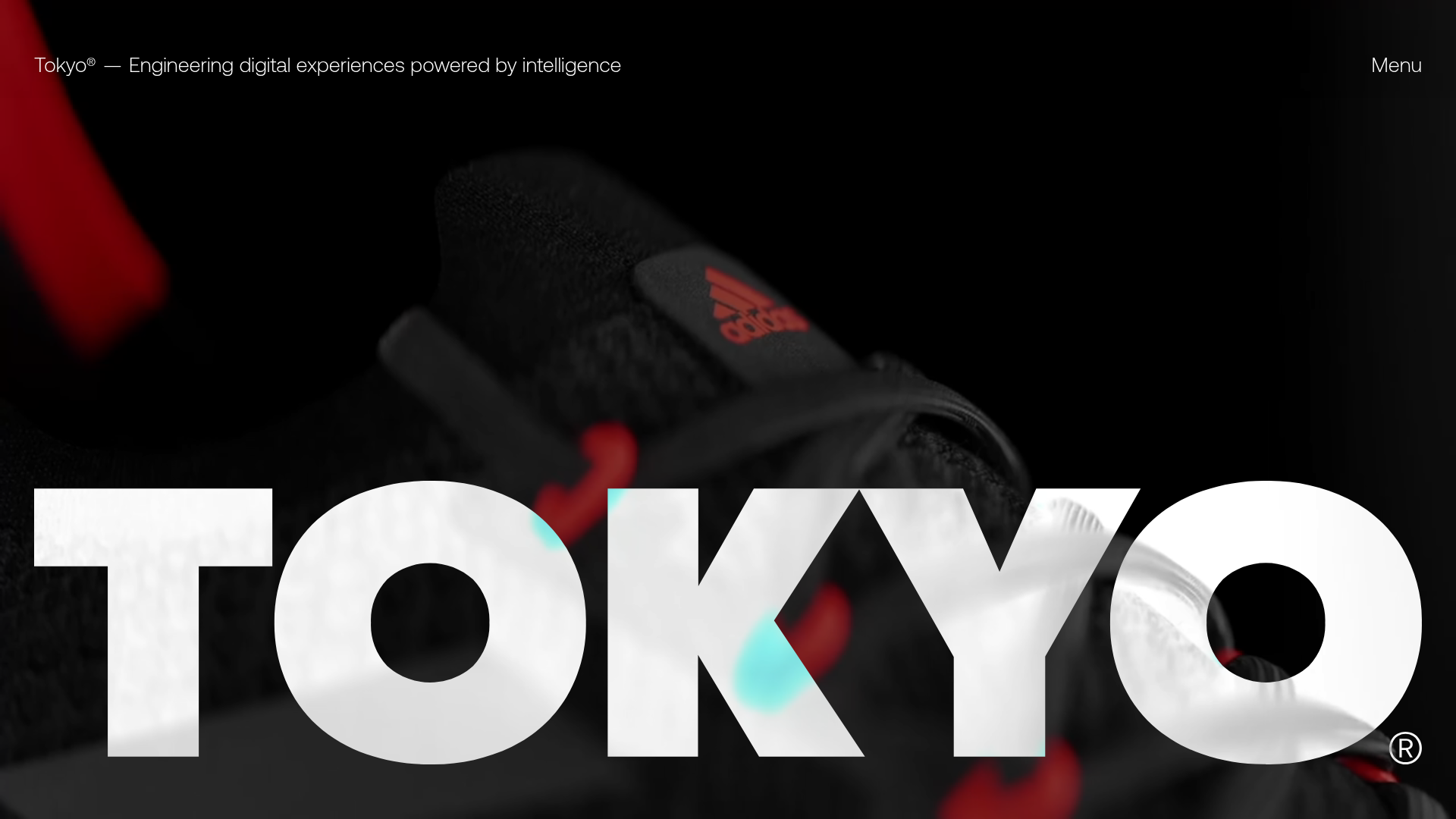
Tokyo Digital Agency Showcase Site
A high-impact agency landing page featuring an animated video hero with oversized typography, logo ticker, and a multi-column project grid with integrated media sliders.
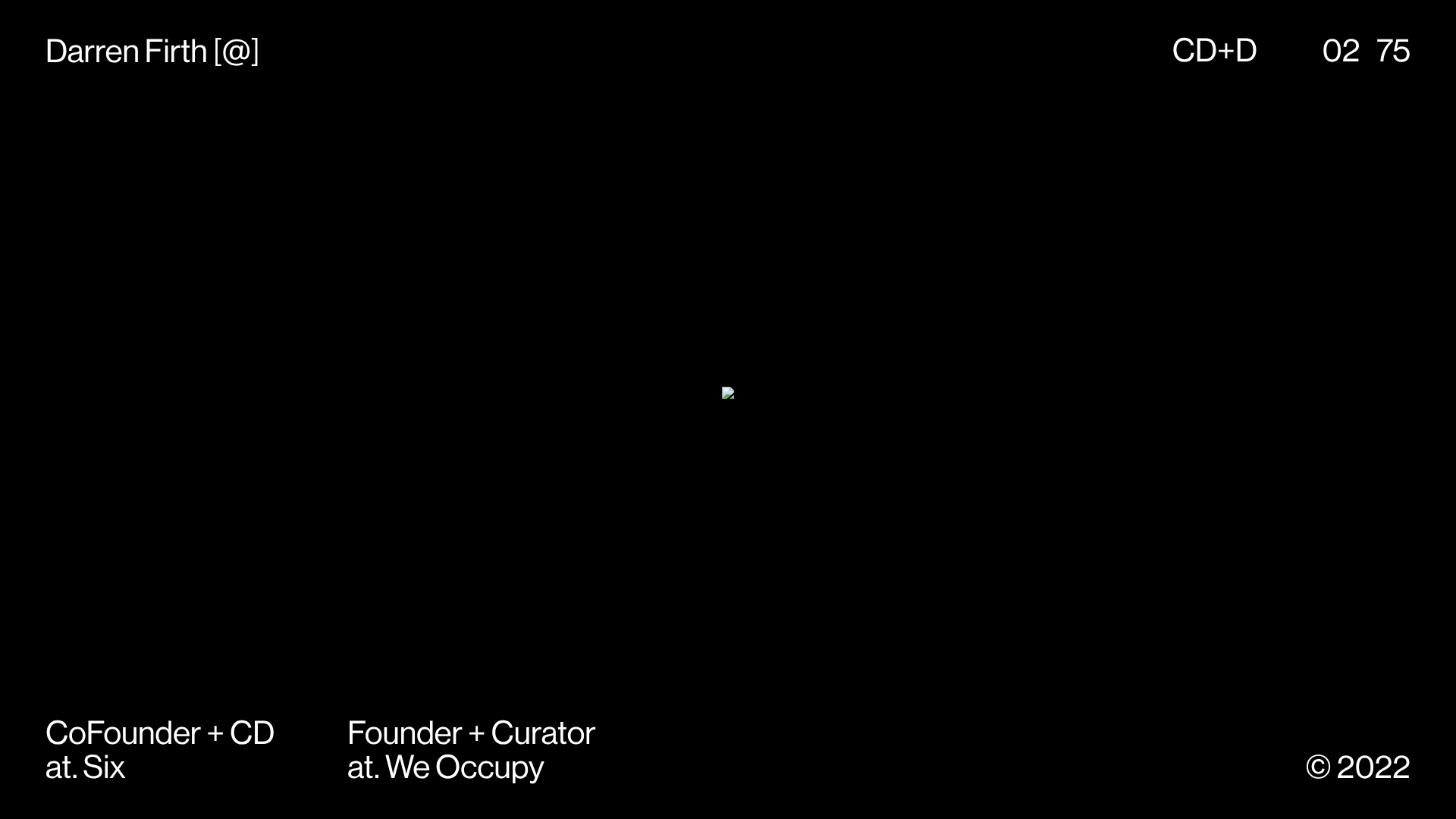
KeepsMeSane Minimalist Portfolio Slideshow
A dark, ultra-minimalist landing page featuring a full-screen image slideshow with fixed corner text labels and a subtle progress bar.
Wayfinder Minimalist Loading Screen
A clean, dark-themed loading state featuring a centered CSS logo animation and subtle typography for use in high-contrast immersive web experiences.
Mono X7 Minimalist Product Landing
A dark-themed Vue.js product page featuring a full-screen loading state, animated ticker text, interactive Three.js container, and a localized minimalist content layout.
