Greenspace Immersive Portfolio Landing Page
A minimalist, video-first site featuring full-screen media backgrounds, a floating navigation menu, and a hover-triggered project list with dynamic image previews.
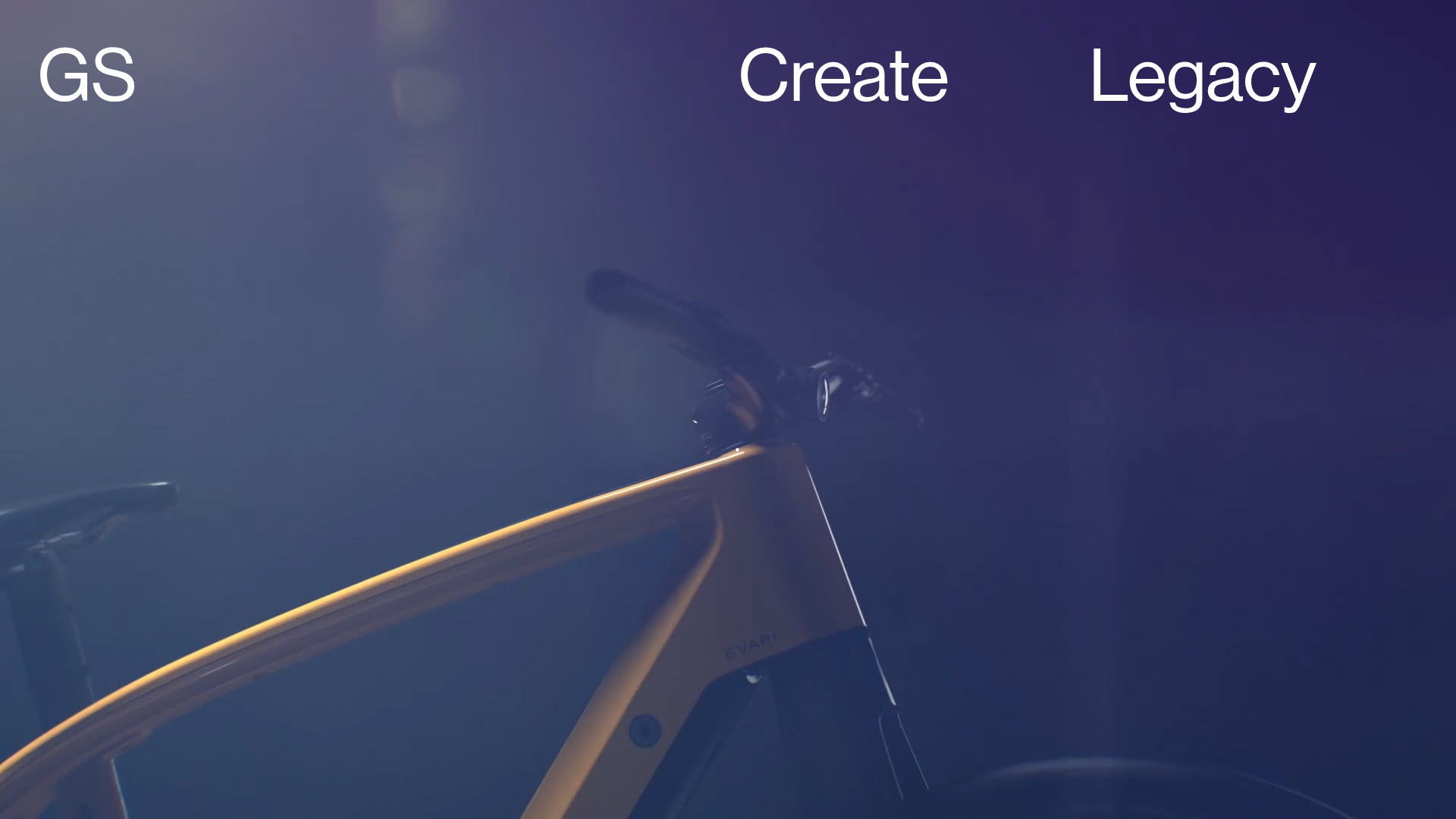
Overview
This site is a high-impact, immersive portfolio landing page that prioritizes full-screen video and minimalist navigation to create a cinematic user experience. It serves as an excellent reference for builders looking to implement seamless page transitions (via Barba.js) and a unique hover-based project navigation system that minimizes visual clutter.
Design System
- Color Palette & Visual Hierarchy: The primary aesthetic is dark and sophisticated, utilizing a deep purple/black background to let media content pop. The hierarchy is extremely flat; the background video is the dominant element, with high-contrast white typography providing the interface layer.
- Typography: A clean, geometric Sans-Serif (likely Helvetica or similar) is used throughout. The navigation uses a large scale (
large-copy) for high legibility on a dark canvas, while secondary metadata uses asmall-copyutility for subtle contrast. - Page Structure & Flow: The layout is split into a persistent floating navigation header and a dynamic project list. The structure uses a
landing-wrapperfor the core UI, overlaying afullscreen-vimeo-wrapperthat hosts the background media. - Reusable Components:
- Floating Nav: The top-aligned menu containing branding (GS) and essential links (Create, Legacy).
- Dynamic Project List: The desktop version (
#project-list-wrapper) uses a hover-triggered preview system where moving over text links (grey-link) displays correspondinglist-imageelements. - Full-screen Video Background: A responsive container optimized for auto-playing, looped Vimeo/MP4 content.
- Interactions & Motion: The site uses Barba.js (
barba-container) for AJAX-based page transitions, maintaining the background state while refreshing content. The project list features a fade-in/out motion pattern for images based on link hover states. - Mobile Behavior: The design pivots to a vertical scroll layout (
#mobile-project-list-wrapper) where project titles usestickypositioning (sticky-copy) over their respective images, ensuring constant context as the user scrolls through the work.
Use Cases
- Who should clone this pattern: Creative agencies, cinematographers, high-end real estate developers, and luxury fashion brands that rely on high-quality visual storytelling rather than heavy text content.
- Product Remixing: A product designer could remix this for a digital lookbook by replacing the background video with high-resolution 3D product renders.
- Remix Directions: Replace the Vimeo-specific background with a WebGL canvas for interactive backgrounds, or adapt the project list to act as a full-screen landing menu for a multi-service business.
- Clone Scope: For a quick win, clone the hover-preview project list logic. For a deeper project, clone the full-page Barba.js architecture to achieve a single-page application (SPA) feeling without sacrificing SEO.
Related Inspirations
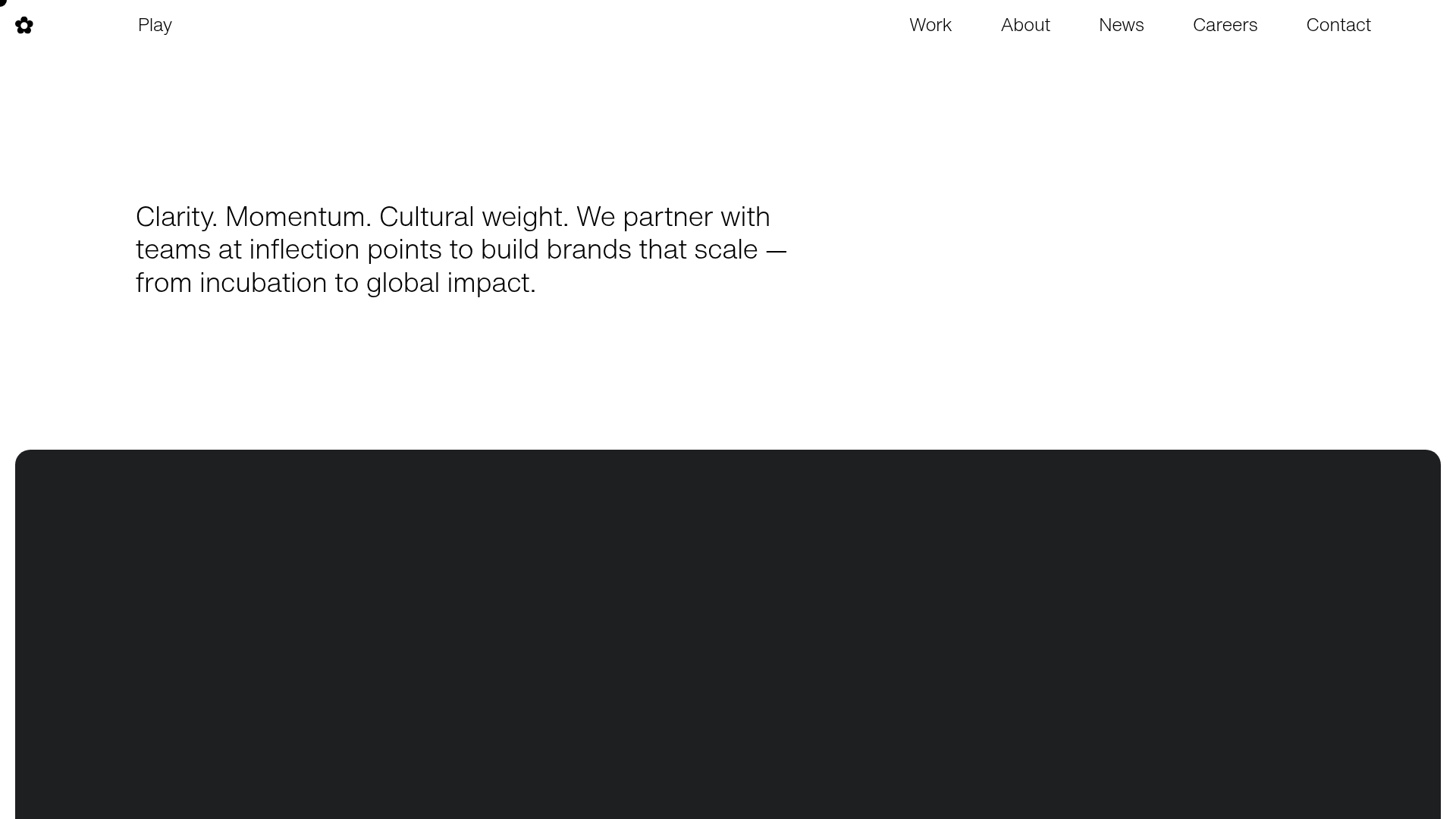
Play Studio Minimalist Portfolio Landing
A high-impact agency layout featuring a oversized typography header, a full-width integrated Vimeo video background, and a unique expandable accordion list for industry showcases.
PostNew Moving Image Portfolio Gallery
A minimalist dark-themed portfolio featuring a full-screen vertical scroll layout, video-based grid sections, and blur-effect navigation components.
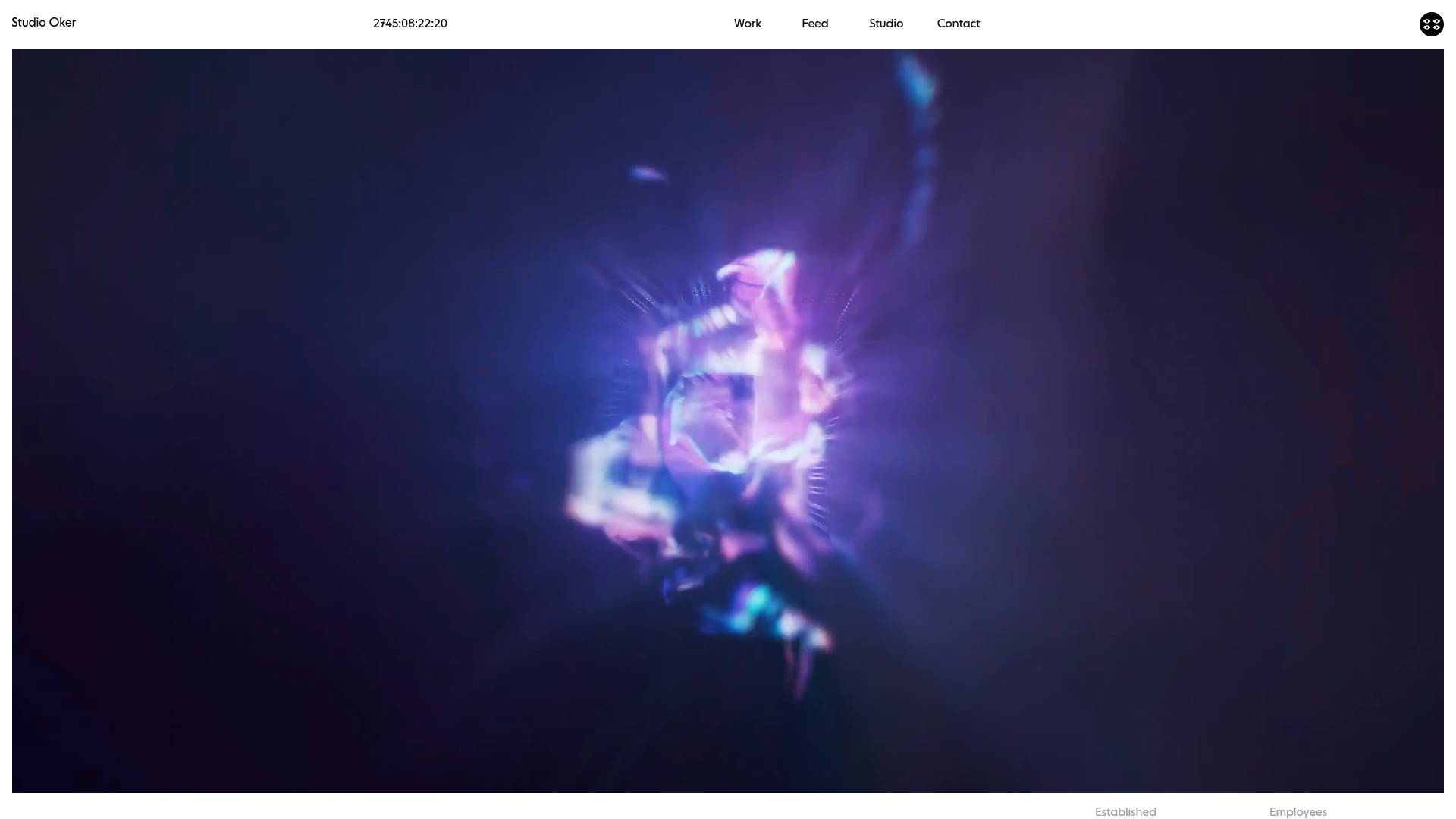
Studio Oker Creative Portfolio Landing
A minimalist studio landing page featuring an immersive full-screen video hero, horizontal glide carousel for project feeds, and a dynamic masonry project grid.
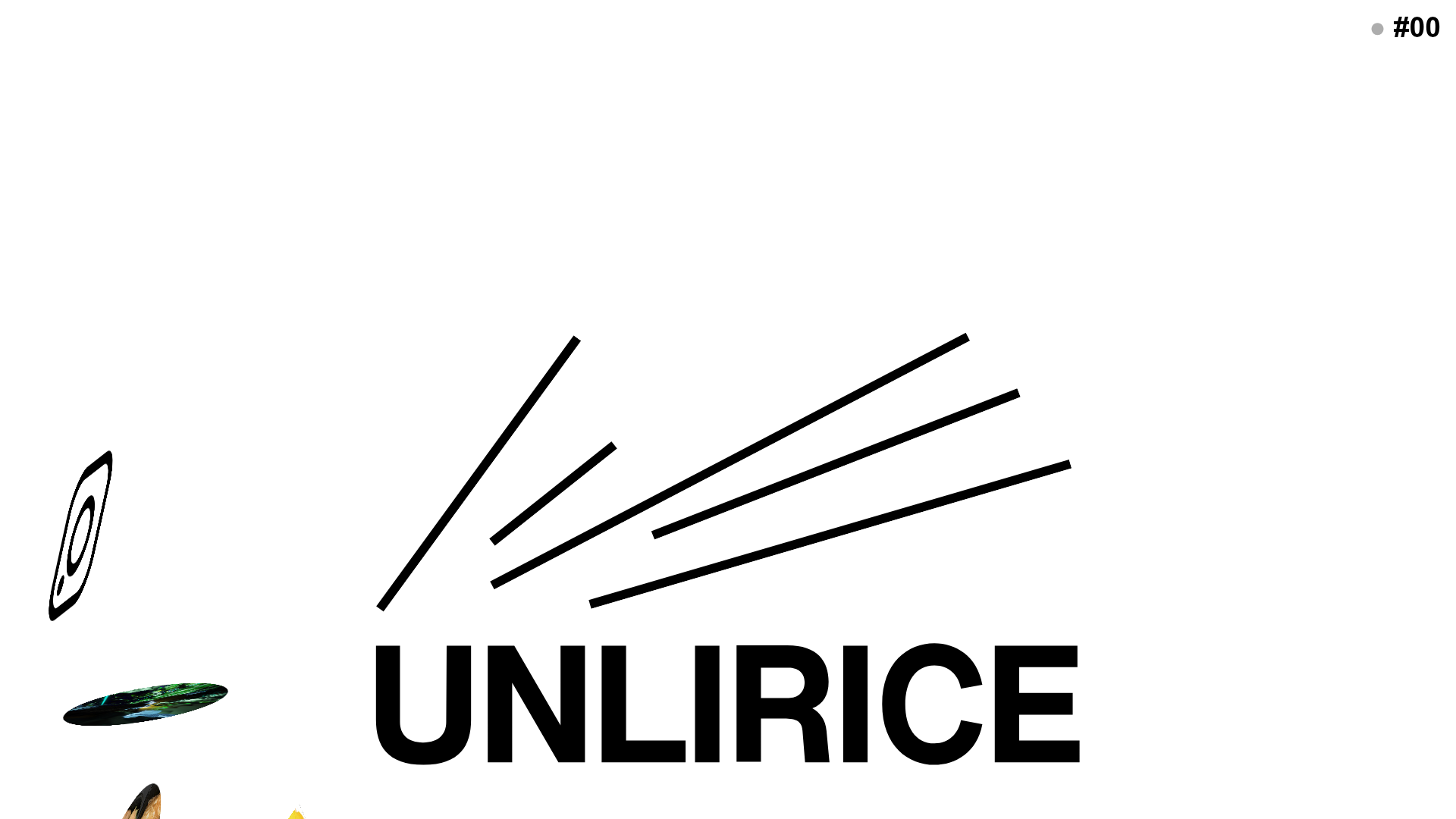
UNLIRICE Minimalist Floating Gallery Landing
A creative landing page featuring a central logo with randomized floating image components, CSS rotation animations, and an overlay-style link system.
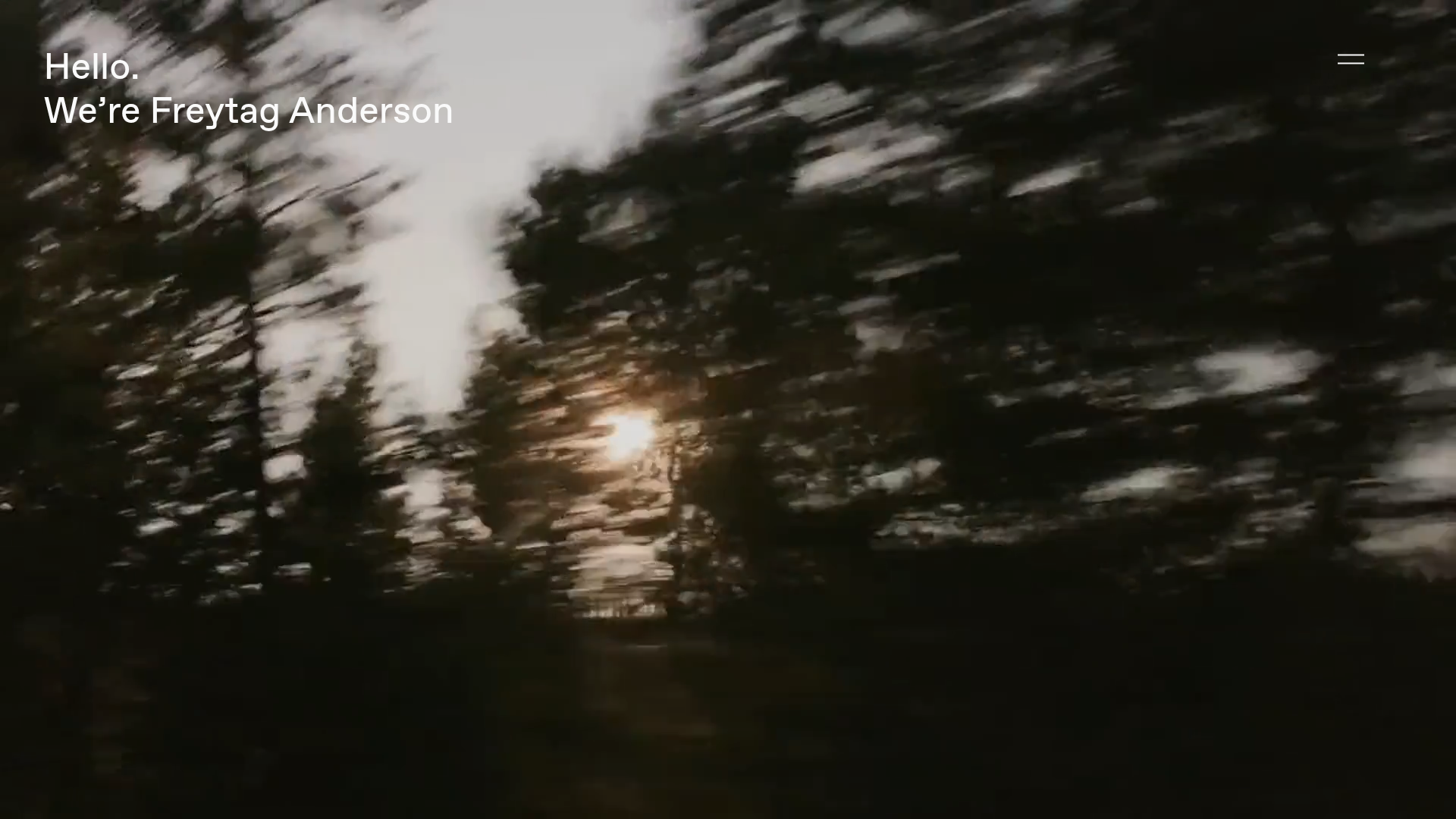
Freytag Anderson Portfolio Site
A minimalist design agency portfolio featuring full-bleed immersive video backgrounds, large typographic headers, and a vertical scrolling layout of case studies.
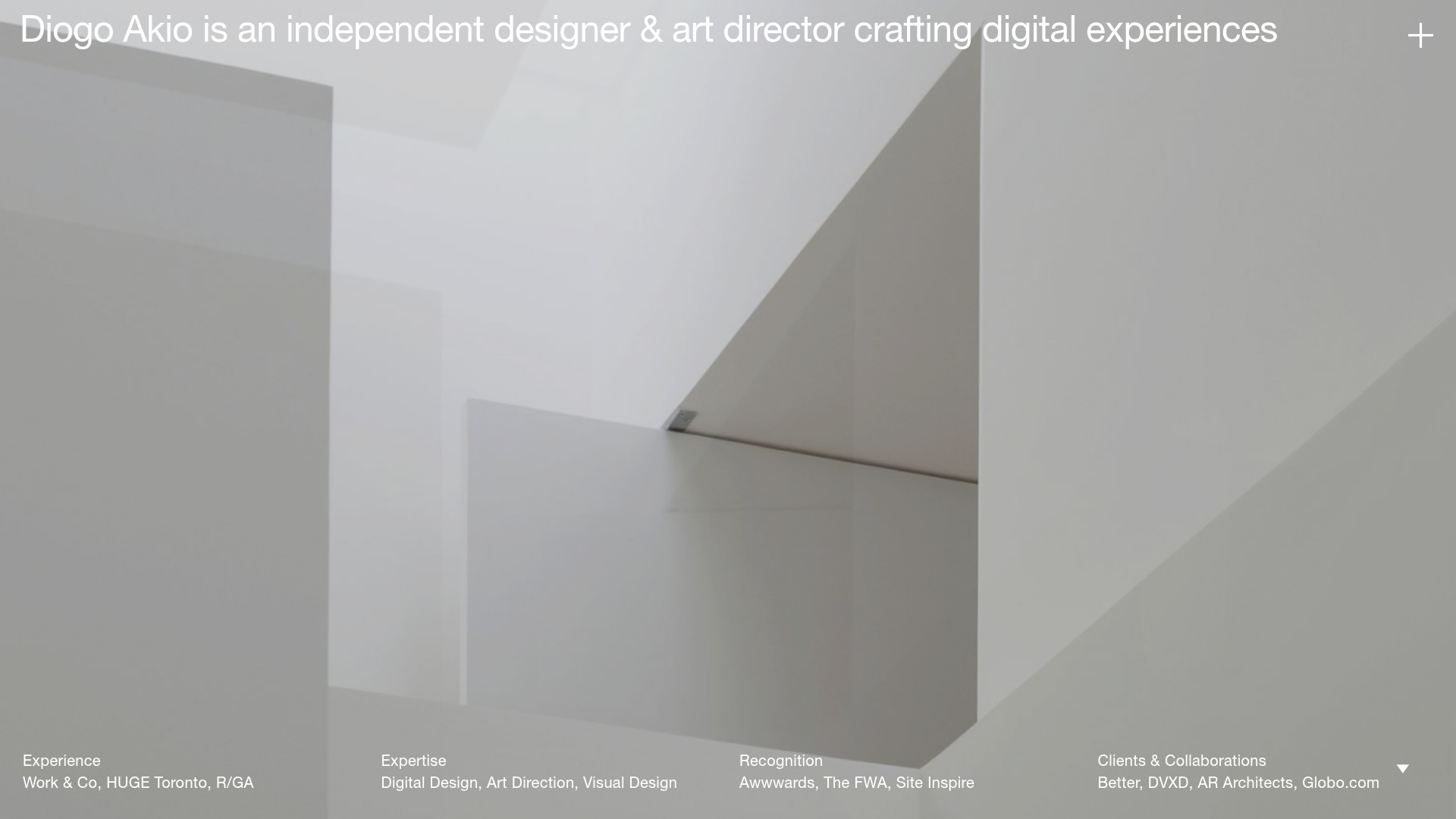
Diogo Akio Minimalist Portfolio Landing
A high-concept portfolio layout featuring a full-screen video hero, marquee footer components, and a smooth vertical-slide overlay for detailed bio and experience lists.
