Cloudflare DNS Error 1001 Page
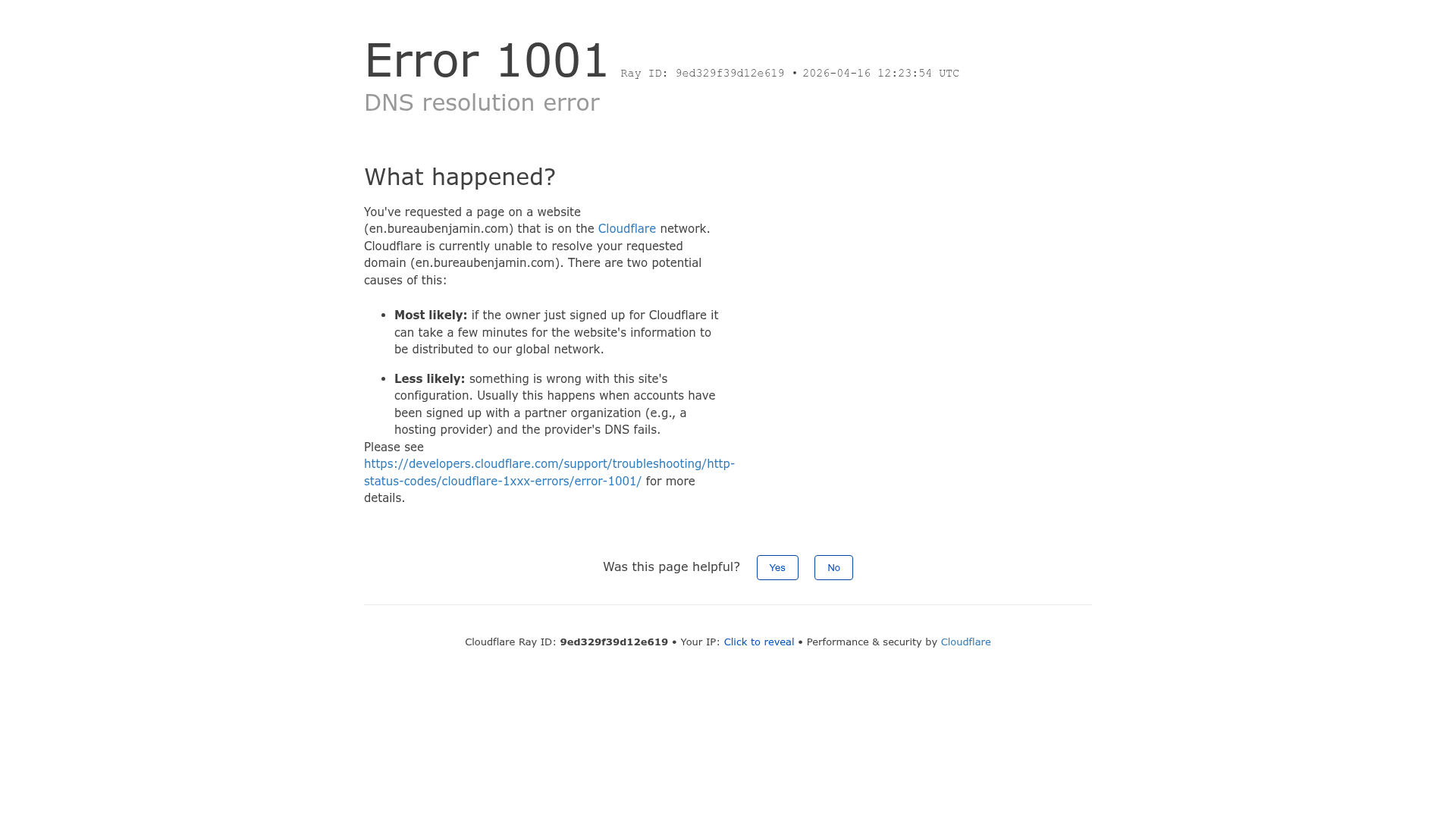
A clean, functional error page layout featuring grouped list explanations, utility footer with unique Ray ID display, and simple interactive feedback buttons.
Overview
This page is a classic example of a high-utility, minimalist error page used by Cloudflare to communicate complex technical failures (DNS resolution error 1001). It is an excellent clone reference for developers building infrastructure tools or SaaS platforms that need to provide clear troubleshooting guidance while maintaining a professional, neutral aesthetic.
Design System
- Color Palette and Visual Hierarchy: The design uses a restrained, high-contrast palette. A monochromatic grayscale base (white background,
#333text, and light gray borders) is used for the majority of the content, while a distinct primary blue (#0051c3) is reserved specifically for actionable links. The visual hierarchy starts with a large, bold error code to provide immediate context, followed by a lighter-weight subheadline. - Typography System: The layout relies on clean sans-serif typography. It uses a clear scale: a large
text-4xlequivalent for the primary error code,text-3xlfor section headers like "What happened?", and a standard15px(text-15) for body copy to ensure readability during technical troubleshooting. - Page Structure and Section Flow: The content flows vertically in a single-column container. It starts with the Identification Header (Error Code/Ray ID), moves to the Reason Section (explanatory text and bullet points), followed by the Feedback Interaction area, and concludes with a Utility Footer containing technical metadata.
- Reusable Components: Key components to clone include the Bulleted Explanation List (designed with specific bolded "likelihood" labels), the Feedback/Survey Toggle containing simple binary buttons, and the Technical Footer which features a unique "Click to reveal" IP mechanism to protect user privacy by default.
- Interaction Patterns: The UI is largely static to ensure reliability during site failures. Interactive elements include simple hover states on buttons and a basic state change (toggle) for revealing the user's IP address. The feedback buttons use a simple border-radius and standard hover backgrounds.
- Responsive Behavior: The HTML uses Tailwind-style utility classes (
lg:w-full,sm:block). On smaller screens, the layout shifts from a centered 50% width content block to a full-width container, and the inline footer separators (•) are hidden in favor of stacked block-level elements.
Use Cases
- Who should clone this pattern: DevOps engineers building status pages, SaaS developers creating custom 404/500 error pages, or API documentation sites that need to explain error codes.
- What products can remix it effectively: Any technical platform or internal tool where the user needs help diagnosing a problem rather than just a generic "Page not found" message.
- Practical remix directions: Swap the Cloudflare blue for your brand's primary color, replace the Ray ID with a custom internal tracking correlation ID, or adapt the checklist into a "Status Checklist" with dynamic icons (e.g., Green Check/Red X).
- Suggested clone scope: This is ideal for a full-page clone to serve as a standardized template for all HTTP status codes (4xx/5xx) across a product ecosystem.
Related Inspirations

Forbidden Access Error Page
A minimal 403 Forbidden error page layout featuring basic typography and a standard access notification message.

Cloudflare Invalid SSL Error Page
A minimal, text-based error notification layout featuring a header, bulleted list of technical details, and a horizontal divider for system status messaging.
Minimal Animated Success Landing Page
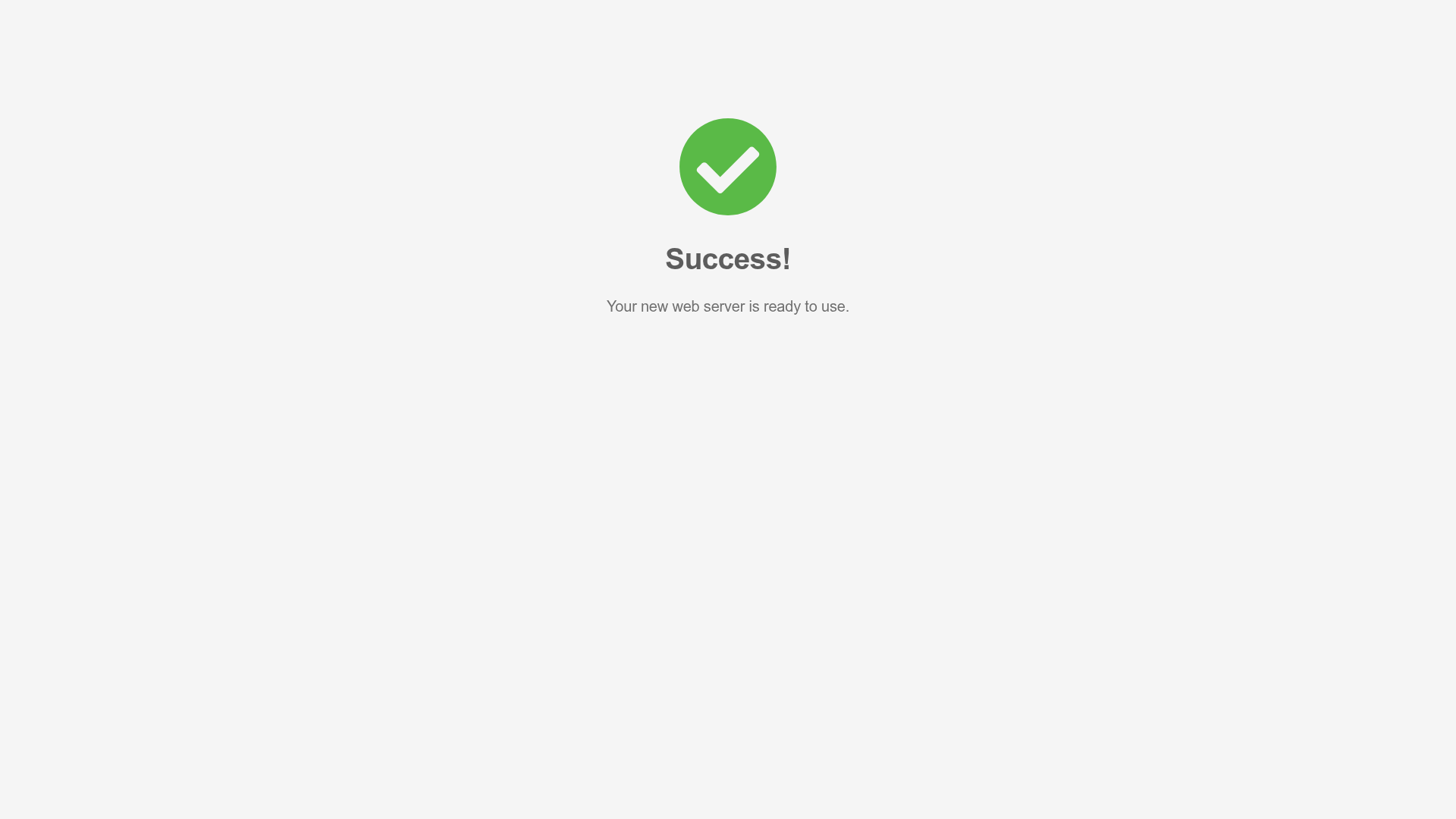
A clean, centered confirmation screen featuring a large green icon, a bold heading, and smooth fade-in entry animations.

Nonymous Coming Soon Placeholder Page
A minimalist blank landing page featuring a simple 'Coming soon' text layout suitable for basic domain parking or initial placeholder deployment.

404 HTTP Error Landing Page
A minimal, text-only placeholder page showing a standard server-side 'Not Found' error message for a missing directory.
Nginx Default 404 Error Page
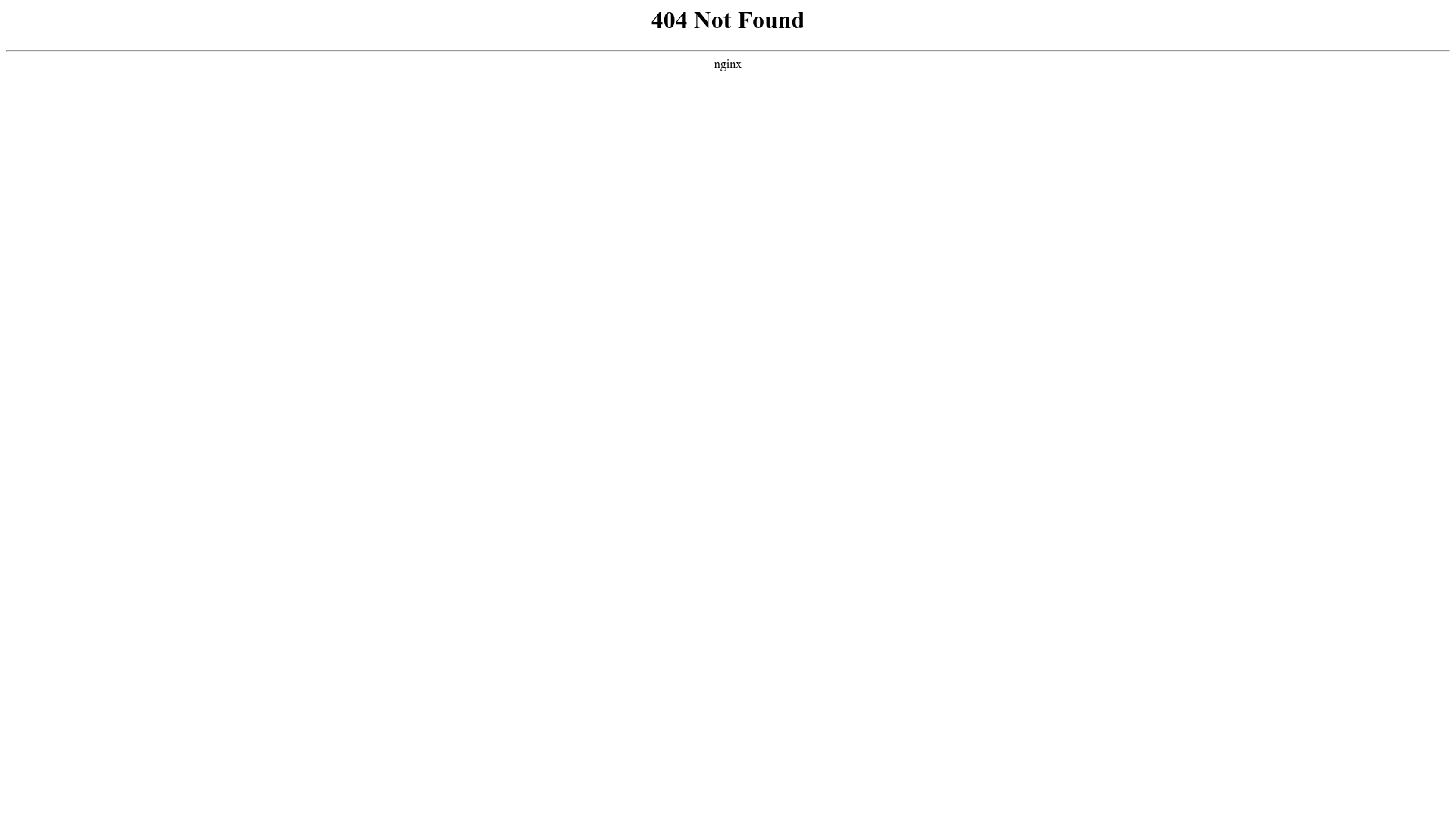
A minimal, unstyled 404 error page layout featuring center-aligned text and a horizontal rule separator.
