Minimal Animated Success Landing Page
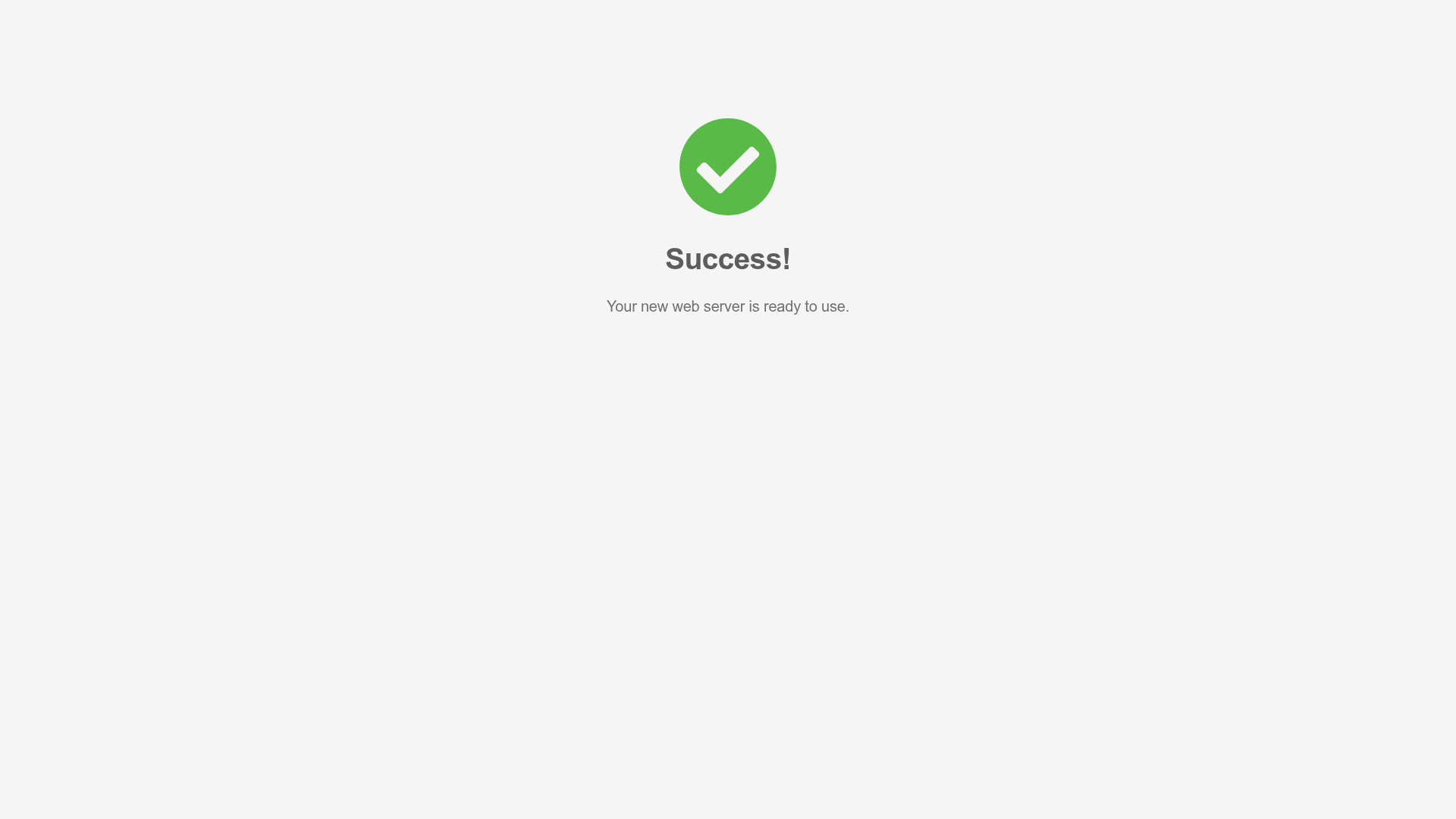
A clean, centered confirmation screen featuring a large green icon, a bold heading, and smooth fade-in entry animations.
Overview
This is a minimalist landing page designed to confirm the successful completion of a technical process or deployment. It is an excellent clone reference for developers who need a professional, distraction-free "Success" or "Thank You" state that uses standard animation libraries for immediate visual feedback.
Design System
- Color Palette & Visual Hierarchy: The design uses a low-contrast light grey background (#f4f4f4) to facilitate focus on the central content. The primary focal point is a vibrant green (#5cb85c) checkmark icon, signifying completion and positive status.
- Typography: The hierarchy is simple and clean, utilizing a sans-serif typeface. The heading "Success!" is rendered in a bold, dark grey to provide clear structural distinction from the lighter, smaller body text below it.
- Structure & Flow: The layout is strictly centered vertically and horizontally within the viewport. The flow is linear and top-down: Icon → Main Heading → Descriptive Text.
- Reusable Components: The central message container is highly modular. Builders should first clone the
animate__animated animate__fadeInwrapper classes, which provide the smooth entry transition for all elements. - Interaction & Motion: The page relies on CSS-based entry animations. The HTML reveals the use of
animate.cssclasses (animate__fadeIn), ensuring that the icon, title, and text appear with a subtle fade effect upon page load rather than popping in statically. - Implementation Clues: The HTML structure uses a standard grid system (Bootstrap-style
container,row,col) making it highly compatible with most modern CSS frameworks. The use of a dedicated<i>tag for the icon suggests an icon font or SVG implementation for scalability.
Use Cases
- Who should clone this pattern: Developers building SaaS platforms, hosting dashboards, or configuration wizards that require a final confirmation step.
- Ideal Remix Products: Cloud hosting platforms (as seen in the "web server" text), e-commerce checkout completions, or user registration "Email Verified" screens.
- Remix Directions:
- Brand Adaptation: Swap the green hex code for your brand's primary color.
- Functional Expansion: Add a secondary call-to-action button (e.g., "Go to Dashboard" or "View Logs") below the description text.
- Alternative States: Reuse the layout structure for error or warning states by simply swapping the icon class and color to red or amber.
- Suggested Clone Scope: This is best cloned as a full-page template for a dedicated redirect URL, though the internal column content can be easily extracted as a modal component.
Related Inspirations
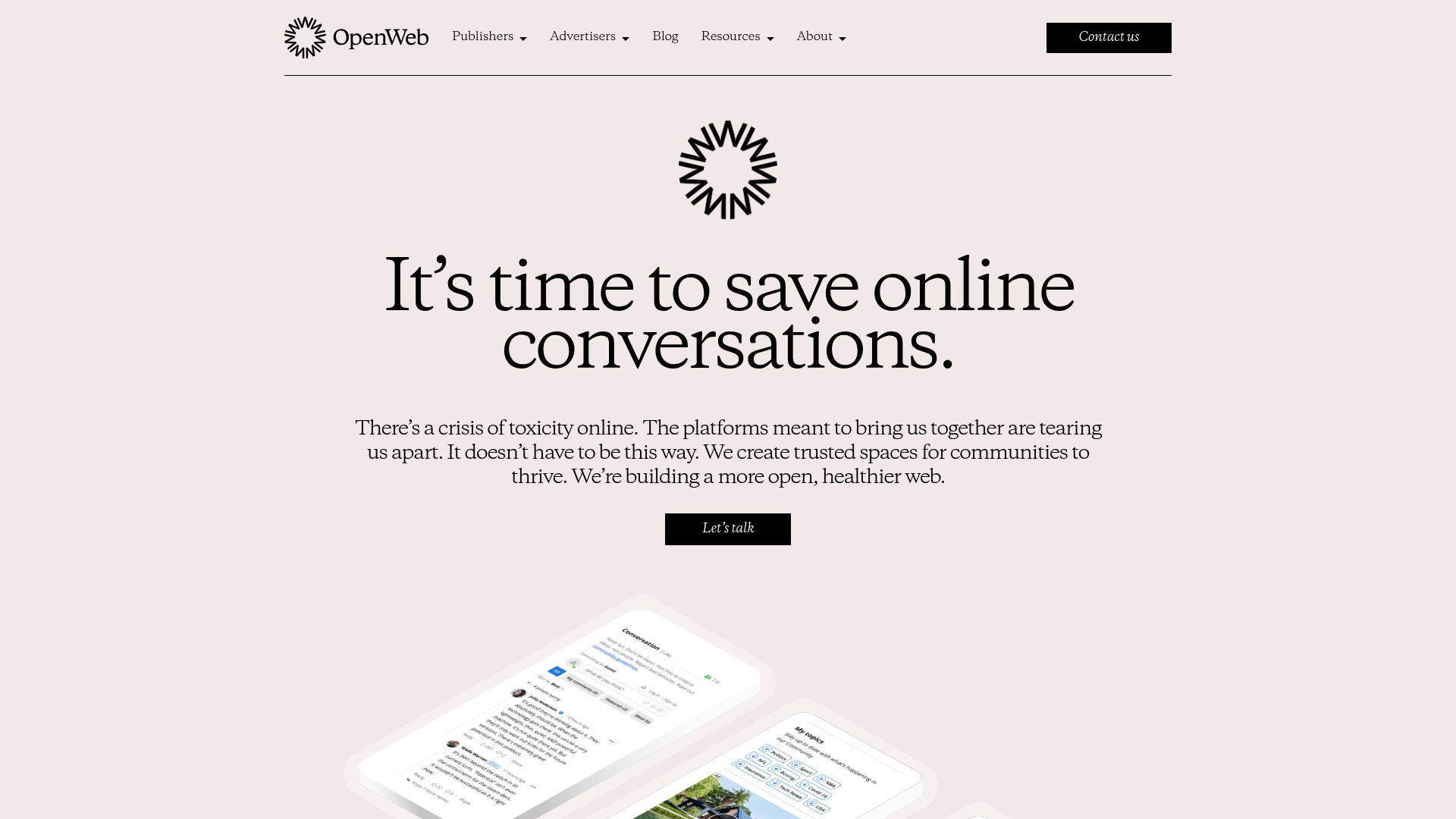
OpenWeb B2B Service Landing Page
A professional landing page layout featuring a central animated hero area, data visualization counters, a client logo grid, testimonial slider, and tabbed lead generation forms.
403 Forbidden Access Page
A minimalist, centered HTTP 403 error status page layout suitable for clean and simple server-side response templates.

Nonymous Coming Soon Placeholder Page
A minimalist blank landing page featuring a simple 'Coming soon' text layout suitable for basic domain parking or initial placeholder deployment.
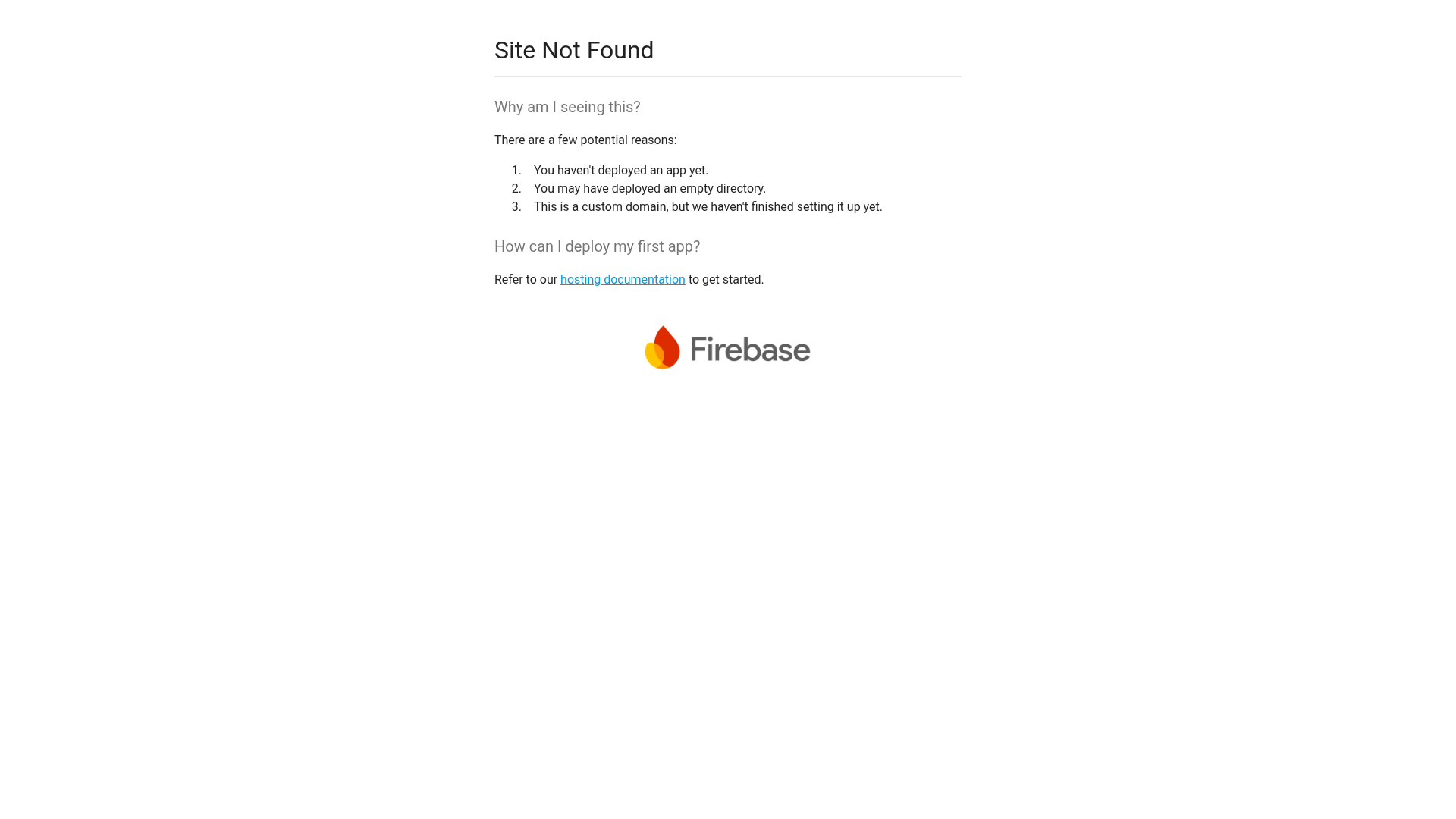
Firebase Hosting Site Not Found
A minimal placeholder layout for 404 error states including a centered logo, numbered troubleshooting guide, and linked utility text.
BlueYard Minimal Logo Splash Page
A terminal-style minimalist loading screen featuring a centered logo block and a discreet bottom-aligned percentage progress indicator for high-end landing pages.
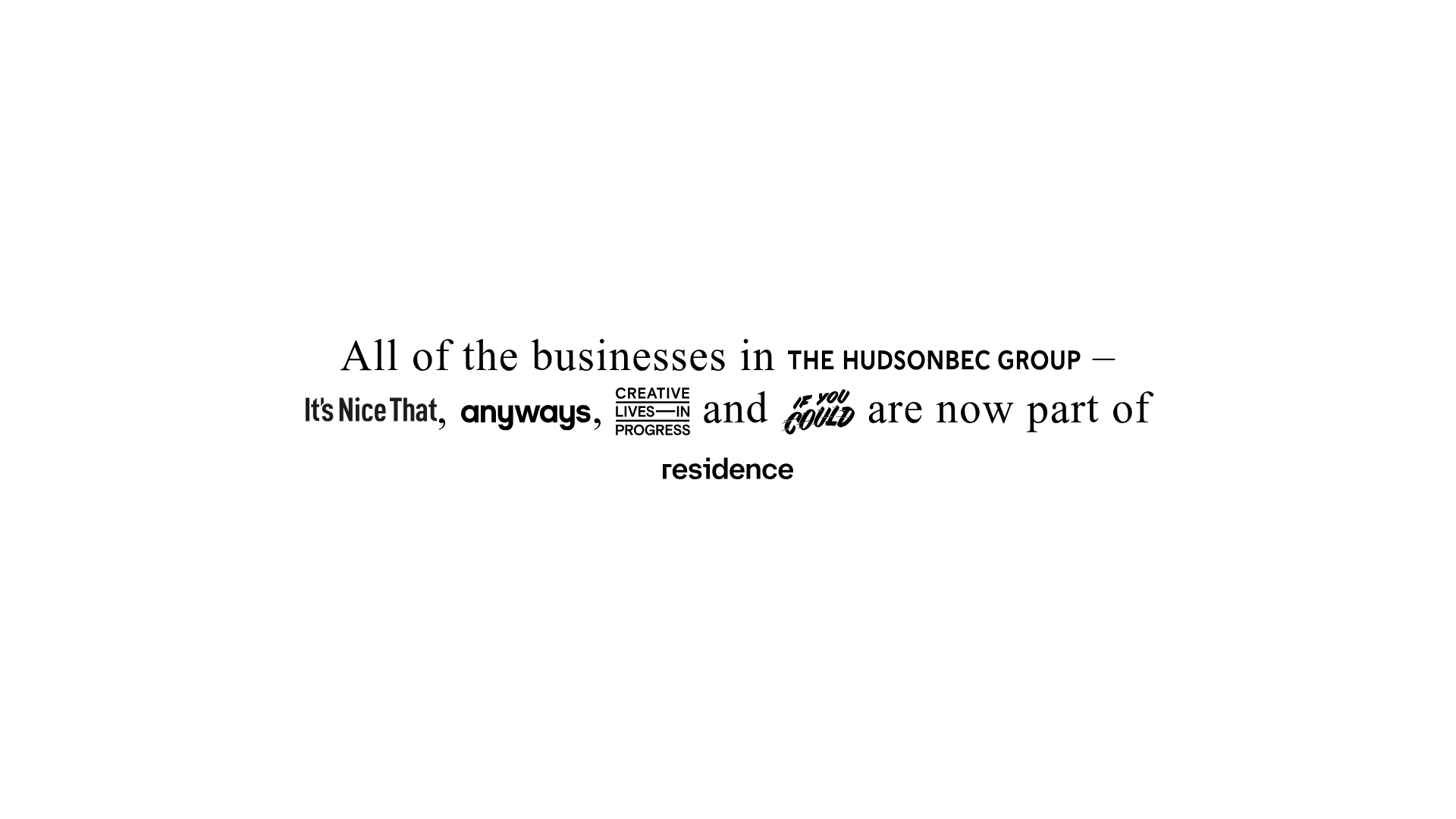
HudsonBEC Group acquisition landing page
A minimalist, typography-driven announcement landing page featuring a centered text hero and embedded brand logo SVG links.
