Nginx Default 404 Error Page
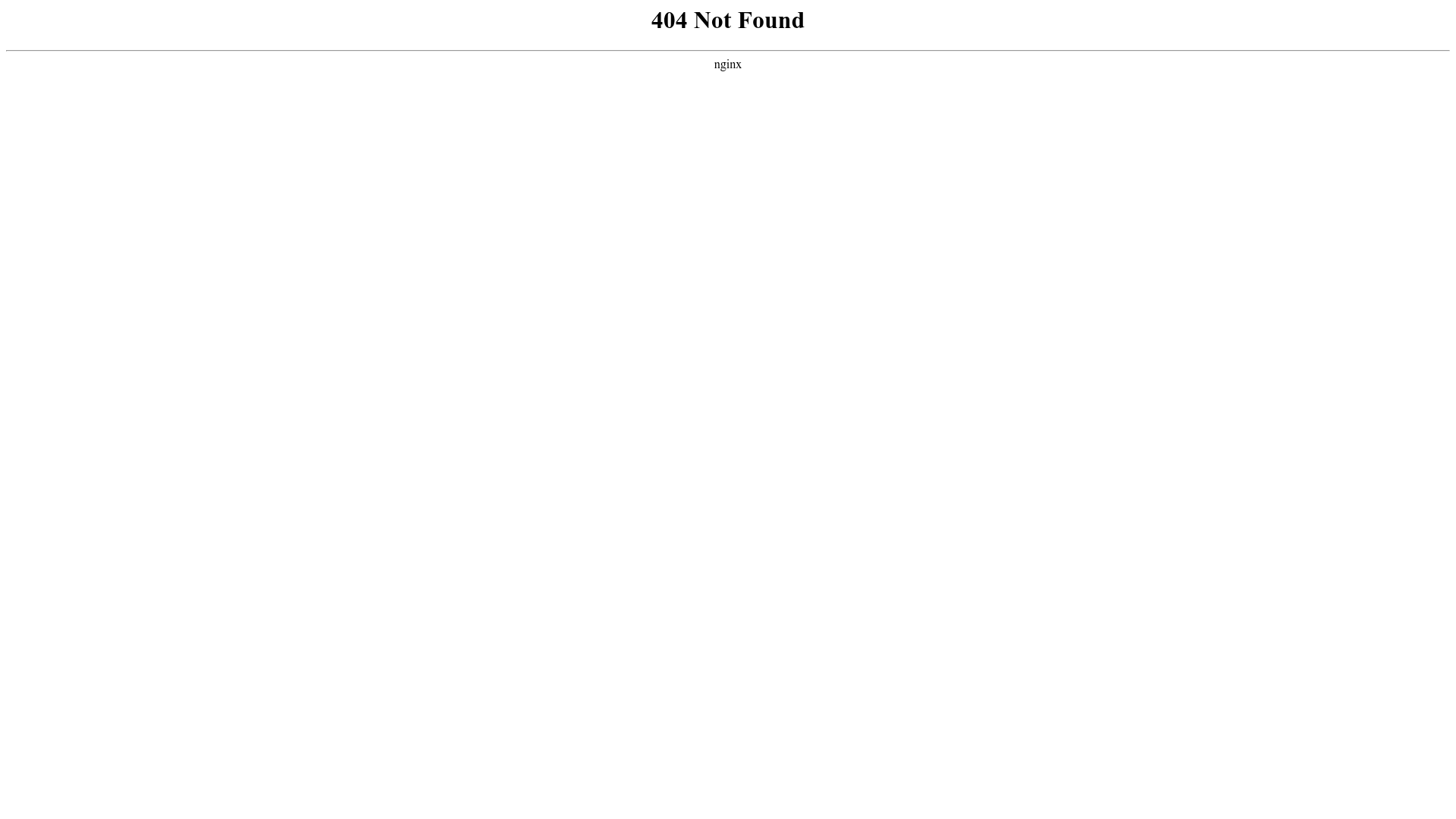
A minimal, unstyled 404 error page layout featuring center-aligned text and a horizontal rule separator.
Overview
This is a classic minimalist Nginx default 404 error page. It serves as a stark, functional baseline for web server error handling and is a strong clone reference for developers who need to understand the absolute structural requirements of a server-side generated failure message.
Design System
- Color Palette and Visual Hierarchy: The design is monochromatic, featuring black text (
#000000) on a stark white background (#FFFFFF). The hierarchy is strictly vertical, utilizing center alignment to focus the user's attention on the error status. - Typography: The layout uses browser-default Serif fonts. The primary heading ("404 Not Found") is rendered in a large, bold
<h1>tag for immediate recognition, while the origin server ("nginx") is displayed in a standard font size. - Page Structure: The layout follows a simple three-tier stacked structure: a top-level heading, a full-width horizontal rule (
<hr>) acting as a visual separator, and a footer tag specifying the server software. - Reusable Components: The core reusable pattern is the use of the
<center>tag (while deprecated in modern HTML, it remains functional here for legacy compatibility) to achieve immediate horizontal centering of status text. - Implementation Clues: The HTML reveals a raw, server-generated approach using legacy HTML tags like
<center>and<hr>rather than CSS flexbox or grid, indicating this is a static, low-overhead file delivered directly by the Nginx binary.
Use Cases
- Who should clone this pattern: Backend engineers and DevOps specialists looking to set up the most lightweight possible custom error pages for high-traffic servers where page load performance is critical.
- What products can remix it effectively: Any web application can use this as a "skeleton" for an error page. It is particularly useful for internal tooling or administrative dashboards where aesthetics are secondary to utility.
- Practical remix directions: To improve this design, replace the
<center>tags with a CSS Flexbox container (e.g.,display: flex; flex-direction: column; justify-content: center; align-items: center; min-height: 100vh;). Swap the Serif font for a brand-consistent Sans-Serif stack and add a "Return to Home" button beneath the horizontal rule. - Suggested clone scope: A quick full-page clone is recommended, including the meta viewport (though not visible here) to ensure basic mobile legibility.
Related Inspirations
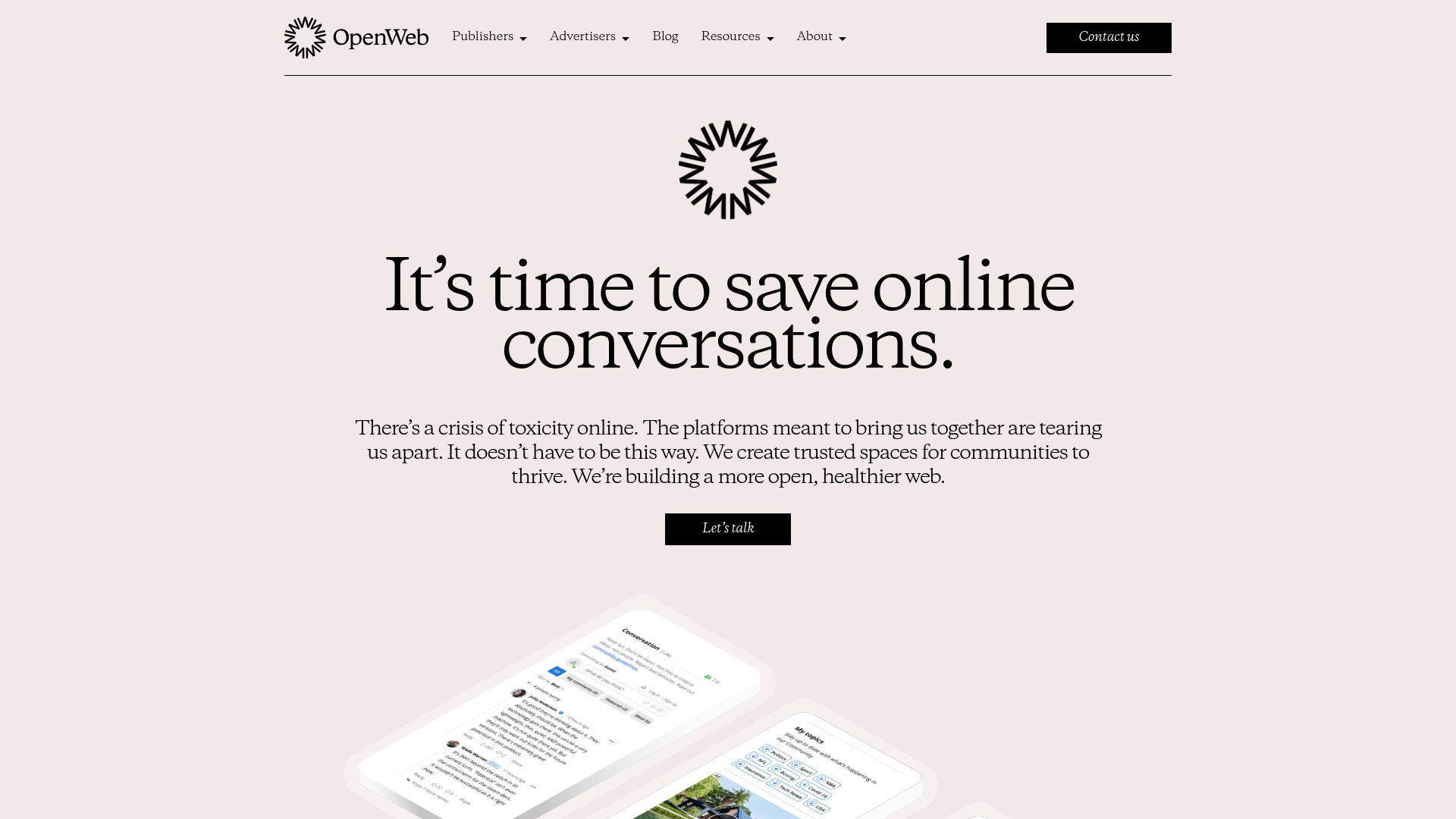
OpenWeb B2B Service Landing Page
A professional landing page layout featuring a central animated hero area, data visualization counters, a client logo grid, testimonial slider, and tabbed lead generation forms.
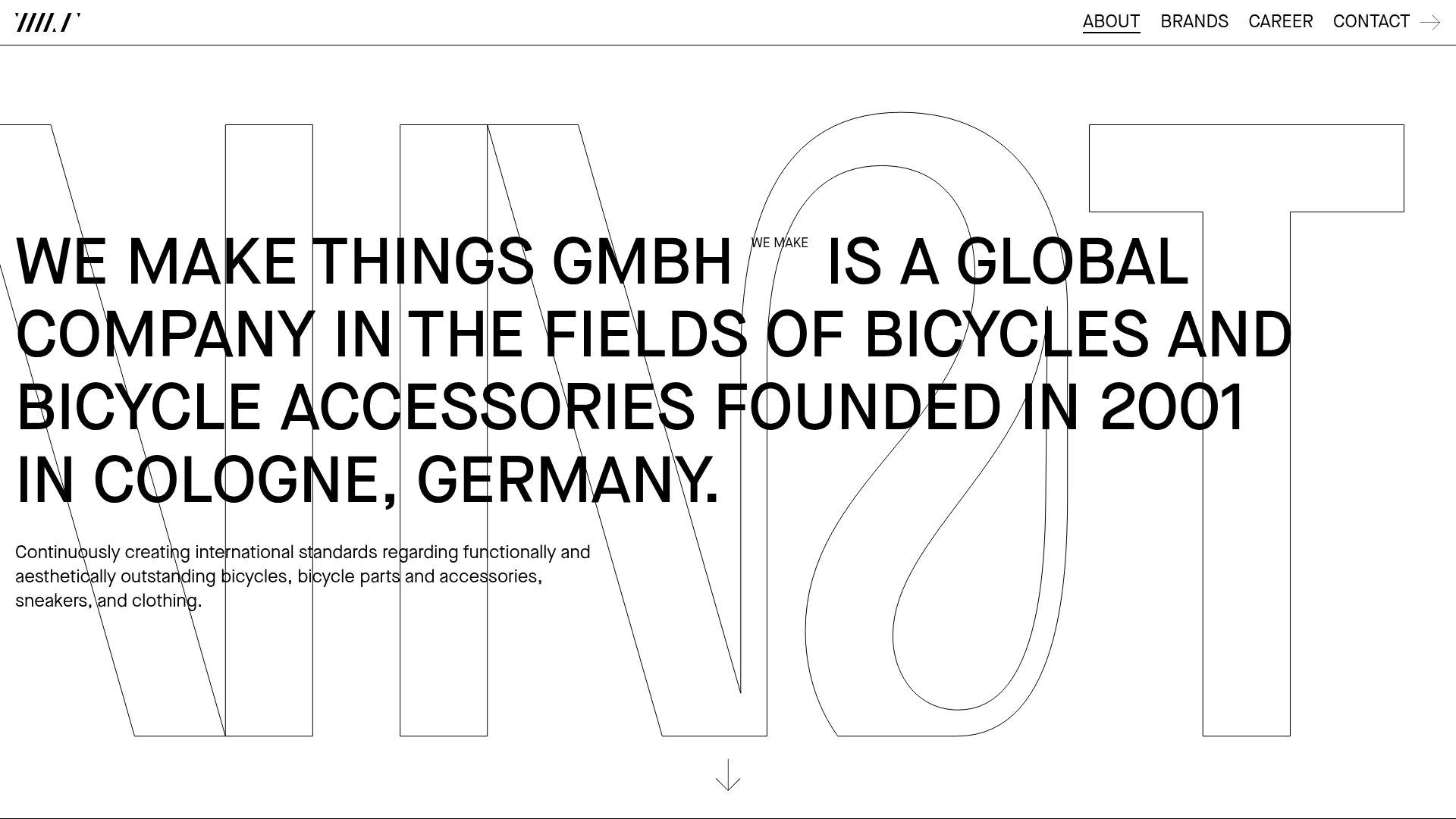
WE MAKE THINGS Corporate Portfolio
A minimalist corporate site featuring a bold typography-heavy hero section and an accordion-style brand list with integrated image galleries and external links.
403 Forbidden Access Page
A minimalist, centered HTTP 403 error status page layout suitable for clean and simple server-side response templates.

Standard Apache 404 Error Page
Minimal server-side error page layout featuring basic HTML typography, a horizontal rule, and a simple server identification footer.
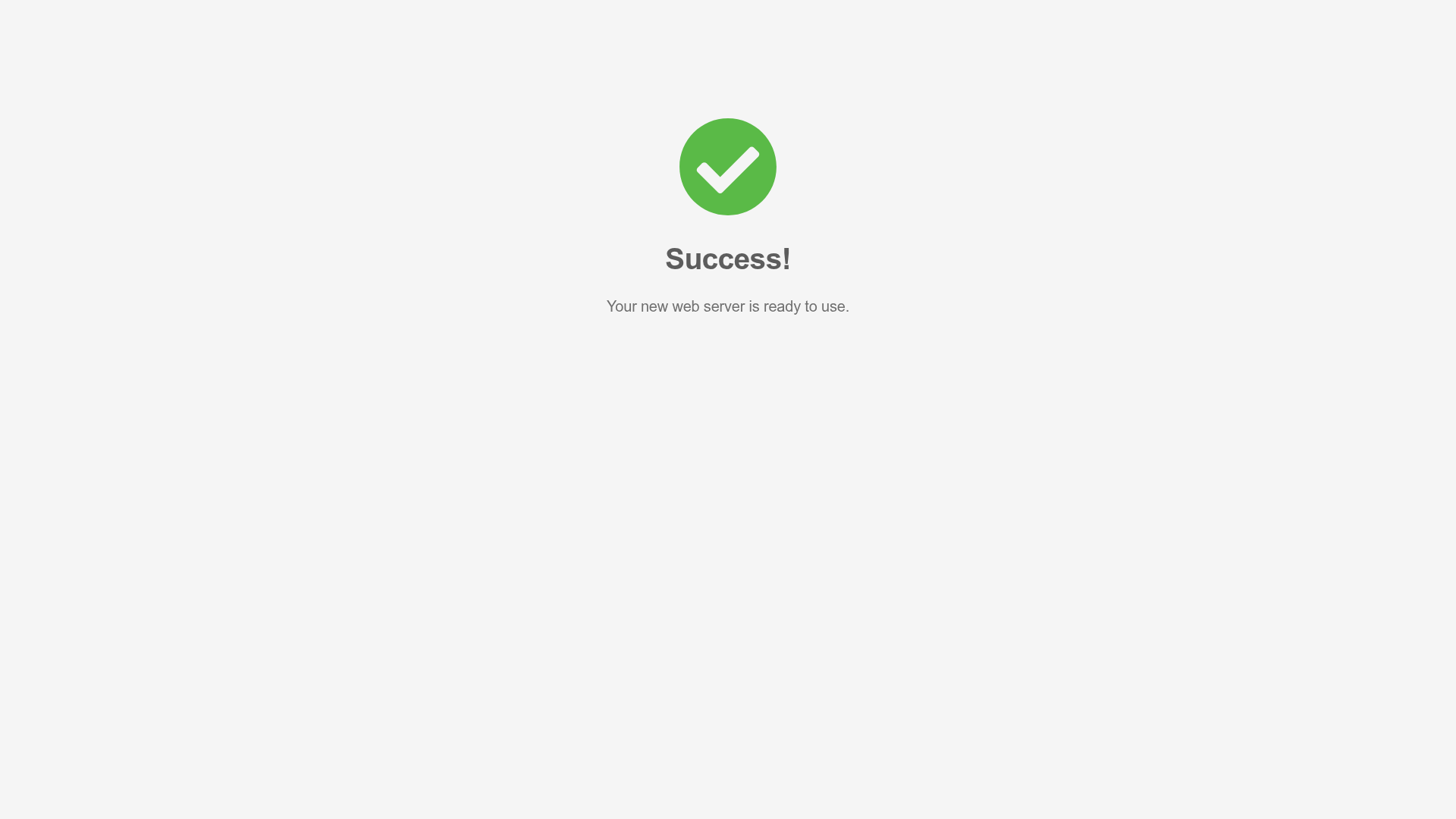
Minimal Animated Success Landing Page
A clean, centered confirmation screen featuring a large green icon, a bold heading, and smooth fade-in entry animations.

Nonymous Coming Soon Placeholder Page
A minimalist blank landing page featuring a simple 'Coming soon' text layout suitable for basic domain parking or initial placeholder deployment.
