Forbidden Access Error Page
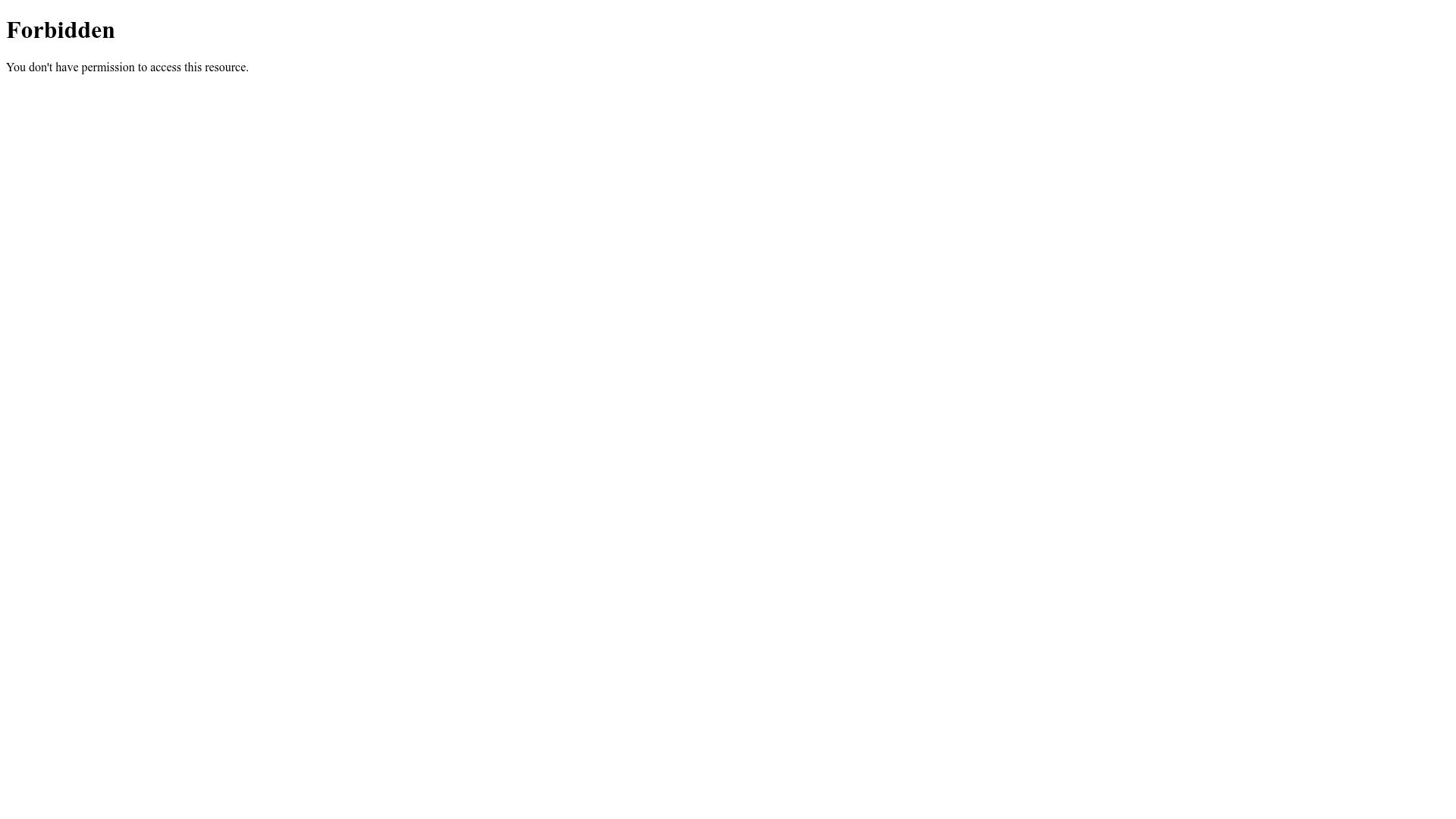
A minimal 403 Forbidden error page layout featuring basic typography and a standard access notification message.
Overview
This template provides a bare-bones implementation of a 403 Forbidden error page. It serves as a perfect starting point for developers who need a clean, standard-compliant fallback page that can be easily styled to match any brand's design system without the clutter of non-essential elements.
Design System
- Color Palette & Visual Hierarchy: The design uses a high-contrast, minimalist monochromatic scheme (black text on a white background). The hierarchy is strictly top-to-bottom, prioritizing the status code/error name over the explanatory text.
- Typography System: The layout utilizes standard serif system fonts. There is a clear scale difference between the
h1header (large, bold) and thepbody text (regular weight, smaller size) to indicate information priority. - Page Structure: The structure is extremely simple, consisting of two primary block-level elements: an
<h1>heading for the error title and a<p>tag for the descriptive message. It is structured to load instantly with minimal HTTP requests. - Reusable Components: The core "Error Message Group" is the only component here. It is ideal for cloning into a global error-handling layout or a custom server response template.
- Responsive Behavior: Based on the simple HTML structure, the content is naturally responsive, reflowing to fit any screen width by default as it occupies the standard document flow without fixed-width containers.
Use Cases
- Who should clone this: Developers needing a quick, functional placeholder for server-side error handling (Nginx, Apache, or custom middleware).
- Effective Remixes: This pattern can be effectively remixed for any HTTP status error (404, 500, 503).
- Remix Directions:
- Branding: Swap the system serif font for a brand-specific sans-serif and add a company logo.
- Navigation: Add a "Return Home" button or a search bar beneath the paragraph to improve user retention.
- Visuals: Centering the text vertically and horizontally in the viewport using Flexbox or Grid would transform this into a modern, minimalist landing state.
- Clone Scope: A quick section clone. This provides the semantic skeleton needed for an error page which can then be wrapped in a more complex global site theme.
Related Inspirations
OpenWeb B2B Service Landing Page
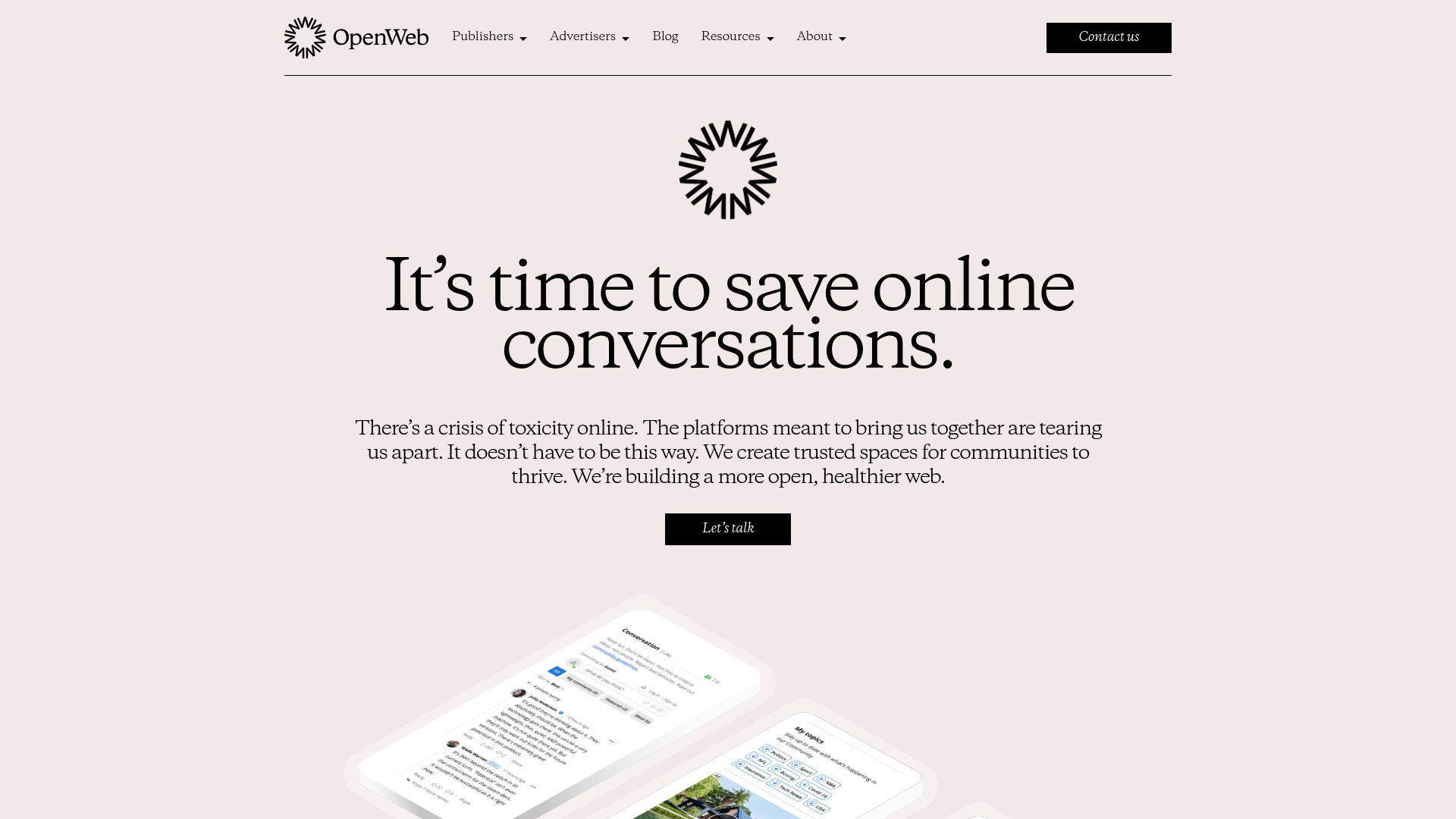
A professional landing page layout featuring a central animated hero area, data visualization counters, a client logo grid, testimonial slider, and tabbed lead generation forms.
WE MAKE THINGS Corporate Portfolio
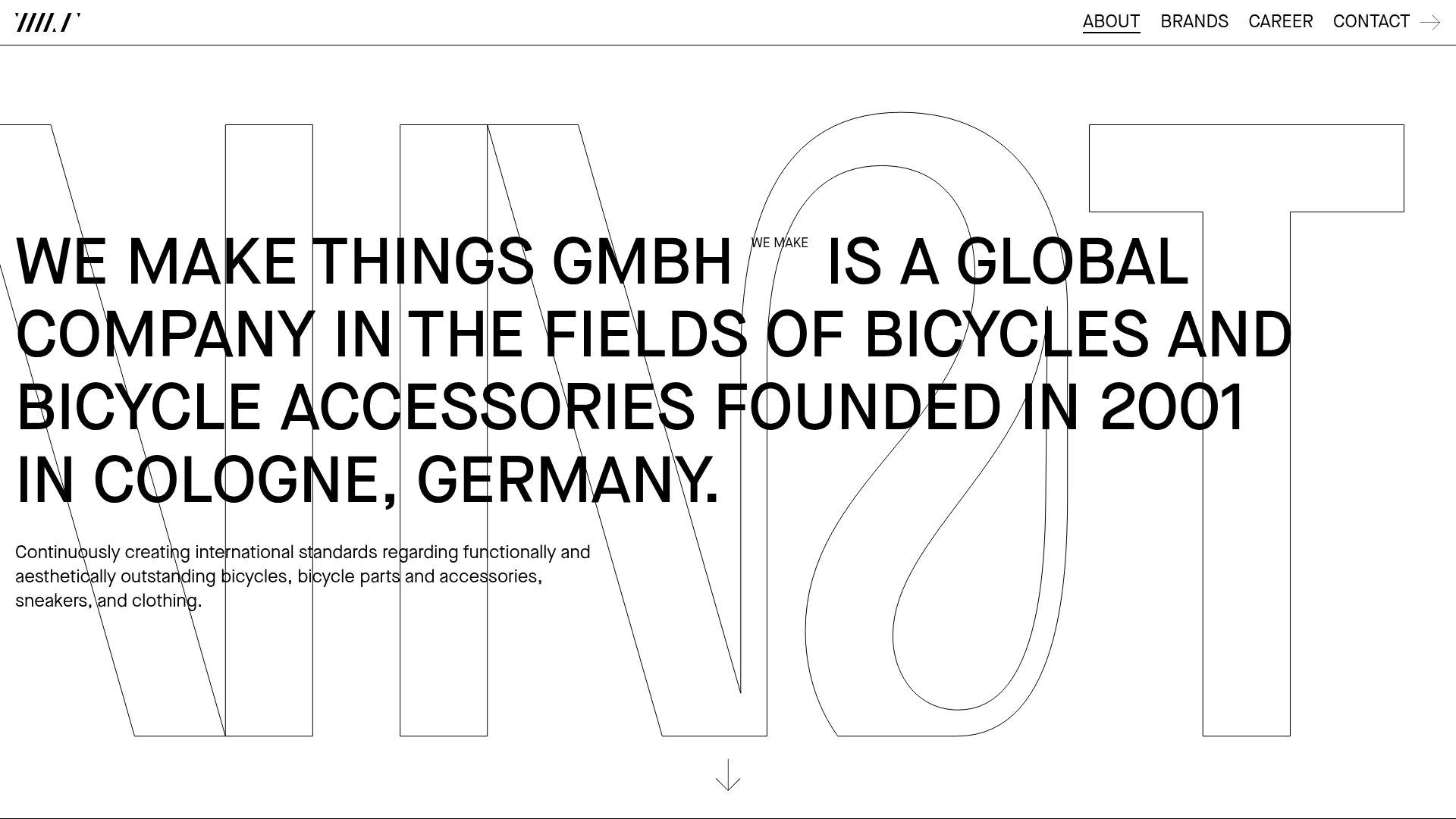
A minimalist corporate site featuring a bold typography-heavy hero section and an accordion-style brand list with integrated image galleries and external links.
403 Forbidden Access Page
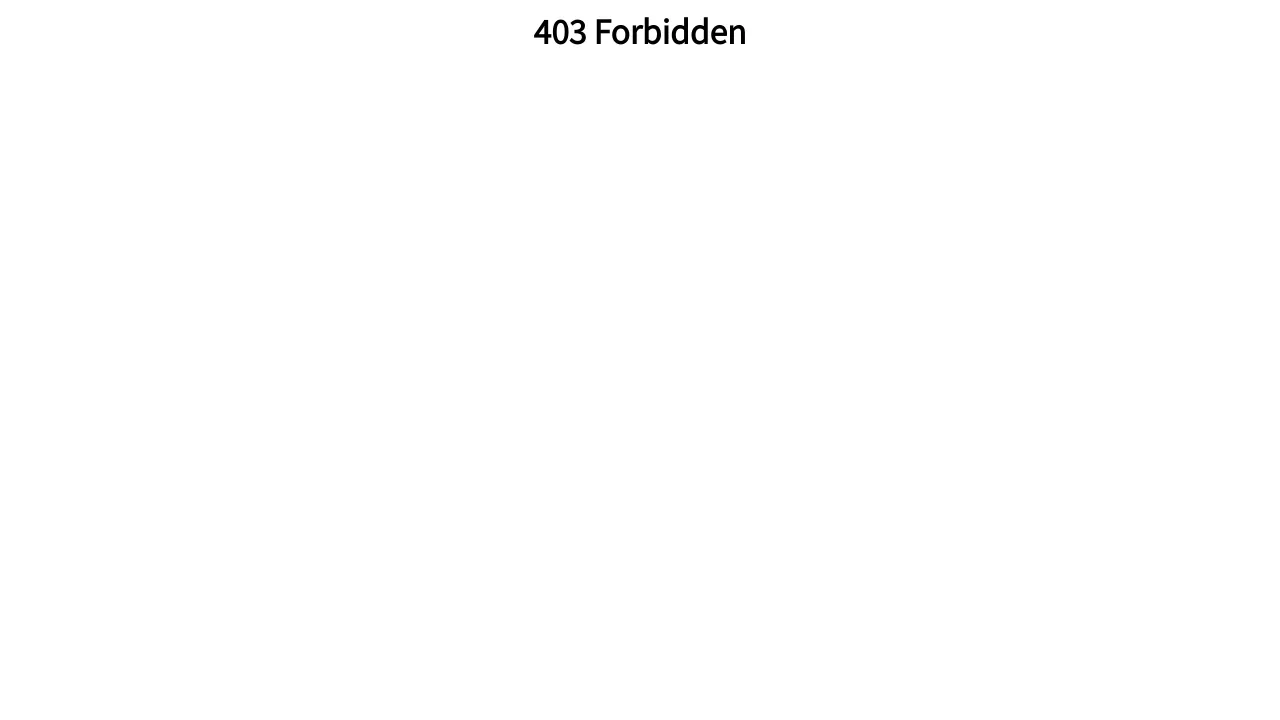
A minimalist, centered HTTP 403 error status page layout suitable for clean and simple server-side response templates.
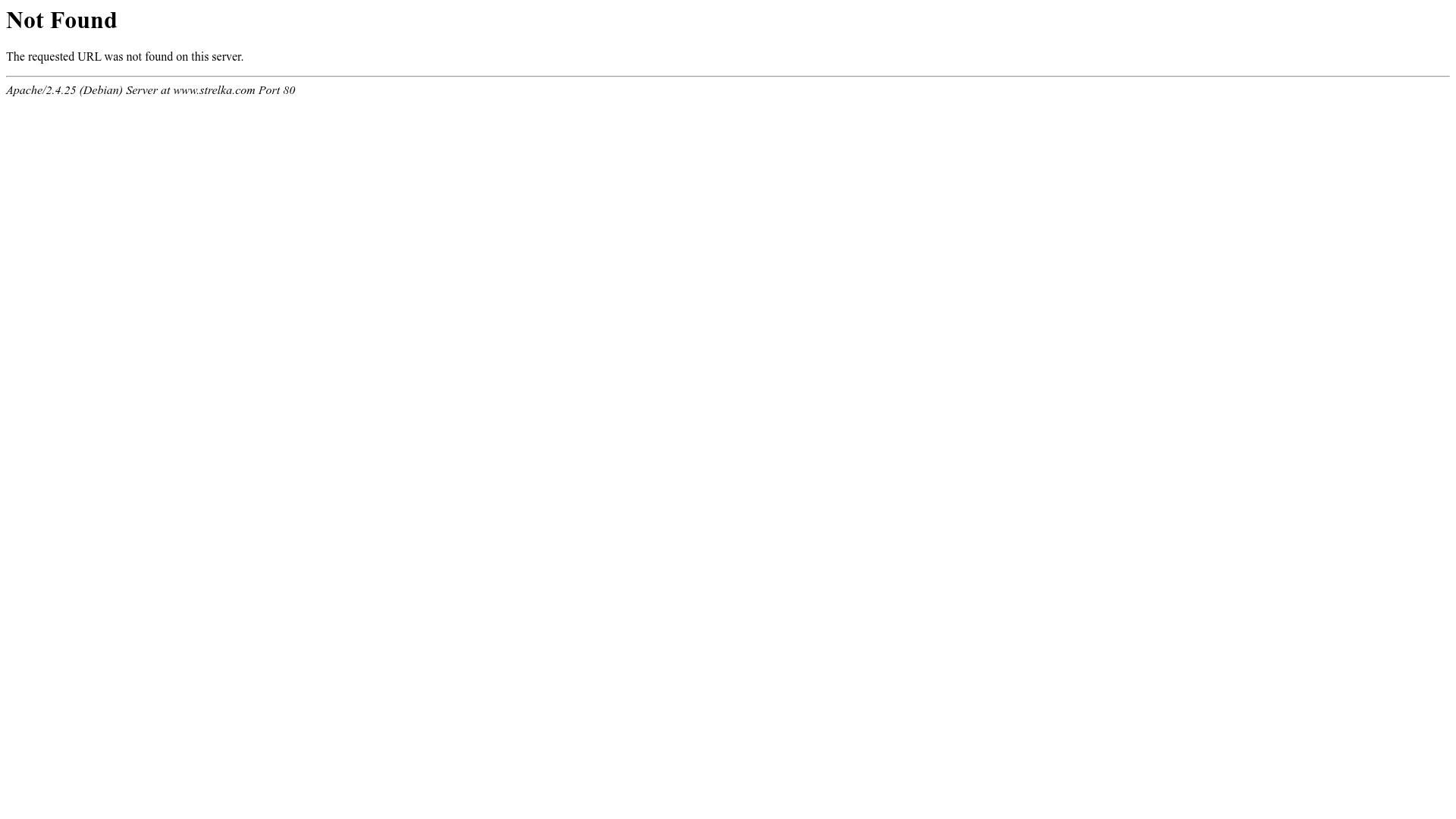
Standard Apache 404 Error Page
Minimal server-side error page layout featuring basic HTML typography, a horizontal rule, and a simple server identification footer.
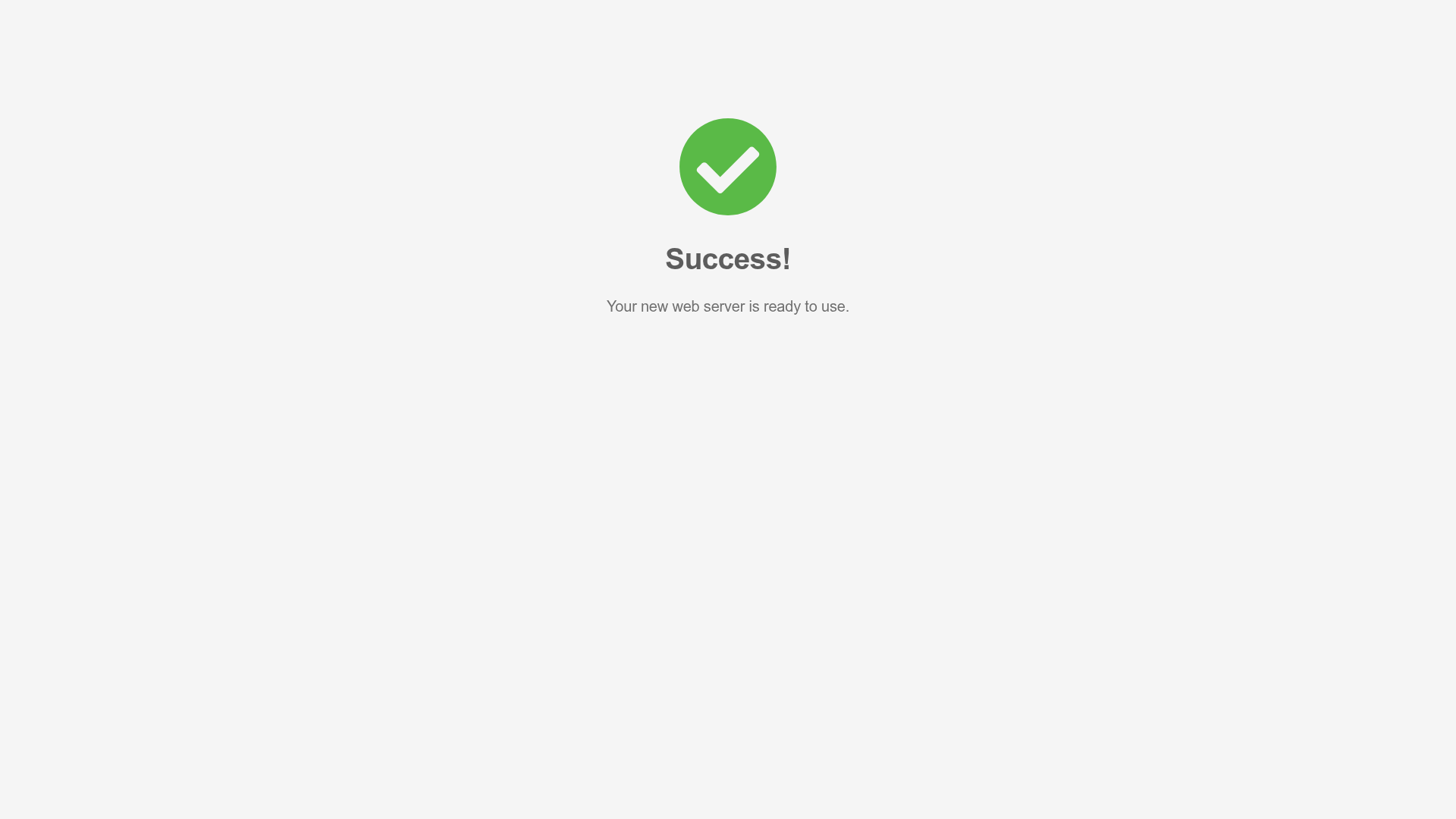
Minimal Animated Success Landing Page
A clean, centered confirmation screen featuring a large green icon, a bold heading, and smooth fade-in entry animations.
Nonymous Coming Soon Placeholder Page
A minimalist blank landing page featuring a simple 'Coming soon' text layout suitable for basic domain parking or initial placeholder deployment.
