The Sea We Breathe Immersive Experience
An interactive WebGL-based storytelling layout featuring a data-rich HUD overlay, custom animated audio controls, and a full-screen video canvas for cinematic narrative experiences.

Overview
This site is an immersive, high-end WebGL storytelling experience designed for cinematic narrative and environmental advocacy. It serves as a flagship reference for developers looking to blend full-screen 3D visuals with a functional "Heads-Up Display" (HUD) interface, providing an atmospheric user journey that prioritizes emotional impact and data-rich over-lays.
Design System
- Color Palette & Visual Hierarchy: The palette is dominated by a deep technical navy (#002e4d range) and cyan-accented light blues. Light blue text and white elements contrast against dark, atmospheric video/WebGL backgrounds. Hierarchy is established through transparency and thin border-strokes that evoke a laboratory or high-tech maritime instrument.
- Typography System: The system uses a mix of uppercase sans-serif fonts. Large, outlined titles (
t-outline) create a cinematic feel, while small, monospaced or highly tracked UI text (8pt to 12pt) is used for technical data like depth and temperature, reinforcing the HUD aesthetic. - Page Structure & Section Flow: The layout starts with a multi-stage loader (percentage progress to "Connection Established"), followed by a centered "Let's Begin" call-to-action. The main experience features a central narrative pillar surrounded by fixed UI elements: a persistent language switcher (top right), an audio visualizer (bottom left), and an interactive data panel (bottom right).
- Reusable Components:
- The HUD Panel: A modular box containing dynamic stats (
js-hud-depth,js-hud-temp) with fine-lined dividers. - Audio Visualizer Button: A custom component with animated vertical bars (
btn__bar) and a "scramble" text hover effect. - Action Buttons: Framed buttons with tactical corner accents (
btn__corner) and dual-layer text for sophisticated hover transitions.
- The HUD Panel: A modular box containing dynamic stats (
- Interaction & Motion Patterns: High use of GSAP/ScrollTrigger patterns for fading text sequences. Elements utilize
visibility: hiddenandopacity: 0states for controlled reveal on load. Button interactions include magnetic-style corner movements and scramble text animations. - Implementation Clues: The HTML reveals a utility-first CSS approach (e.g.,
d-flex,items-center,mb-2). It uses a custom cursor container, aglcanvas for the primary visual layer, and a router-wrapper system (likely Barba.js or similar) for seamless transitions between narrative stages.
Use Cases
- Who should clone this: Creative developers building portfolio sites, environmental campaigns, or educational experiences that require a non-traditional, immersive narrative flow.
- Remix Directions:
- Science/Tech Dashboards: Reuse the HUD components and monospaced typography to create a real-time data monitoring interface.
- Interactive Documentaries: Adapt the central narrative text cycle and audio-visualizer for story-driven journalism.
- Product Launches: Replace the ocean backgrounds with 3D product renders while keeping the "Dive Deeper" UI for a high-tech discovery feel.
- Suggested Clone Scope: A full-page clone is best to maintain the specific timing and feel of the pre-loader and transitions, though the HUD panel is highly extractable as a standalone UI component.
Related Inspirations
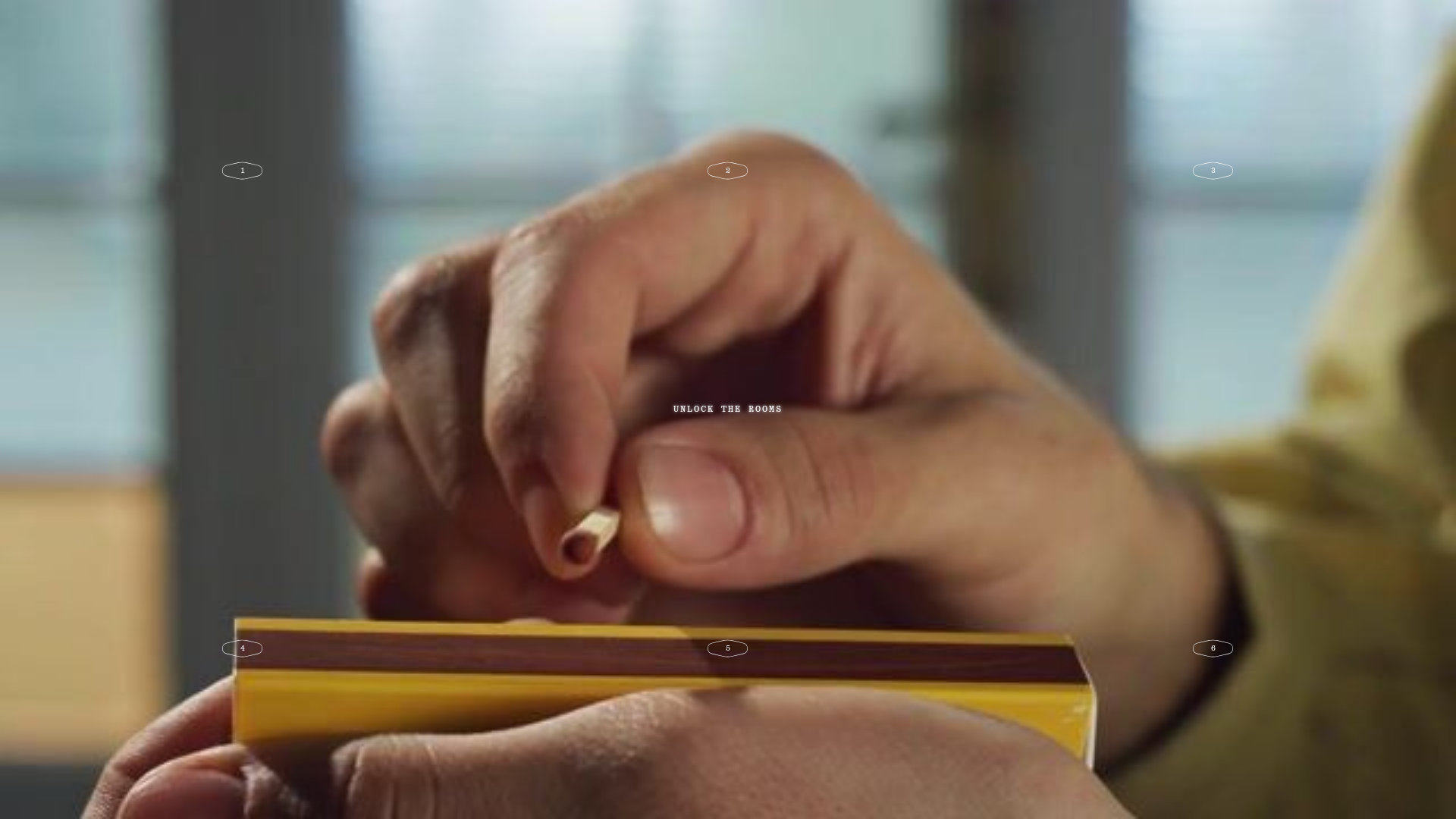
Fornasetti Profumi ASMR Interactive Gallery
A high-concept landing page featuring full-screen atmospheric video backgrounds, numbered interactive hotspots, and a minimal overlay UI for an immersive storytelling experience.

Phantom Creative Agency Landing Page
Minimalist dark-mode hero layout featuring a sound-enabled interaction overlay, monochrome cookie banner, and accessible screen-reader-optimized content architecture.

Bruno Simon 3D Interactive Portfolio
A Three.js and WebGPU driven 3D game environment featuring interactive navigation, custom touch controls, and a canvas-based layout for immersive web experiences.

IAD Lab Interactive Event Landing
A dark-themed event page featuring a Three.js WebGL hero, Svelte-powered scroll animations, a structured program timeline, and a past-edition archive list.
Marina Abramović Immersive Storytelling Gallery
A high-end multimedia experience featuring a 3D canvas background, custom cursor effects, interactive audio controls, and an overlay-based menu for immersive digital narratives.
Gemini Immersive WebGL Motion Showcase
Features a cinematic Three.js WebGL canvas stage with interactive navigation buttons, a hold-to-interact pattern, and data-driven terminal-style UI overlays.
