Gemini Immersive WebGL Motion Showcase
Features a cinematic Three.js WebGL canvas stage with interactive navigation buttons, a hold-to-interact pattern, and data-driven terminal-style UI overlays.
Overview
This site is a high-end immersive WebGL showcase that demonstrates how to merge high-performance 3D graphics with a functional, data-heavy UI overlay. It serves as a masterclass in cinematic digital storytelling, perfect for developers looking to clone sophisticated "hold-to-interact" patterns and terminal-style heads-up displays (HUDs).
Design System
- Color Palette & Visual Hierarchy: The aesthetic is rooted in a minimalist, tech-noir black and white palette. High-contrast white text is used for readability against a dark, moody 3D environment. Hierarchy is established through font weight and line-based graphic elements that draw the eye toward the center stage.
- Typography: The design utilizes a technical, monospaced-adjacent sans-serif (e.g., used for the 'GEMINI' logo and 'cinematic-copy'). Text is used as a decorative data element, featuring small scales for metadata and larger, bold headers for section titles like "In slow movement view."
- Page Structure: The layout consists of a full-screen
<canvas>for WebGL content, layered beneath an interactive UI (#ui). The flow transitions from a loading screen to an experience layer with side navigation, finally revealing a detailed "cinematic" overlay containing telemetry-style data and footer information. - Reusable Components:
- Hold-to-Interact Button: The
.hold-interactioncomponent uses a circular progress visual that signals long-press actions. - Stage Navigation: Side-aligned navigation buttons (
.stage-nav-btn) featuring thin line accents and vertical text orientations. - Data-Driven HUD: The upper (
#cinematic-header) and lower (#cinematic-footer) bars provide a modular framework for displaying technical specs or project metadata.
- Hold-to-Interact Button: The
- Interaction & Motion Patterns: The UX relies on state changes triggered by pointer events. Key markers include hover effects on navigation and the transition into "cinematic mode" which likely involves CSS transforms or opacity shifts on the
.cinematic-barand.grid-lineelements. - Implementation Clues: The structure uses a raw Three.js approach (indicated by the #app canvas) with vanilla-style HTML/CSS for the UI overlay. It utilizes custom attributes like
split-by="word"andletter-animation="fadeIn", suggesting a custom-built text reveal animation engine.
Use Cases
- Who should clone this: Digital production houses, automotive configurators, and gaming landing pages looking for a premium, "tech-heavy" aesthetic.
- Effective Remixes: This pattern works exceptionally well for luxury product launches (watches, cars, hardware) where technical specs need to feel like an integral part of the visual experience rather than a separate table.
- Remix Directions:
- Visuals: Swap the car for a 3D model of a product; keep the HUD.
- Structure: Decouple the UI from the WebGL center and use it as a standalone overlay for video background sites.
- Data: Replace the coordinate and telemetry data with real-time API feedback or product pricing.
- Clone Scope: A full-page clone is recommended to capture the seamless integration between the 3D stage and the UI, but developers can quickly clone just the
.cinematic-footerto add a "pro" tech utility bar to any project.
Related Inspirations
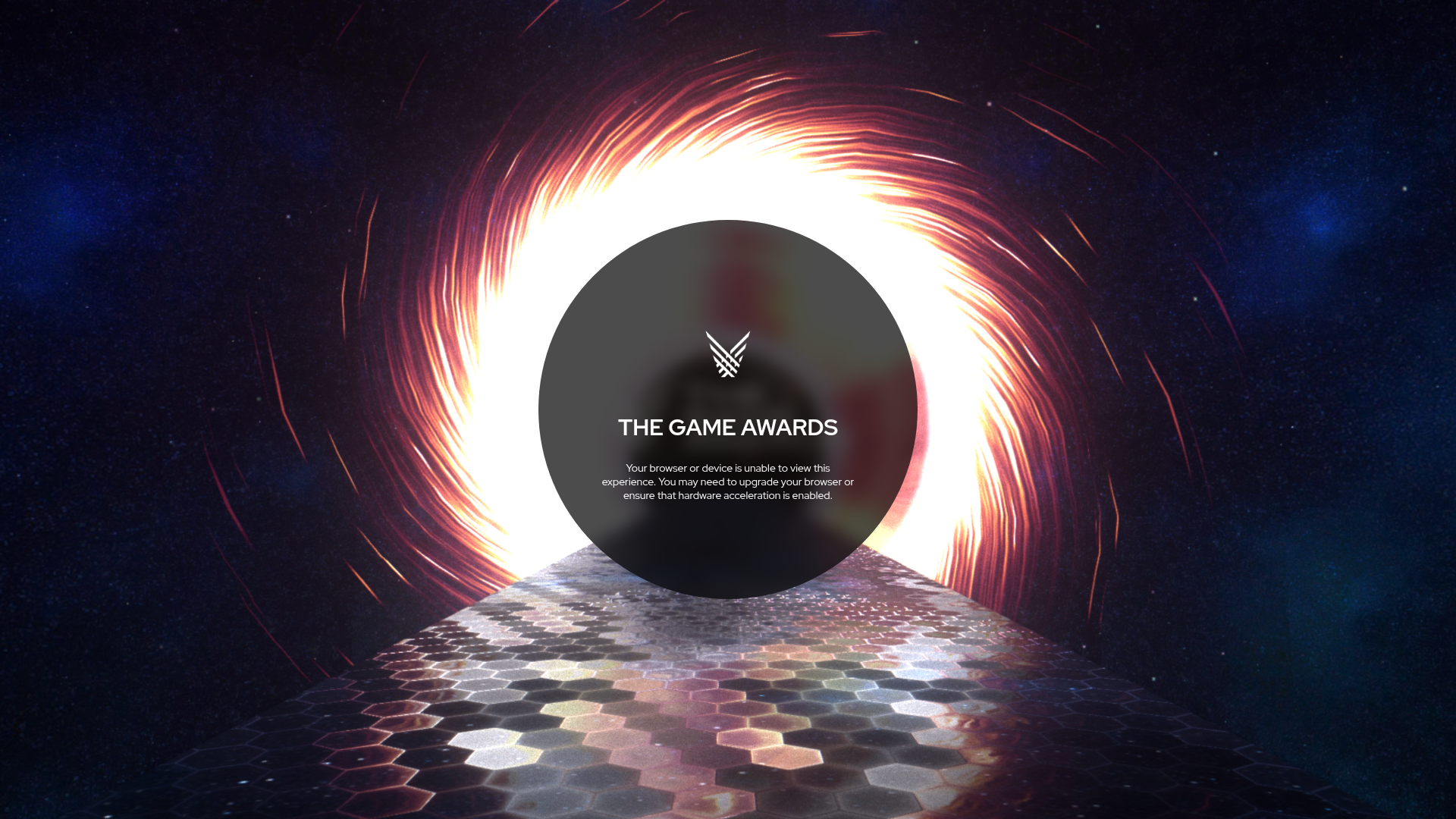
The Game Awards WebGL Experience
A high-end multimedia site featuring a WebGL canvas background with space themes, hexagon-tiled flooring, and a centered circular UI for status messaging.
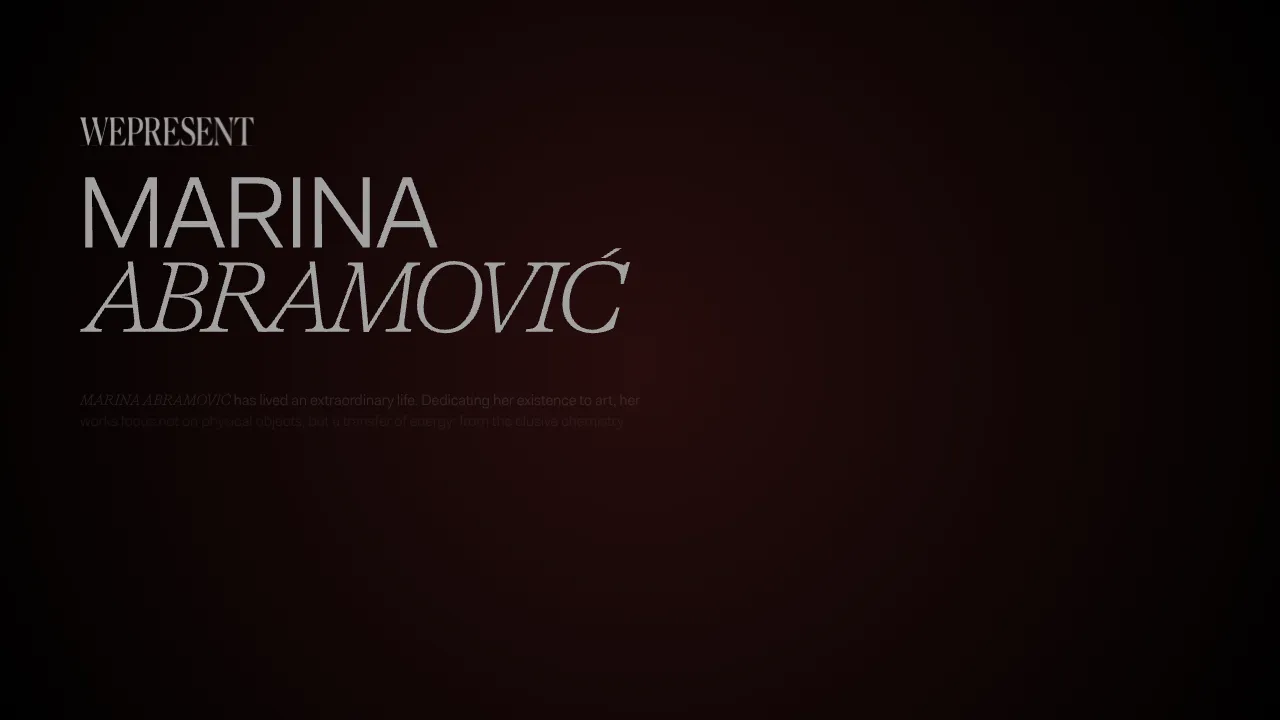
Marina Abramović Immersive Storytelling Gallery
A high-end multimedia experience featuring a 3D canvas background, custom cursor effects, interactive audio controls, and an overlay-based menu for immersive digital narratives.
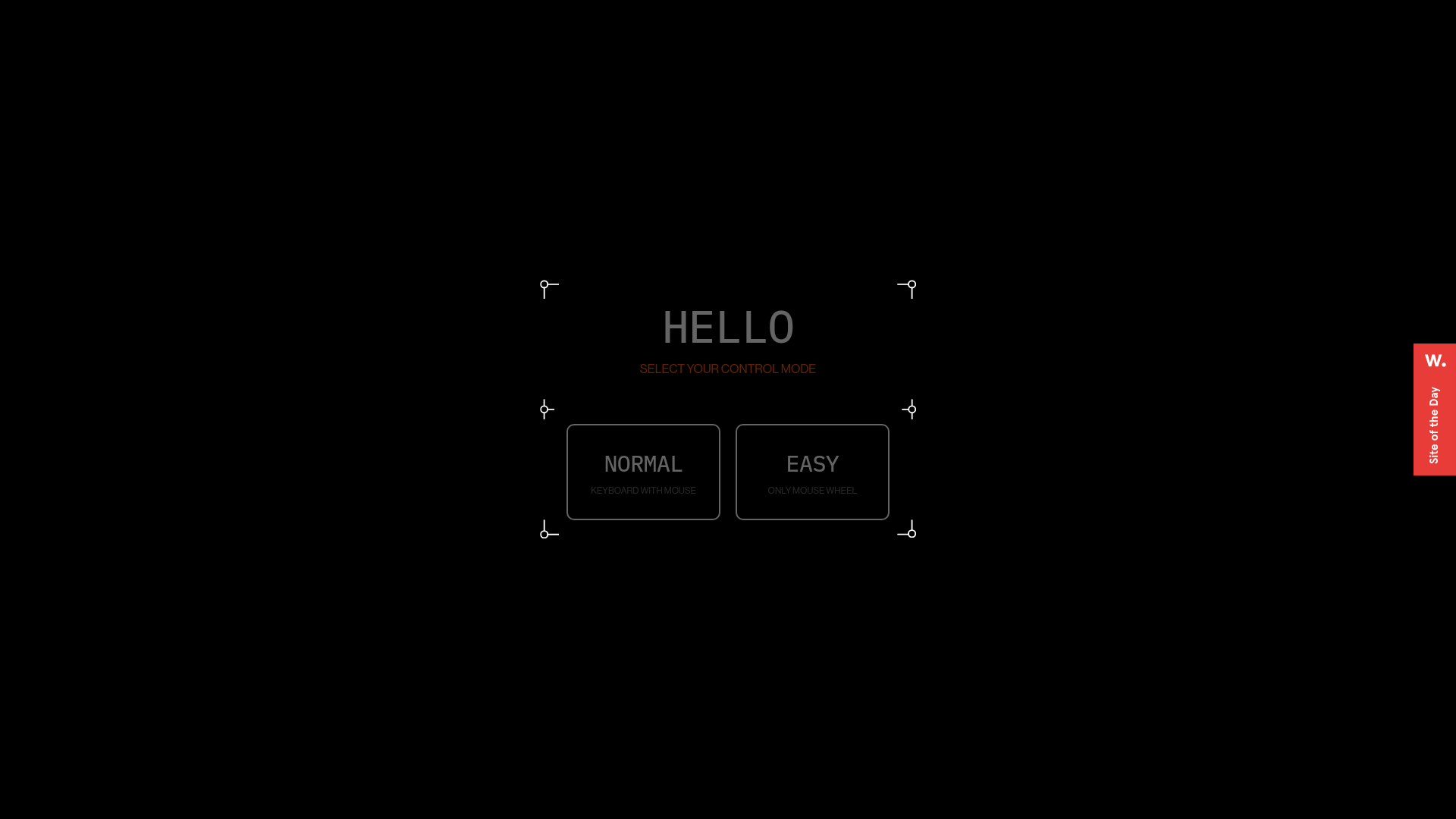
Digital Showroom Control Mode Selection
A futuristic UI featuring a modal with framed corners, grid backgrounds, and custom buttons for selecting navigation preferences like keyboard or mouse controls.

Bruno Simon 3D Interactive Portfolio
A Three.js and WebGPU driven 3D game environment featuring interactive navigation, custom touch controls, and a canvas-based layout for immersive web experiences.

The Sea We Breathe Immersive Experience
An interactive WebGL-based storytelling layout featuring a data-rich HUD overlay, custom animated audio controls, and a full-screen video canvas for cinematic narrative experiences.

IAD Lab Interactive Event Landing
A dark-themed event page featuring a Three.js WebGL hero, Svelte-powered scroll animations, a structured program timeline, and a past-edition archive list.
