RapidResultSearch Browser Error Page
A cloneable browser-native error page layout featuring center-aligned typography, action buttons, 'Try Again' functionality, and integrated offline mini-game assets.

Overview
This project is a high-fidelity recreation of the Chromium-based "Internet Blocked" error page, specifically themed for the RapidResultSearch extension. It serves as a masterclass in functional minimalist design, providing an immediate, authoritative message while maintaining a hidden layer of utility through its integrated offline assets.
Design System
- Color Palette & Hierarchy: A strict neutral palette using a white (#FFFFFF) background with high-contrast Slate Gray text for readability. The primary action is highlighted with a single "Chrome Blue" button, creating a clear focal point for user recovery.
- Typography: Uses a sans-serif system stack (typically Arial or Helvetica) typical of browser interfaces. It employs a clear scale: a bold
h1for status, smaller secondary text for descriptions, and a mono-spaced font for the technical error code (ERR_BLOCKED_BY_CLIENT). - Page Structure:
- Iconography: A large, centered warning icon representing status.
- Core Message: Title and subtitle clearly explaining the issue.
- Suggestions: A bulleted list for troubleshooting.
- Action Area: A right-aligned container for primary buttons.
- Metadata: Discrete technical error code at the bottom of the main frame.
- Reusable Components:
- The "Blue Button": A specific utility class for browser-native styled buttons with subtle hover states.
- The Interstitial Wrapper: A centered, flexible container that handles vertical and horizontal alignment across viewport sizes.
- Offline Game Assets: The HTML includes Base64 encoded PNGs for the iconic "Dino" game, making it a self-contained unit for both utility and entertainment.
- Responsive Behavior: The layout is built for fluid responsiveness, utilizing centered margins and relative widths that scale from mobile browsers to 4K displays without losing legibility.
Use Cases
- Who should clone this: Developers building captive portal login pages, internal tool maintenance screens, or custom 404/500 error handlers for specialized SaaS products.
- Remix Directions:
- System Status: Reuse the centered layout for a "Scheduled Maintenance" page, replacing the extension message with a countdown timer.
- Success States: Flip the hierarchy to a "Success" page by swapping the blue button for a success green and changing the icon to a checkmark.
- Brand Alignment: Builders can adapt the professional layout to their own brand by injecting a custom color variable into the
.blue-buttonclass while keeping the precise spacing and typography scale.
- Clone Scope: For a quick win, clone the
.interstitial-wrapperandbuttonstyles; for a complete experience, include the#offline-resourcesto provide the built-in mini-game for long-duration downtime.
Related Inspirations
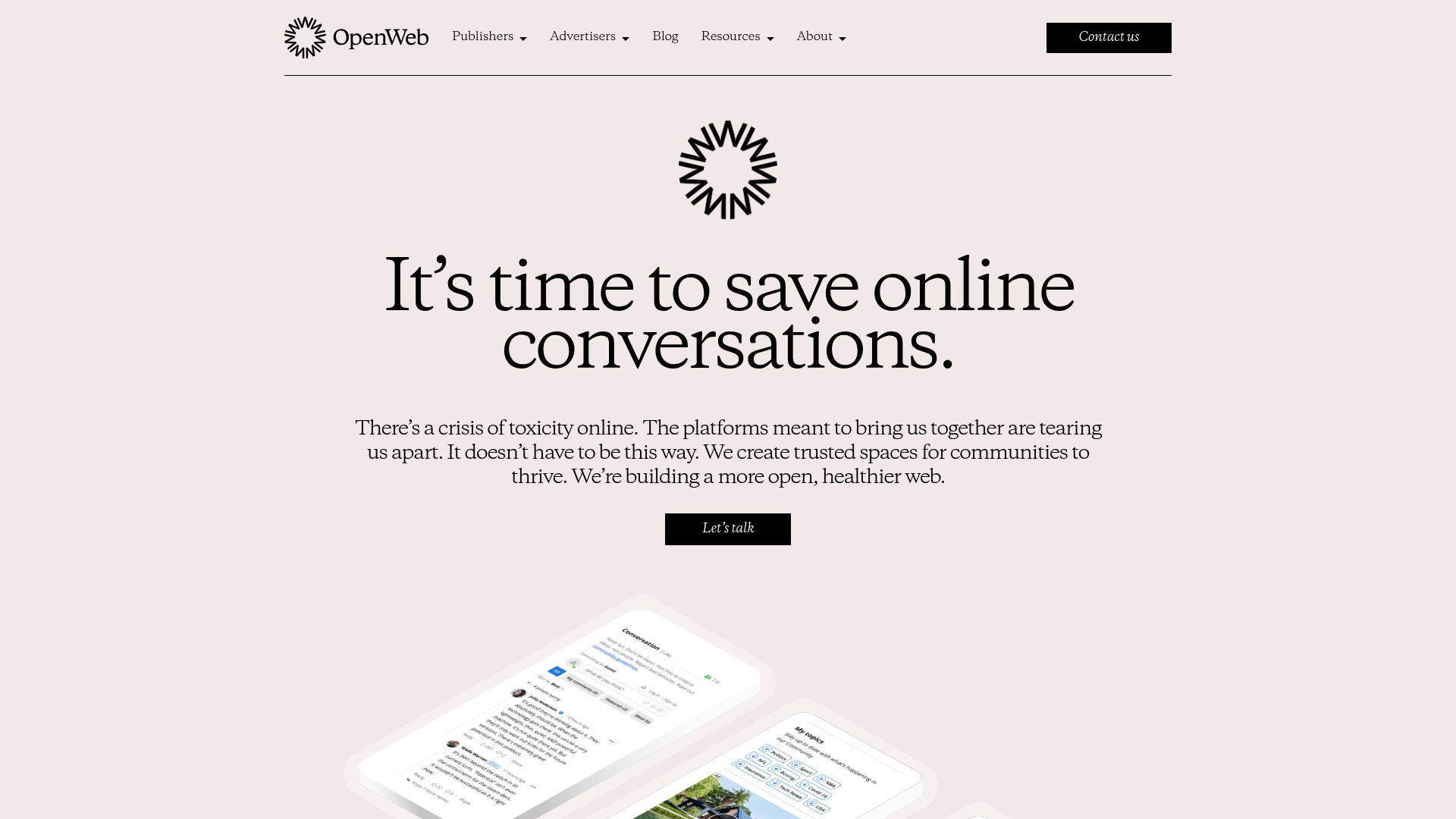
OpenWeb B2B Service Landing Page
A professional landing page layout featuring a central animated hero area, data visualization counters, a client logo grid, testimonial slider, and tabbed lead generation forms.
403 Forbidden Access Page
A minimalist, centered HTTP 403 error status page layout suitable for clean and simple server-side response templates.
Minimal Animated Success Landing Page
A clean, centered confirmation screen featuring a large green icon, a bold heading, and smooth fade-in entry animations.
Nonymous Coming Soon Placeholder Page
A minimalist blank landing page featuring a simple 'Coming soon' text layout suitable for basic domain parking or initial placeholder deployment.
Firebase Hosting Site Not Found
A minimal placeholder layout for 404 error states including a centered logo, numbered troubleshooting guide, and linked utility text.
BlueYard Minimal Logo Splash Page
A terminal-style minimalist loading screen featuring a centered logo block and a discreet bottom-aligned percentage progress indicator for high-end landing pages.
