Seen.space Application Error Page
A minimal, centered Next.js client-side exception layout built using CSS flexbox for error state handling.
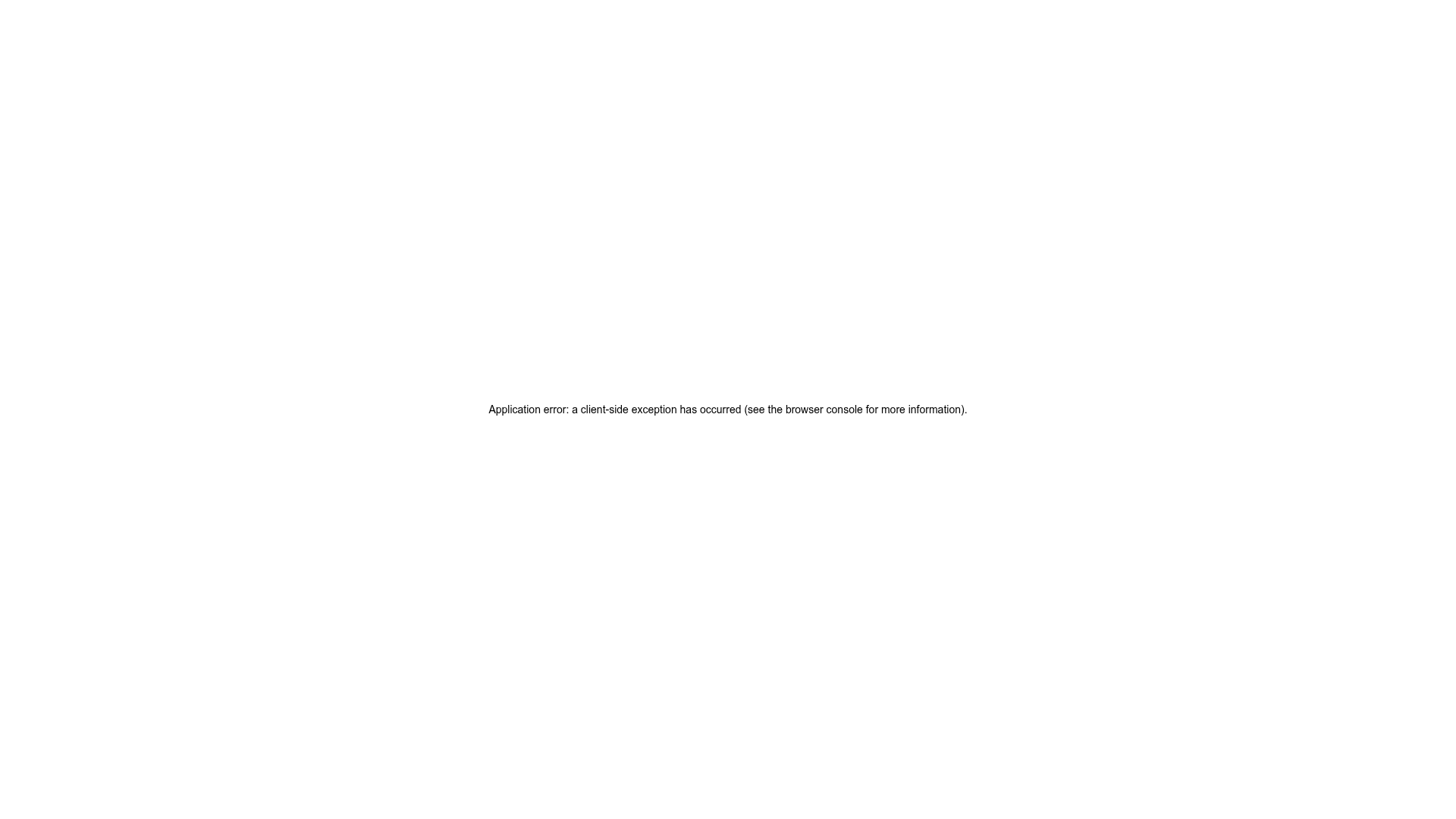
Overview
This screen represents the default Next.js framework 'Application Error' page, designed to catch unhandled client-side exceptions. It serves as a textbook example of a minimal, robust fallback UI that ensures a user isn't left with a blank white screen during a technical failure.
Design System
- Color Palette & Visual Hierarchy: The design is monochromatic, featuring black text on a pure white background (#FFFFFF). The visual hierarchy is extremely flat, intentionally drawing focus to a single, centered string of informative text.
- Typography System: The layout utilizes a standard system font stack (
-apple-system,BlinkMacSystemFont,Roboto,Segoe UI, etc.). The text is sized at14pxwith anormalfont weight, ensuring maximum readability across devices without stylistic distraction. - Page Structure: The layout uses a single-container approach. The HTML reveals a
100vhheight container withdisplay: flex,flex-direction: column, andjustify-content: centerto keep the error message perfectly centered both vertically and horizontally. - Reusable Components: The core reusable element is the centered flexbox wrapper. This structure is highly portable for 'Empty State' screens, maintenance pages, or lightweight splash screens.
- Implementation Clues: The HTML confirms this is a Next.js environment (via
id="__next"and thenext-route-announcer). The styling is applied via inline styles, prioritizing immediate rendering even if external CSS files fail to load. - Responsive Behavior: Because it uses a simple centered flexbox and small font size, the layout is inherently responsive and will remain centered on mobile, tablet, and desktop viewports without further modification.
Use Cases
- Who should clone this: Developers building React or Next.js applications who need a reliable custom error boundary or a 'fallback' UI for failed data fetches.
- What products can remix it: Any web application requiring a non-intrusive 'Under Maintenance' or 'Access Denied' screen.
- Practical remix directions: Replace the technical error text with brand-appropriate messaging, add a 'Go Back' button component, or incorporate a small SVG illustration above the text to soften the user experience.
- Suggested clone scope: Quick section clone. The layout container logic is the primary value here for centering content in the viewport.
Related Inspirations
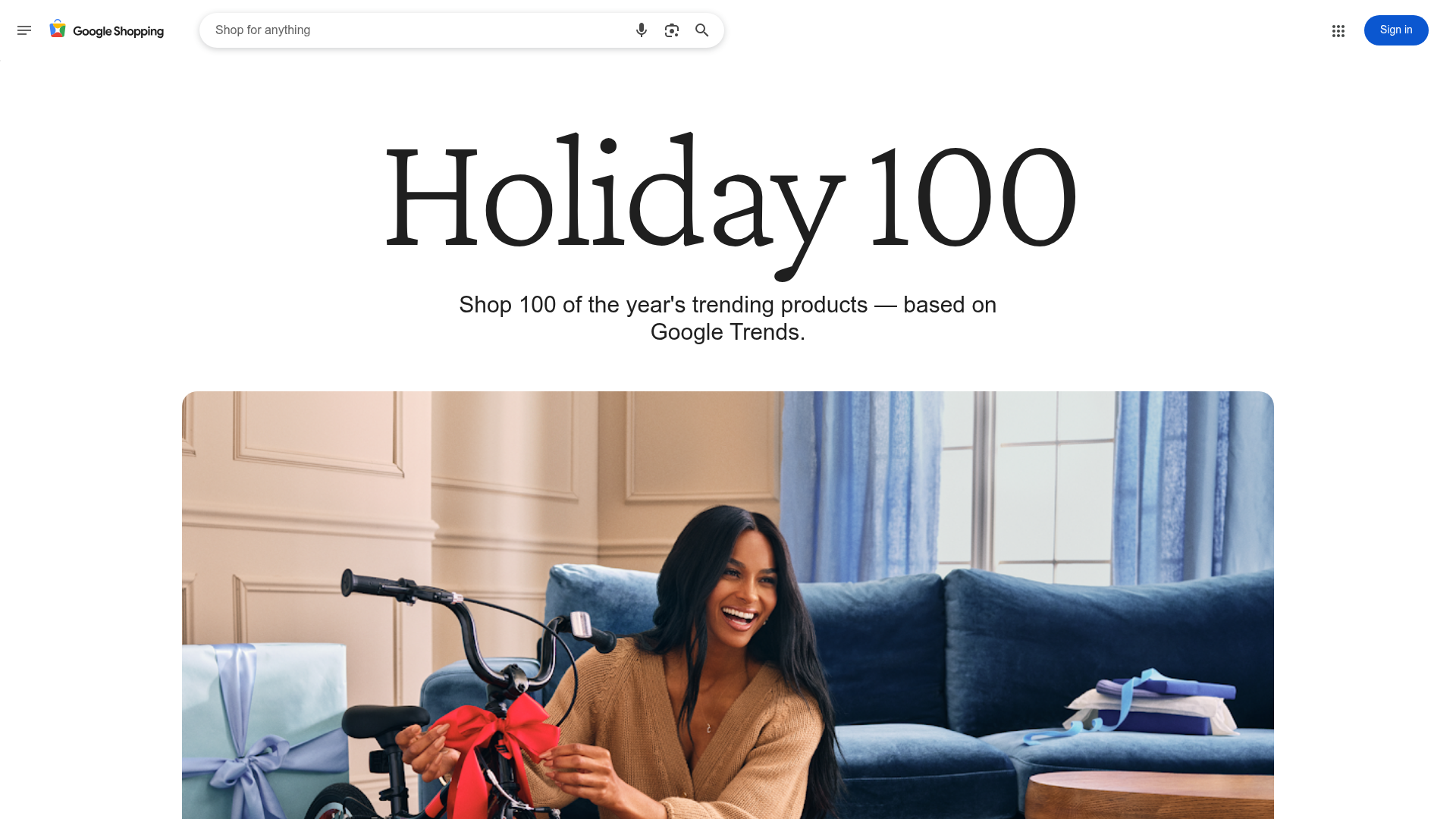
Google Holiday 100 Curator Landing Page
A minimalist e-commerce showcase featuring a wide hero section, clean search integration, and a bold typography-driven header designed for trending product collections.
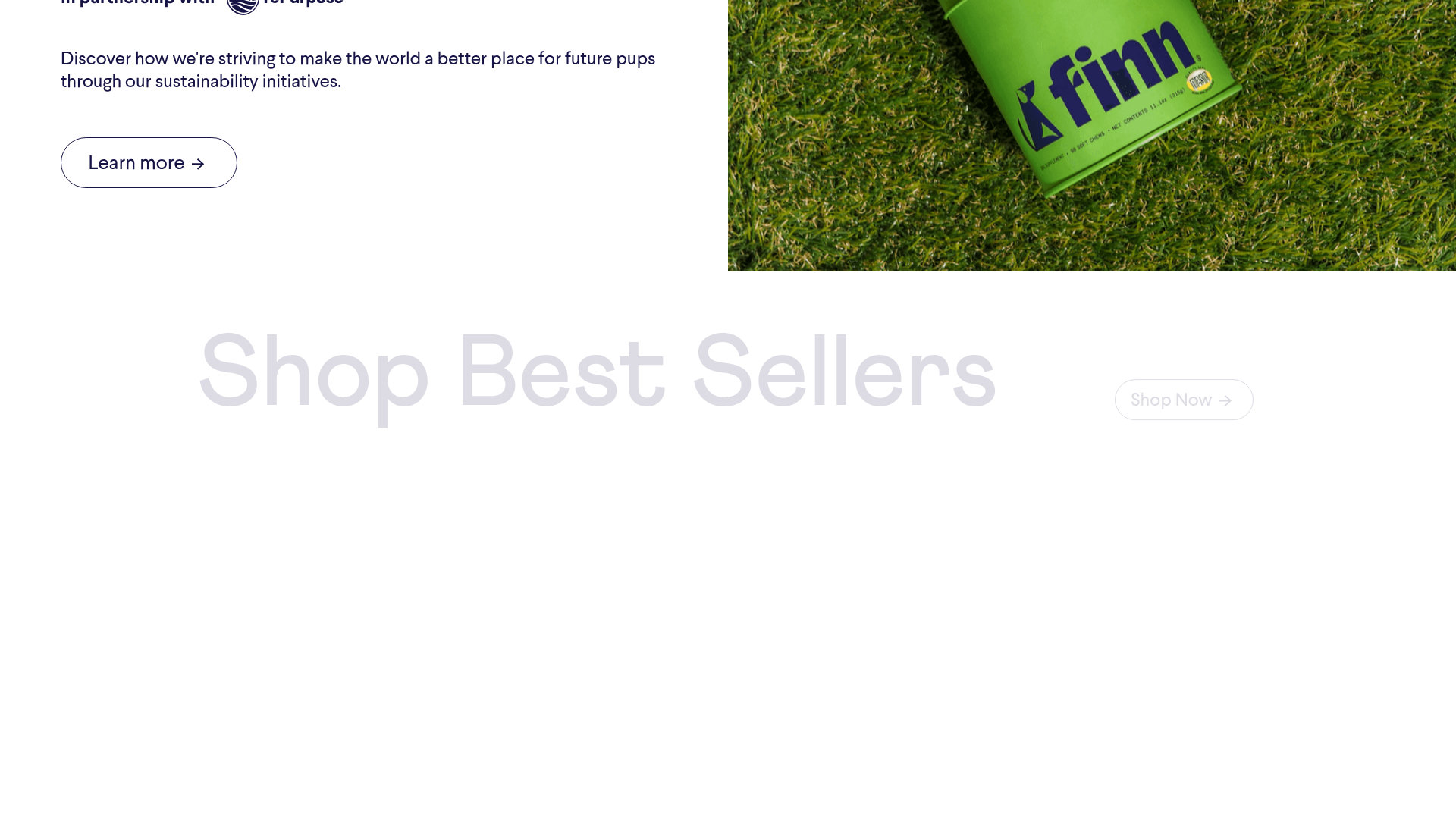
Finn Pet Supplements Landing Page
An e-commerce landing page featuring high-contrast typography, a sticky brand logo banner, parallax scroll effects on product headers, and a clean product grid.
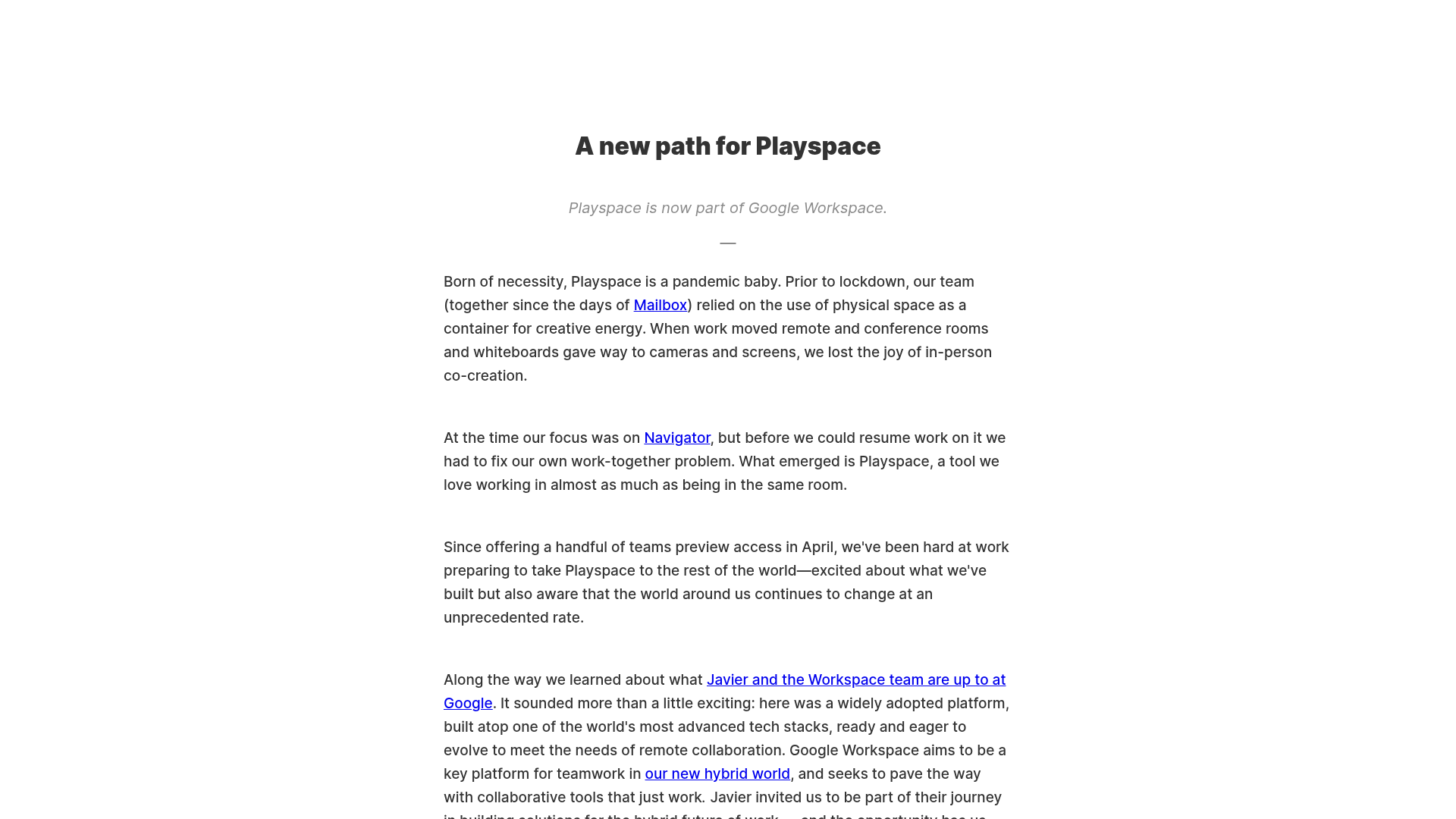
Playspace Acquisition Announcement Minimalist Layout
A clean, center-aligned announcement template featuring a vertical stack of rich text content and linked text elements on a neutral background.
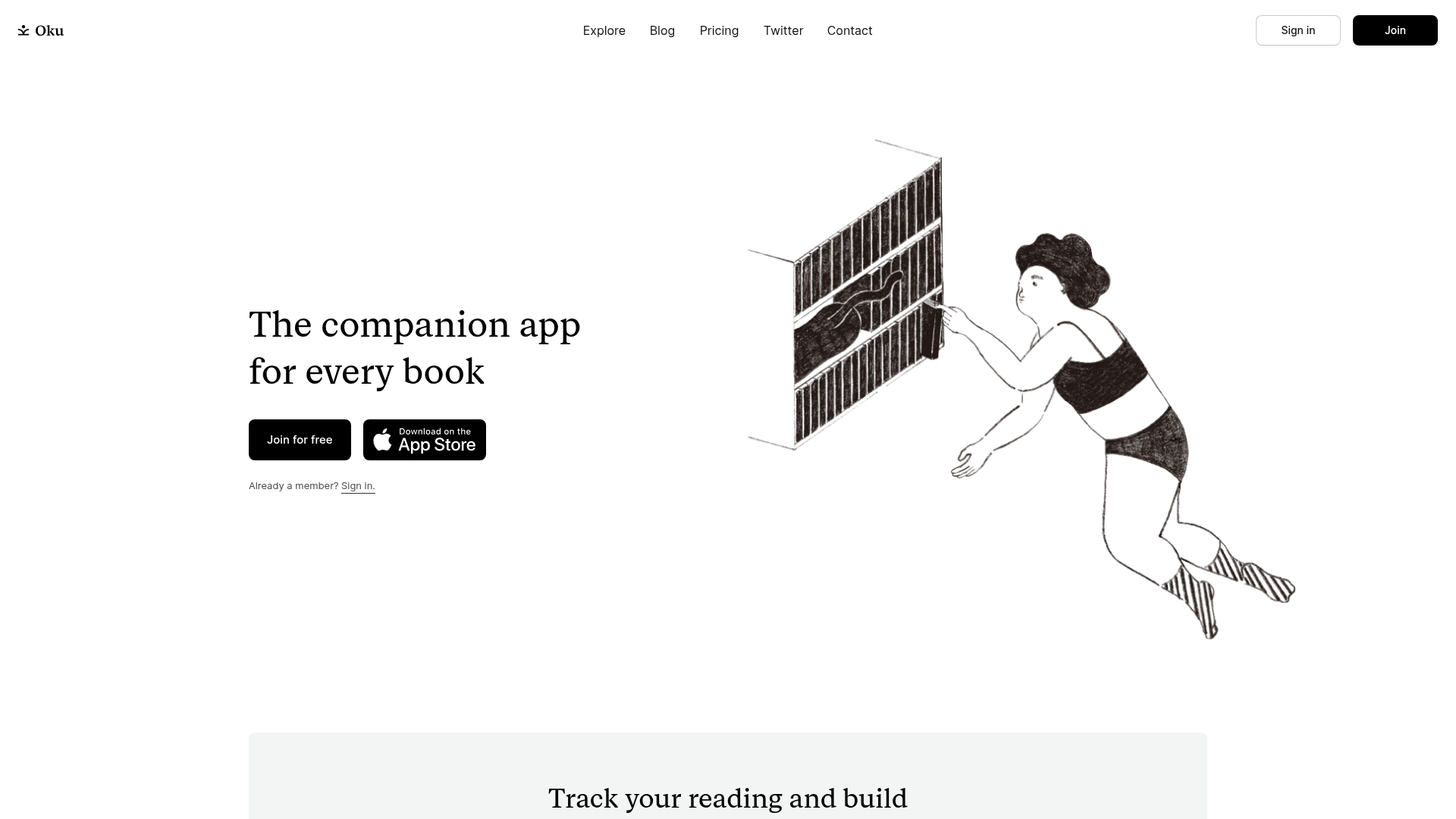
Oku Minimalist Book Tracking Landing Page
A clean, typography-focused landing page featuring a minimalist header, illustrated hero section, and clear call-to-action buttons for app downloads.
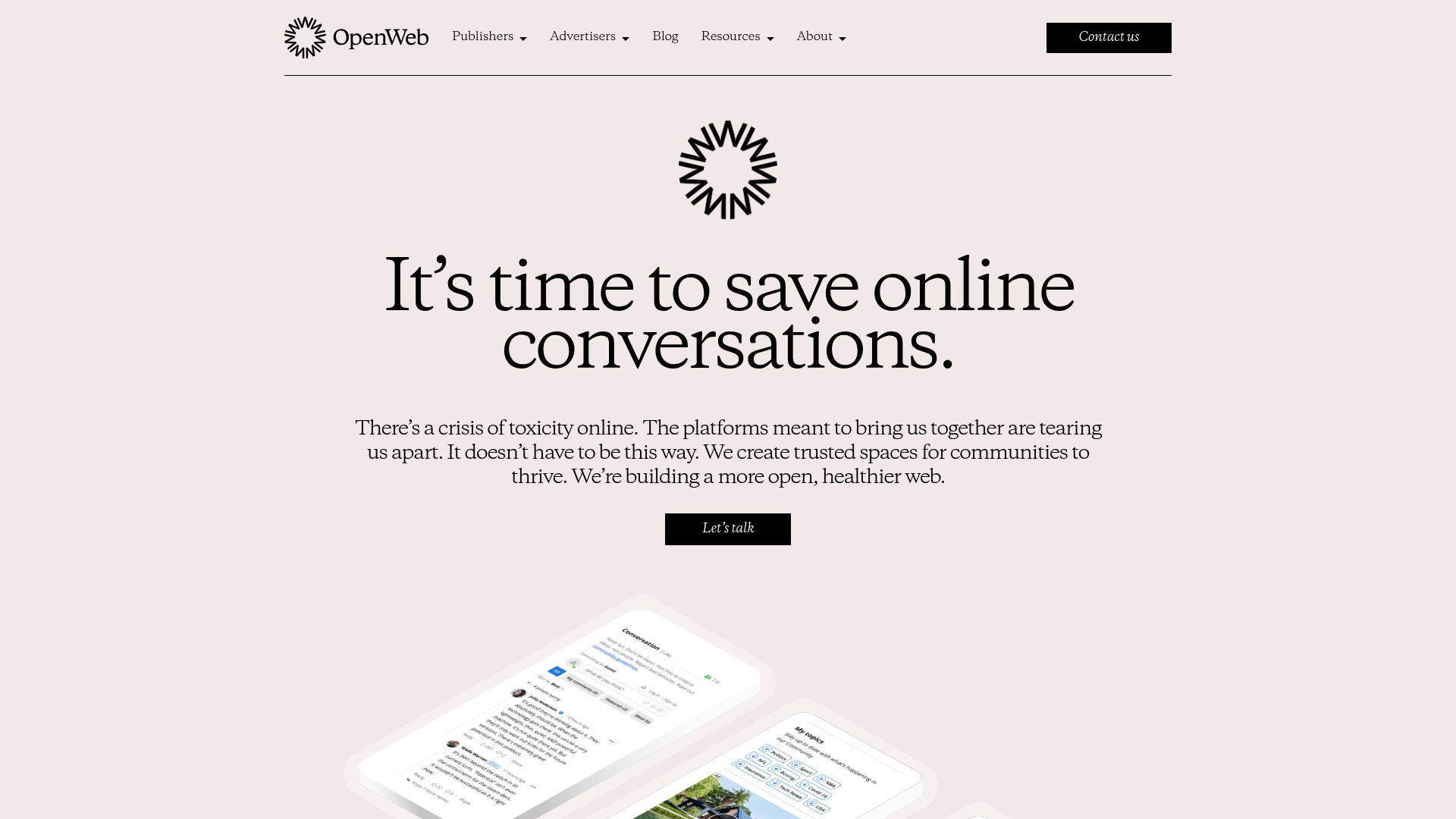
OpenWeb B2B Service Landing Page
A professional landing page layout featuring a central animated hero area, data visualization counters, a client logo grid, testimonial slider, and tabbed lead generation forms.
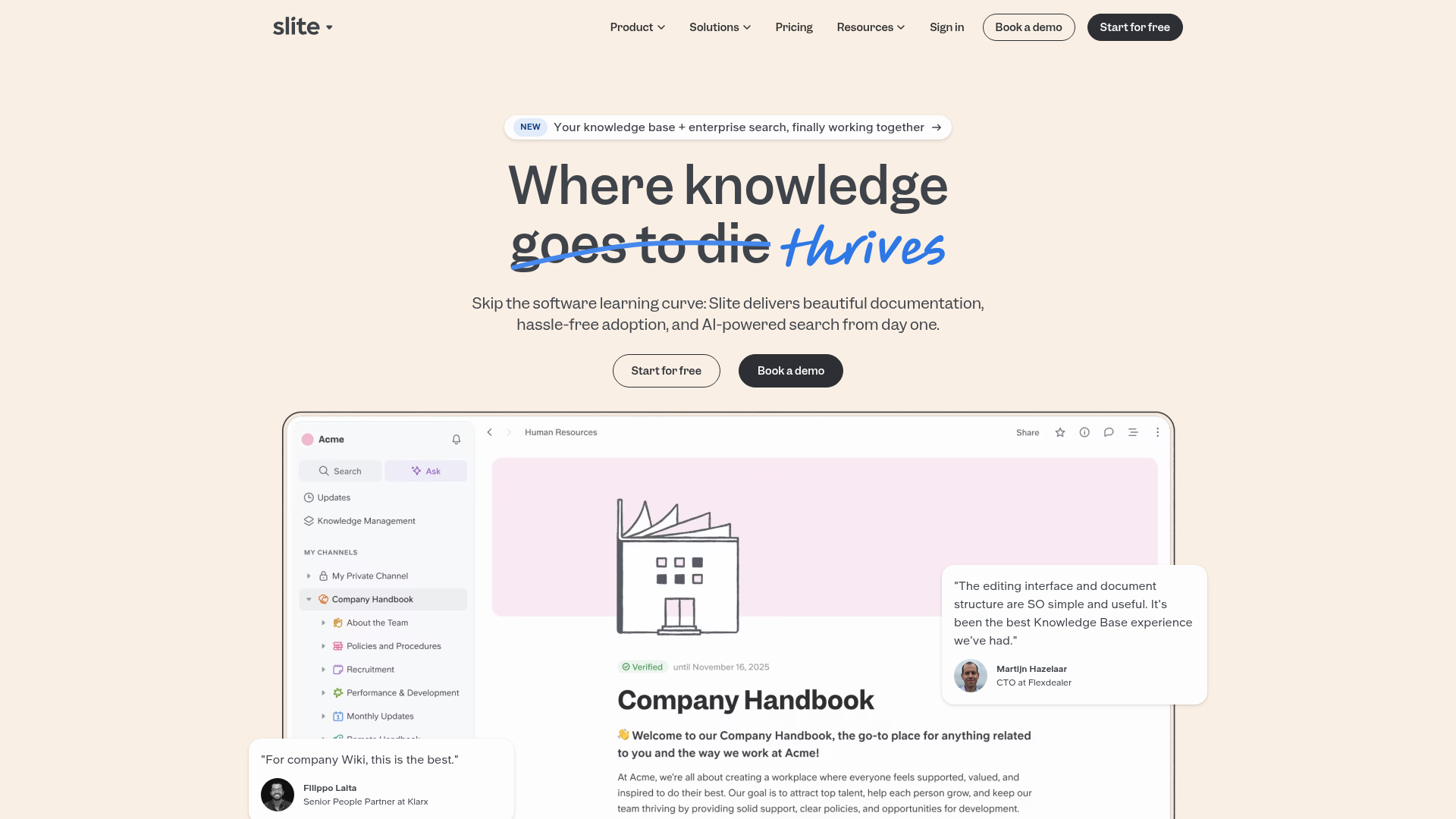
Slite SaaS Knowledge Base Landing Page
A clean SaaS hero section with a conversational headline, secondary call-to-action buttons, and a structured software interface preview featuring user testimonials.
