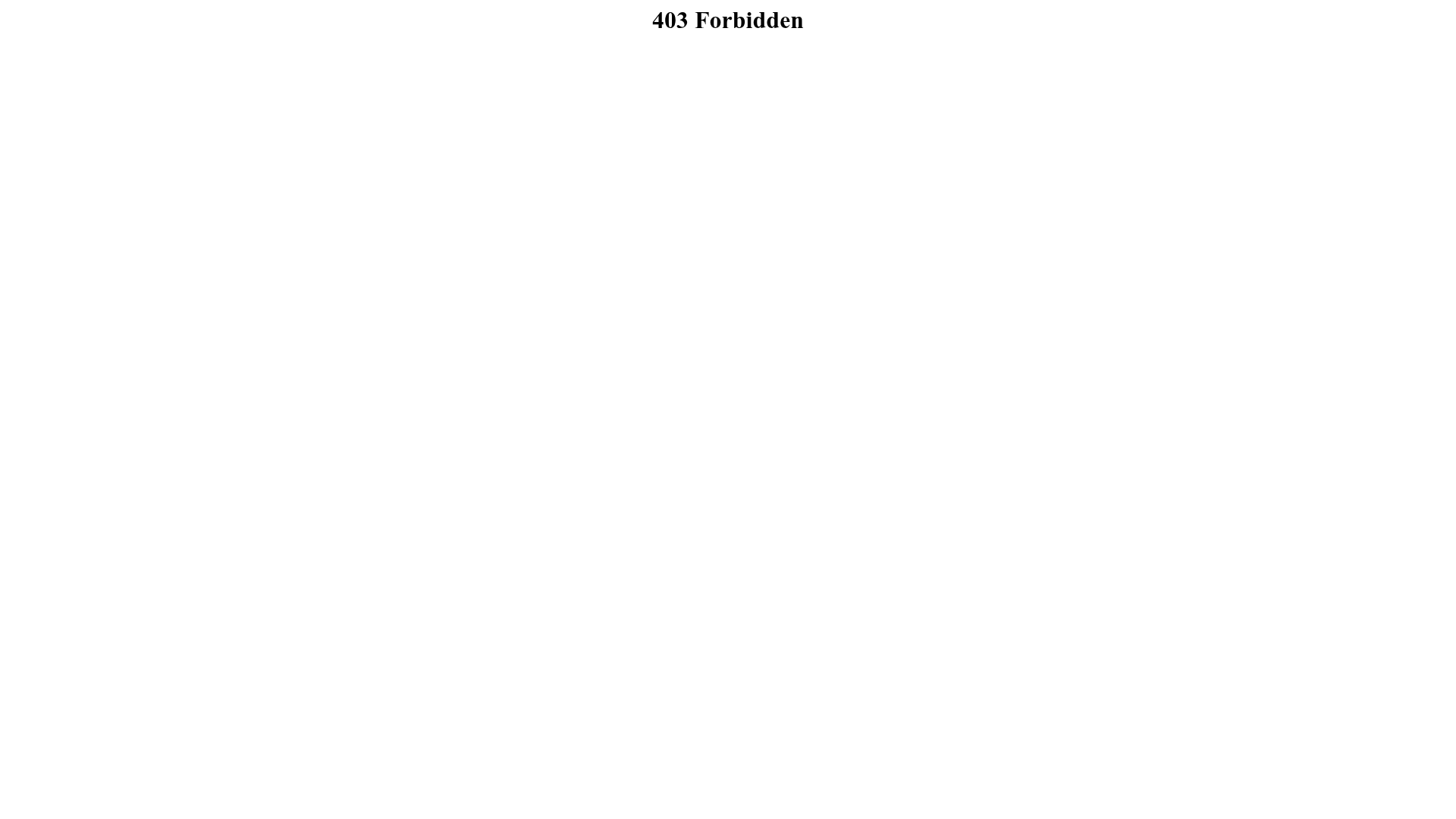
403 Forbidden Access Page
A minimal, default server-side error page containing a centered heading on a plain white background.
Overview
This page represents a quintessential literalist implementation of a server-side "403 Forbidden" error state, commonly seen on Nginx or Apache web servers. It is a strong reference for builders who need a high-performance, zero-asset fallback page that communicates access restrictions with maximum clarity and minimum load time.
Design System
- Color Palette & Visual Hierarchy: The design utilizes a high-contrast, two-tone palette centering on a pure white background (
#FFFFFF) and black text (#000000). The visual hierarchy is centralized and singular, focusing entirely on the error message heading. - Typography System: The page uses a standard Serif system font. The scale is determined by a single
<h1>tag within a<center>alignment, providing clear emphasis to the status code and error description. - Page Structure & Section Flow: The structure is minimalist and linear, consisting of a single centralized line of text positioned at the top of the viewport. There are no navigational links, footers, or secondary information blocks.
- Reusable Components: The core component is a "Centered Header Block," which can be cloned as a base for any standard HTTP status message (404, 500, etc.).
- Interaction and Motion: There are no interactive elements or motion patterns visible; the state is static and informational.
- Implementation Clues: The HTML utilizes legacy semantic tags like
<center>for positioning, indicating a server-generated template rather than a modern front-end framework like React or Tailwind CSS.
Use Cases
- Who should clone this pattern: Backend developers and DevOps engineers needing a default landing page for restricted directories or unauthorized API requests.
- Effective Remixes: This pattern can be effectively remixed as a "Maintenance Mode" screen or a "Coming Soon" placeholder by simply updating the text string.
- Practical Remix Directions: To modernize this design, a builder should swap the
<center>tag for Flexbox or CSS Grid to achieve true vertical and horizontal centering. Brand-specific typography can be added via Google Fonts to soften the technical aesthetic. - Suggested Clone Scope: A quick single-element clone. This is best used as a functional template for non-user-facing system errors where design overhead is a low priority.
Related Inspirations
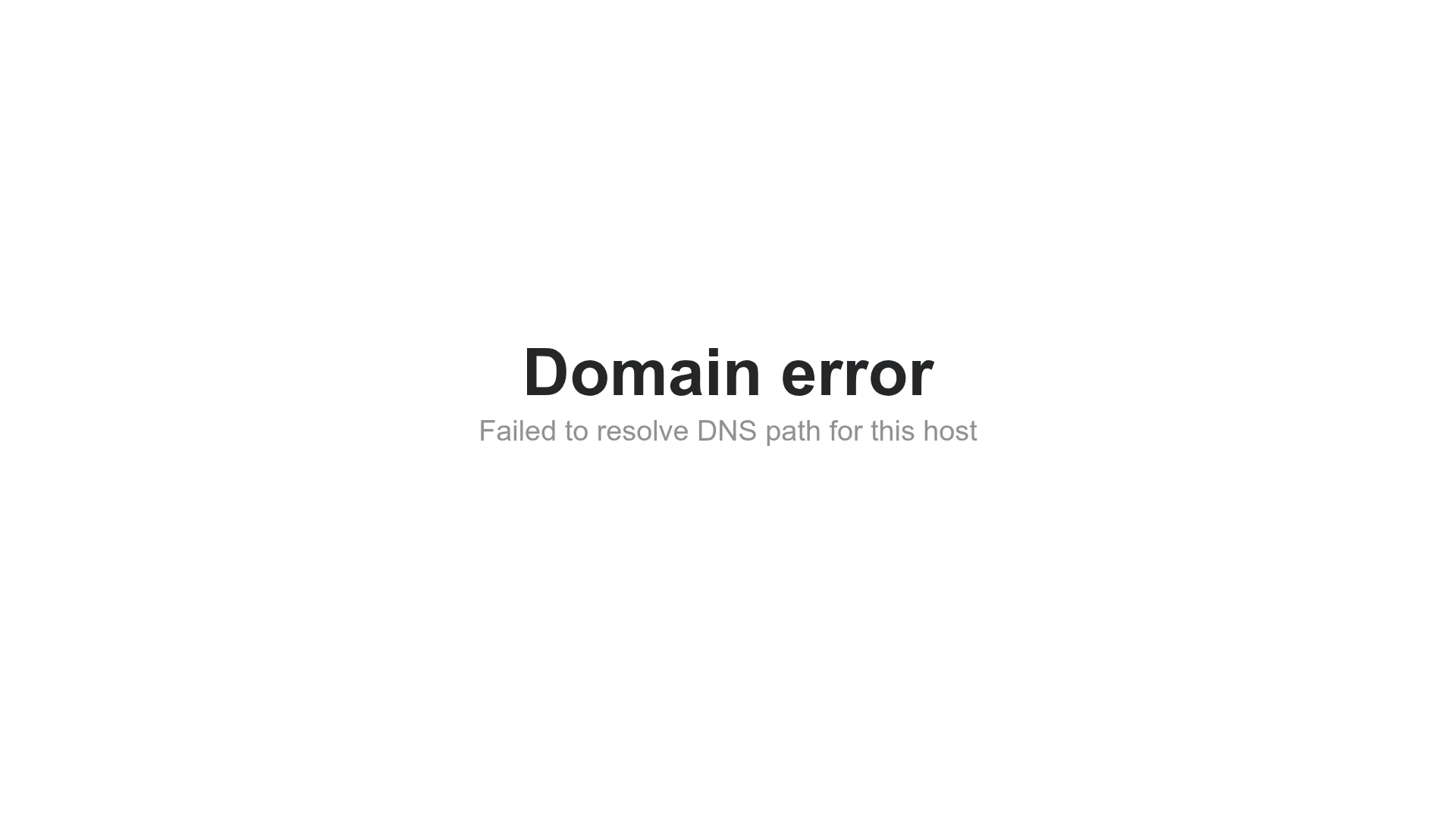
Minimalist Center-Aligned Domain Error Page
A clean, centered layout template suitable for error states, maintenance pages, or simple typographic landing pages.

Google Holiday 100 Curator Landing Page
A minimalist e-commerce showcase featuring a wide hero section, clean search integration, and a bold typography-driven header designed for trending product collections.
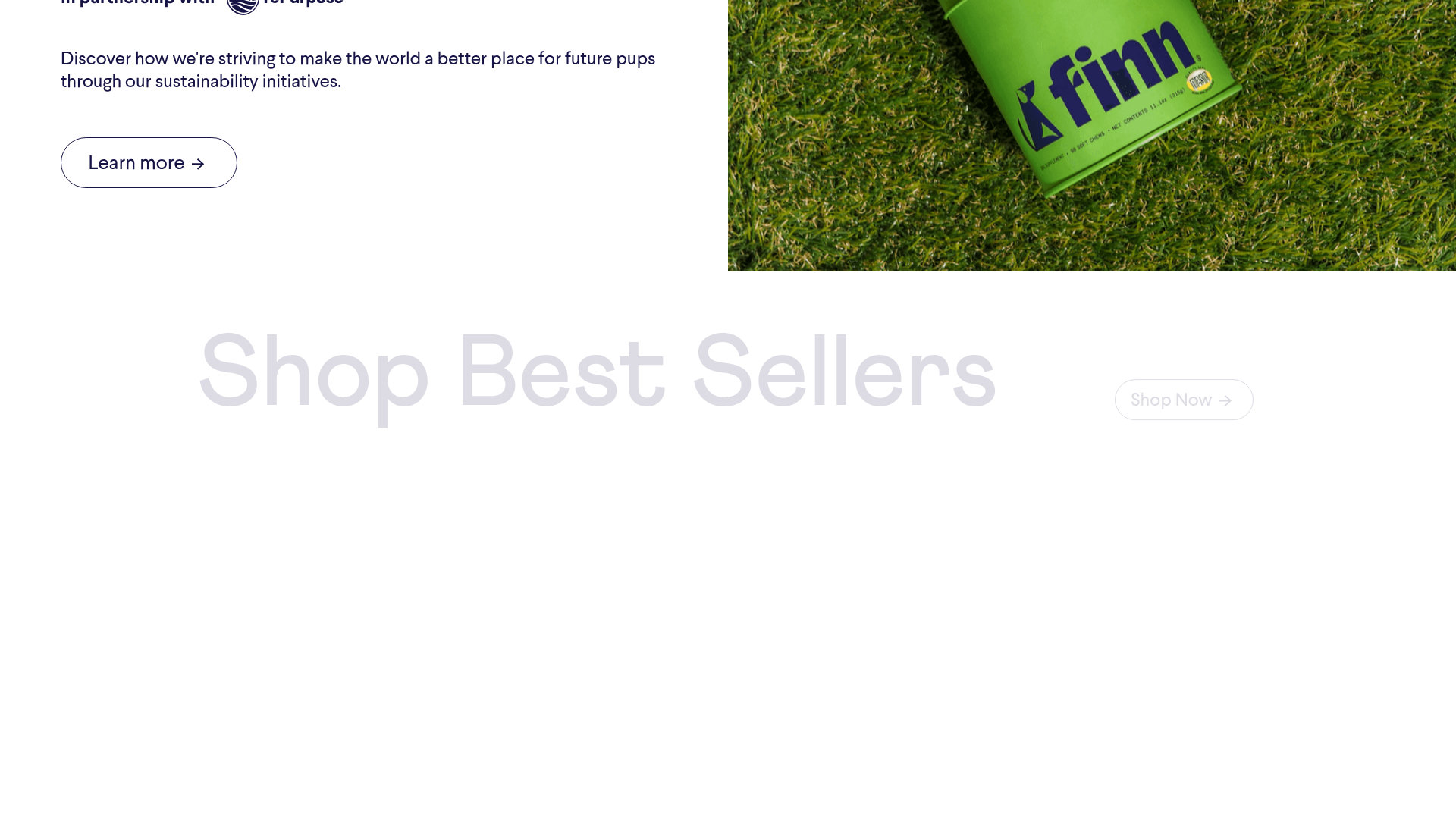
Finn Pet Supplements Landing Page
An e-commerce landing page featuring high-contrast typography, a sticky brand logo banner, parallax scroll effects on product headers, and a clean product grid.
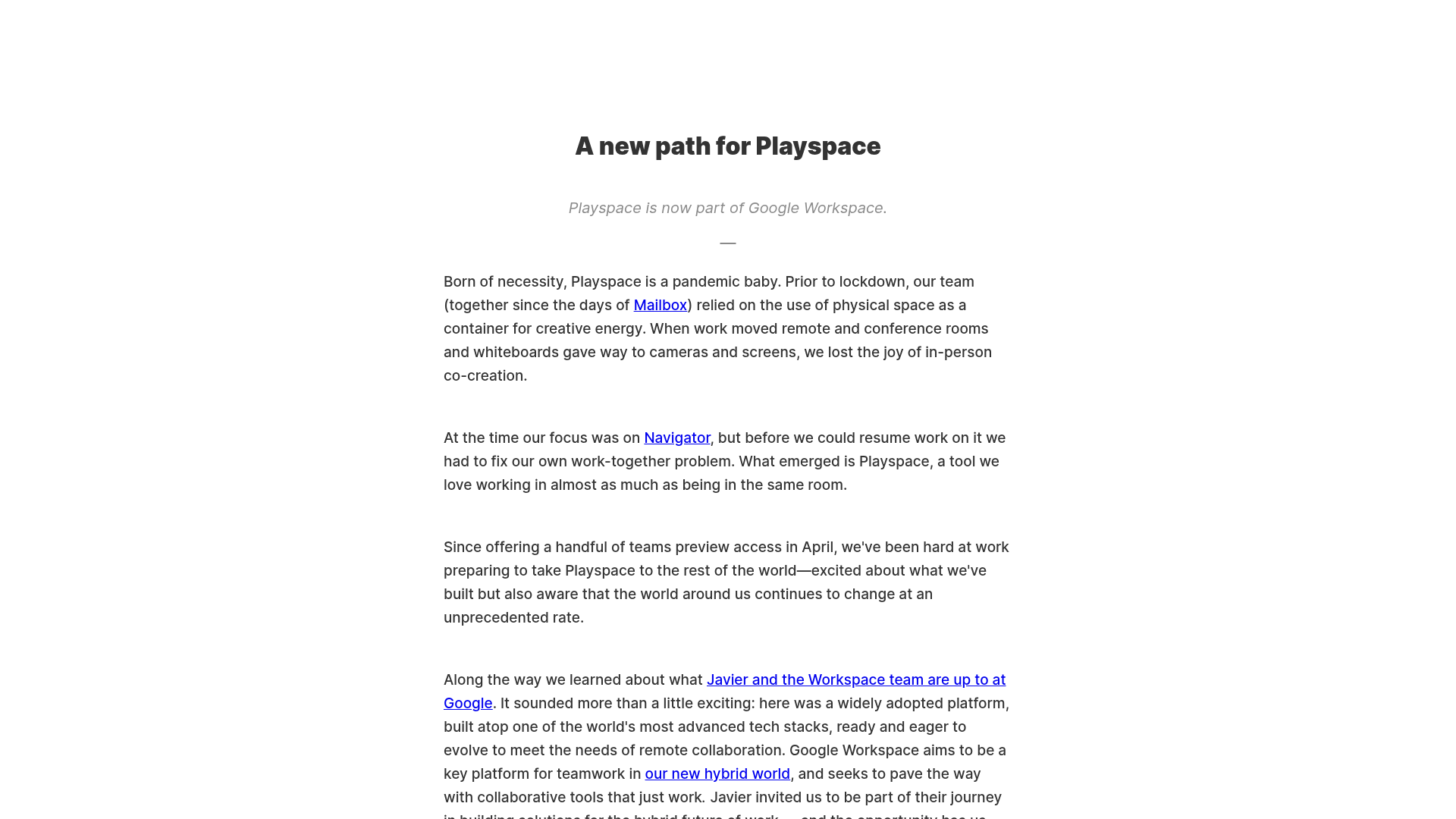
Playspace Acquisition Announcement Minimalist Layout
A clean, center-aligned announcement template featuring a vertical stack of rich text content and linked text elements on a neutral background.
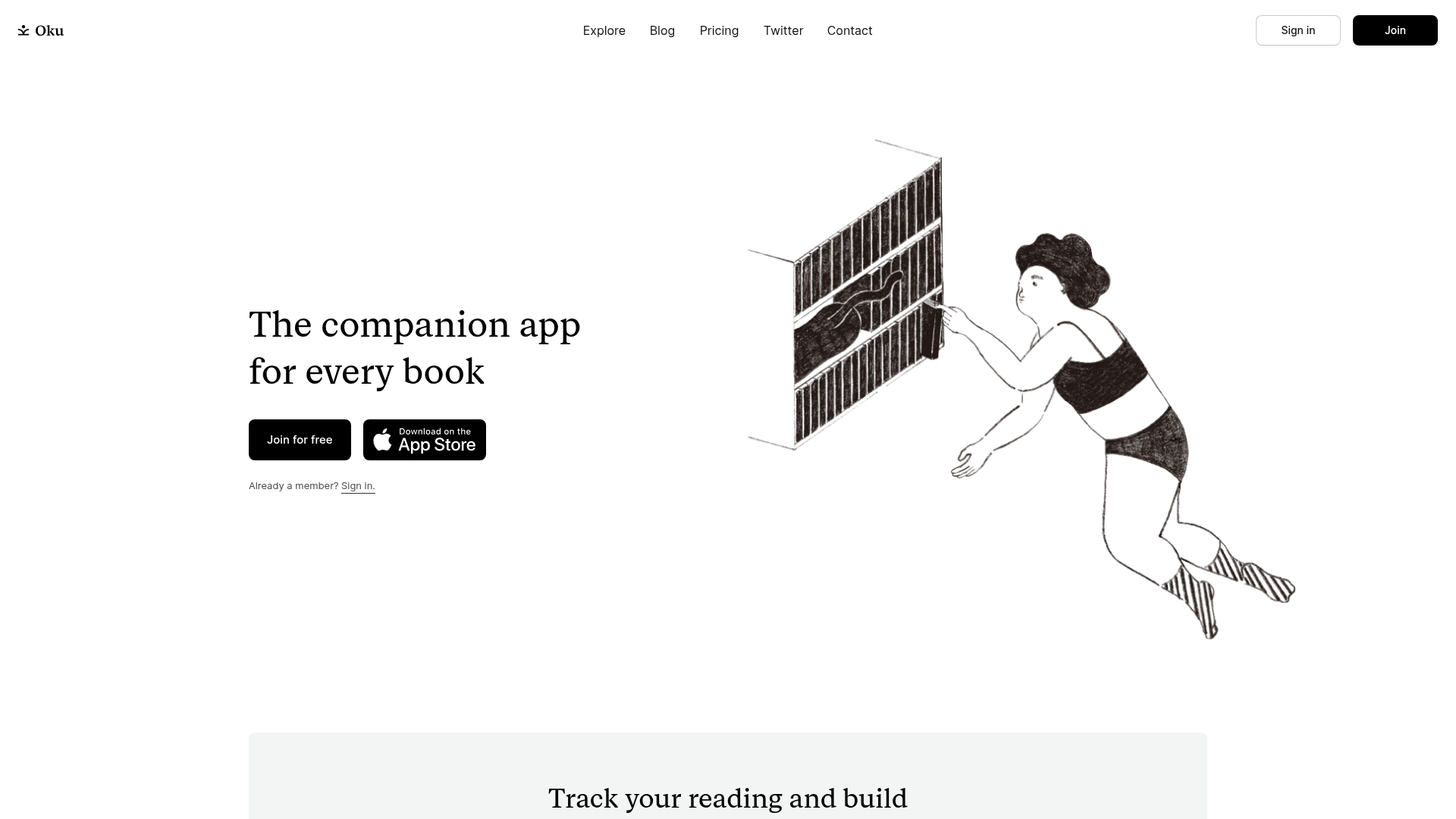
Oku Minimalist Book Tracking Landing Page
A clean, typography-focused landing page featuring a minimalist header, illustrated hero section, and clear call-to-action buttons for app downloads.
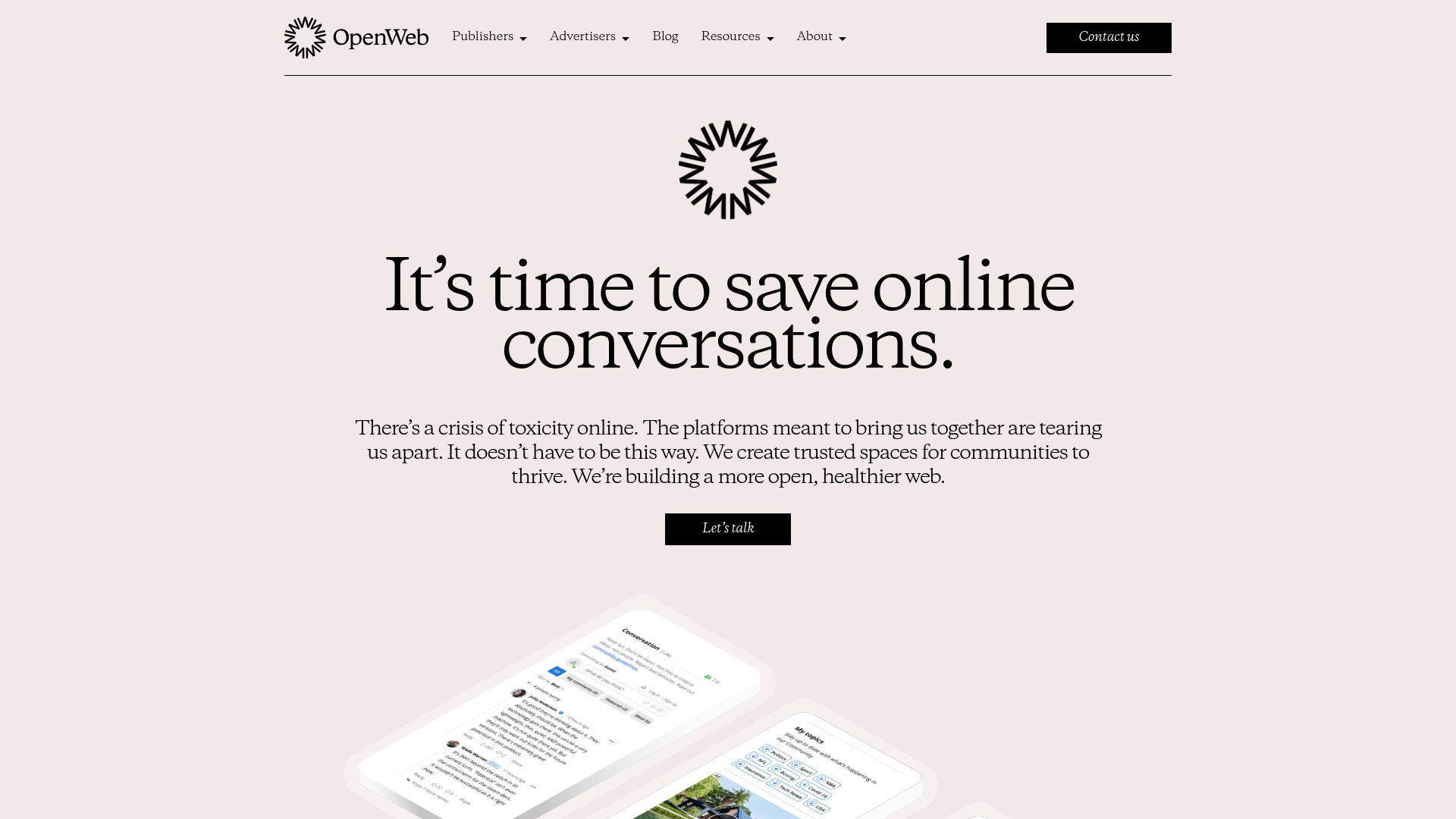
OpenWeb B2B Service Landing Page
A professional landing page layout featuring a central animated hero area, data visualization counters, a client logo grid, testimonial slider, and tabbed lead generation forms.
