Minimal Error Page with Troubleshooting
A clean, functional maintenance or error page layout featuring a warning icon, descriptive text sections, and simple navigation links for user recovery.
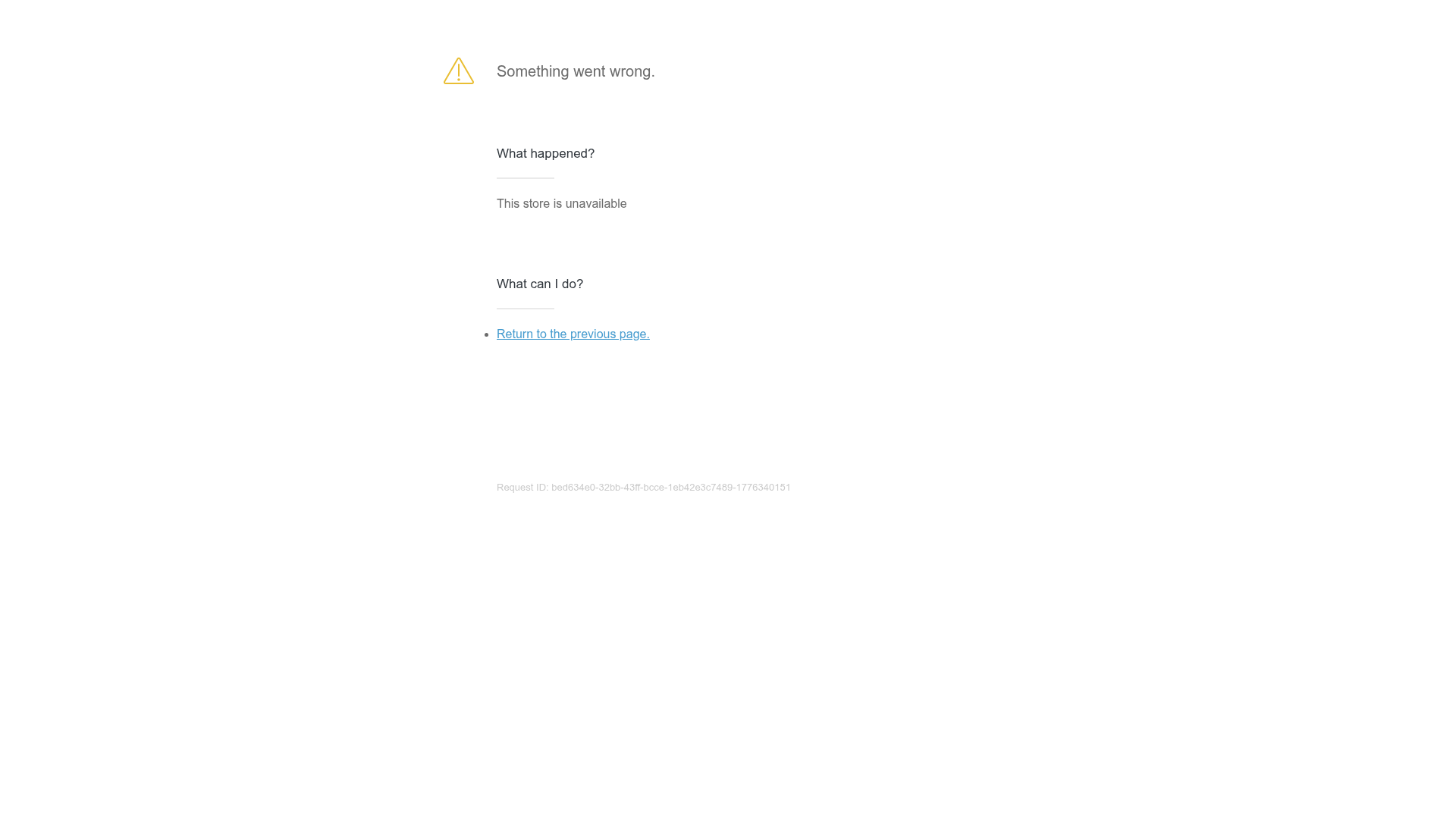
Overview
This is a minimalist error and maintenance page layout designed to provide clear troubleshooting information when a service is unavailable. It is an excellent reference for builders looking to implement functional error states that prioritize user guidance and technical support accessibility over generic messaging.
Design System
- Color Palette & Visual Hierarchy: The design utilizes a high-contrast, text-heavy approach on a stark white background. A single yellow warning icon serves as the focal point, while a light gray footer text is used for the technical 'Request ID' to keep it secondary in the visual hierarchy.
- Typography: The system uses a clean sans-serif typeface. Hierarchy is established through weight and size: large body text for the primary error message, bold
h3headers for section titles, and standard body weight for descriptions. Interactive links are highlighted in a classic blue. - Page Structure: The layout follows a vertical, center-aligned stack. It begins with a status header (icon + message), followed by a 'problem' diagnostic section ('What happened?'), a 'resolution' section ('What can I do?'), and a bottom-aligned technical identifier.
- Reusable Components: The core components to clone include the structured message blocks (
content--block), the bulleted recovery links, and the automated technical ID footer, which is essential for developer debugging. - Responsive Behavior: Based on the centralized column layout and simple
divwrapper structure, the design is inherently mobile-ready, likely maintaining its centered orientation with generous white space on larger viewports.
Use Cases
- Who should clone this: Developers building SaaS platforms, e-commerce stores, or any web application that requires a professional 'Store Closed' or '500 Internal Server Error' fallback.
- Remixing Directions: This pattern can be effectively remixed by injecting brand-specific colors into the icon and links, or by adding a 'Contact Support' button alongside the 'Return' link. The 'What happened?' section can be dynamically populated with specific error codes from an API.
- Suggested Scope: This is best as a full-page clone (a 'page template') meant to be served by a web server whenever a specific HTTP error code occurs.
Related Inspirations
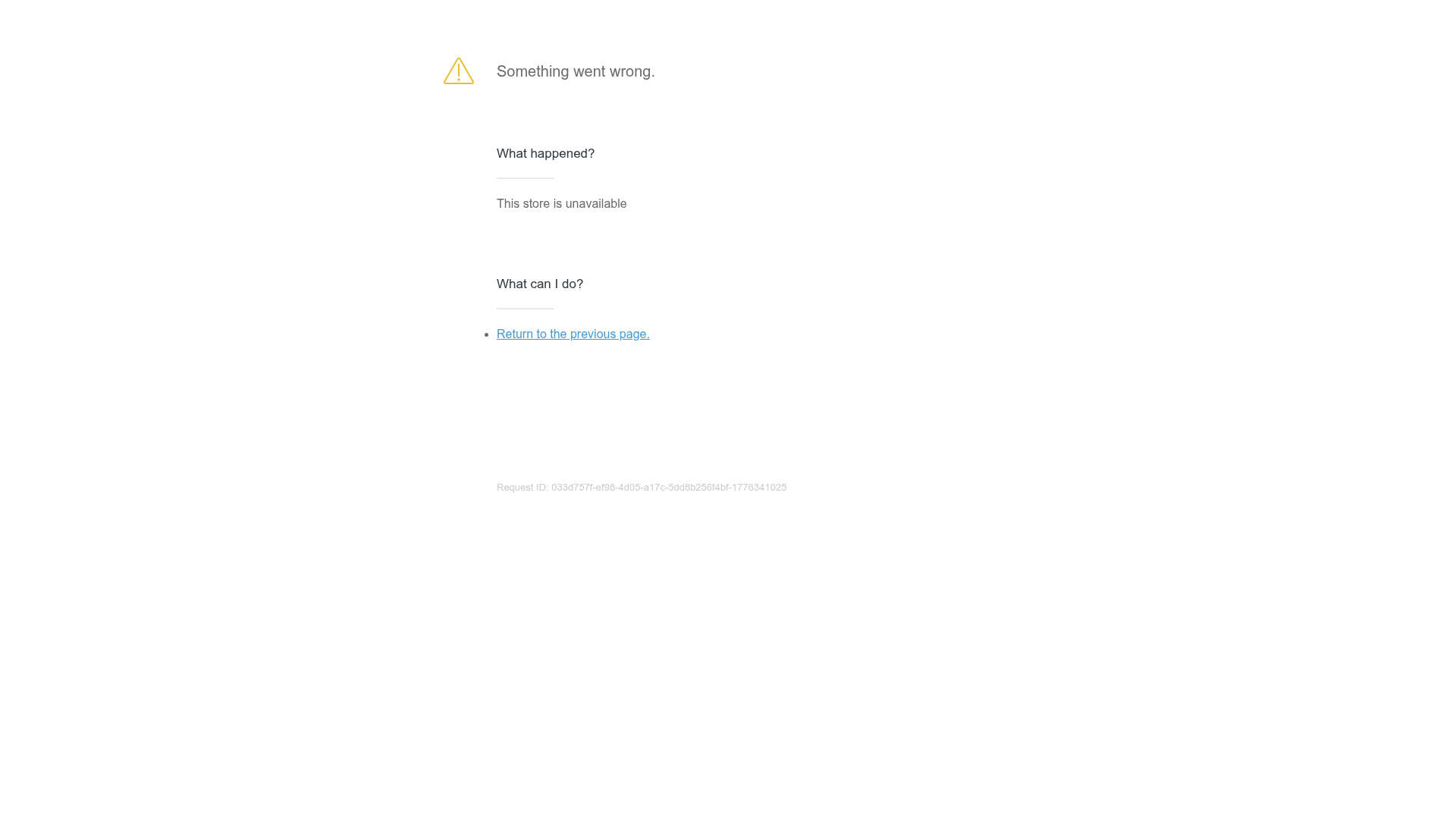
Generic Unavailable Store Error Page
A minimal error screen featuring a stacked information layout, warning icon, and simple navigation links for handling site-wide downtime.

Isla Beauty Skincare E-commerce Store
A clean Shopify-based storefront featuring a split-hero landing page, a step-by-step product system carousel, and a split-screen testimonial section with localized product image sidebars.
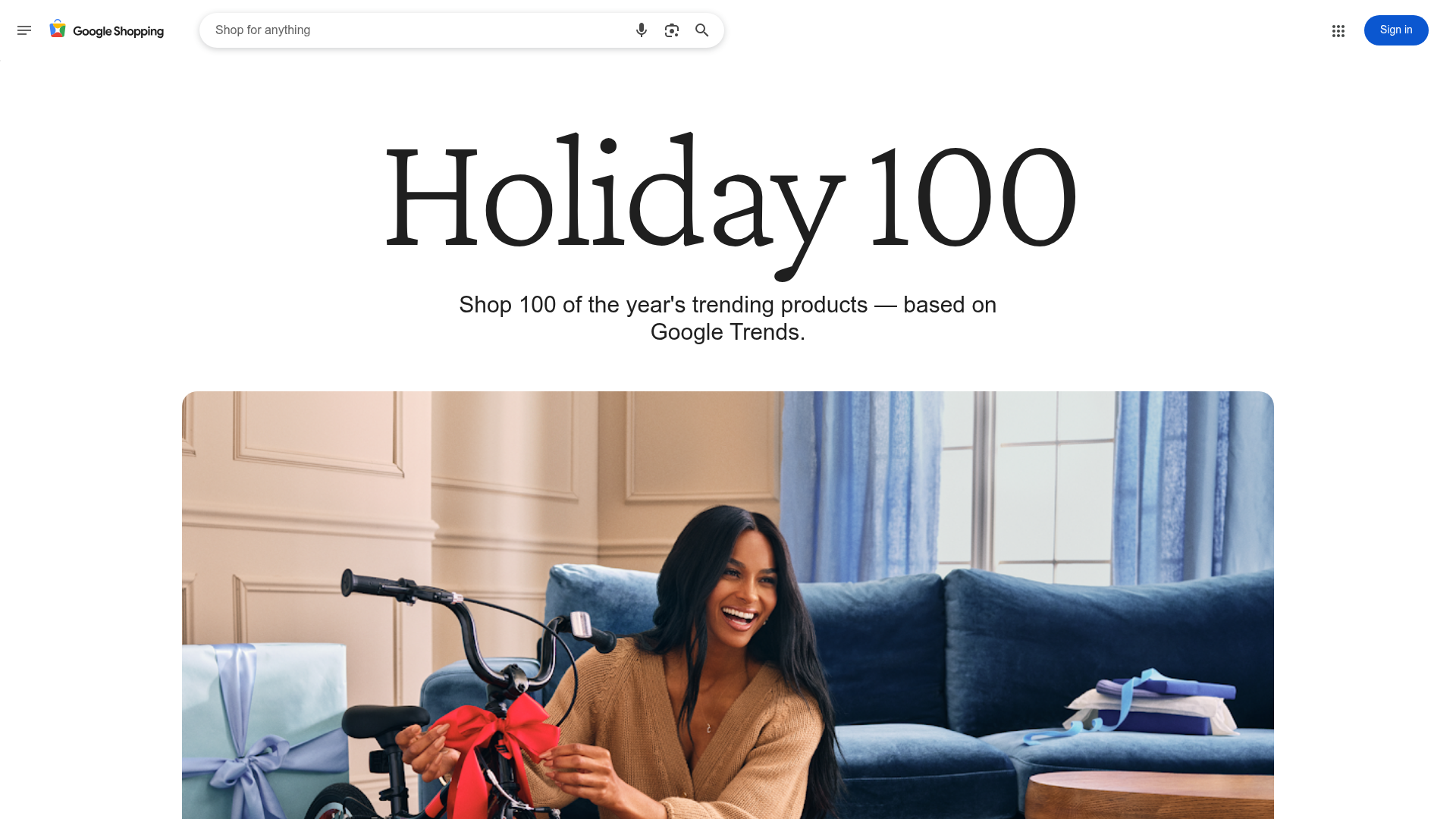
Google Holiday 100 Curator Landing Page
A minimalist e-commerce showcase featuring a wide hero section, clean search integration, and a bold typography-driven header designed for trending product collections.
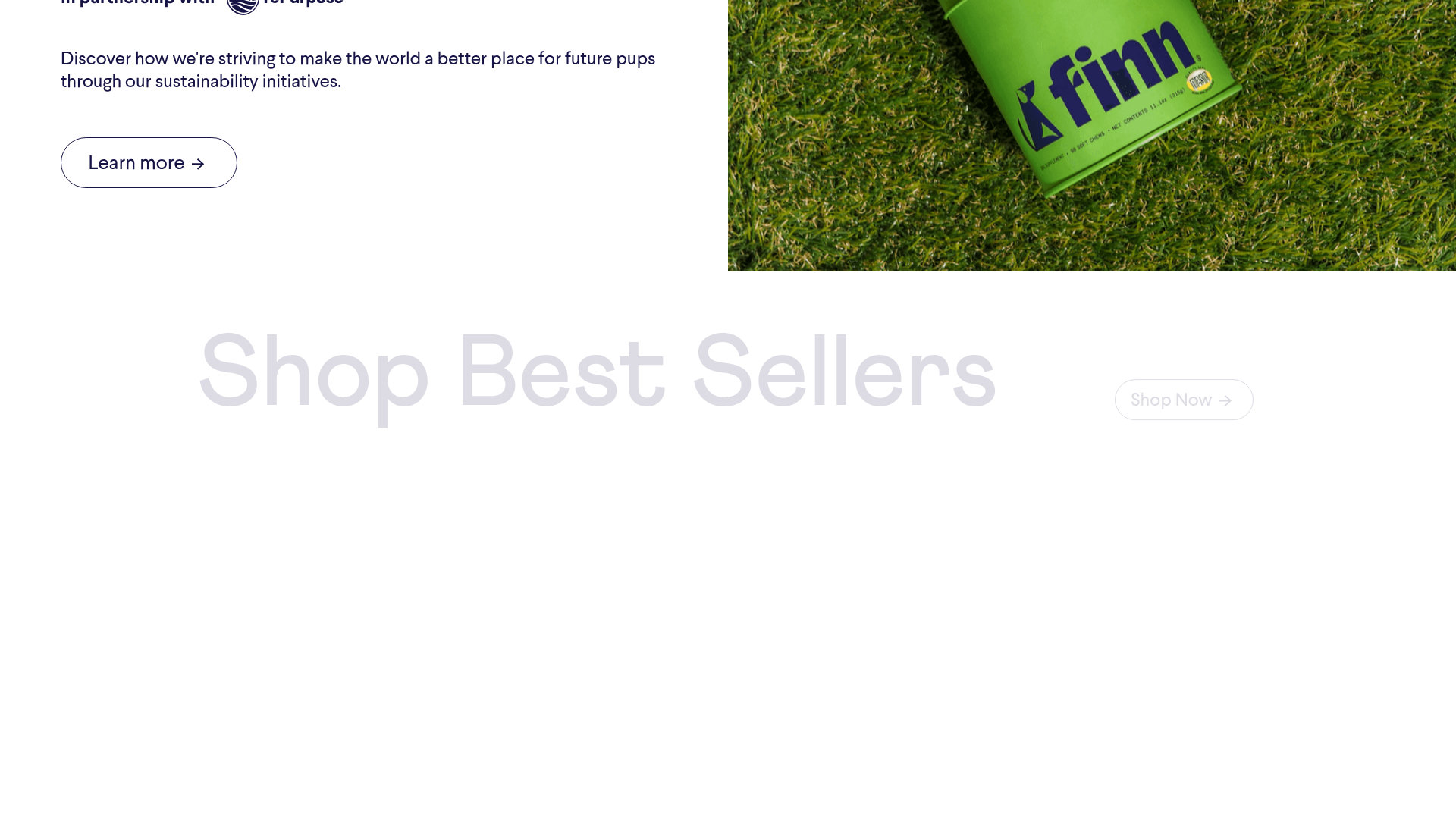
Finn Pet Supplements Landing Page
An e-commerce landing page featuring high-contrast typography, a sticky brand logo banner, parallax scroll effects on product headers, and a clean product grid.
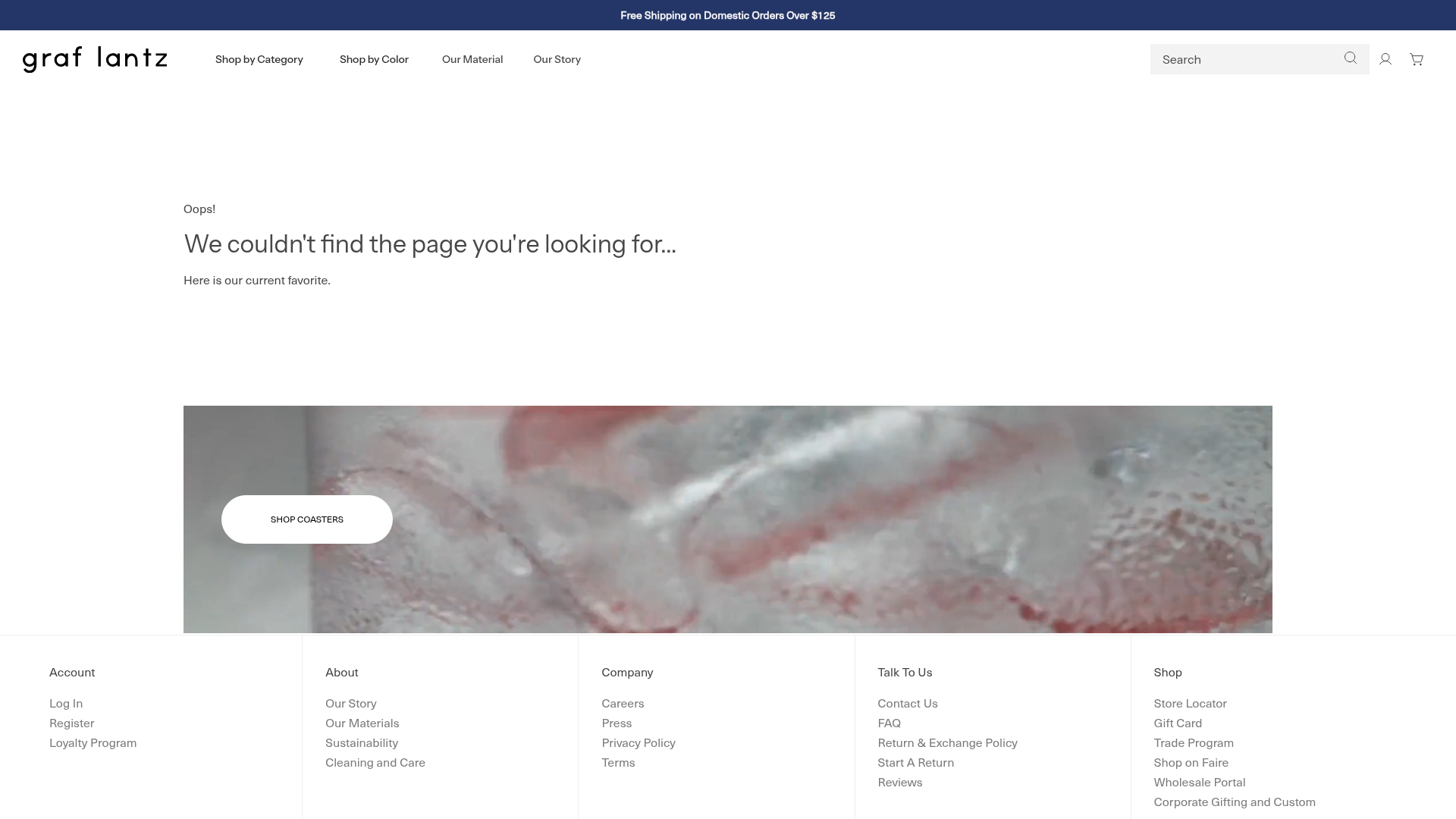
Graf Lantz Minimalist E-commerce 404
A clean Shopify-based error page featuring a full-width video hero with a CTA button, a detailed multi-column footer, and a sophisticated slide-out cart drawer.
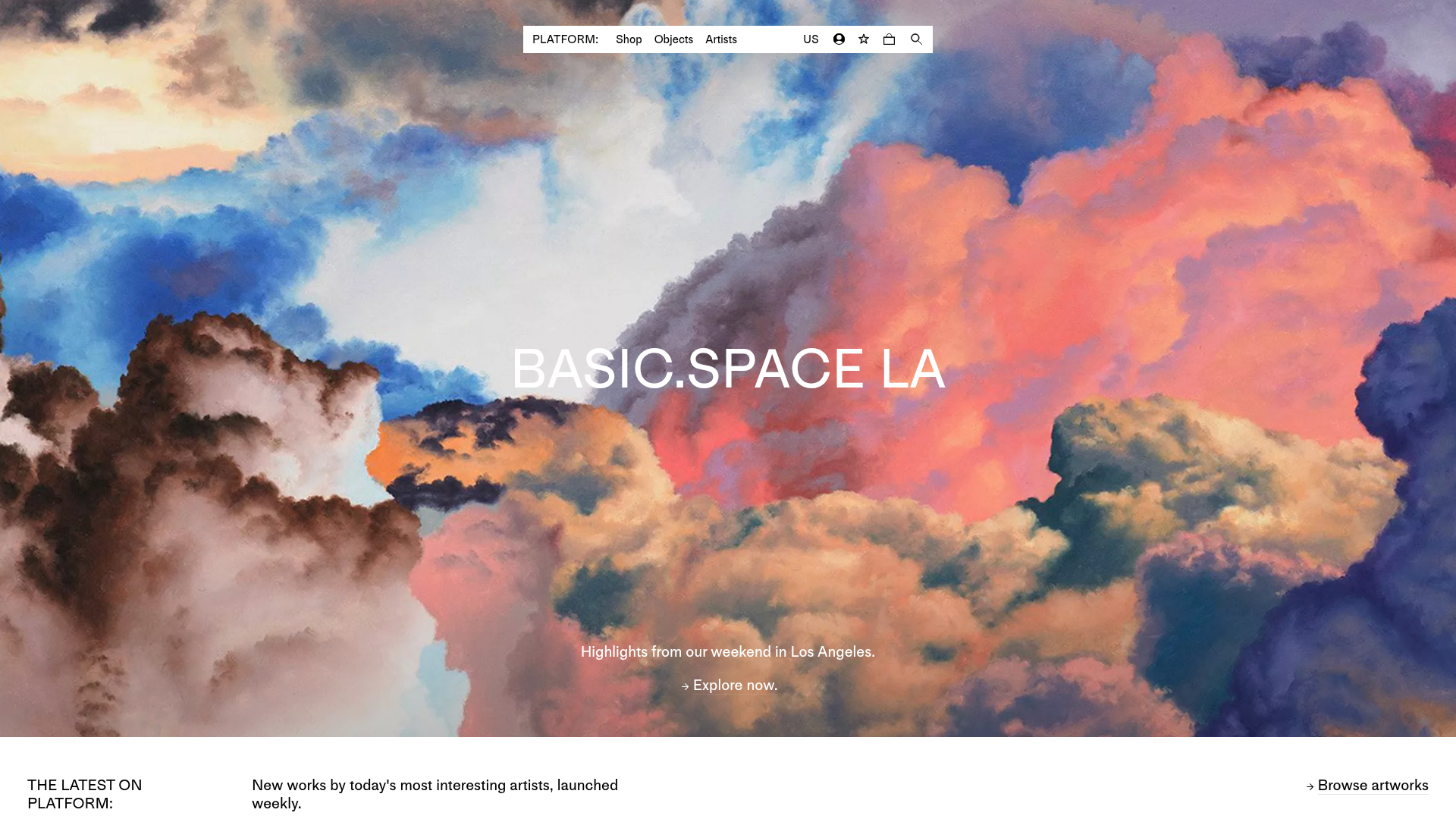
Platform Art E-commerce Gallery Page
A minimalist art marketplace featuring a full-bleed image hero, horizontal scroll product carousels with countdown timers, and hover-triggered image swaps.
