Expired Squarespace Account Landing Page
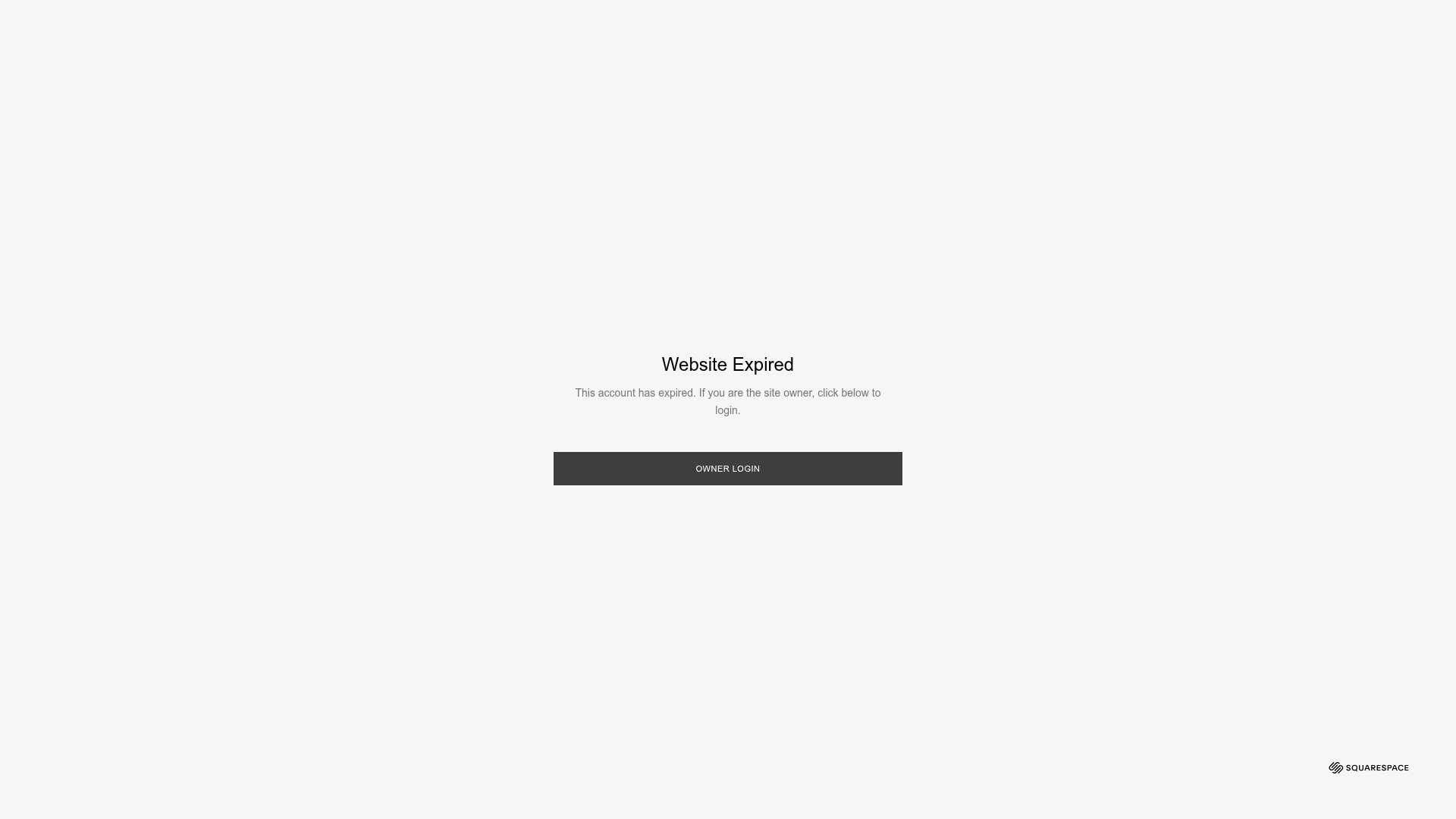
A minimal black-and-white system page featuring a centered modal with text and a primary call-to-action button, useful for basic maintenance or expired states.
Overview
This is a minimalist system landing page designed for a Squarespace 'Website Expired' state. It serves as a highly effective reference for creating clean, high-utility utility screens such as maintenance modes, access denied pages, or simple auth gateways because of its focused visual hierarchy.
Design System
- Color Palette & Visual Hierarchy: The design utilizes a high-contrast monochromatic palette. A slightly off-white background (#F9F9F9) provides a clean canvas, while the content is anchored by a dark charcoal (#3D3D3D) primary CTA button and black text elements. Hierarchy is achieved through vertical centering and scale.
- Typography: The system uses a clean sans-serif typeface. The title ('Website Expired') is set in a medium-to-large scale for immediate recognition, while the body text is small and light for secondary information. The button text is consistently uppercase and letter-spaced for professional emphasis.
- Page Structure & Flow: The layout is a classic 'centered-modal' pattern. There is no navigation or header; the eye is forced to the center of the viewport where the title, description, and action button are stacked vertically.
- Reusable Components: The primary component to clone is the actionable modal card. This includes the container with specific padding, the text block, and the full-width rectangular button (
input.login-button). The Squarespace footer logo in the bottom right corner demonstrates how to use fixed-position branding without distracting from the main message. - Implementation Clues: The HTML reveals a
sqs-lightboxstructure with a fixed position and highz-index(30010). It uses an overlay (sqs-lightbox-overlay) to neutralize the background, ensuring all user focus remains on the modal content.
Use Cases
- Who should clone this pattern: Developers needing a quick, professional 'Coming Soon' page, Maintenance Mode screen, or a simple Login portal for a private beta.
- Effective Remixes: This pattern can be effectively remixed as a simplified 'Link-in-bio' landing page or a gated content portal (e.g., 'Enter Password to View').
- Practical Remix Directions: Swap the charcoal CTA for a brand-specific primary color, replace the title text with a brand logo, and add a subtle background blur effect to the overlay for a modern 'glassmorphism' aesthetic.
- Suggested Clone Scope: A quick single-section clone of the centered bigtext div and the login-button component is recommended for integration into existing projects.
Related Inspirations
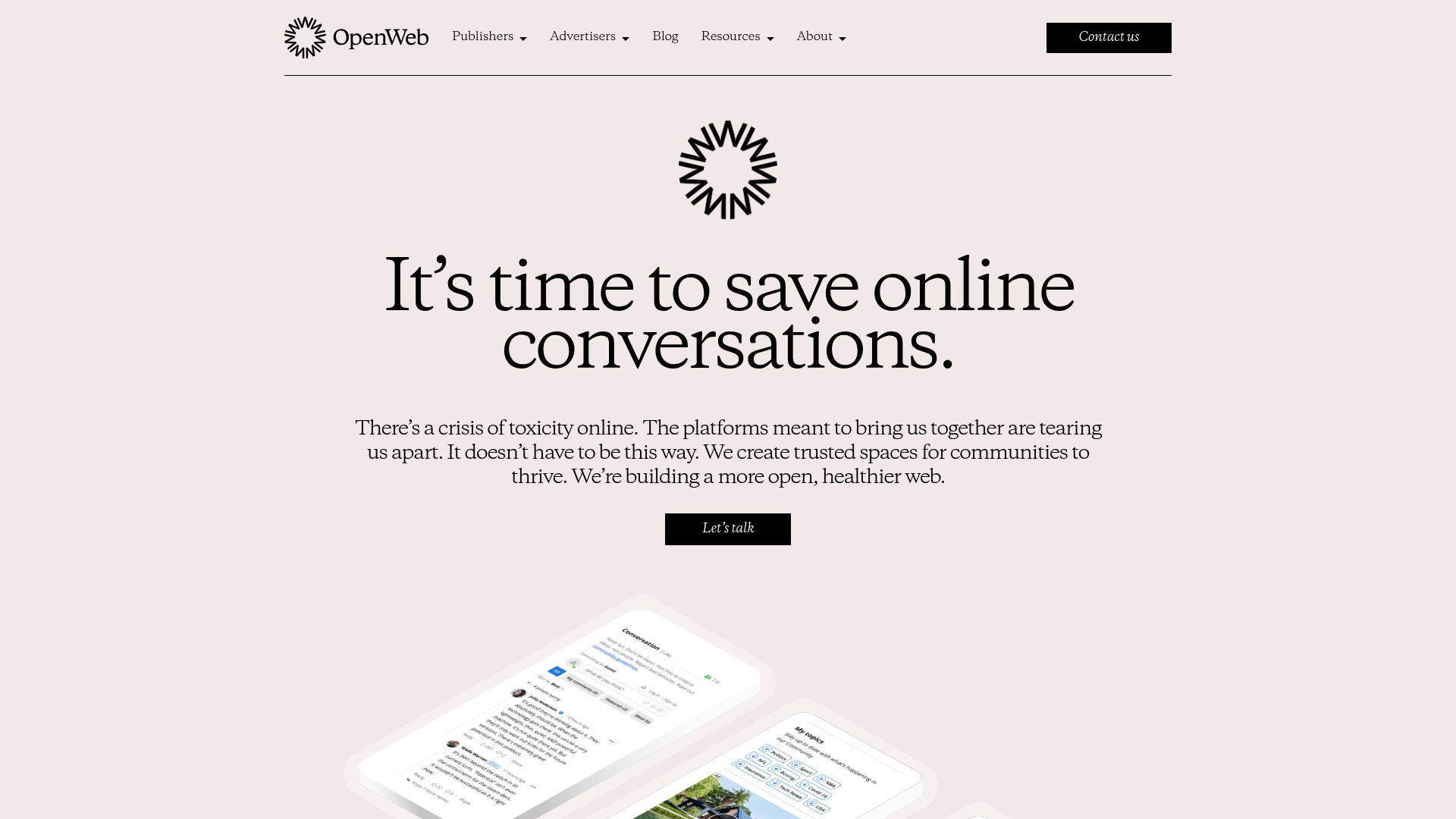
OpenWeb B2B Service Landing Page
A professional landing page layout featuring a central animated hero area, data visualization counters, a client logo grid, testimonial slider, and tabbed lead generation forms.
403 Forbidden Access Page
A minimalist, centered HTTP 403 error status page layout suitable for clean and simple server-side response templates.
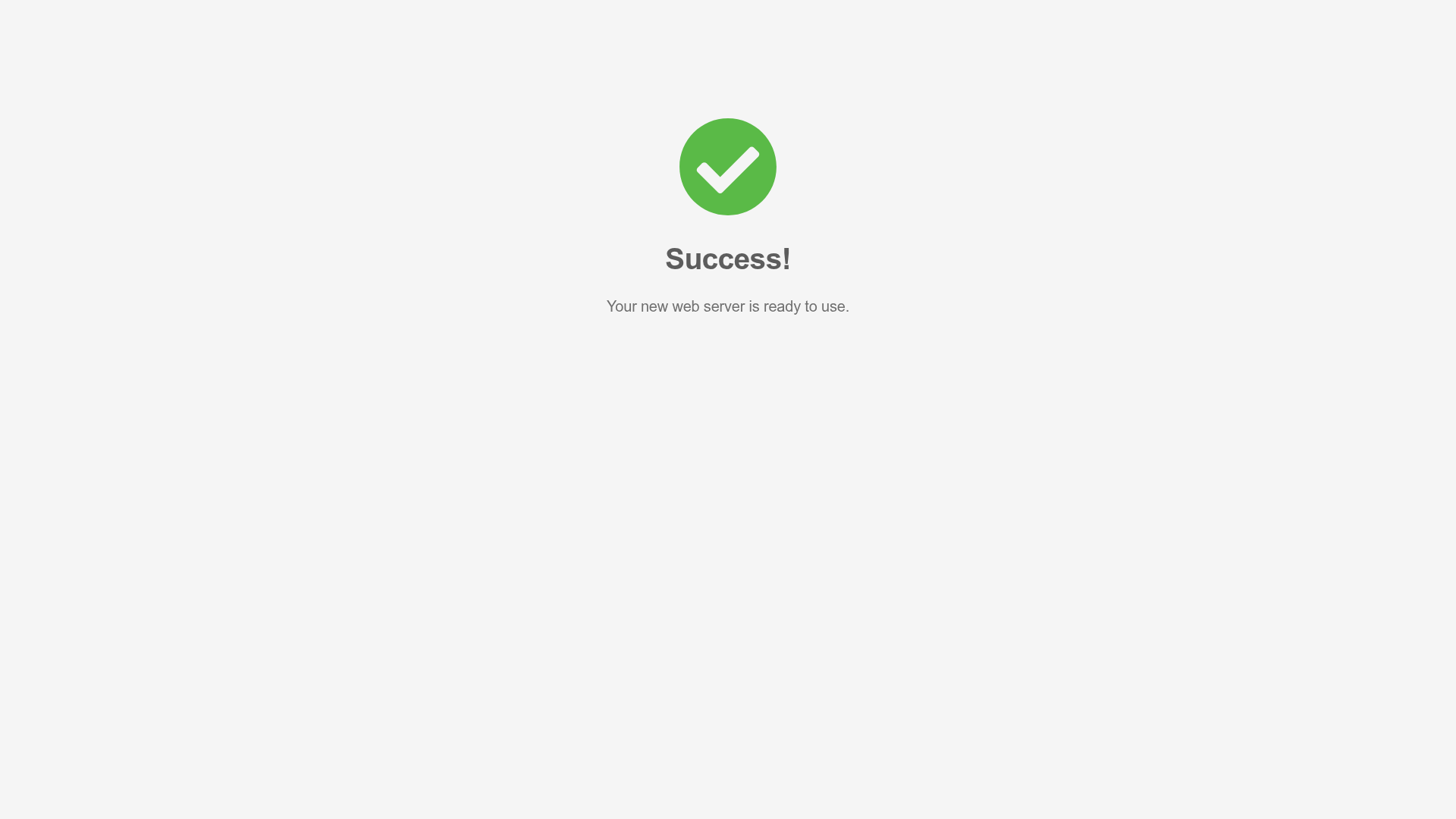
Minimal Animated Success Landing Page
A clean, centered confirmation screen featuring a large green icon, a bold heading, and smooth fade-in entry animations.
Nonymous Coming Soon Placeholder Page
A minimalist blank landing page featuring a simple 'Coming soon' text layout suitable for basic domain parking or initial placeholder deployment.
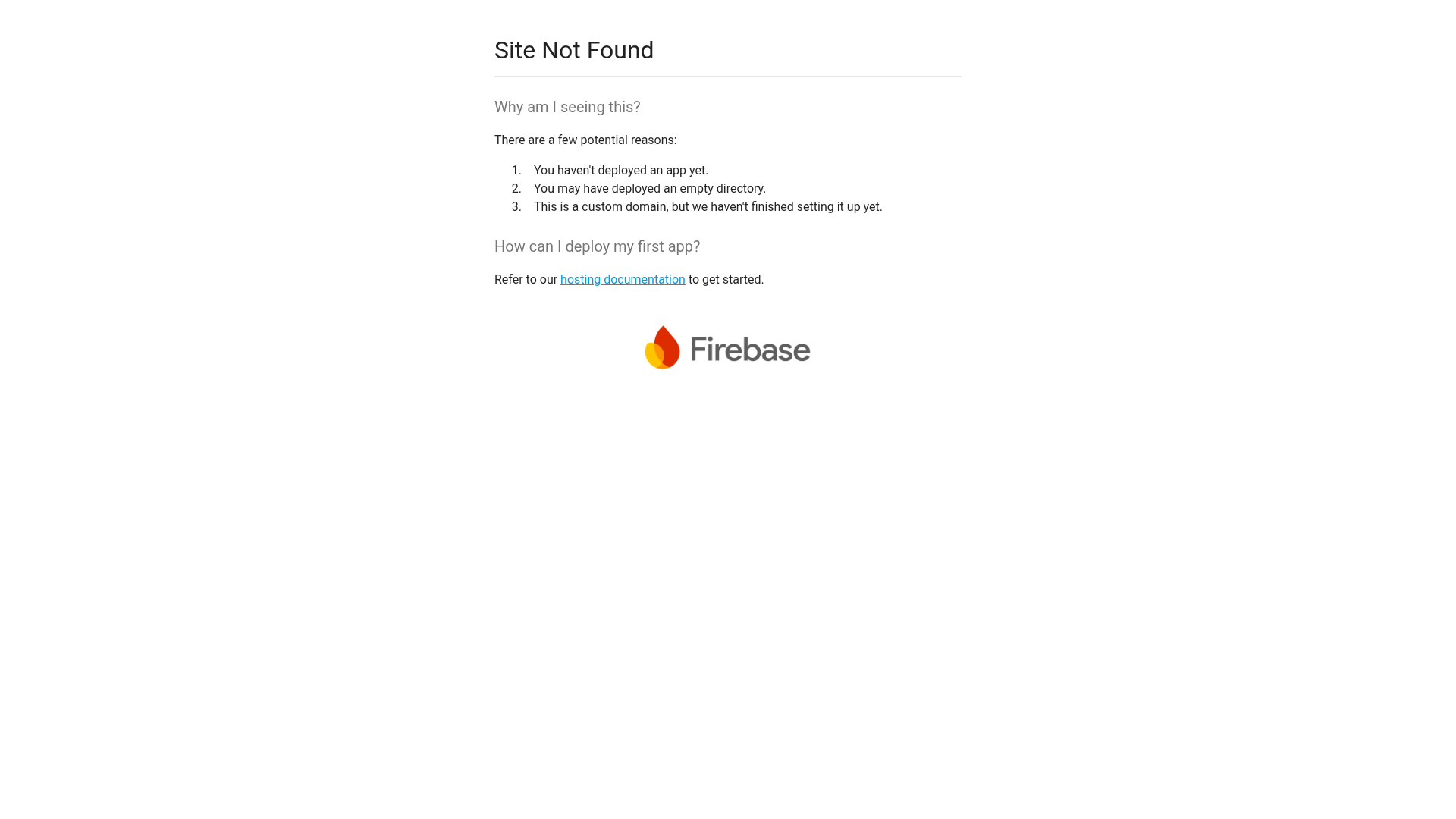
Firebase Hosting Site Not Found
A minimal placeholder layout for 404 error states including a centered logo, numbered troubleshooting guide, and linked utility text.
BlueYard Minimal Logo Splash Page
A terminal-style minimalist loading screen featuring a centered logo block and a discreet bottom-aligned percentage progress indicator for high-end landing pages.
