School Studio Bento Grid Portfolio
A highly interactive bento-style layout featuring a custom avatar builder, canvas drawing tools, miniature chess board, and collaborative widgets for a creative studio site.

Overview
This website is a highly interactive, bento-grid-style portfolio for a creative studio that transforms a standard project list into a collaborative playground. It stands out as a clone reference because it successfully integrates complex interactive widgets—like an avatar builder and a drawing canvas—within a rigid, responsive grid structure. Developers and designers can leverage this to move beyond static sites toward "multiplayer" web experiences where user input persists or influences the interface.
Design System
- Color Palette & Visual Hierarchy: The site uses a muted, functional background (light grey/beige) which allows vibrant user-generated content and 3D illustrations to pop. A unique "interface color" picker allows for dynamic theme shifts. High contrast is reserved for tactical UI elements like buttons and input bands.
- Typography System: The design employs a technical, monospace aesthetic (BM Plex Mono) for labels and metadata, paired with a clean Helvetica for primary body text and user-generated inputs. Visual emphasis is achieved through varying weights and a signature "highlight band" effect behind key section headers.
- Page Structure: The layout is a multi-column bento grid (using
col-1,col-2, andcol-3classes) that organizes content into functional modules. It flows from a personalized greeting and navigation at the top into interactive widgets (avatar creator, drawing tool, poll) mixed with traditional portfolio projects and art history snippets. - Reusable Components:
- The Global Nav: A floating, translucent top bar with geometric iconography.
- Widget Cards:
bg--t2styled containers that feature a consistenttop-labelfor section titles. - Avatar Builder: A carousel-based system for swapping SVG/PNG layers (head, hair, eyes, body).
- Interactive Canvas: A React-ready drawing board and a custom chess board component.
- Interaction & Motion: The site uses
data-flipper-id(likely Framer Motion or Flipper) for layout transitions. Elements feature ripple effects on buttons, active states for tags, and live updates showing which user "clicked last" or "watered the plant." - Implementation Clues: The HTML reveals a React-based architecture using styled JSX for scoped CSS. It utilizes Contentful (ctfassets.net) for headless CMS image delivery and heavy use of
<canvas>elements for the more complex drawing and chess interactions.
Use Cases
- Who should clone this pattern: Creative agencies, independent designers, and web developers looking to showcase their technical range through interactive components rather than just static screenshots.
- Effective Remixes: This architecture is perfect for community-driven portals, educational dashboards, or personal brand sites where the "live" state (weather, polls, recent visitor activity) adds value.
- Practical Remix Directions:
- Thematic Swap: Replace the playful illustrations with brutalist typography or high-fashion photography while keeping the grid logic.
- Feature Extraction: Clone just the "Profile Builder" widget to use as an onboarding flow for a SaaS product.
- Data Adaptation: Repurpose the "Chess" or "Weather" slot into a real-time stock ticker or project status board.
- Suggested Clone Scope: For a quick win, clone the three-column CSS grid and the generic
bg--t2card components. For a deep project, clone the state management logic that handles the avatar customization and global interface color shifts.
Related Inspirations
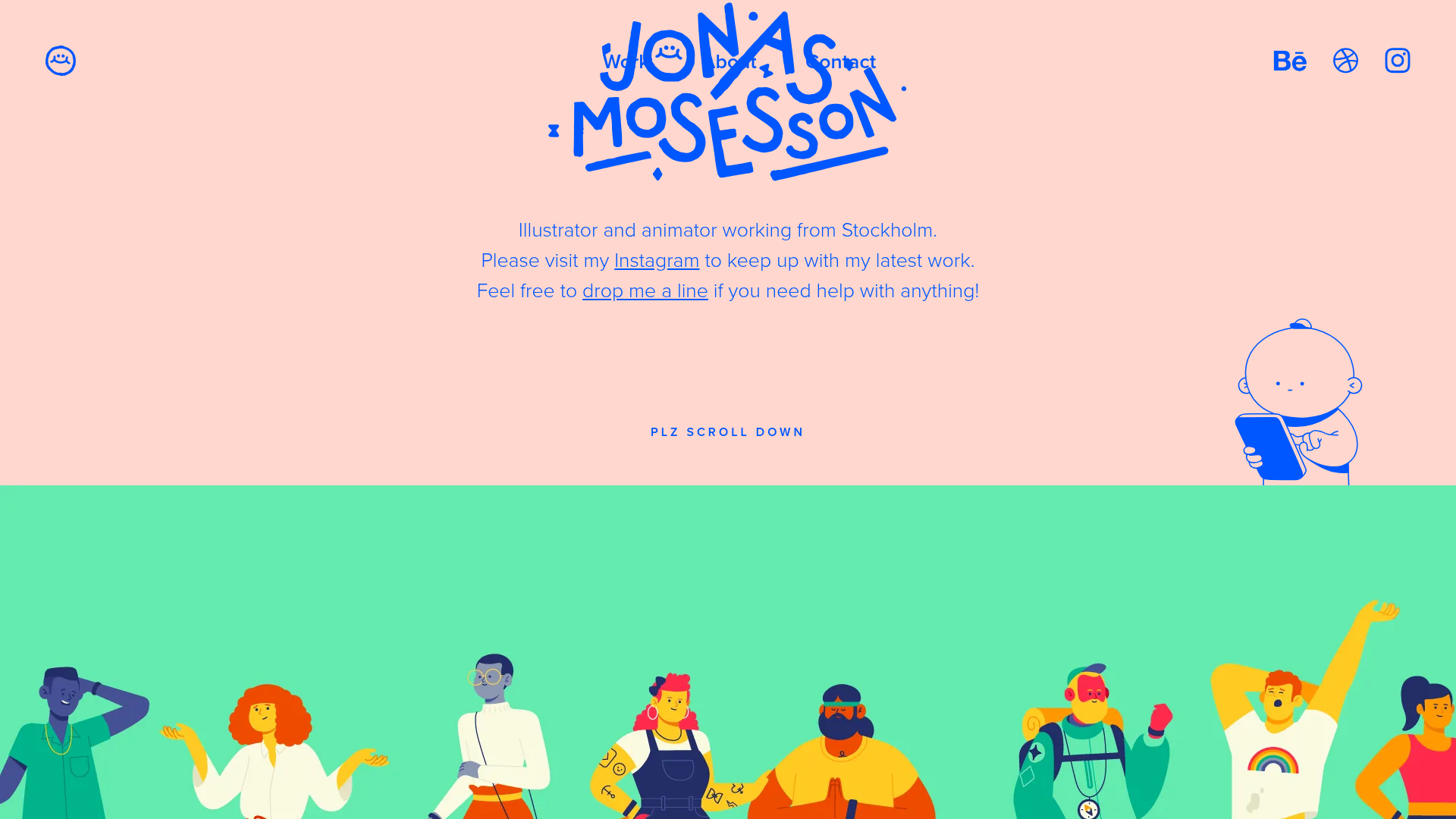
Jonas Mosesson Illustrator Portfolio Layout
A playful portfolio featuring a custom-animated logo header, a responsive multi-column project grid with hover-revealed details, and a distinct minimalist sectioned about page.
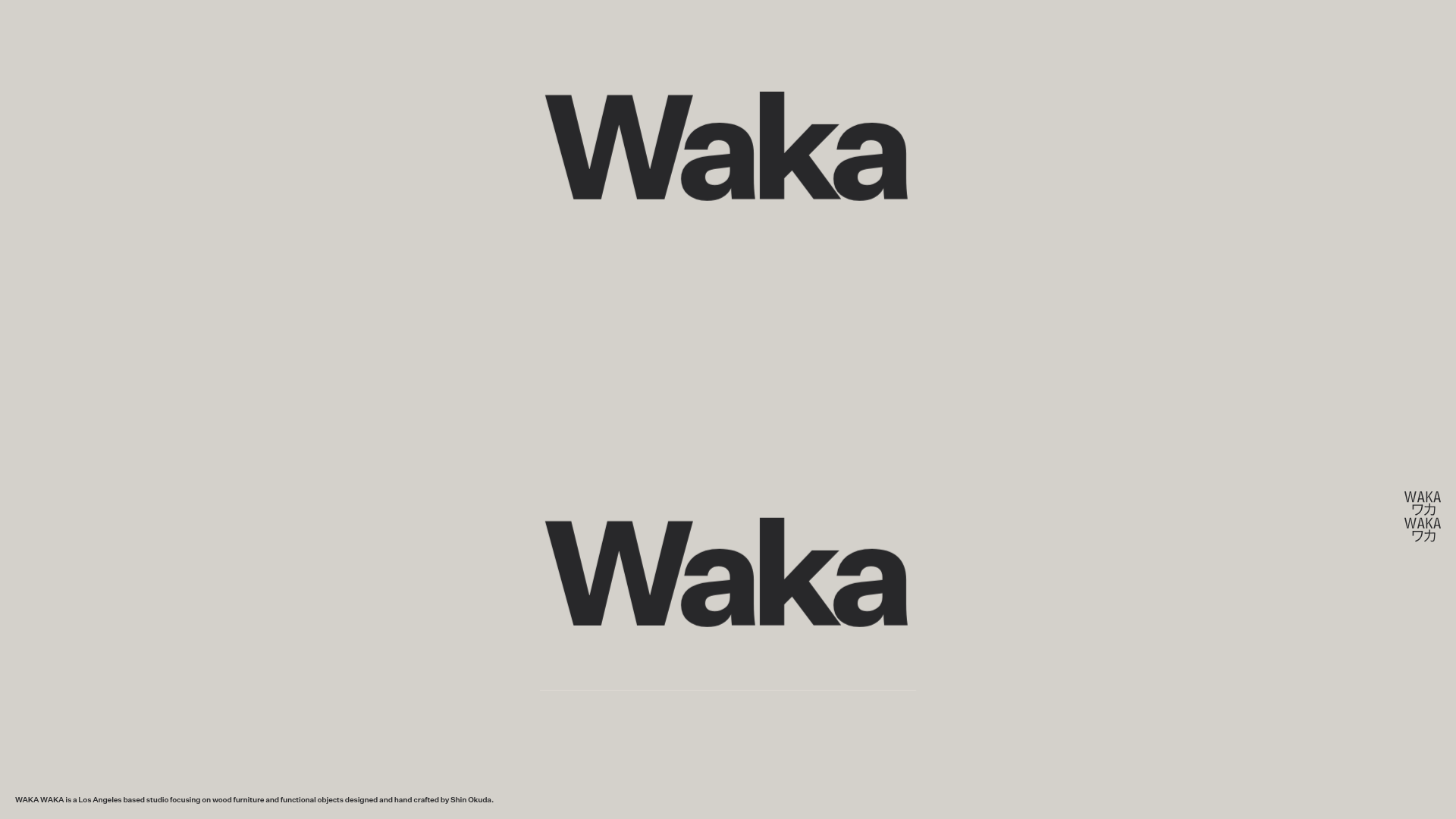
Waka Waka Furniture Portfolio
A minimalist design showcase featuring a custom cursor, parallax scroll effects, and a vertical image grid layout for high-end product displays.
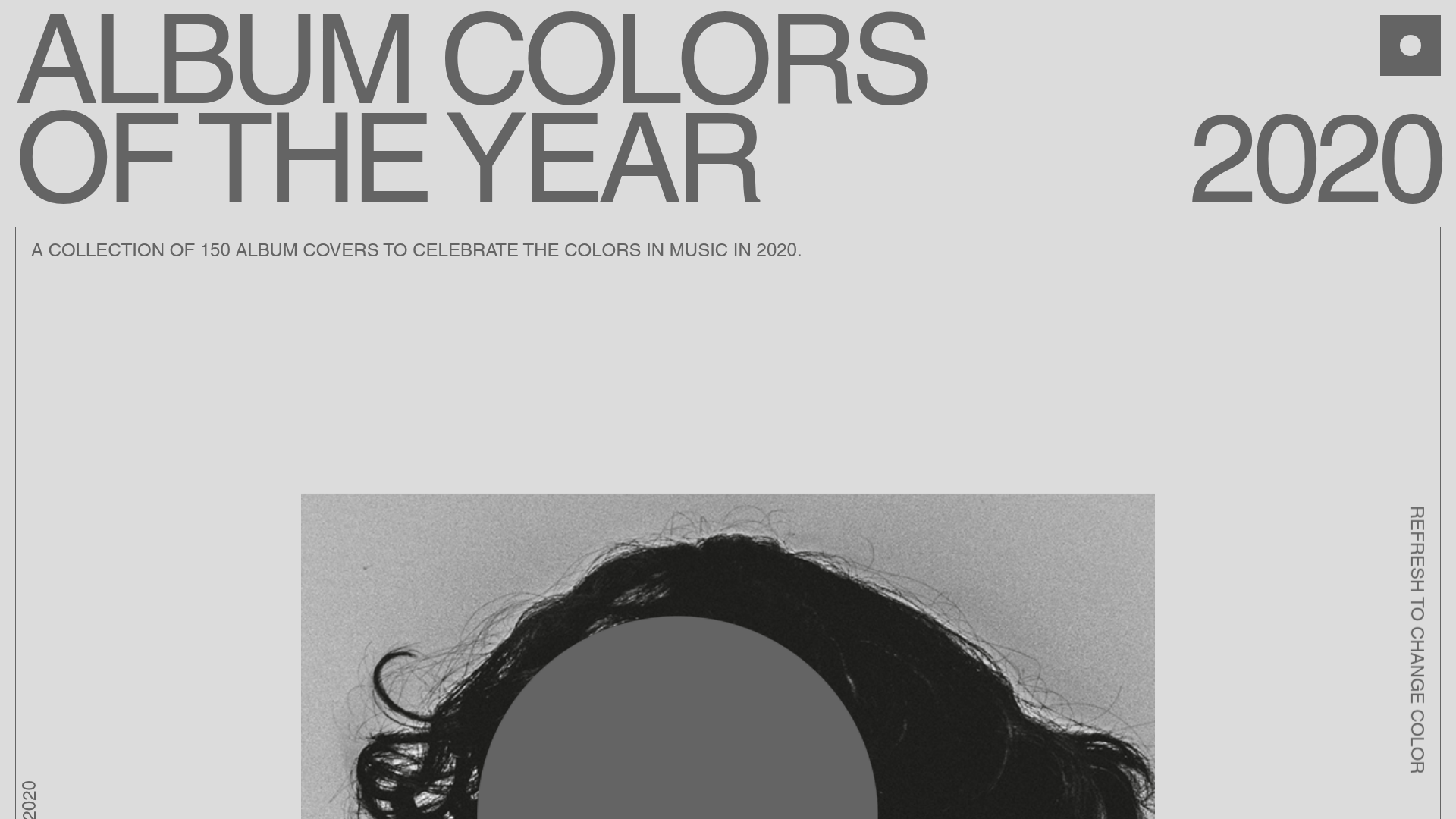
Album Colors 2020 Curation Gallery
A minimalist, scroll-based grid layout featuring sticky typography, color-coded item cards with hex code copy buttons, and smooth parallax interaction patterns.

Dovetail Venture Portfolio Landing Page
A minimalist investment site featuring a warm pastel palette, distinctive hand-drawn illustrations, horizontal carousel for project cases, and a clean typography-focused grid layout.
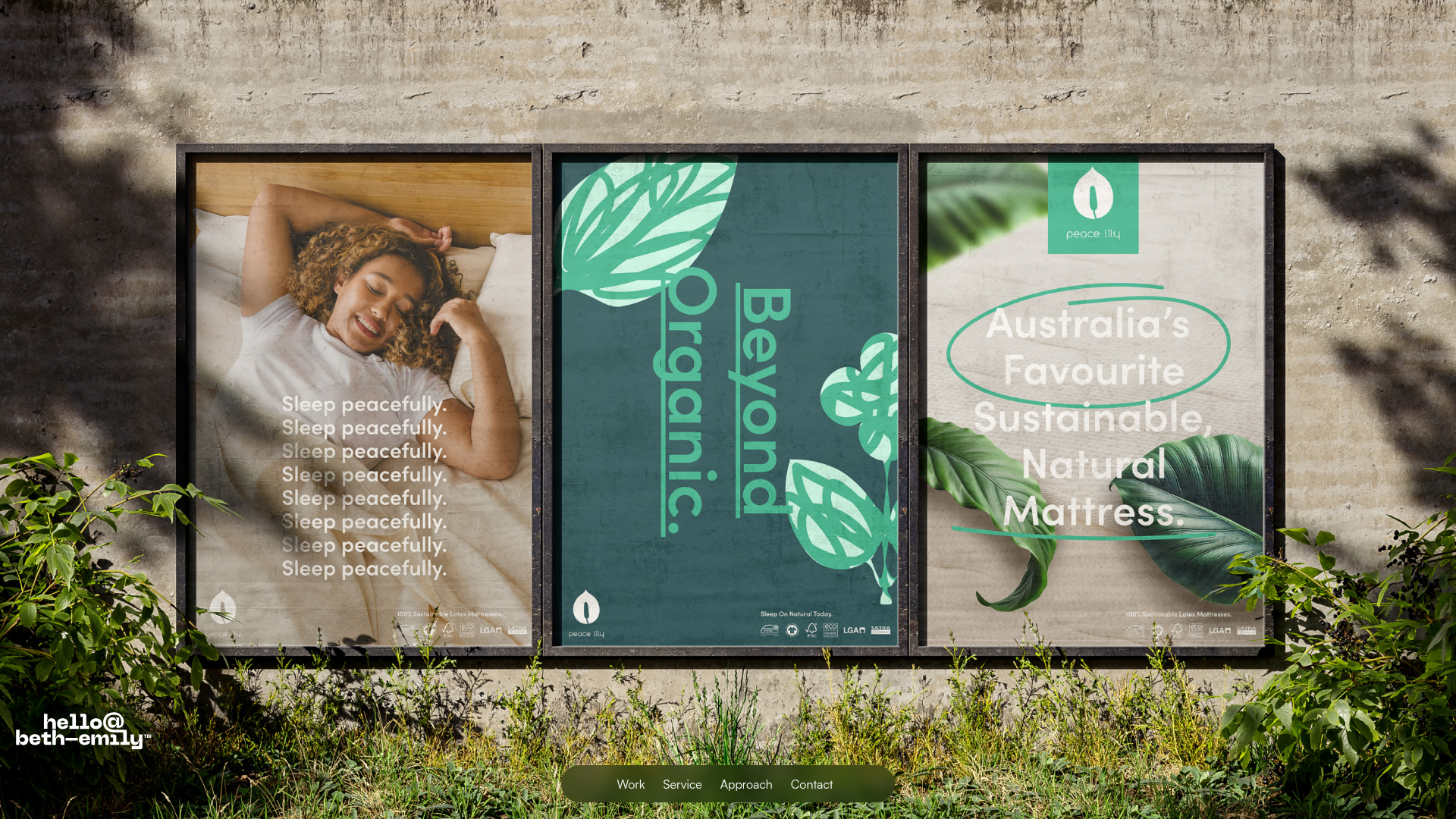
Beth-Emily Portfolio Carousel Landing Page
A minimalist portfolio layout featuring a full-width background slider, transparent navigation overlays, and an integrated bottom menu for service navigation.
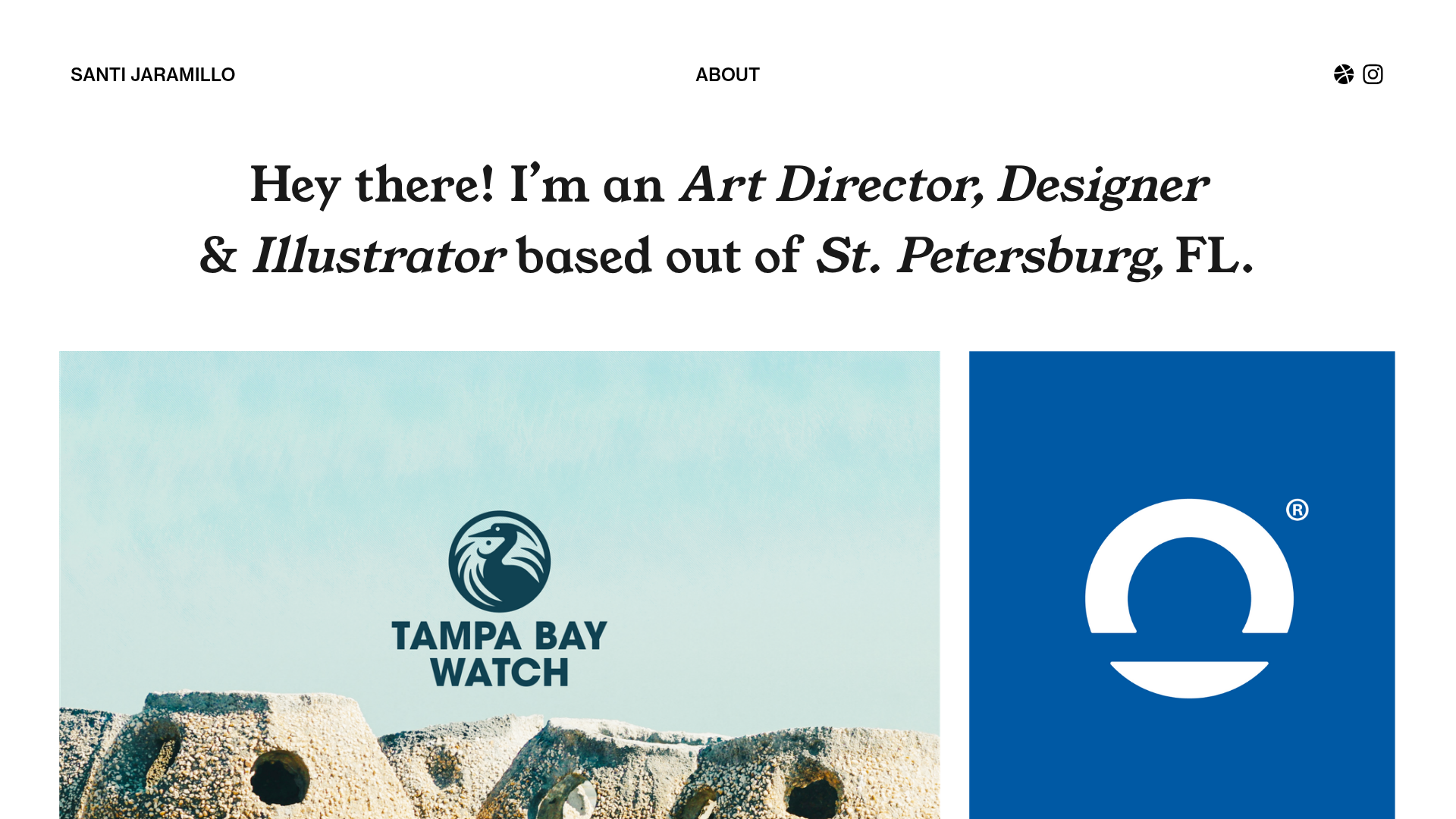
Santi Jaramillo Design Portfolio Page
A minimalist portfolio layout featuring a large typography-driven hero section with hover-triggered GIFs and an asymmetrical justified grid for project thumbnails.
