Jeen-yuhs Retro Glitch Loading Screen
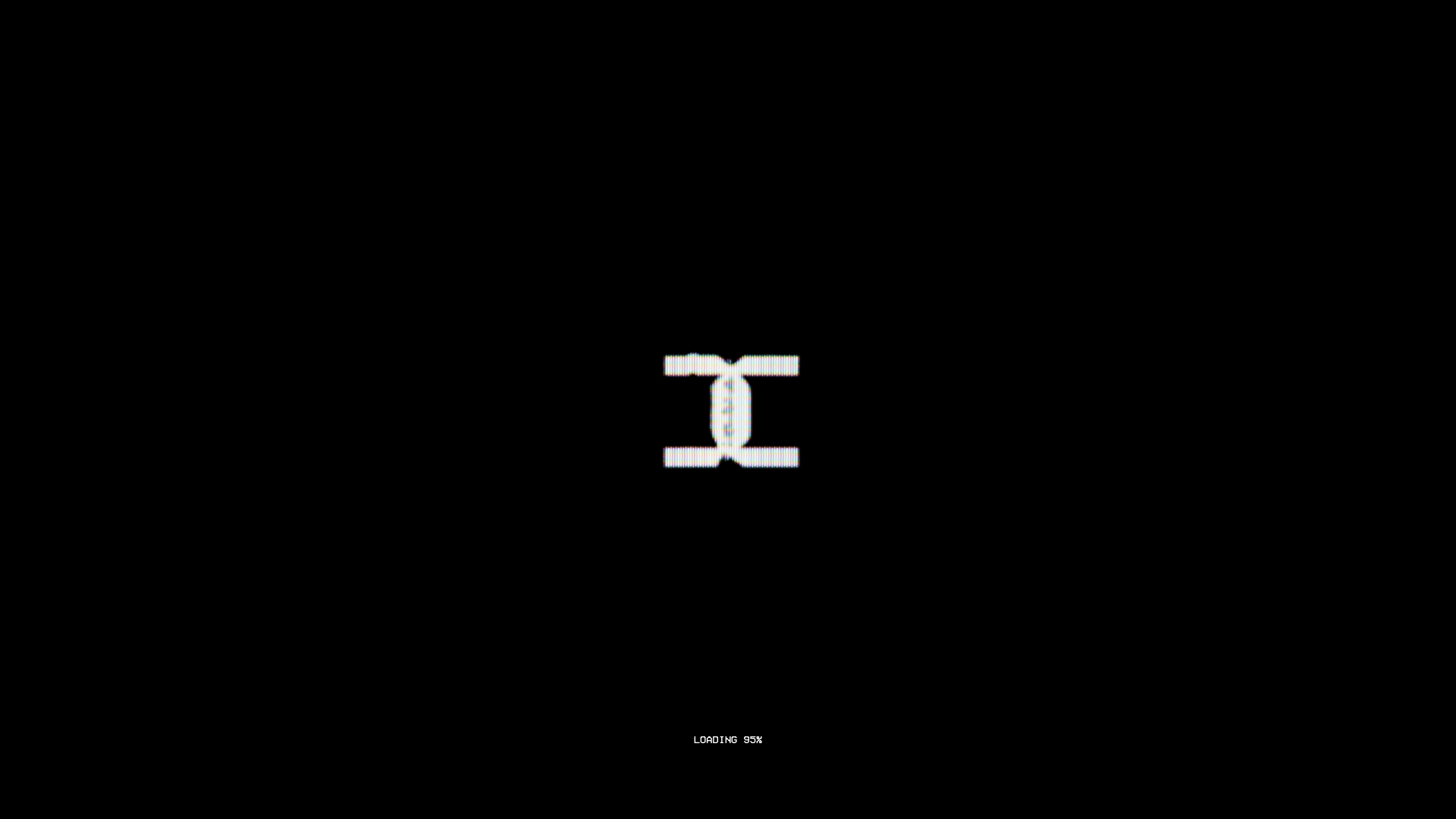
A CRT-inspired loading screen featuring canvas-based scanline effects, retro typography, a percentage progress indicator, and a centered glitch animation.
Overview
This site is a high-fidelity recreation of a vintage CRT monitor experience, acting as a stylized loading sequence for a media-rich platform. It is an exceptional reference for developers wanting to implement analog-inspired glitch aesthetics, scanline filters, and immersive pre-loader animations that set a specific brand tone before content reveal.
Design System
- Color Palette & Visual Hierarchy: The palette is strictly high-contrast monochrome, utilizing a deep
#000000background to simulate an inactive cathode-ray tube. The primary accent is a vibrant white-to-light-cyan used for the glitch elements and typography, creating a sharp visual hierarchy focused entirely on the center screen and bottom status bar. - Typography: The system uses a monospace, pixelated typeface (as seen in the
mini-loadingspan) that evokes 8-bit or terminal-style interfaces. Text is small and utility-focused, with uppercase styling used to reinforce the digital-instrumentation aesthetic. - Page Structure & Flow: The interface is centered around a
tv-screencontainer that houses amedia-canvasfor post-processing and amedia-wrapcontaining the core assets. The flow begins with this full-screen pre-loader before transitioning into a hiddenfront-pagemain content area. - Reusable Components: The most valuable component is the
loading-textwrapper combined with thecanvas-textclass, which handles the dynamic rendering of percentage values. Thetv-screencontainer serves as a global wrapper for applying visual filters to all nested media content. - Interaction & Motion: The design relies on CSS/Canvas animation to produce scanline effects and RGB displacement (chromatic aberration). The centered logo features a cyclic glitch animation, while the "LOADING" text provides real-time state feedback through the percentage indicator.
- Implementation Clues: The HTML reveals a Nuxt.js framework implementation (
#__nuxt). It utilizes acanvaselement (unprocessed-canvas) for real-time video manipulation and filter overlays, suggesting that the CRT effects are programmatically generated rather than static video overlays.
Use Cases
- Who should clone this: Creative agencies, film promotion sites, or portfolio developers looking to create a distinctive, immersive entry transition that masks complex asset loading.
- Remix Directions: Replace the central glitch logo with a brand-specific SVG; swap the monochrome palette for a retro-amber or emerald-green terminal look; or adapt the
mini-loadinglogic for a file upload interface. - Clone Scope: For a fast win, clone the
loading-textand scanline canvas overlay to immediately inject "analog" personality into any standard loading screen. A full-page clone is best suited for experimental landing pages where the loading sequence is a core part of the storytelling.
Related Inspirations
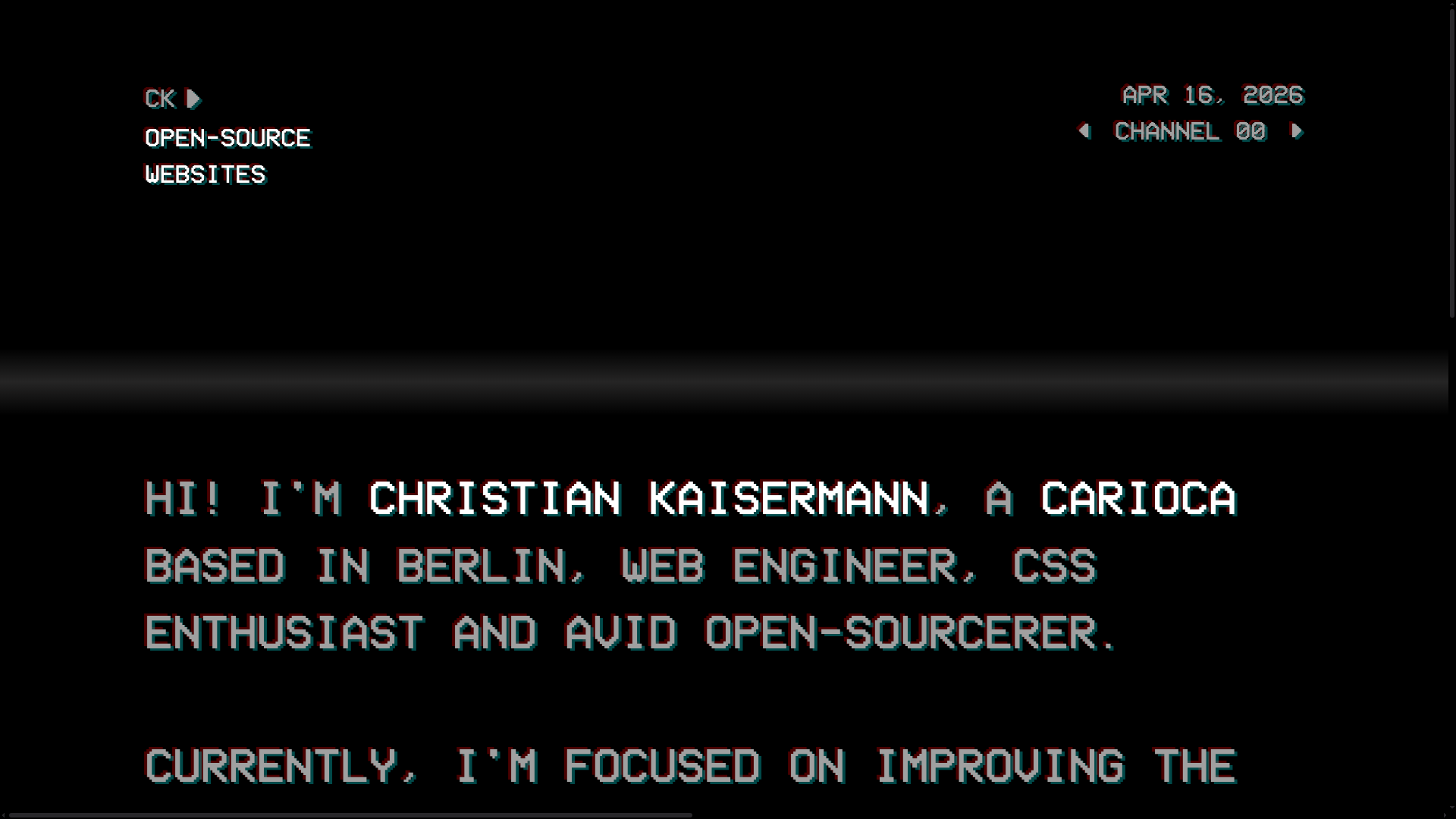
Christian Kaisermann Retro CRT Portfolio
A dark-themed developer portfolio featuring a 90s CRT television interface with glitch text effects, scanlines, and an interactive remote control navigation system.

Sneak in Peace Live Video Store
A dark-themed video streaming layout for e-commerce with floating overlays, live status indicators, viewer counts, and a mobile-optimized tab bar.

Homunculus Portfolio Canvas Experience
A high-end creative portfolio featuring a full-screen WebGL canvas, immersive scroll-triggered transitions, and a JavaScript-driven project list gallery.

Stripe Press Interactive Book Gallery
A high-end catalog featuring an immersive 3D canvas, horizontal scrolling product lists, and dynamic detail sections with thematic color-shifting backgrounds and integrated buy-flows.
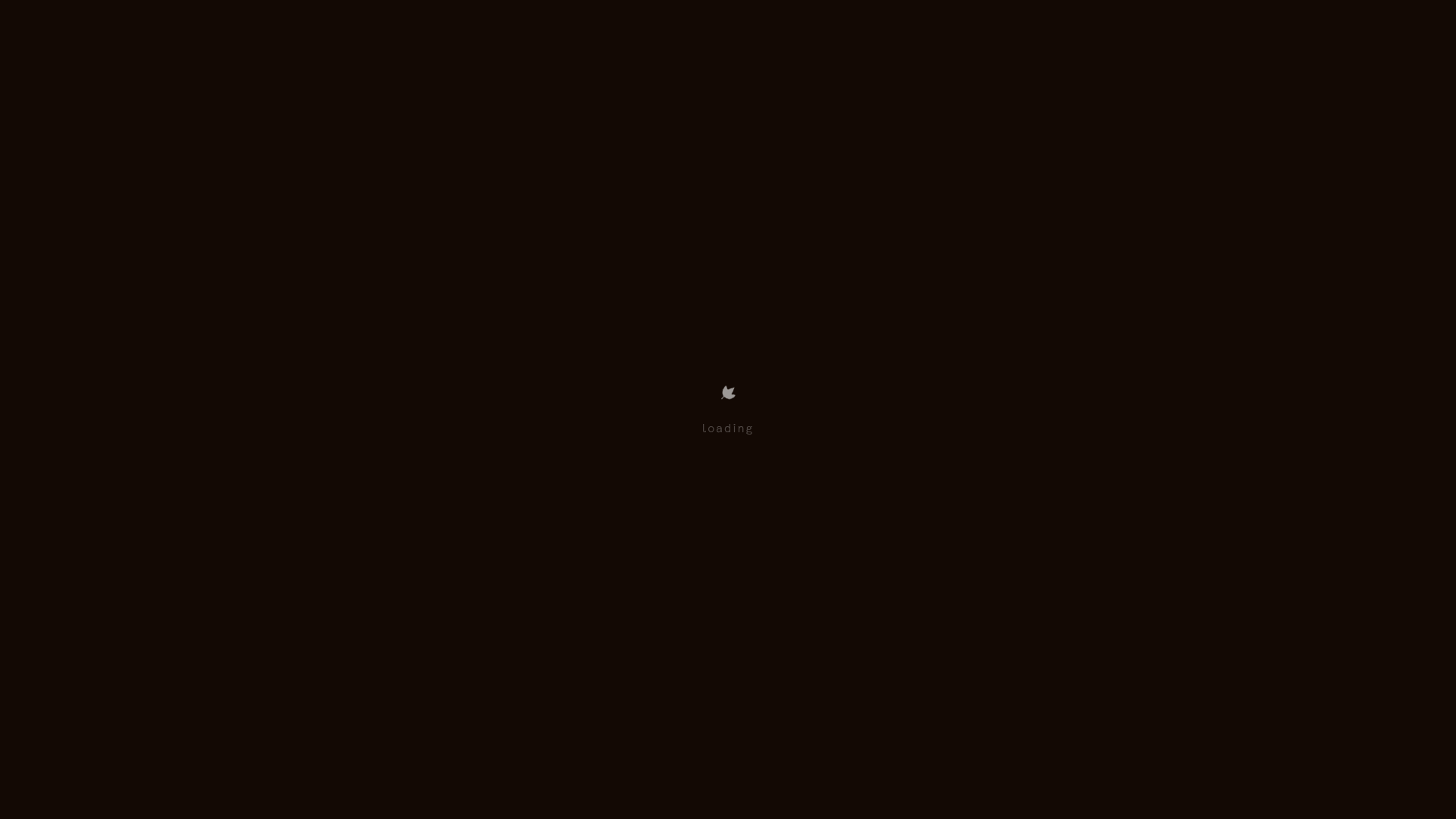
Wayfinder Minimalist Loading Screen
A clean, dark-themed loading state featuring a centered CSS logo animation and subtle typography for use in high-contrast immersive web experiences.

The Sea We Breathe Immersive Experience
An interactive WebGL-based storytelling layout featuring a data-rich HUD overlay, custom animated audio controls, and a full-screen video canvas for cinematic narrative experiences.
