Squarespace Website Expired System Page
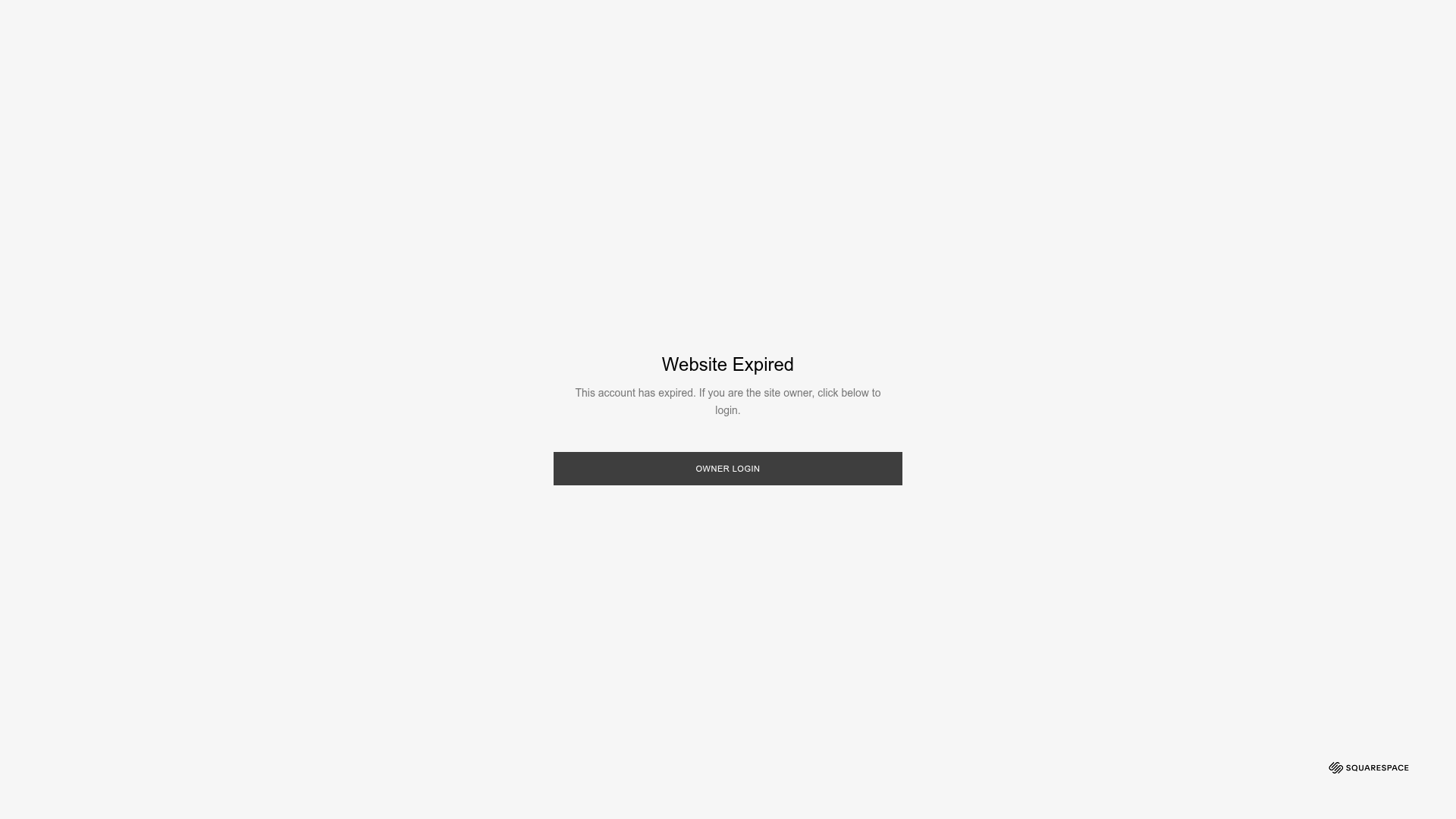
A minimal system error page layout featuring a centered modal box, dark overlay, and a primary call-to-action button for account recovery.
Overview
This is a Squarespace system utility page designed to handle service interruptions with extreme minimalism and clarity. It serves as an excellent reference for high-utility error handling, maintenance screens, and simple login modals where user focus must remain strictly on one specific action.
Design System
- Color Palette & Visual Hierarchy: The design uses a monochromatic palette focused on high-contrast functionality. The background is a very light gray (#F2F2F2), while the interactive element is a dark charcoal grey (#3C3C3C). The hierarchy is centralized, using white space to isolate the dialogue window as the singular point of interest.
- Typography System: The system utilizes a clean sans-serif typeface (likely square-grotesque variants typical of Squarespace utilities). The title "Website Expired" uses a larger font size and medium weight for immediate status recognition, while the description text is scaled down with lower opacity to provide context without visual clutter.
- Page Structure: The layout relies on a fixed-position centered modal (
sqs-lightbox) over an overlay. The HTML reveals a simple vertical stack within the modal: a title div, a description div, and a button container. - Reusable Components: The primary reusable element is the centered dialog box with its associated overlay (
sqs-lightbox-overlay). The full-width block button with uppercase text is a classic UI pattern for administrative actions. - Interaction Patterns: The UI is static by design, but the HTML indicates a standard input button (
login-button) that serves as a single entry point. The overlay creates a backdrop that disables interaction with any potential content underneath. - Implementation Clues: The structure uses Squarespace's standard system CSS (
system-page.cssanddialog.css), indicating a layout managed via absolute positioning (top: 420px; left: 730px) and high z-index stacking to ensure the message is never obscured by other page elements.
Use Cases
- Who should clone this pattern: Developers needing a "Coming Soon," "Under Maintenance," or "Account Suspended" page that requires zero distractions.
- Remixing products: SaaS platforms can remix this for billing failure screens, logout confirmations, or gated content previews.
- Practical remix directions: Swap the dark charcoal button for a brand-specific primary color; change the centered modal into a slide-over for a less intrusive notification; or replace the text with a "Site Under Maintenance" message and an email capture form.
- Suggested clone scope: This is a perfect full-page clone for a utility template. The simplicity of the HTML structure makes it easy to port into any framework (React, Vue, or Tailwind) as a global status component.
Related Inspirations
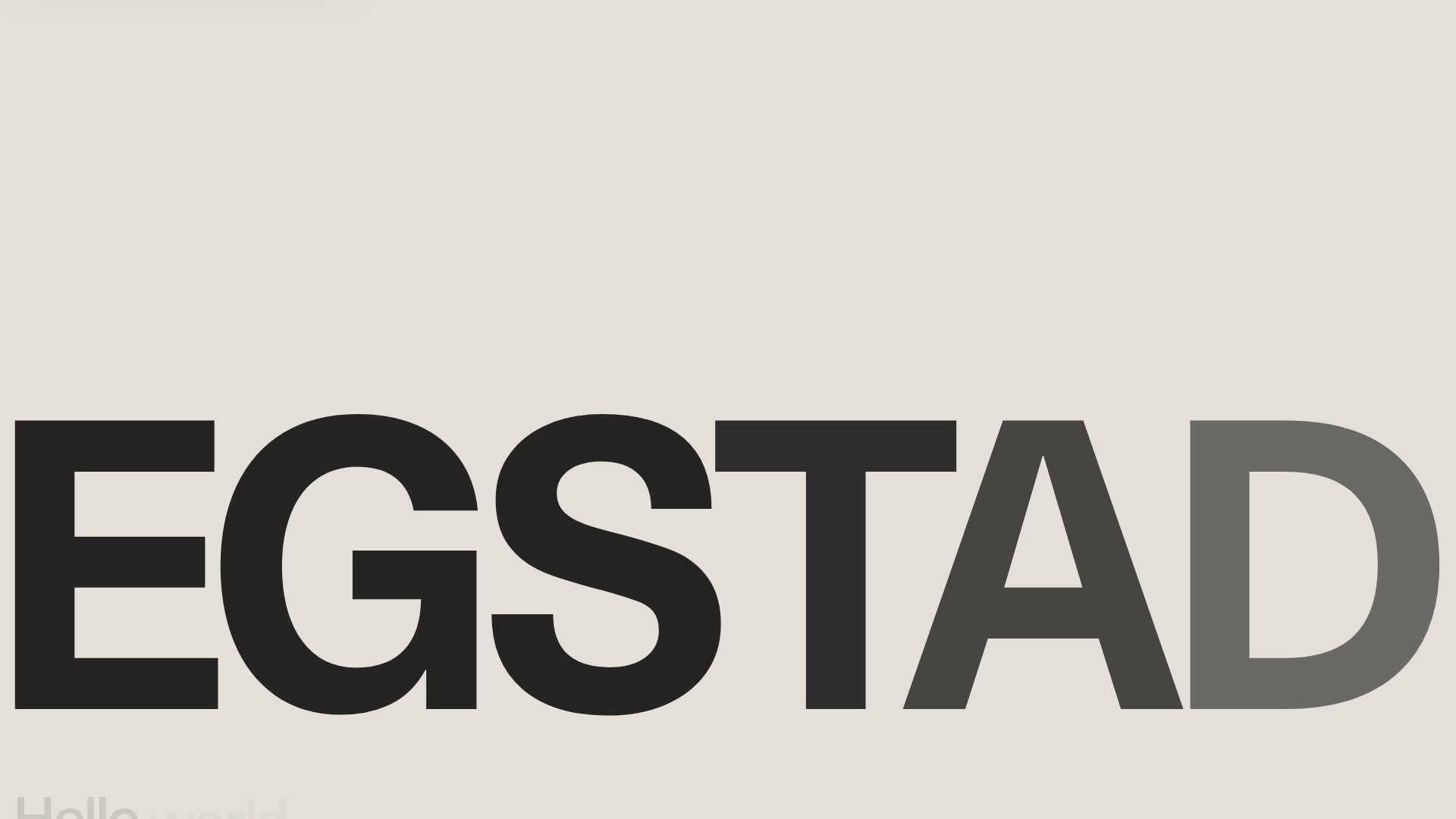
Egstad Minimalist Design Portfolio
A refined Nuxt.js portfolio featuring bold variable typography, interactive canvas elements, and a clean grid-based layout for showcasing design work.
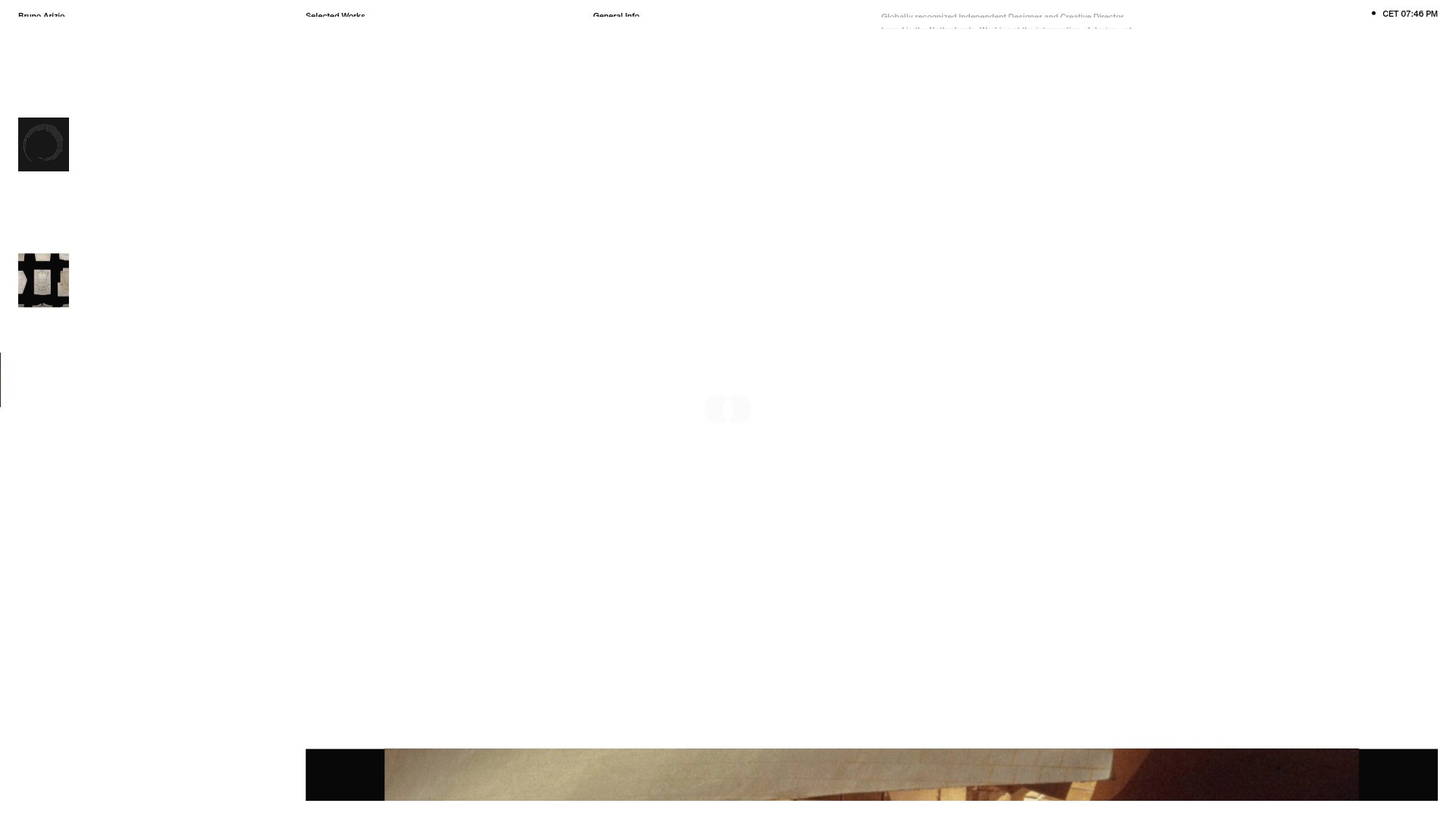
Bruno Arizio Designer Portfolio Website
A minimalist creative director portfolio featuring a clean typographic layout, side-aligned image previews, and high-contrast spacing patterns suitable for luxury or design showcases.
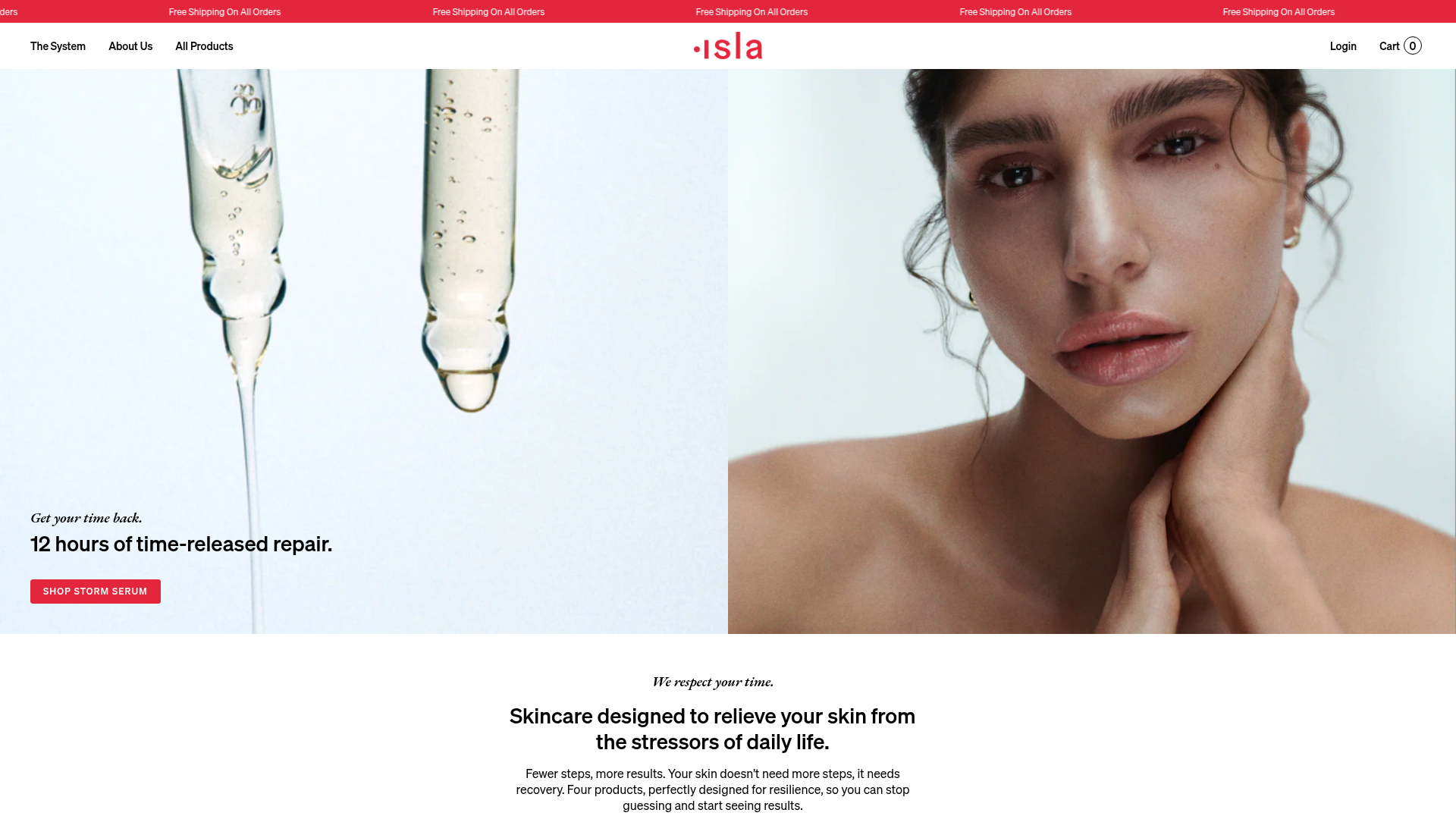
Isla Beauty Skincare E-commerce Store
A clean Shopify-based storefront featuring a split-hero landing page, a step-by-step product system carousel, and a split-screen testimonial section with localized product image sidebars.
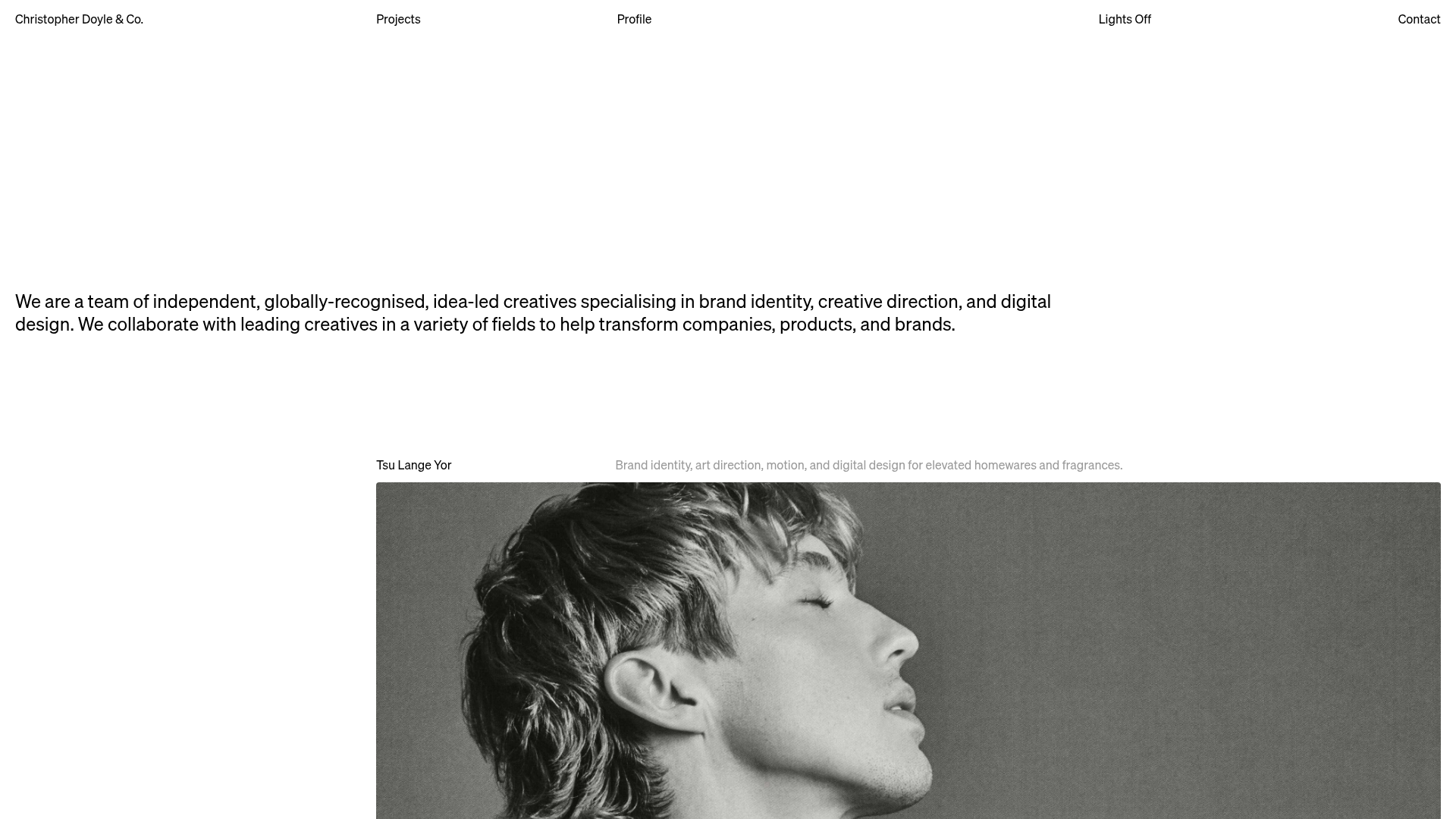
Christopher Doyle Agency Portfolio Layout
A minimalist, typography-led portfolio featuring a wide-margin grid system, smooth fade-in animations, and simple image-focused project cards.
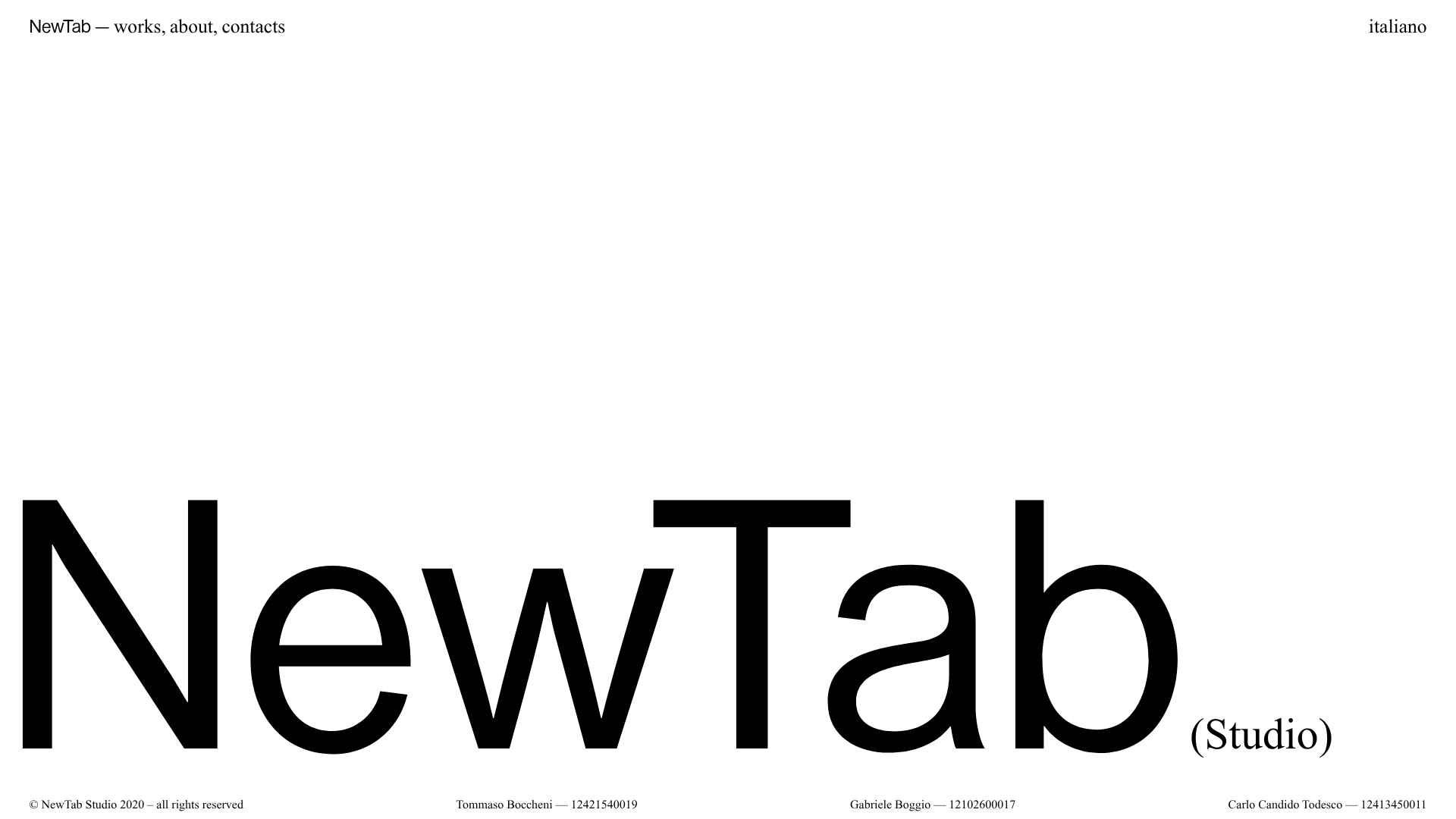
NewTab Studio Minimalist Portfolio Landing Page
A clean, typography-focused landing page featuring an oversized SVG/canvas hero title, a top-aligned navigation bar, and a minimalist footer layout.
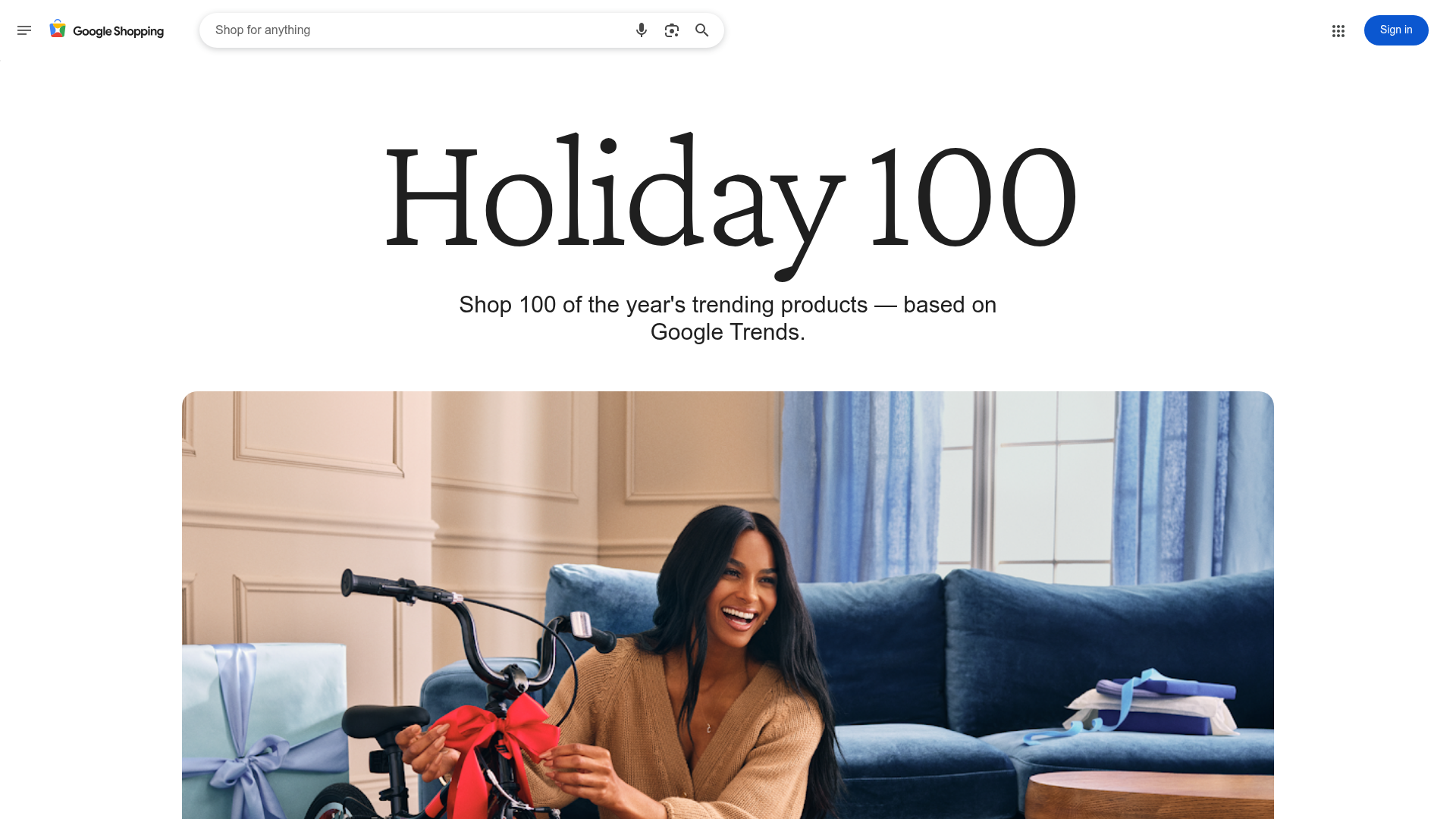
Google Holiday 100 Curator Landing Page
A minimalist e-commerce showcase featuring a wide hero section, clean search integration, and a bold typography-driven header designed for trending product collections.
