Kons Interactive Dynamic Island Portfolio
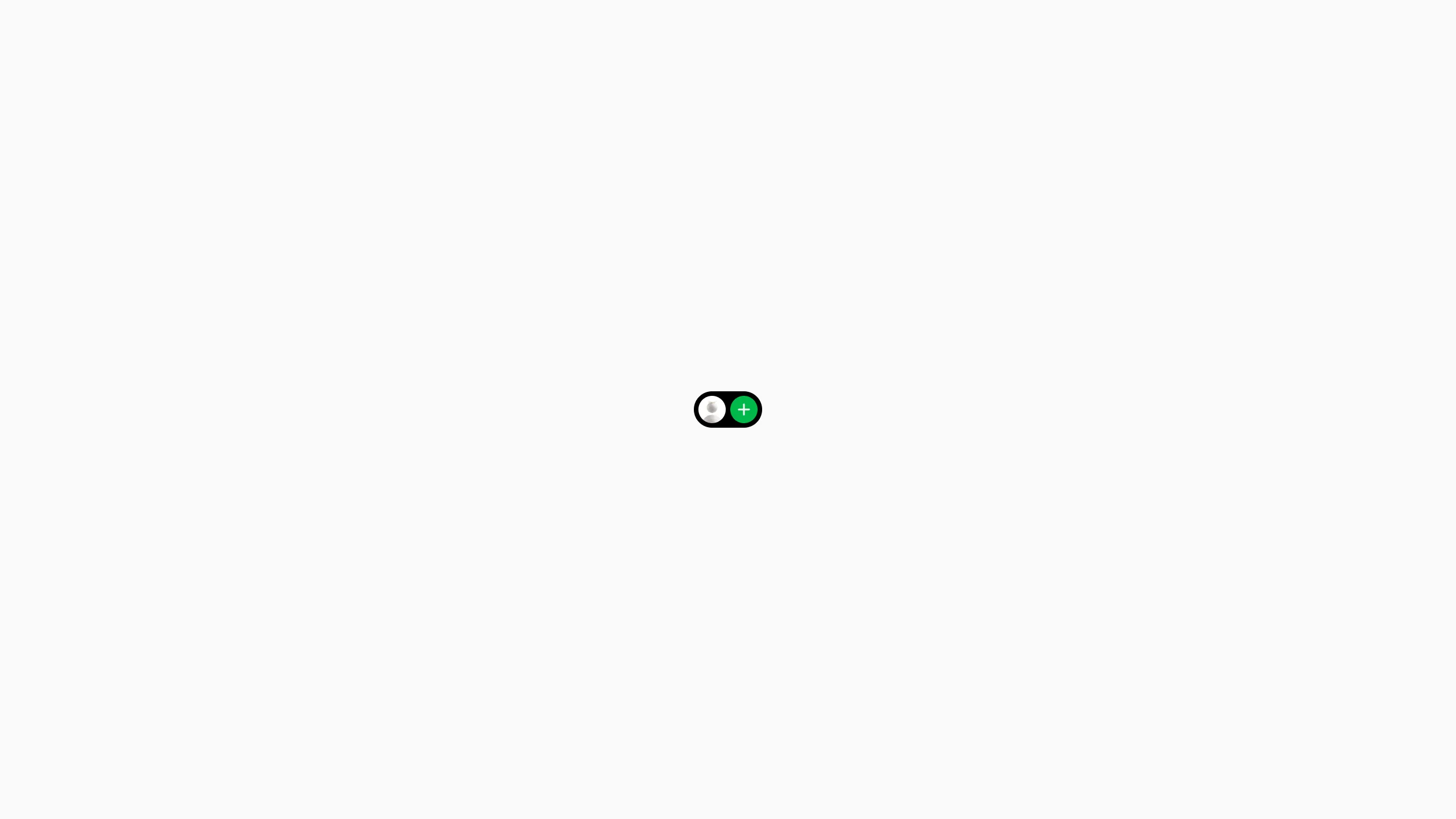
A minimalist personal site featuring an animated 'dynamic island' component that expands into navigation menus and content blocks using Tailwind CSS transitions.
Overview
This project is a minimalist personal portfolio centered around a single 'Dynamic Island' component that expands to house everything from navigation to about-me text. It is a premier reference for builders interested in state-driven UI, ultra-compact design, and fluid spring-like transitions using Tailwind CSS.
Design System
- Color Palette & Visual Hierarchy: The design uses a high-contrast aesthetic with a pure white background and a black central container. Accent colors are used as functional identifiers: green for 'Home/Add', orange for 'About', and blue for 'Links'.
- Typography: The system utilizes a sans-serif font (likely a system stack) with a clear hierarchy. Information is categorized into small gray sub-headers (
text-sm text-gray-500) and slightly larger white or black primary text (text-base). - Page Structure: The entire site revolves around a single parent container (
#island) centered in the viewport. Content blocks (Header, About, Links, Menu) are stacked absolutely within this container and toggle visibility through CSS transforms. - Reusable Components:
- Dynamic Island: The core pill-shaped wrapper (
rounded-7) that morphs its width and height. - Icon Buttons: Circular action triggers (
w-9 h-9) containing Lottie animations. - Social Pill: A horizontal link group (
#links) that expands icon labels on hover/focus.
- Dynamic Island: The core pill-shaped wrapper (
- Motion Patterns: The site relies heavily on scale (
scale-50), opacity (opacity-0), and Gaussian blur (blur-sm) transitions to hide inactive states. Transitions useease-outwith a consistentduration-350and strategic delays (delay-150) to orchestrate sequencing. - Implementation Clues: Built with Tailwind CSS utility classes. It uses
dotlottie-playerfor interactive icons and manages complex layout shifts viaabsolutepositioning andtranslatetransforms rather than standard document flow.
Use Cases
- Who should clone this: Creative developers, designers, or minimalists who want a "single-action" portfolio that differentiates them from standard scrolling templates.
- Remix Directions: This pattern works effectively for mobile utility apps (e.g., a floating music player or settings toggle), browser extensions, or as a secondary navigation menu within a larger dashboard.
- Suggested Clone Scope: Start by cloning the core
#islandcontainer and the transition logic. Builders can remix it by swapping the dotLottie animations for standard SVGs or expanding the width to accommodate more complex forms or contact fields.
Related Inspirations

Jacob Leech Portfolio Portfolio Site
A minimalist developer portfolio with custom cursor interactions, scroll-triggered text animations, a clean resume layout, and unique full-width graphic components.
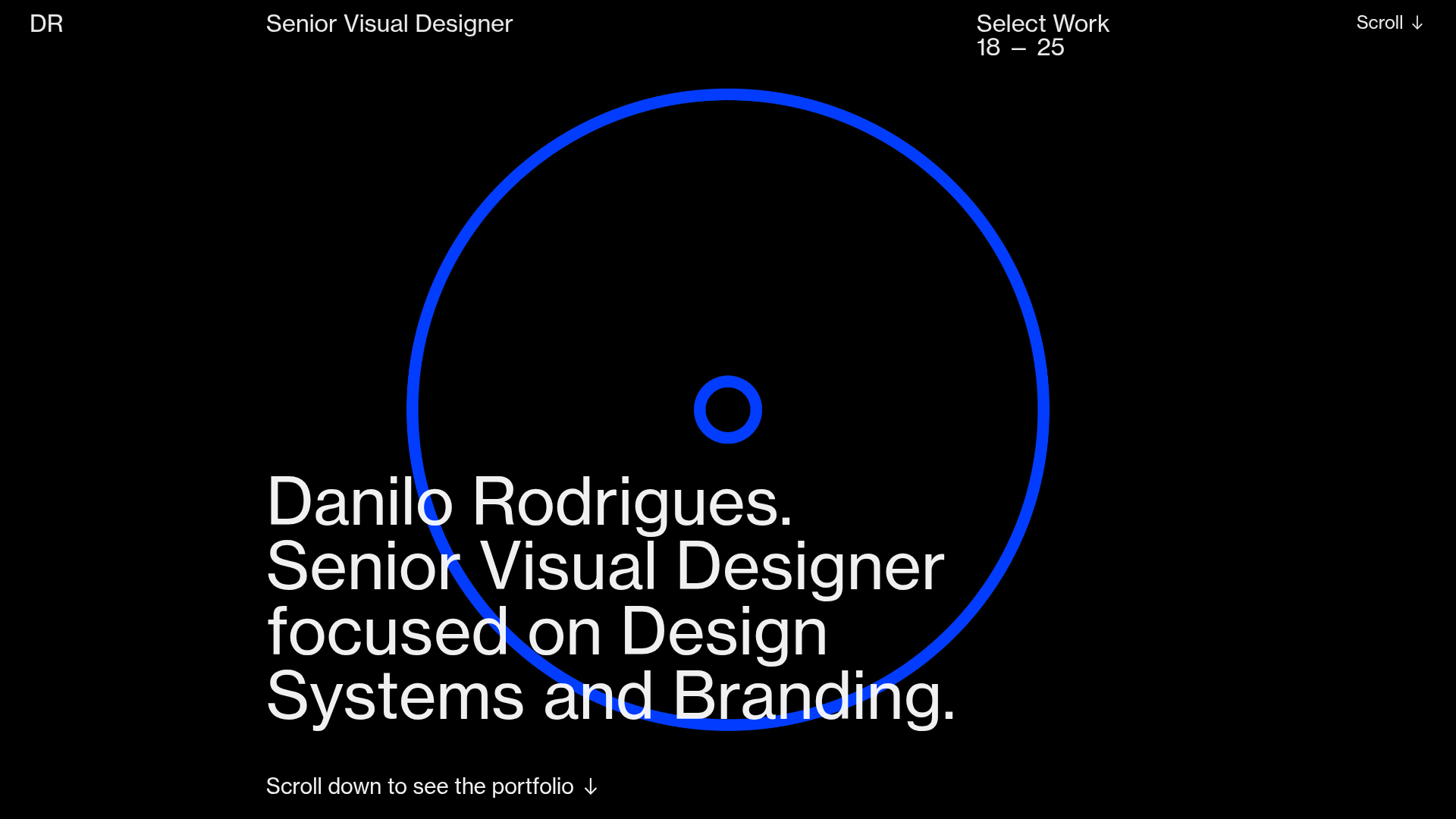
Danilo Rodrigues Designer Portfolio Landing
A minimalist, high-impact design portfolio featuring a full-screen image carousel hero, fluid typography, large scroll-triggered key visuals, and a clean grid-based case study layout.
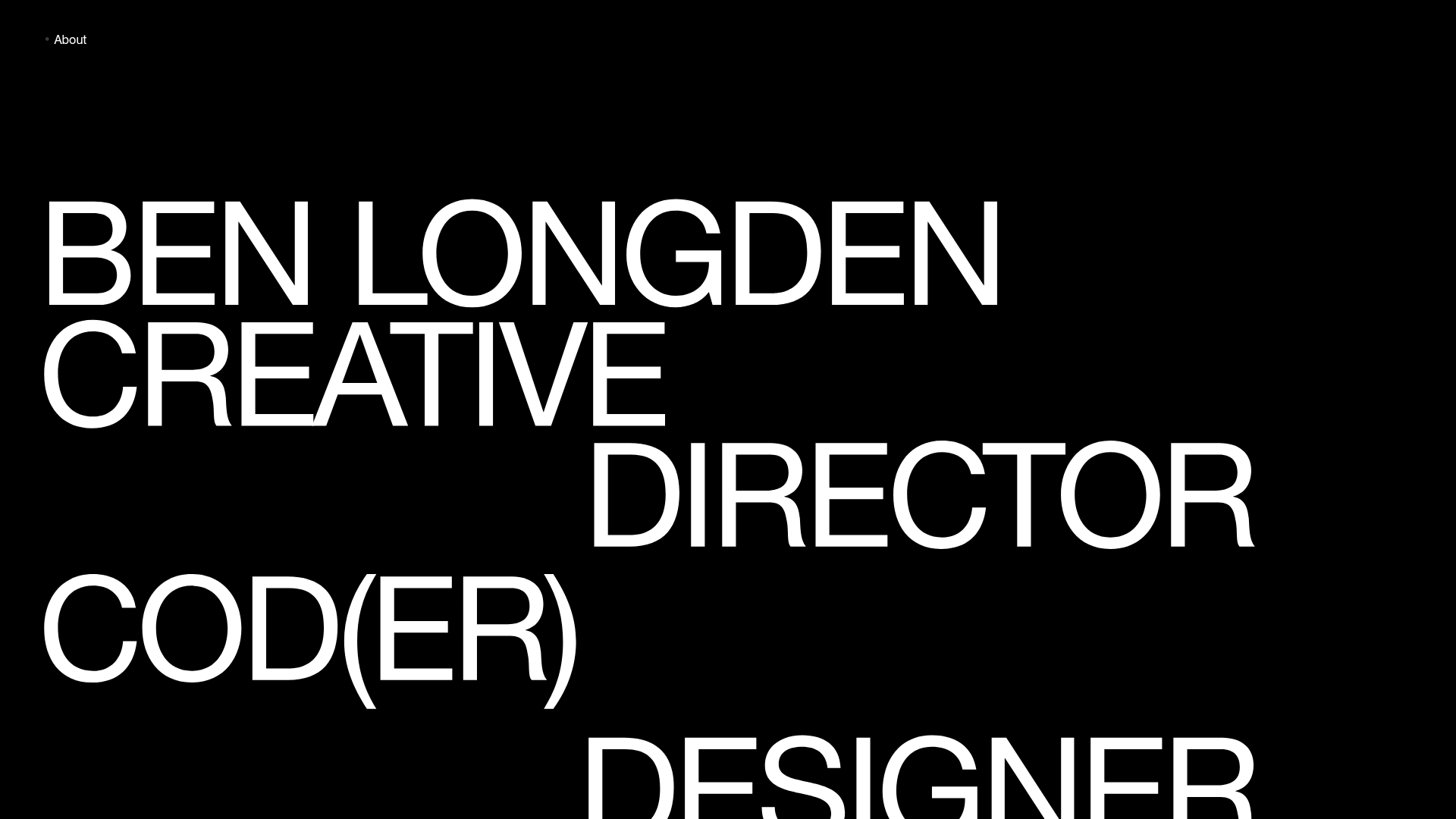
Ben Longden Minimalist Creative Portfolio
A bold typography-focused site featuring a large-scale overlapping hero section, horizontal image carousels for projects, and a scrolling text marquee footer.
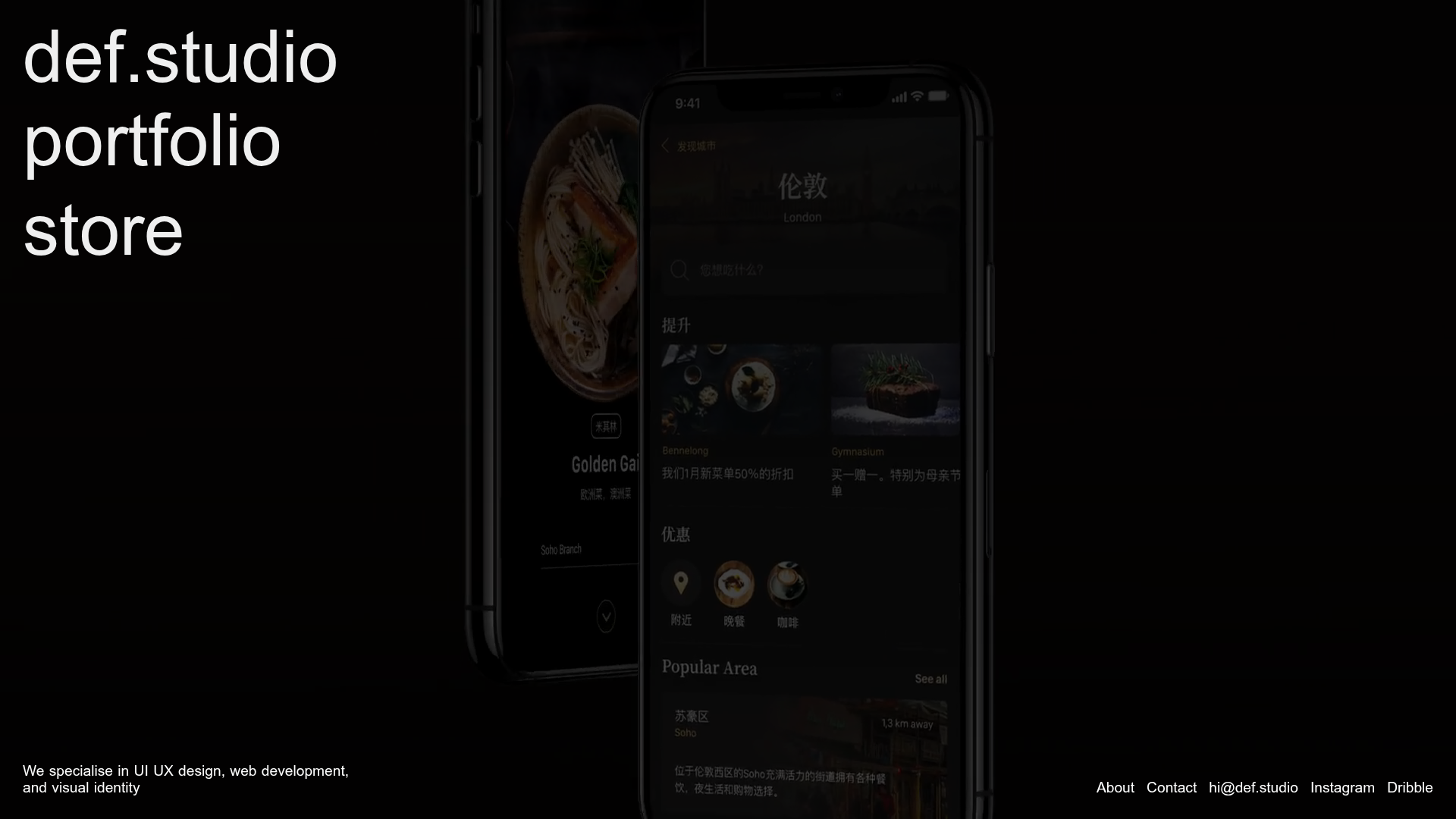
Def.studio Design Agency Portfolio
A dark-themed portfolio featuring a full-screen video background, smooth scroll transitions, and a vertical list of large-scale media-driven project cards with lazy-loaded video previews.
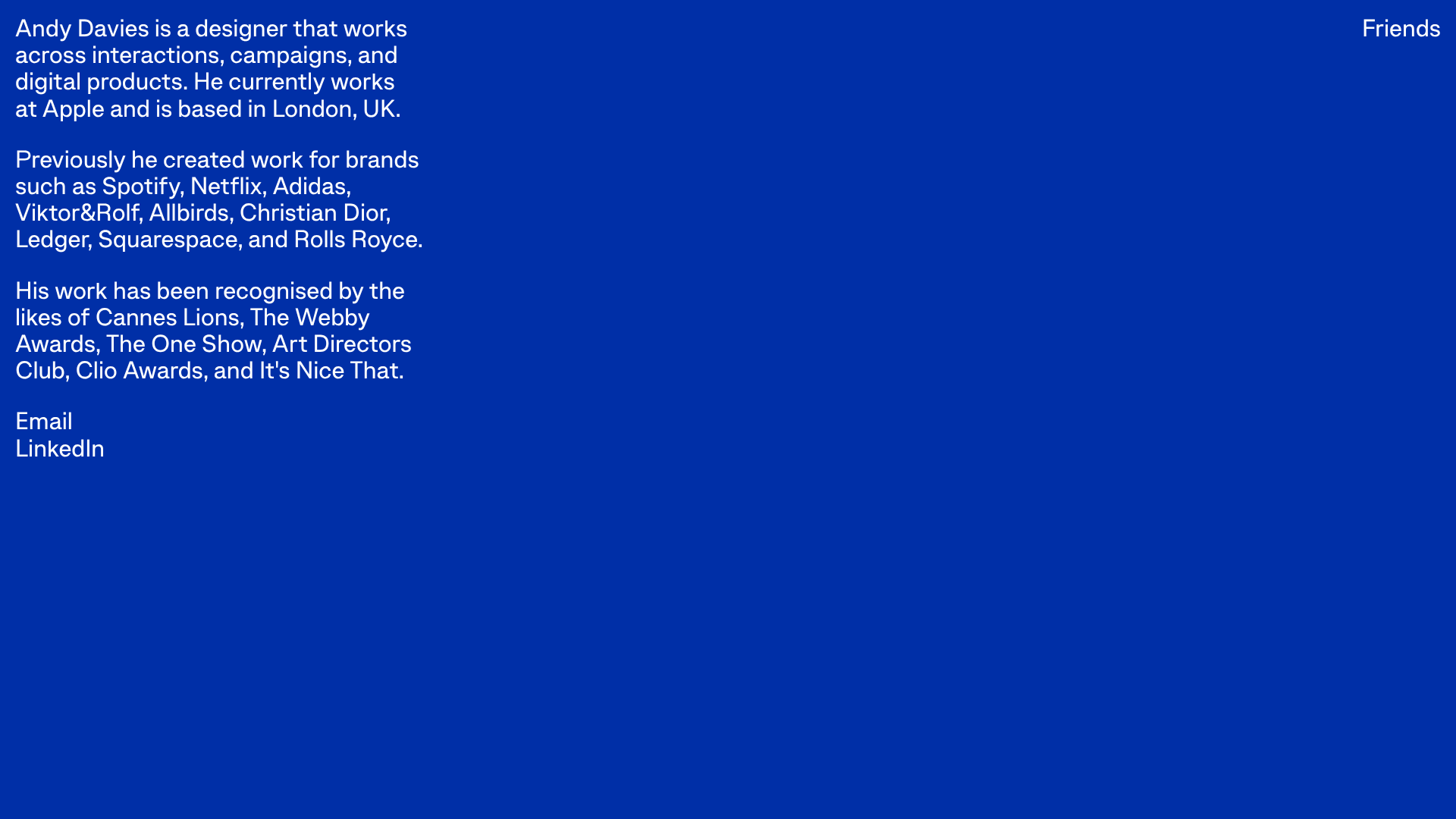
Andy Davies Minimalist Bio Landing Page
A stark, single-screen typographic layout featuring a high-contrast blue background, clean sans-serif text blocks, and simple text-based navigation.
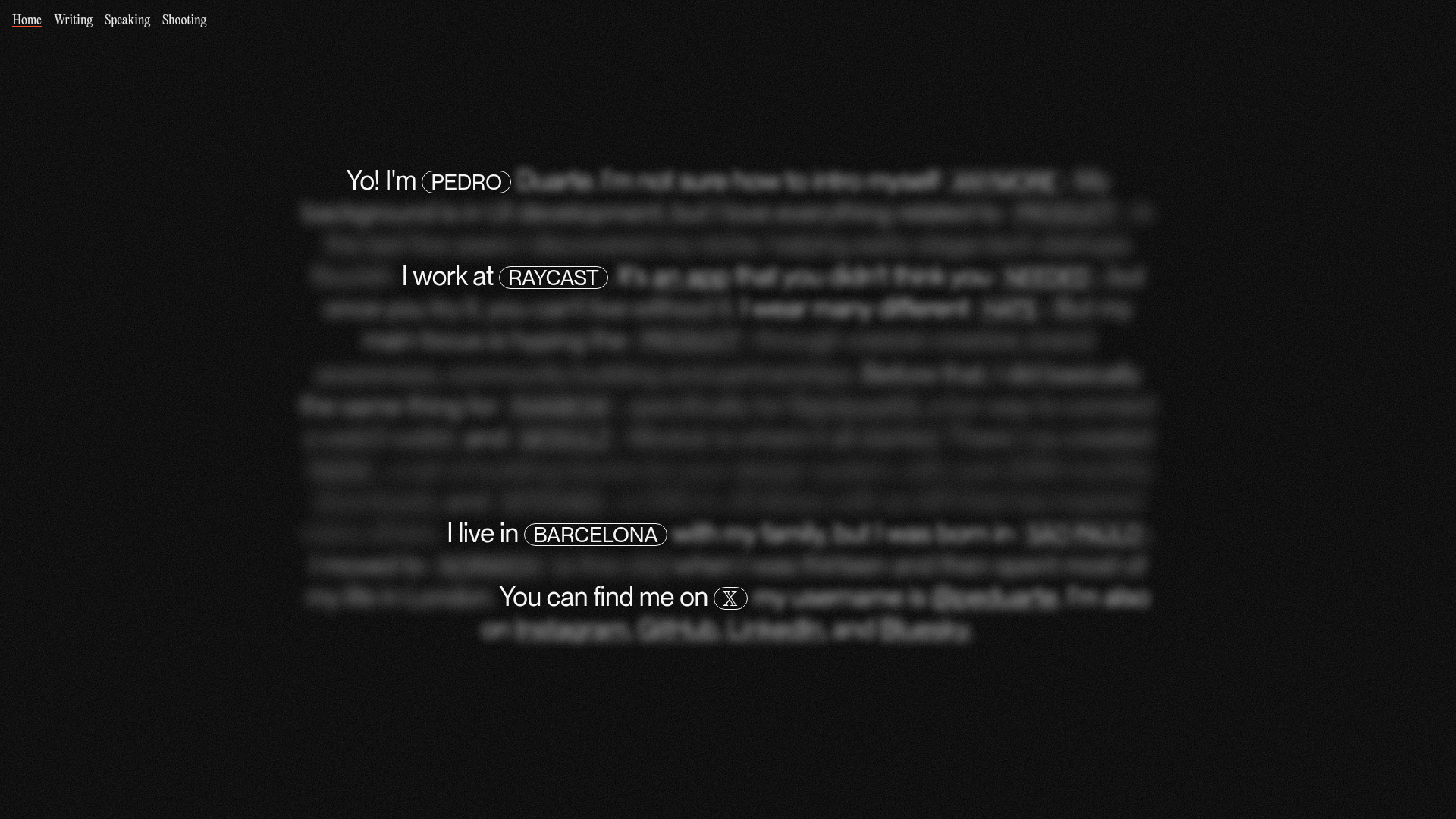
Pedro Duarte Personal Portfolio Site
A minimalist portfolio featuring an interactive text-reveal interface, a full-screen background video, and Radix UI components with a distinct dark aesthetic.
