Kevin Basset Handwritten Notebook Links
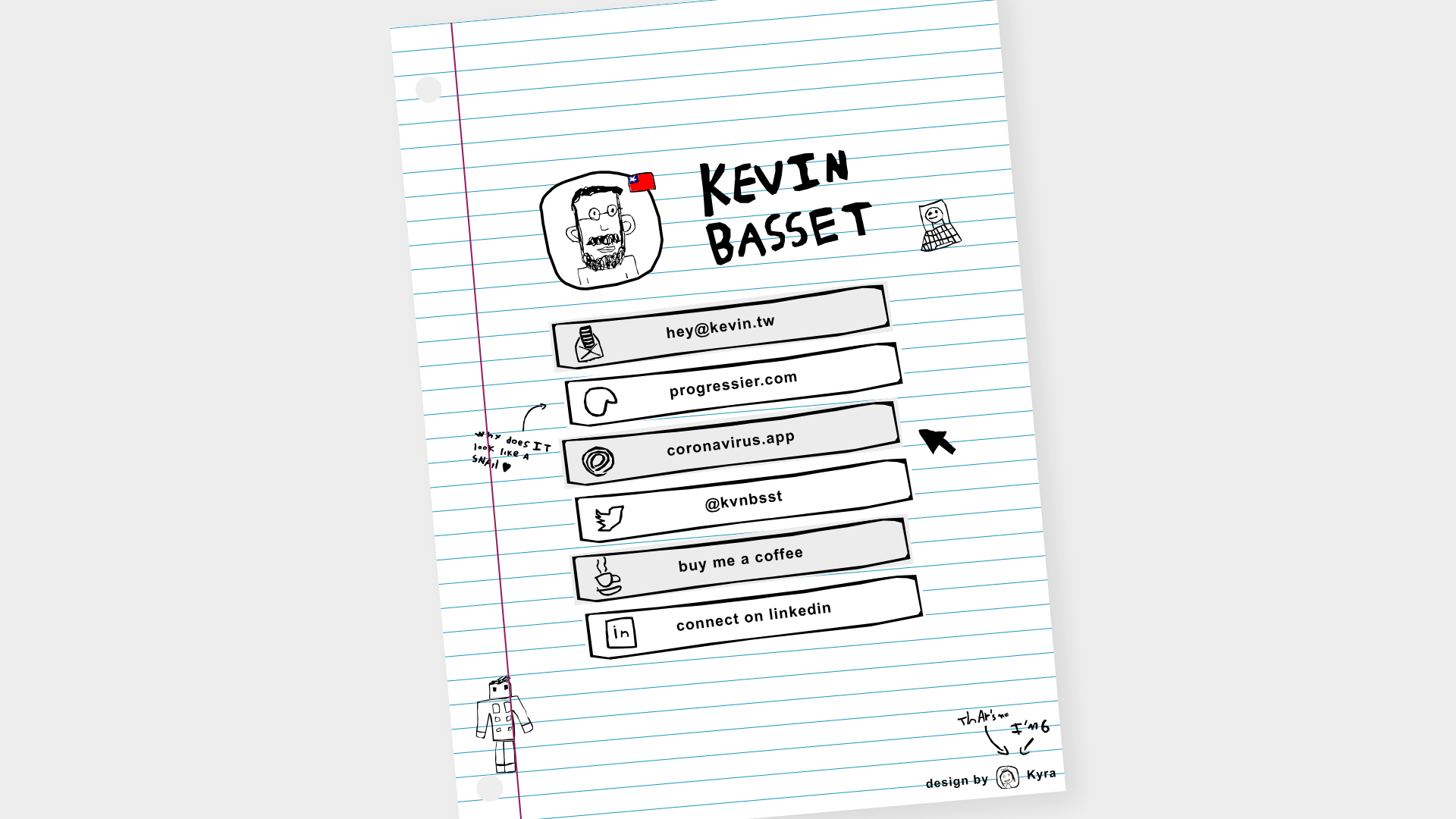
A playful personal link-in-bio page styled as a hand-drawn notebook with a lined paper background, scribbled icons, and uneven button borders.
Overview
This project is a whimsical 'link-in-bio' personal landing page that mimics the aesthetic of a hand-drawn school notebook. It is an excellent clone reference for developers looking to break away from sterile, corporate web design by utilizing unconventional layouts, organic shapes, and a illustrative UI.
Design System
- Color Palette & Visual Hierarchy: The background uses a classic blue-lined paper texture with a red vertical margin line. The primary content uses a monochrome palette (black ink on a light grey/white background) with small pops of color in hand-drawn illustrations and the small Chilean flag icon.
- Typography: The design relies on a thick, marker-style handwriting font for headers and link labels. All text is in lowercase or irregular case, reinforcing the casual, DIY atmosphere.
- Page Structure: The layout follows a top-down vertical stack: a header containing a boxed avatar and the name in large letters, followed by a list of navigation buttons, and finished with illustrative footer ornaments.
- Reusable Components:
- Notebook Background: A container with repeated CSS linear gradients to simulate lined paper.
- Rough-Border Buttons: The link blocks use
<span>elements with custom CSS borders that appear hand-drawn and slightly skewed, creating a physical 'cut-and-paste' look. - Scribbled Icons: Hand-drawn icon sets (email, snail, Twitter bird) that accompany each link.
- Interaction Patterns: Based on the HTML structure, the use of
target="_blank"on all links indicates an external portal behavior. Small CSS decorations (like the 'snail' and 'cursor' annotations) are positioned relatively to specific buttons to emphasize certain links. - Implementation Clues: The HTML reveal a clear
div class="paper"wrapper with adiv class="holes"utility to create the binder-hole effect. The UI relies on absolute/relative positioning for the 'doodle' elements (robot, design credits) to make them appear scattered on the page.
Use Cases
- Who should clone this: Creative professionals, illustrators, or indie developers who want a personal website that reflects a unique, approachable personality.
- Effective Remixes: This pattern works well for school-related apps, portfolios for 'zines', or landing pages for creative newsletters.
- Remix Directions: Replace the notebook background with other textured paper styles (grid paper, parchment); swap the marker font for a typewriter font for a more 'vintage' feel; or keep the rough-border button logic but apply a more vibrant color palette for a 'pop art' aesthetic.
- Clone Scope: A full-page clone is recommended as the charm of the design relies on the cohesive relationship between the background 'lines' and the floating doodle elements.
Related Inspirations
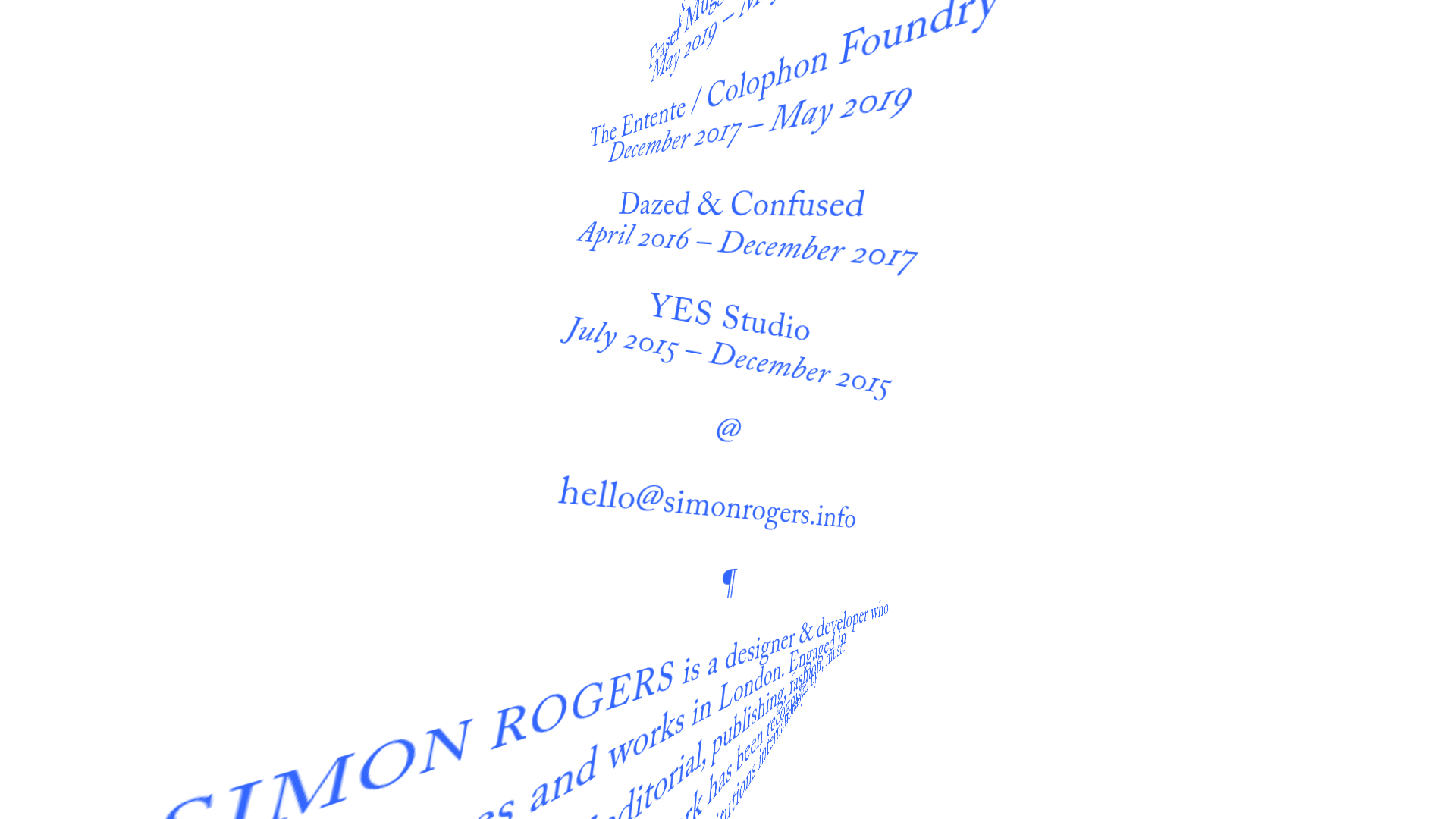
Simon Rogers Rotating Text Portfolio
A minimalist single-page layout featuring a CSS-transformed rotating text column with a repeating biography and career timeline sections.
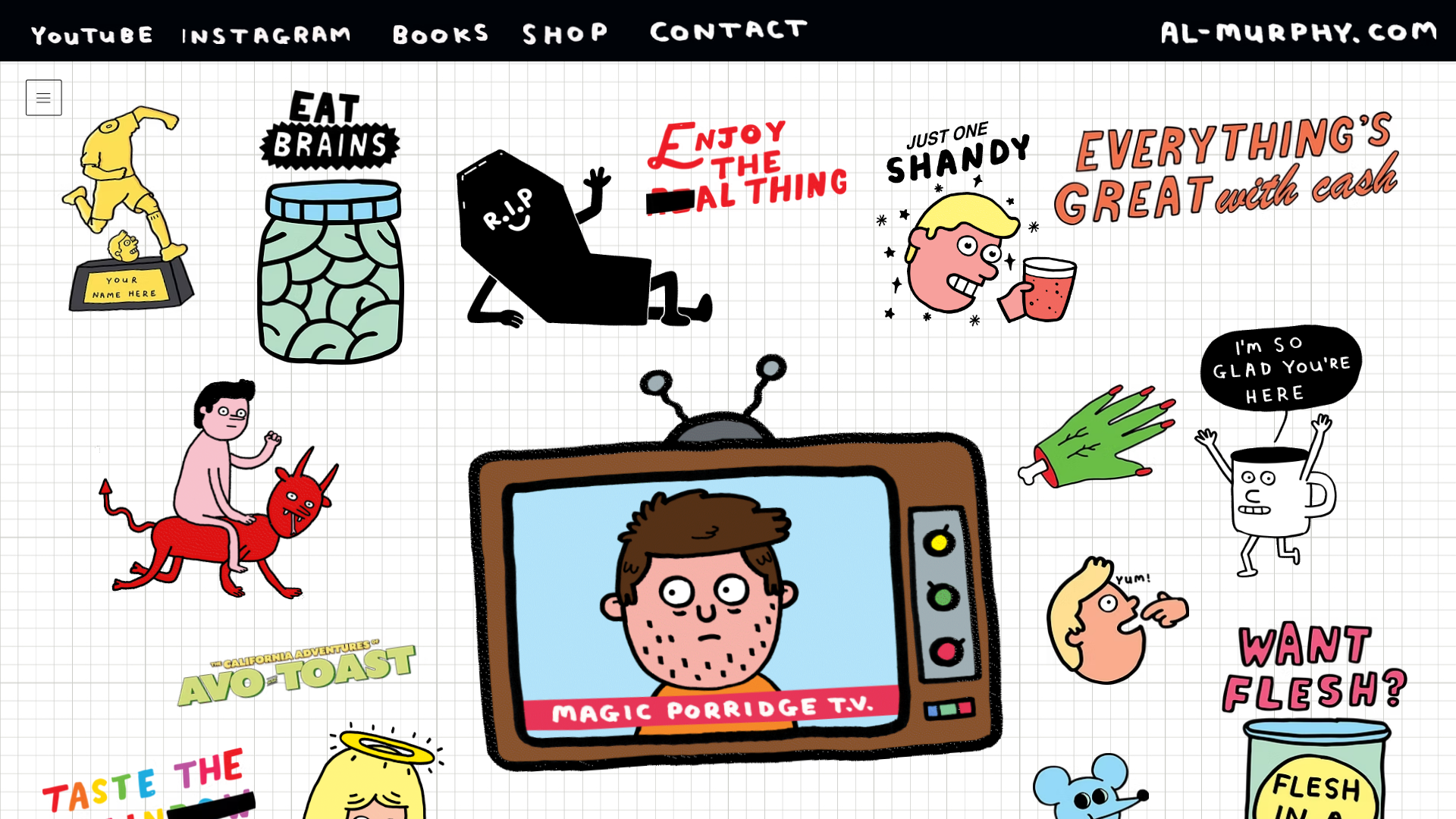
Al Murphy Illustrator Portfolio Grid
An unconventional, collage-style portfolio layout using a fixed grid background with scattered interactive stickers, gifs, and a centerpiece animated TV frame.

Summer Drive Event Landing Page
A vibrant event page featuring bold typography, a smooth scroll-triggered hero section, a video car animation, and a decorative logo marquee for portfolio teams.

Infringe Hair Culture Portfolio Gallery
A minimalist, high-impact portfolio featuring a vertical sticky marquee sidebar and full-screen image scrolls that toggle between desktop and mobile assets.
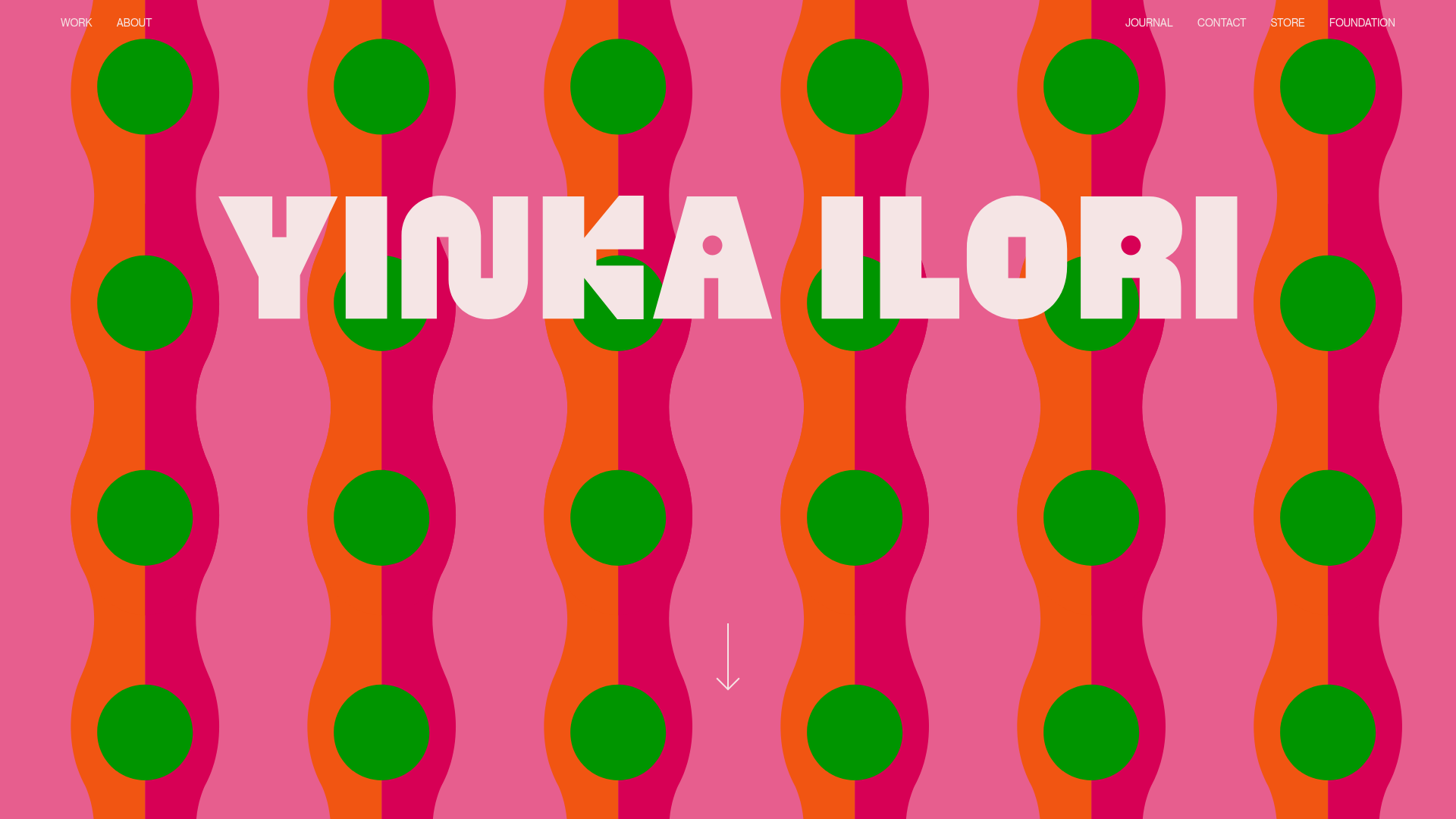
Yinka Ilori Portfolio Mosaic Grid
A vibrant portfolio featuring a scroll-activated parallax hero, bold typography, and a staggered mosaic image grid with asymmetric layouts and fade-in animations.
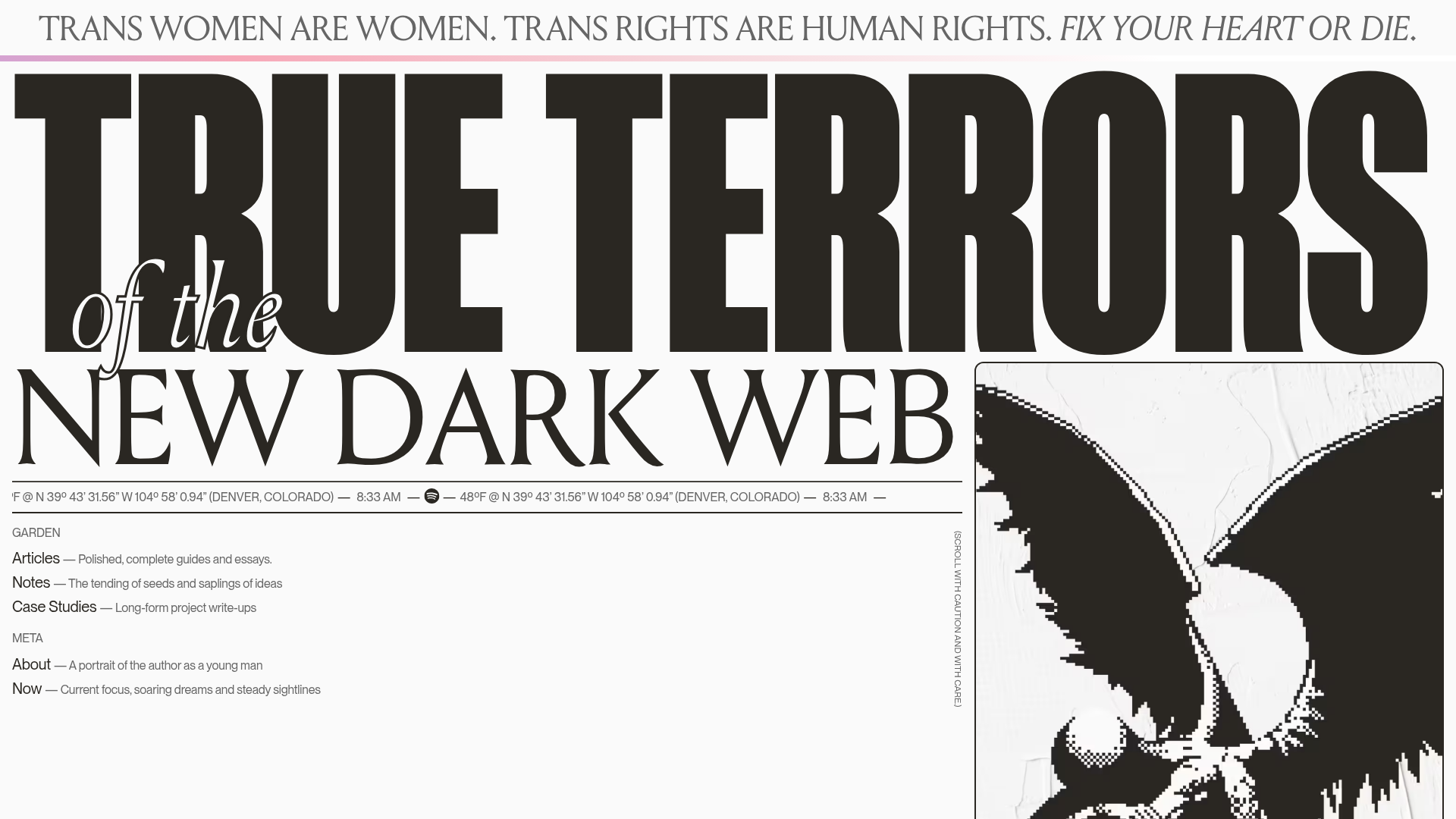
True Terrors Creative Developer Portfolio
A high-impact typography-driven portfolio featuring marquee animations, custom grid overlays, horizontal scroll case study rows, and a brutalist digital garden layout.
