BUNSA STUDIO Portfolio Landing
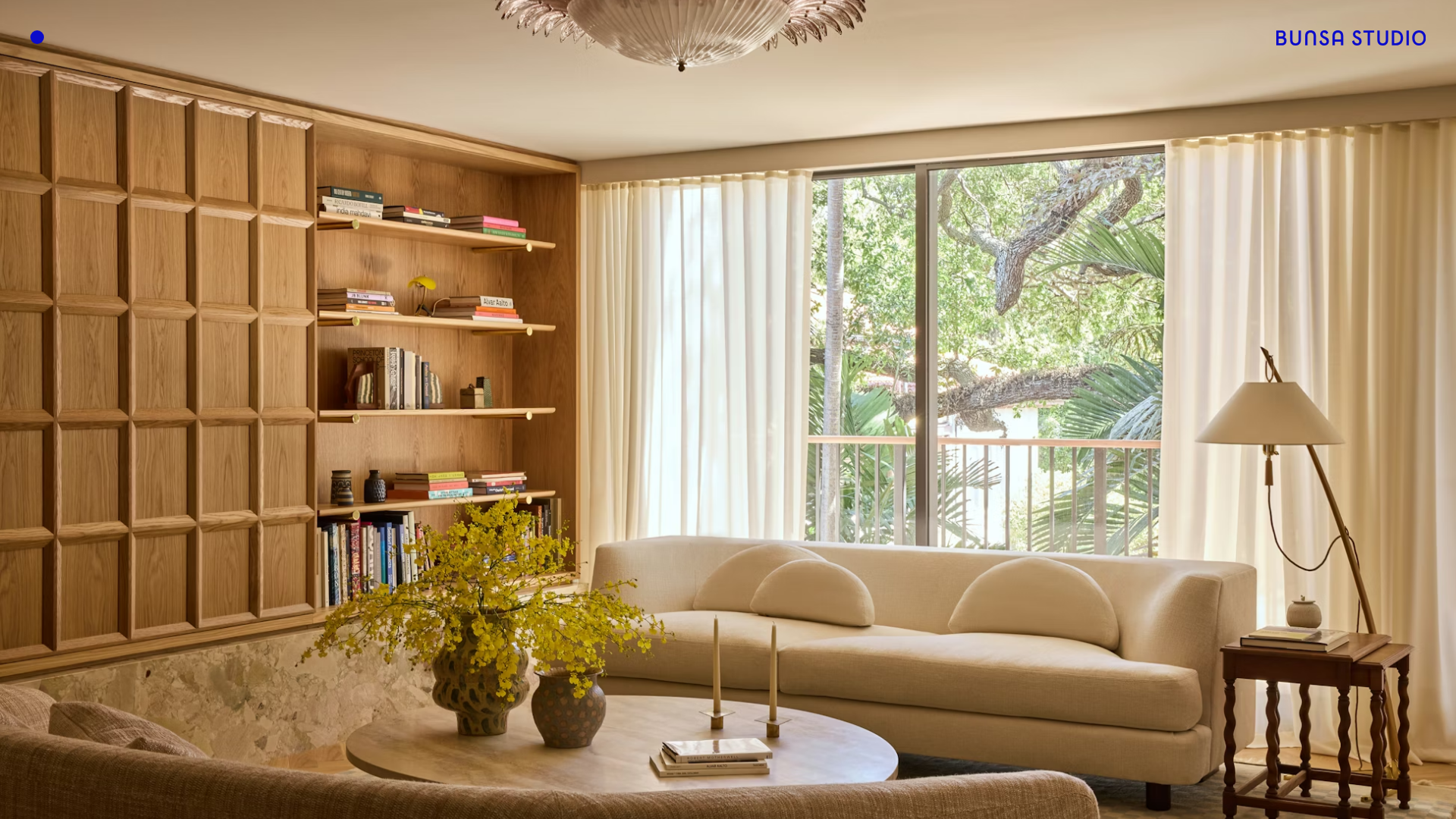
A minimalist design professional portfolio featuring a full-bleed immersive slideshow hero, sticky top corner branding, and responsive media-focused galleries.
Overview
This website for BUNSA STUDIO is a sophisticated, media-driven portfolio that prioritizes high-resolution imagery using a full-bleed immersive hero slideshow. It serves as an excellent reference for high-end designers, architects, and visual studios looking to create a cinematic, minimal, and "silent" UI that puts creative work at the absolute forefront.
Design System
- Color Palette & Hierarchy: The visual hierarchy is almost entirely governed by image content. The interface uses a minimal black/near-black and white palette for UI elements (typography and branding), allowing the warm, natural tones of the architectural photography to define the user experience.
- Typography: The design utilizes a clean, modern sans-serif (likely a custom branding font or system-level modern sans) for the "BUNSA STUDIO" logo and project labels. Text is used sparingly, primarily in the top corners to maintain a clutter-free aesthetic.
- Structure: The page is built around a
Slideshow__WrapperfeaturingBaseImage__Wrappercomponents. It utilizes a full-screen layout with a sticky header. The HTML indicates a Next.js framework using styled-components, often characteristic of highly performant, custom-tailored frontends. - Reusable Components:
- Immersive Hero Slideshow: A responsive, full-screen carousel using a fade transition (visible in class
swiper-container-fade). - Sticky Corner Branding: Strategically placed navigation/branding anchors that stay fixed while content rotates underneath.
- Responsive Image Loading: The
srcsetstrategy revealed in the HTML shows a heavy focus on performance, with images scaling from 100w to 8192w to maintain crispness on Pro Display XDR/Retina devices.
- Immersive Hero Slideshow: A responsive, full-screen carousel using a fade transition (visible in class
- Interactions: The primary interaction is a swiper-based navigation (
swiper-slide). The presence ofSlideshowDraggableindicates touch-friendly and mouse-drag gestures for image navigation, accompanied by a subtle horizontal bullet pagination.
Use Cases
- Who should clone this: Architectural firms, interior designers, high-fashion brands, and fine-art photographers who rely on visual storytelling with minimal textual noise.
- Effective Remixes:
- Luxury Real Estate: Swap the portfolio images for high-end listings and use the corner anchors for "Inquire" or "Book Viewings" buttons.
- Digital Agency: Use the immersive slideshow to showcase video backgrounds (reels) instead of static images.
- Editorial Lookout: Use the structure for a digital magazine cover where each slide represents a different feature story.
- Scope Guidance: Builders should start by cloning the
HeroHomeBlockand the responsiveBaseImagecomponent. For a quick win, reuse the sticky absolute-positioned corner layout to give an existing square-image gallery a more professional, "studio" feel.
Related Inspirations
BBA Studio Full-Screen Portfolio Slider
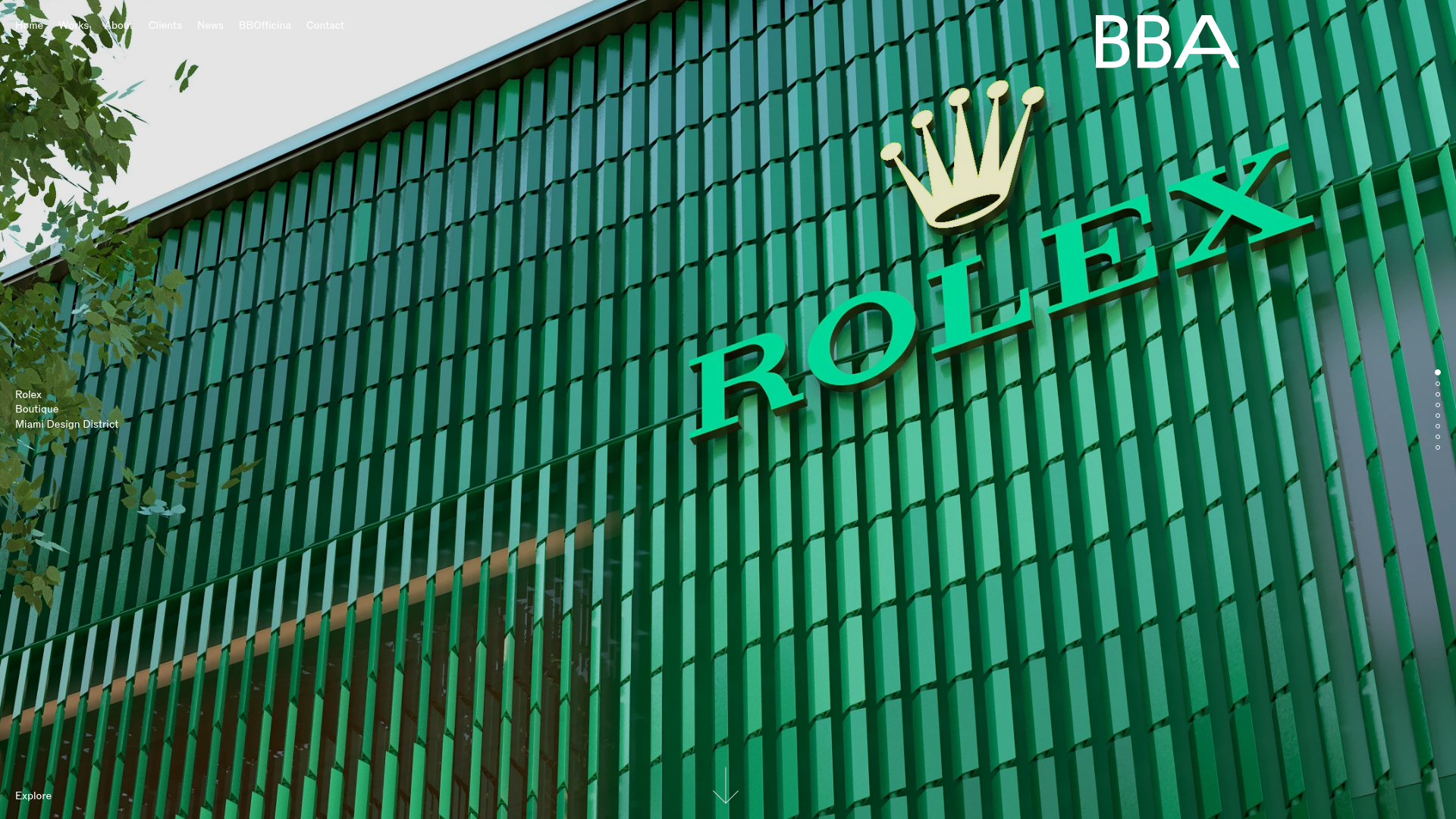
An architectural portfolio featuring an Embla Carousel with vertically scrolling full-screen image slides, dot navigation, and overlaid typography for high-end luxury brand showcases.
DNCO Agency Portfolio Case Studies
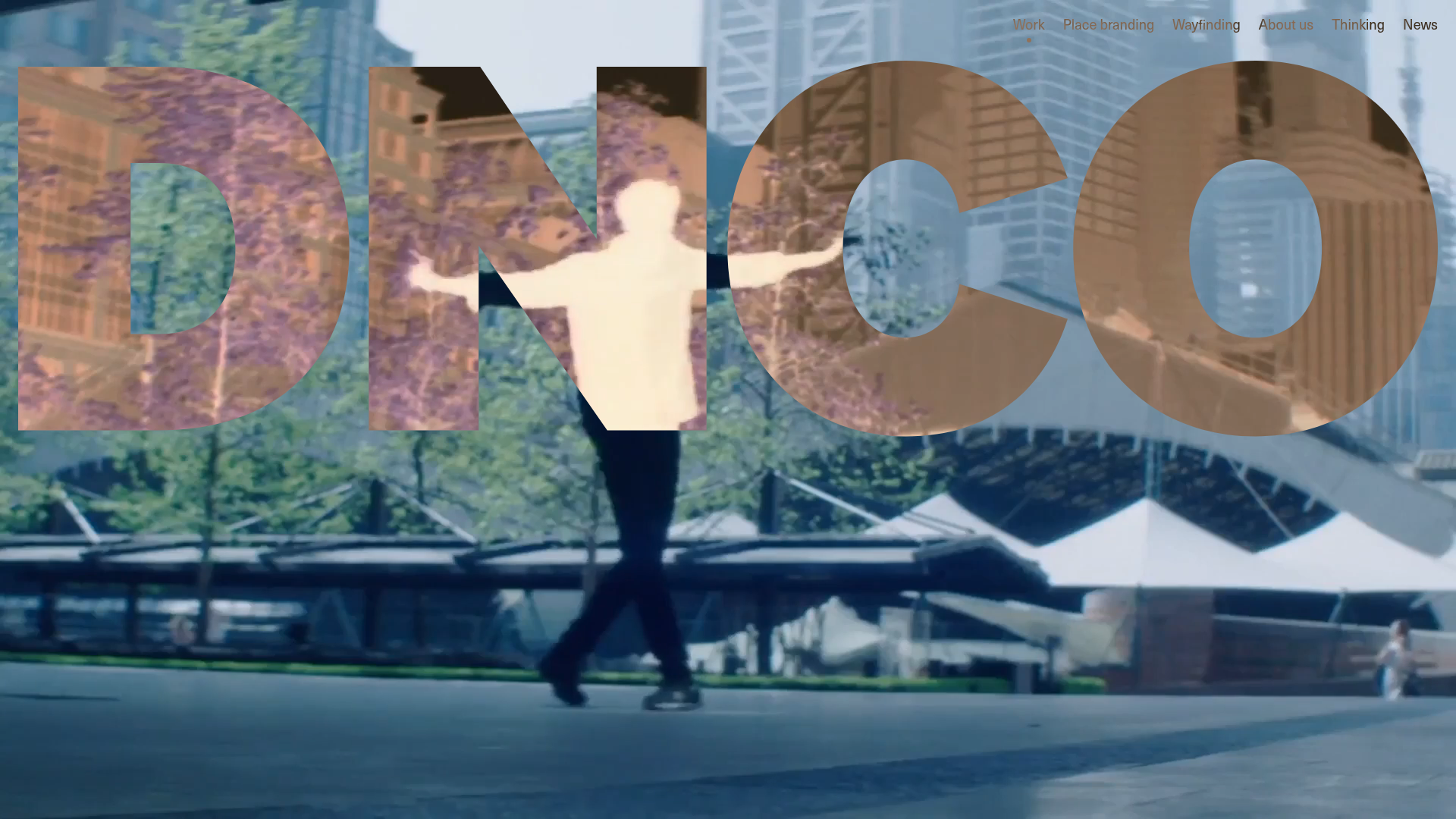
A high-impact portfolio featuring an animated full-screen hero video, a multi-category filtering menu, and a clean grid of project tiles with hover-state transitions.
Koichi Takada Architects Portfolio Home
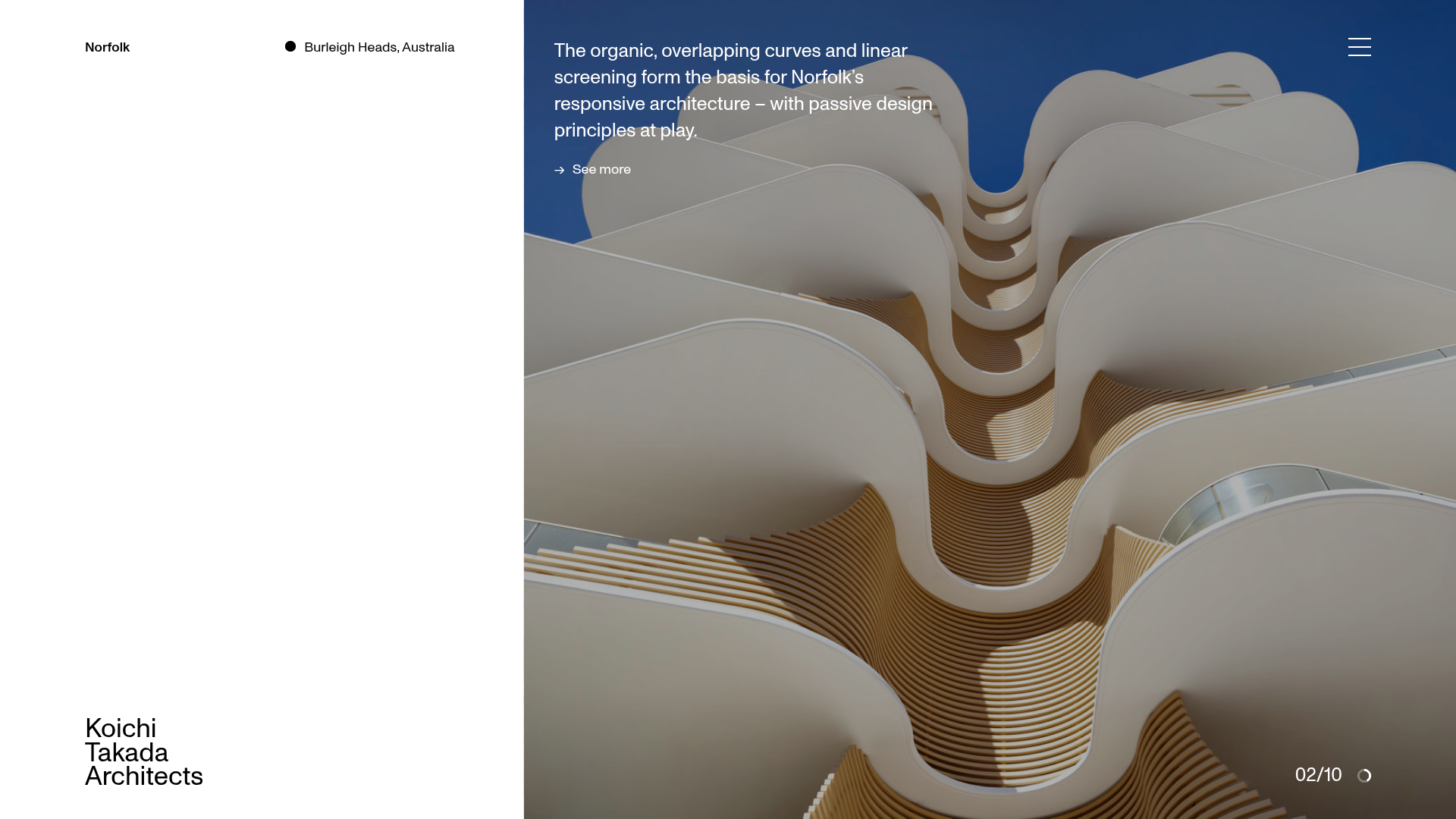
A high-end architectural portfolio featuring a split-screen layout with an interactive project slider, sticky typography, and smooth transition animations.
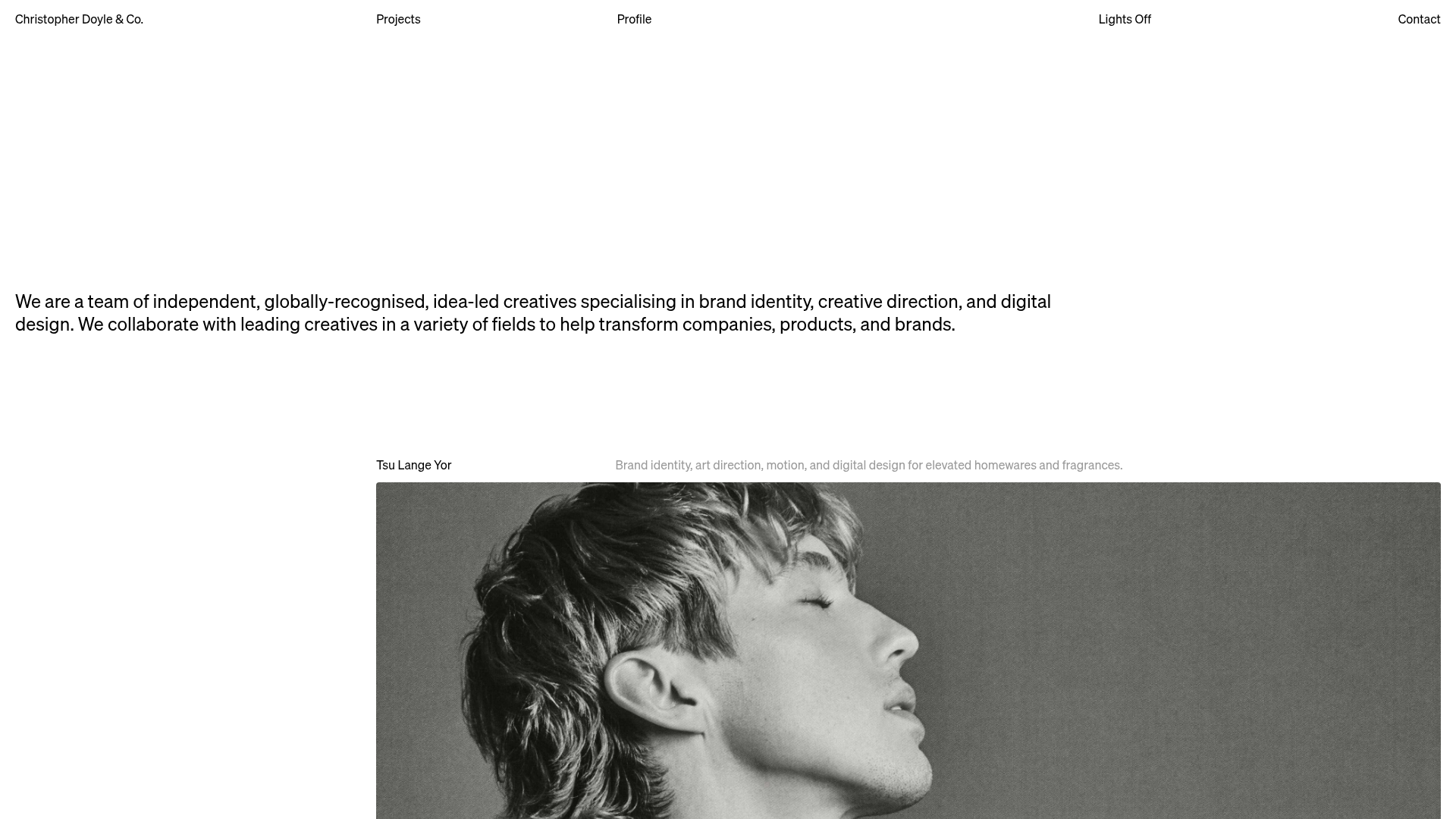
Christopher Doyle Agency Portfolio Layout
A minimalist, typography-led portfolio featuring a wide-margin grid system, smooth fade-in animations, and simple image-focused project cards.
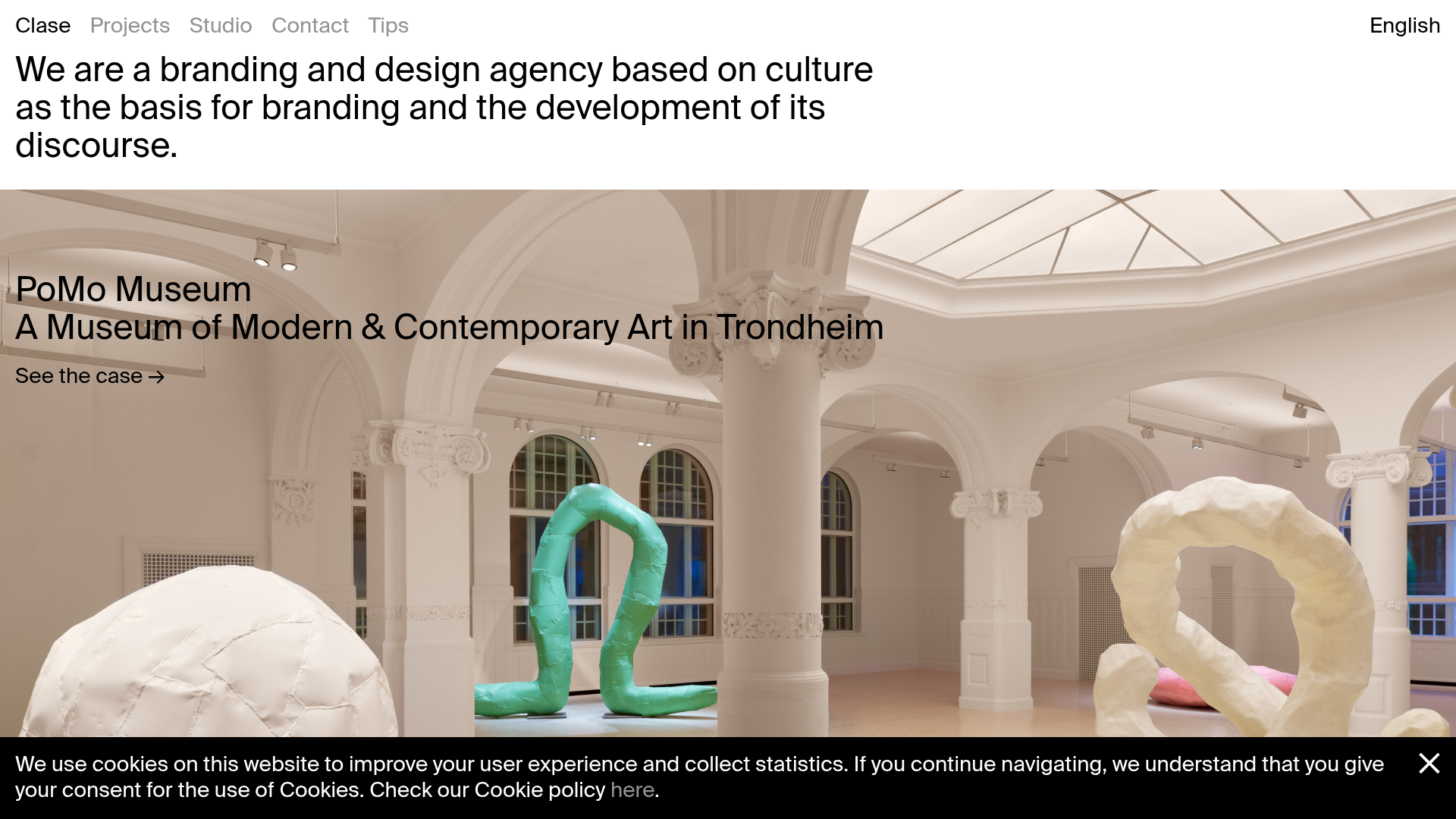
Clase Agency Branding Portfolio
A minimalist design agency portfolio featuring a typographic hero section, full-width image articles, sticky title bars, and integrated scrolling text marquees for a clean editorial layout.
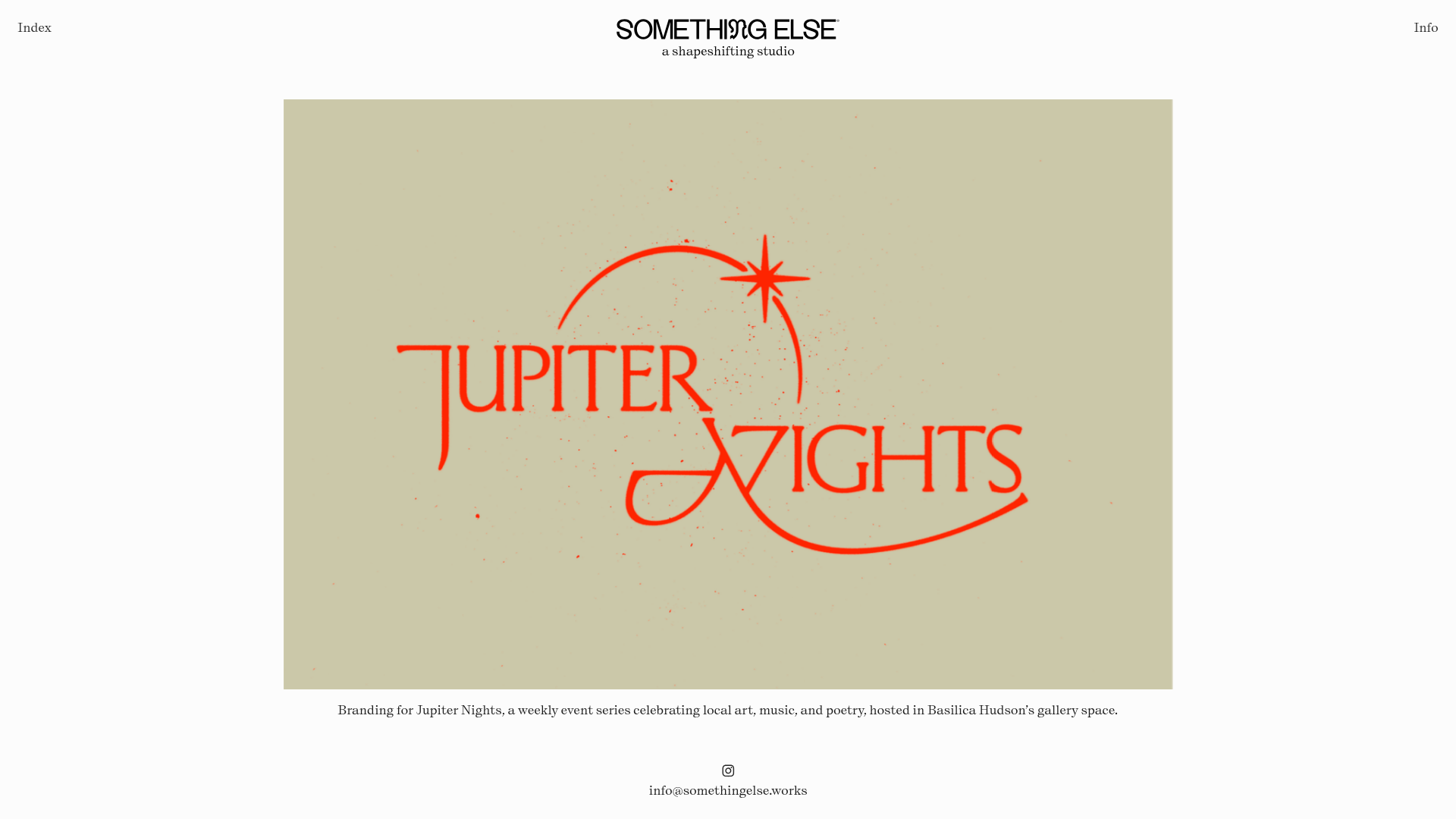
Something Else Portfolio Slideshow
A minimalist design studio portfolio featuring a full-width image and video slideshow with large-scale typography, sticky navigation, and centered captions.
