Intranetus Project Showcase Landing Page
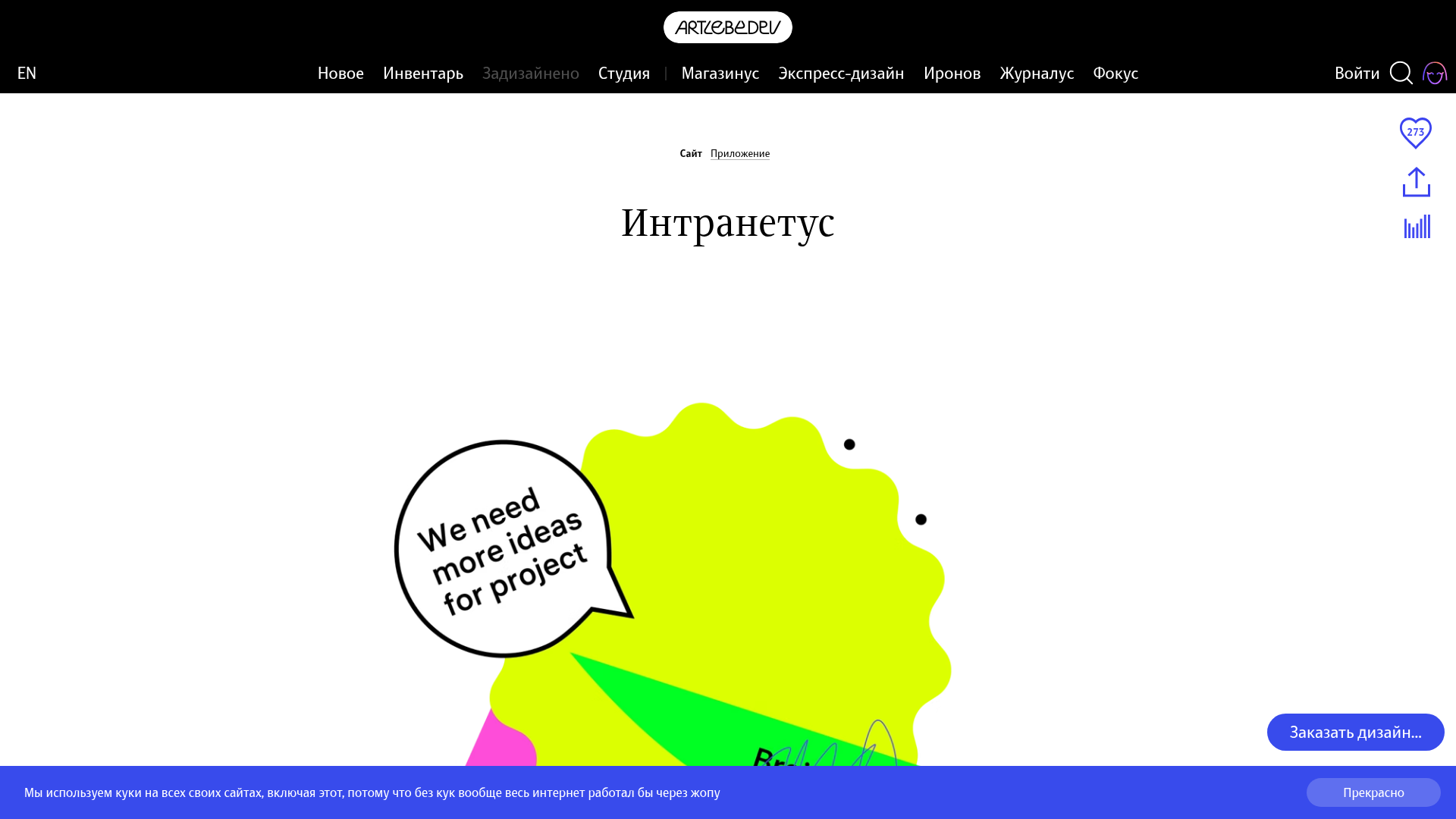
A high-concept portfolio page featuring a large-scale video hero, Lottie animations, layered parallax transition effects, and a vertical grid of browser-mockup feature cards.
Overview
This portfolio landing page for Intranetus showcases a complex project through high-impact visual storytelling, featuring a clean white aesthetic punctuated by vibrant, organic vector illustrations. It is an excellent reference for builders looking to clone a high-end agency style that balances minimalist layouts with advanced interactive elements like Lottie animations and layered parallax scrolling.
Design System
- Color Palette & Visual Hierarchy: The site uses a stark white background to make saturated neon accents (lime green, magenta, cyan) pop. High-contrast black typography establishes a clear hierarchy, while subtle gray borders on browser mockups provide depth without clutter.
- Typography System: The design utilizes the "Hauss" font family, a sophisticated sans-serif. Large, centered serif headings (e.g., "Интранетус") provide a classic editorial feel, while body text remains in a readable, medium-weight sans-serif with generous line height.
- Page Structure: The flow follows a "Feature-Detail" vertical progression: a large-scale Vimeo video hero, an introductory text block with Lottie animations, followed by a series of full-width browser mockup sections paired with two-column descriptive grids (Title on the left, Body on the right).
- Reusable Components:
- Browser Mockups:
als-browsercomponents with realistic top-bar address fields and high-res screen captures. - Side Activity Bar: A sticky vertical utility bar (
als-s-buttons) containing share icons, view statistics, and a persistent 'Like' counter. - Creative Credits: A custom footer section (
credits_wrap) using animated Lottie avatars for team members instead of static photos.
- Browser Mockups:
- Interaction & Motion: The site employs
lottie-playerfor looping vector icons andtilt_wrapperfor multi-layered 3D parallax effects (landing_layer_1through10) that react to scroll or mouse movement. Transition effects are managed through data-attributes (e.g.,data-y,data-from) for synchronized entry animations. - Implementation Clues: The HTML reveals a custom framework approach from Art. Lebedev Studio, utilizing BEM-like naming conventions (
als-body-wrap,announce__picture). It integrates external media players (Vimeo) and Lottie for performance-efficient animations.
Use Cases
- Who should clone this: Digital agencies, SaaS product designers, and creative individual portfolios aiming for a high-authority, polished "award-winning" look.
- Effective Remixes: Software companies can swap the abstract vector shapes for product-specific lifestyle photography or 3D renders while retaining the sophisticated typography and grid layout.
- Remix Directions: Developers can reuse the interactive browser mockup component to show off web apps, or adapt the "credits" section for a more engaging "Meet the Team" page using simple SVG animations.
- Clone Scope: A quick section clone of the "intra_table" (two-column feature grid) and the
als-browsermockup is ideal for rapid landing page builds, while a full-page clone is best for projects requiring a deep, narrative-driven presentation.
Related Inspirations
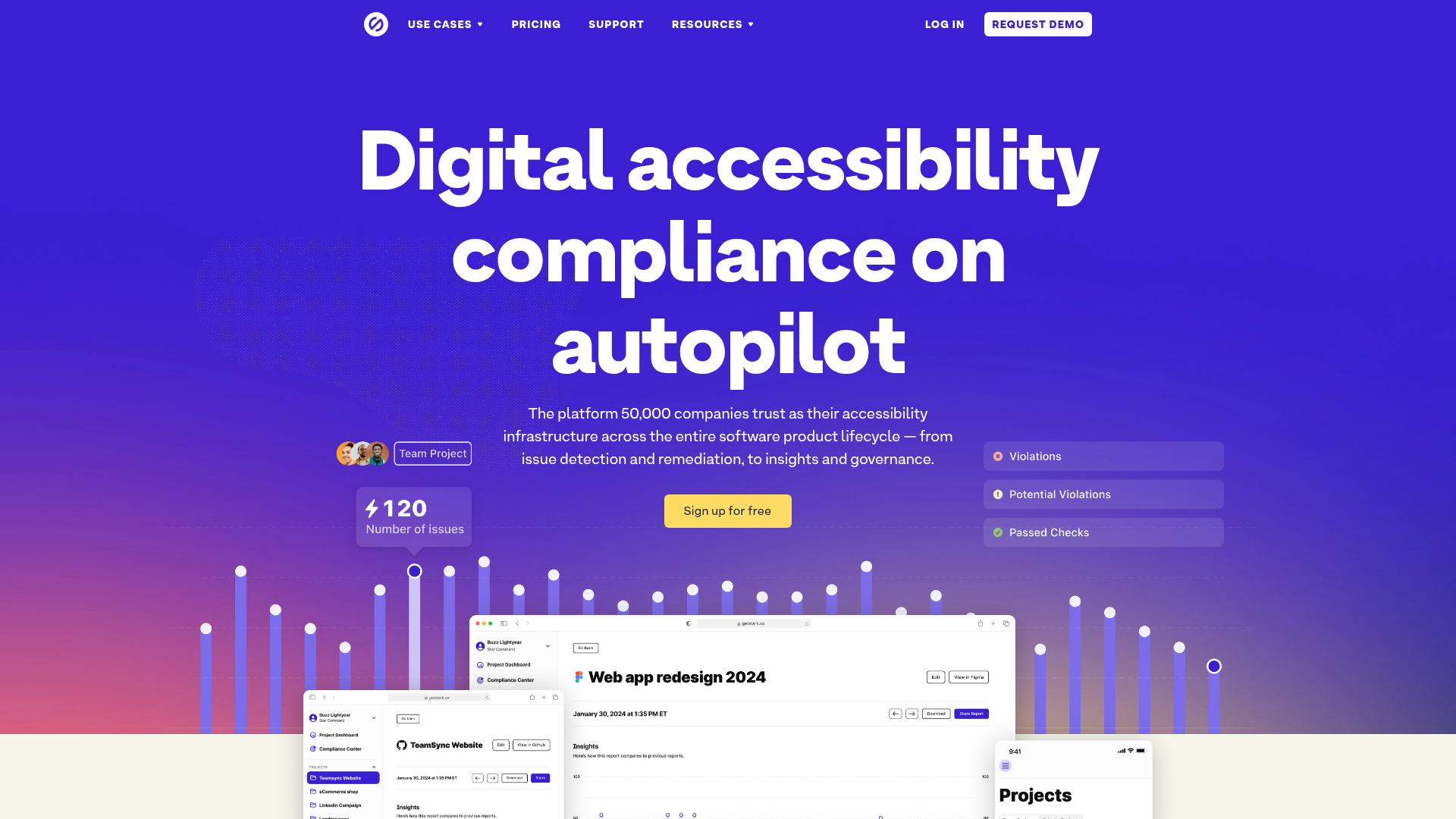
Stark Accessibility Software SaaS Landing Page
A vibrant SaaS landing page featuring a purple gradient hero, layered dashboard mockups, grid-based feature highlights, and segmented user-persona navigation.
Squadeasy Employee Engagement SaaS Landing Page
A vibrant wellness platform layout featuring a sticky navigation bar, modular high-contrast sections, interactive testimonials slider, and animated data counting components.

Honk Real-time Messaging Landing Page
A minimalist landing page featuring a vibrant blue background, animated typography, and a central interactive phone-mockup component for mobile interface display.
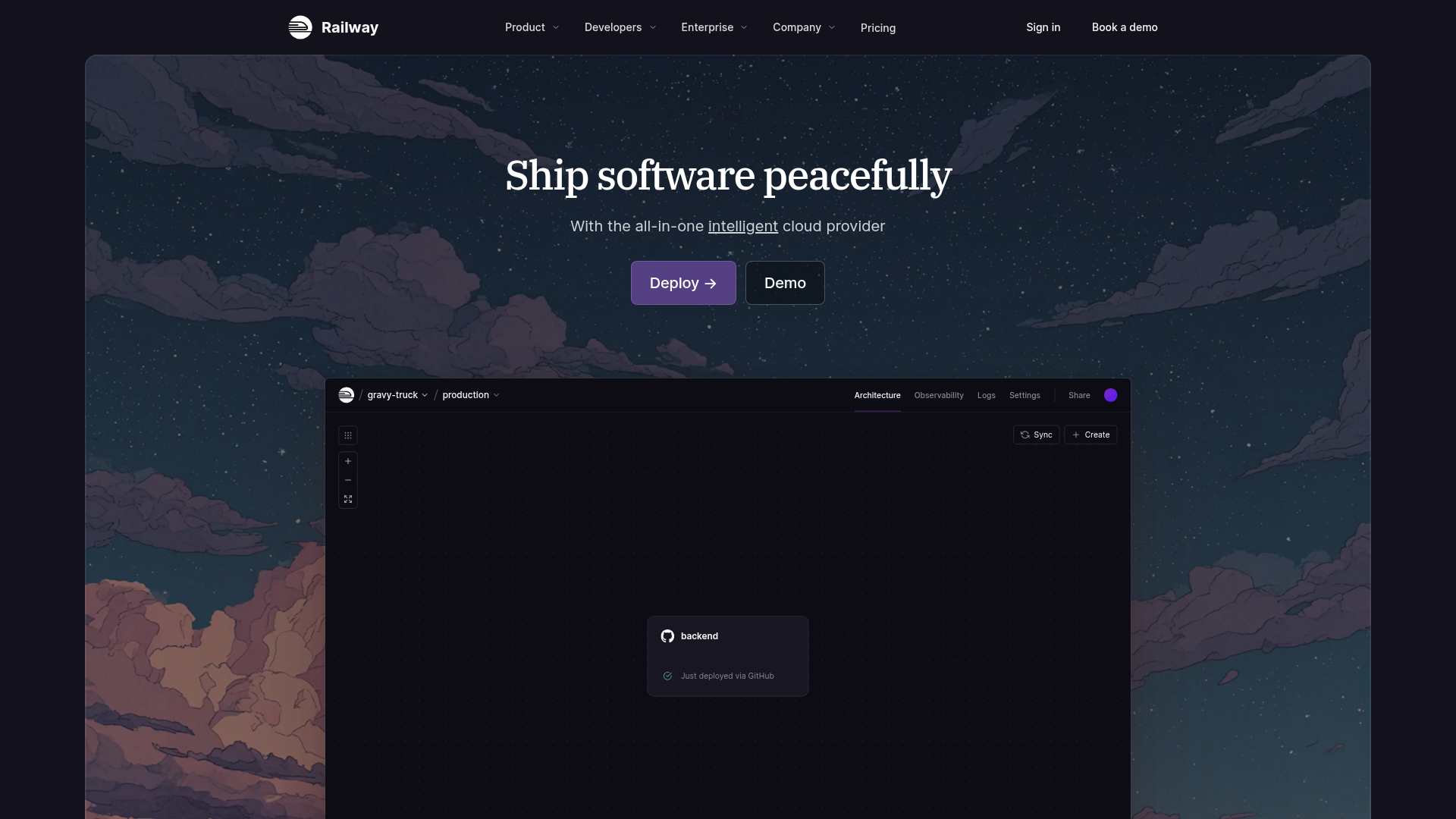
Railway Cloud Platform Landing Page
A dark-themed developer tool landing page featuring a twilight sky background, a custom dashboard interface mockup, and clean navigation with purple accents.
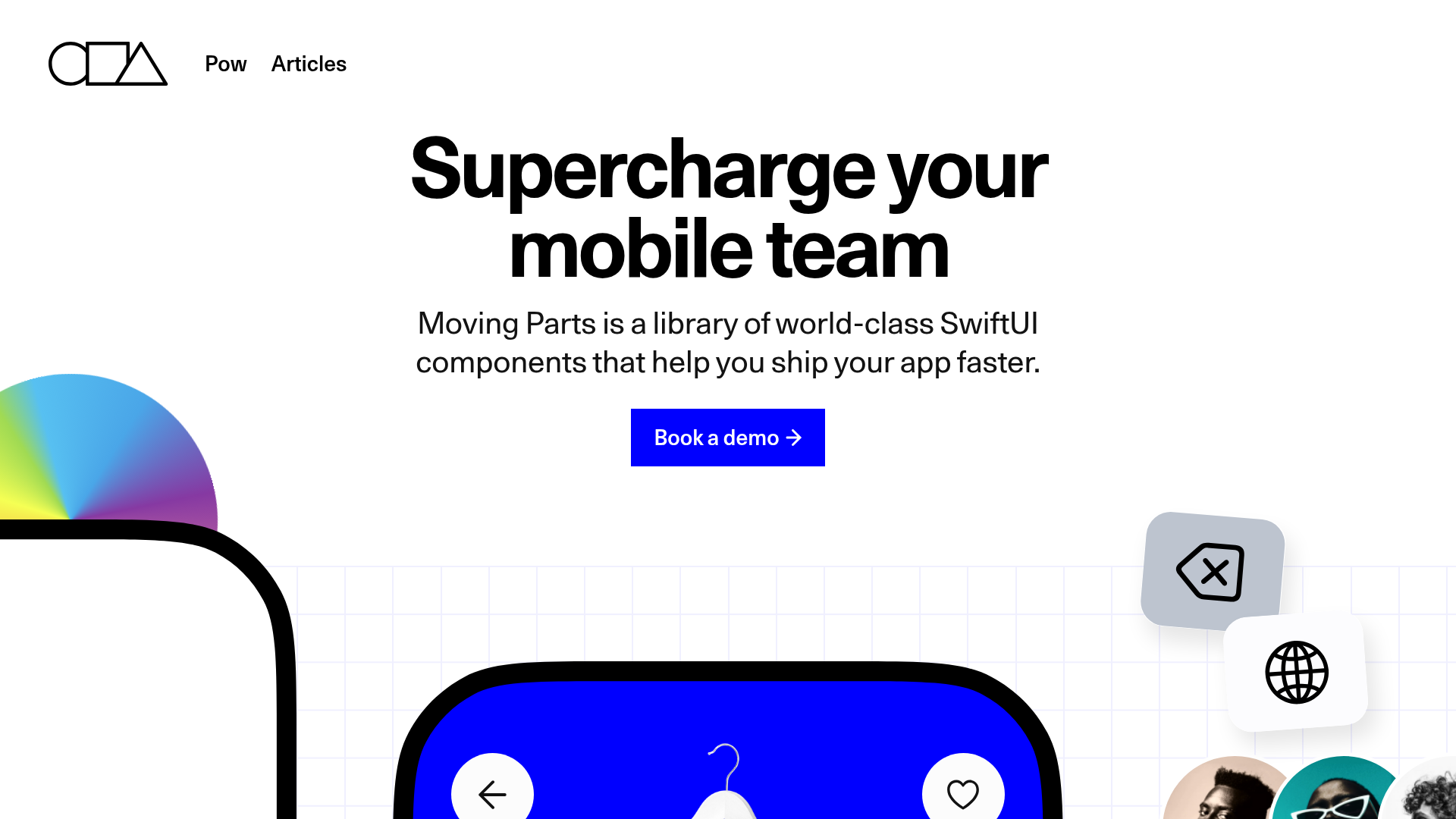
Moving Parts SwiftUI Component Library
A high-performance landing page featuring a interactive code comparison toggle, animated mobile UI previews, and a clean minimalist aesthetic for developer tools.
MetaMusic Service Landing Page
Features a horizontal scrolling card deck, animated SVG illustrations, a partner logo marquee, and a multi-step process layout with notched corner UI components.
