Cosmos Visual Inspiration Landing Page
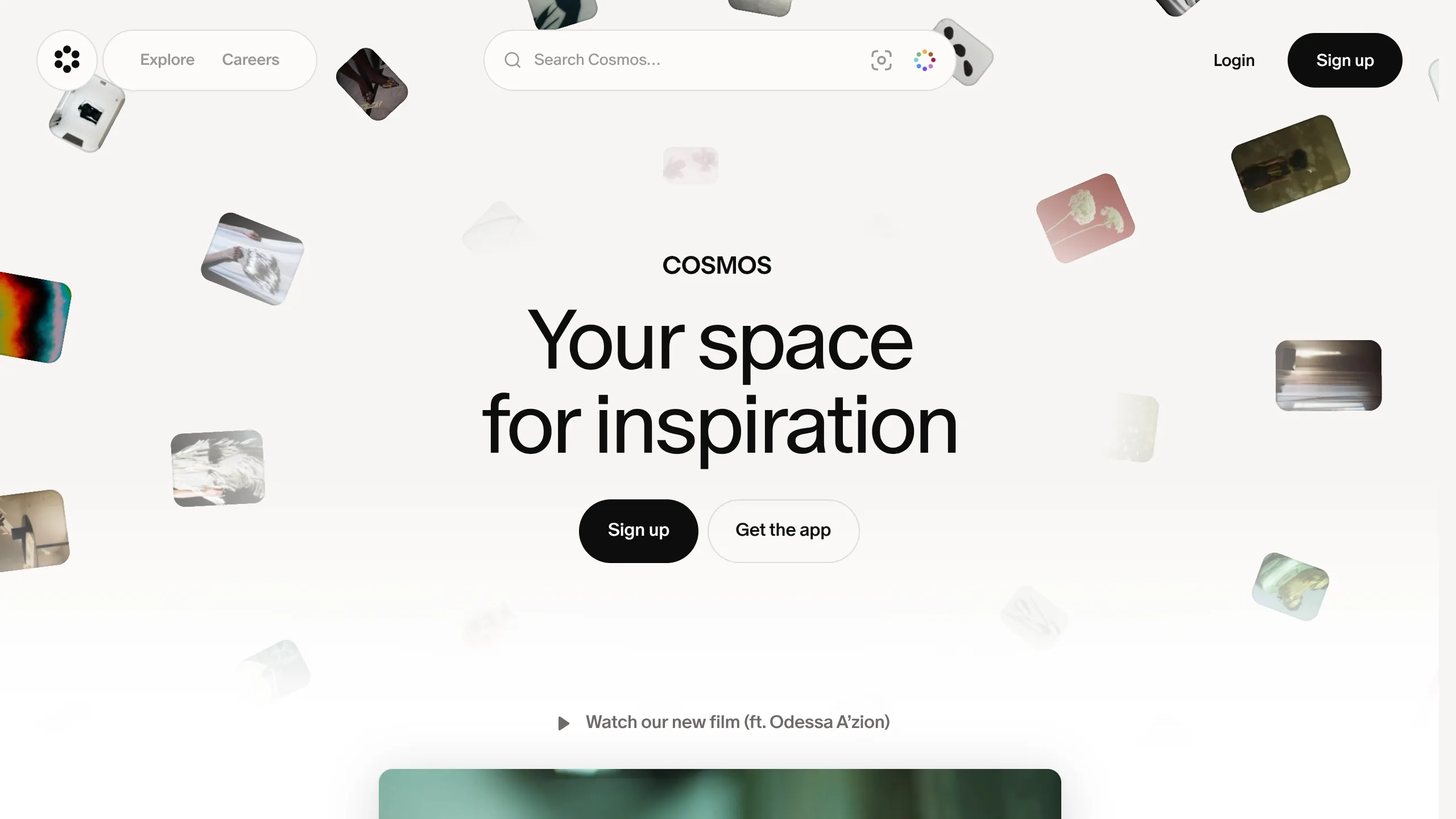
Features a floating image hero with canvas animations, a centered search bar integration, and multi-column scroll reveals for showcasing visual assets.
Overview
Cosmos is a visual inspiration engine and curatorial tool that uses a highly sophisticated, canvas-based landing page to mirror its core product experience. It is an exceptional clone reference for projects that need to balance a minimalist aesthetic with high-density visual content through elegant spatial animations and scroll-triggered transitions.
Design System
- Color Palette & Visual Hierarchy: The site utilizes a "Paper" background (
#F9F7F3) which provides a warmer, more premium feel than pure white. Visual hierarchy is achieved through high-contrast black text (text-primary) and secondary elements in muted grays. A signature accent is the multi-color search icon and a dark, high-contrast primary button (bg-button-primary). - Typography: The design relies on two main pillars: a clean sans-serif for utility (likely Inter or similar) and a more expressive, high-contrast display face for headlines. Headlines use extreme negative tracking (e.g.,
tracking-[-3.7px]) and tight leading to create a dense, editorial impact. - Page Structure:
- Sticky Header: A floating pill-shaped navigation container with an integrated central search bar.
- Hero Canvas: A full-height (
h-dvh) section with a central title and a background canvas where images float and drift. - Video Spotlight: A scrolled transition into a centered 4:3 video player.
- Feature Showcase: A series of multi-column blocks (e.g., "Search by color") that use scale-up transitions and background color shifts on scroll.
- Logo Marquee: Infinite sliding carousels for social proof.
- Call to Action & Footer: Large-scale typography on a blurred canvas background leading to a minimalist sitemap.
- Interaction & Motion: The site is heavily driven by scroll interactions. Elements use
opacity: 0andfilter: blur(6px)as initial states, transitioning into view as the user scrolls. The hero section features an interactive canvas that manages position-independent image floating. - Implementation Clues: The HTML reveals the use of Tailwind CSS for styling (
flex-col,items-center,top-0,z-sticky). The animation system likely utilizes Framer Motion or GSAP, evidenced by the inline style transformations andmotion-reduce:animate-noneclass.
Use Cases
- Who should clone this: Designers building portfolio sites, creative agencies, or AI-driven search tools that want to lead with a "spatial" or "infinite canvas" metaphor.
- Product Remixes: This pattern works effectively for digital asset managers, high-end e-commerce mood boards, or discovery-heavy SaaS platforms.
- Remix Directions:
- Information Architecture: Swap the image-heavy background for data visualizations or code snippets if building a developer tool.
- Theming: Replace the "Paper" background with a dark-mode palette (
#0D0D0D) while maintaining the blurred glass effects on the search bar.
- Clone Scope: A quick section clone of the sticky header with the integrated search bar is highly valuable for any modern web app. A full-page clone is best suited for brand-heavy landing pages where the scroll sequence is the primary storytelling device.
Related Inspirations
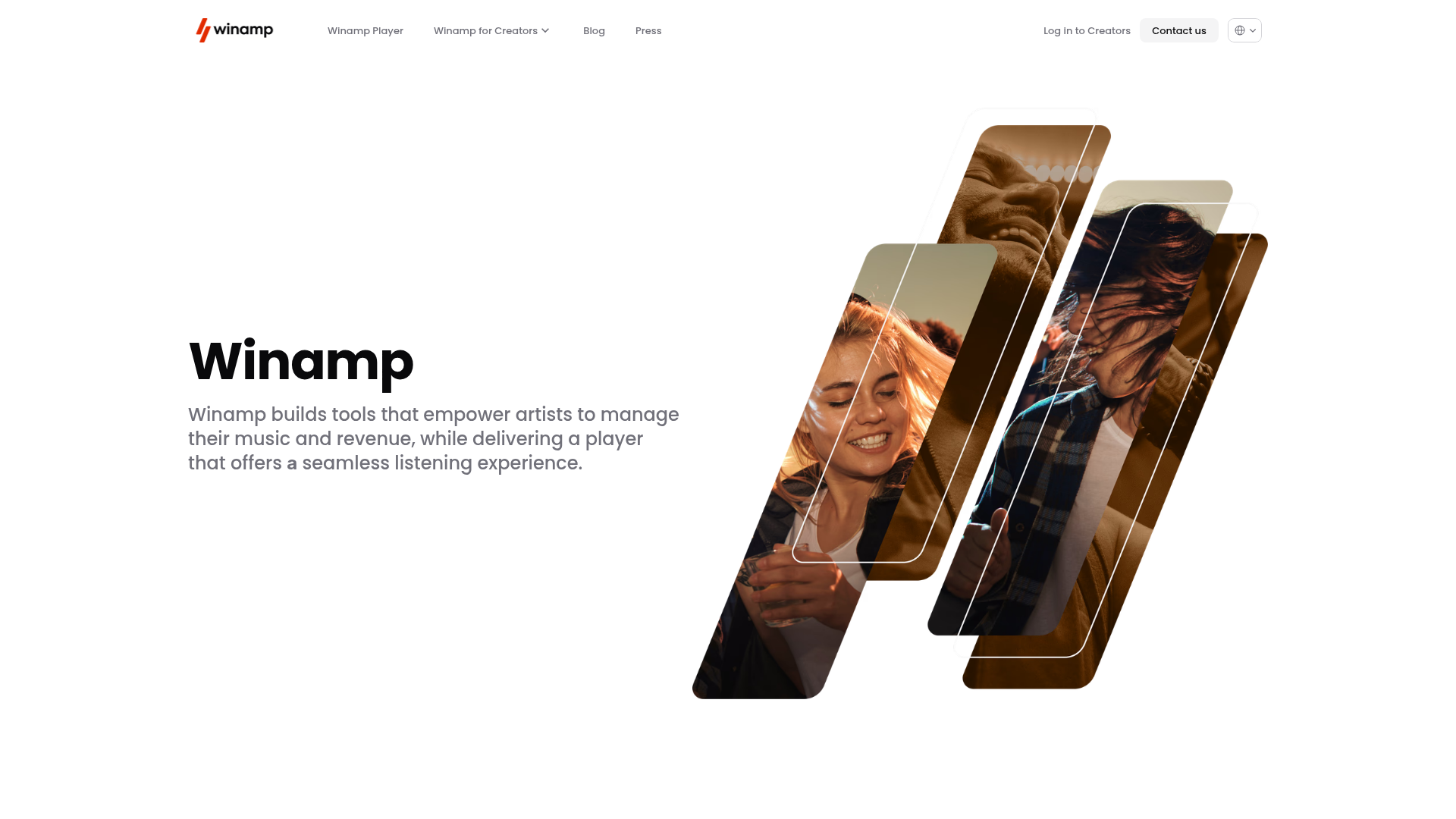
Winamp Modern Media Landing Page
A minimalist hero section featuring a split-screen layout with an offset diagonal image gallery, clean typography, and a sticky navigation menu.
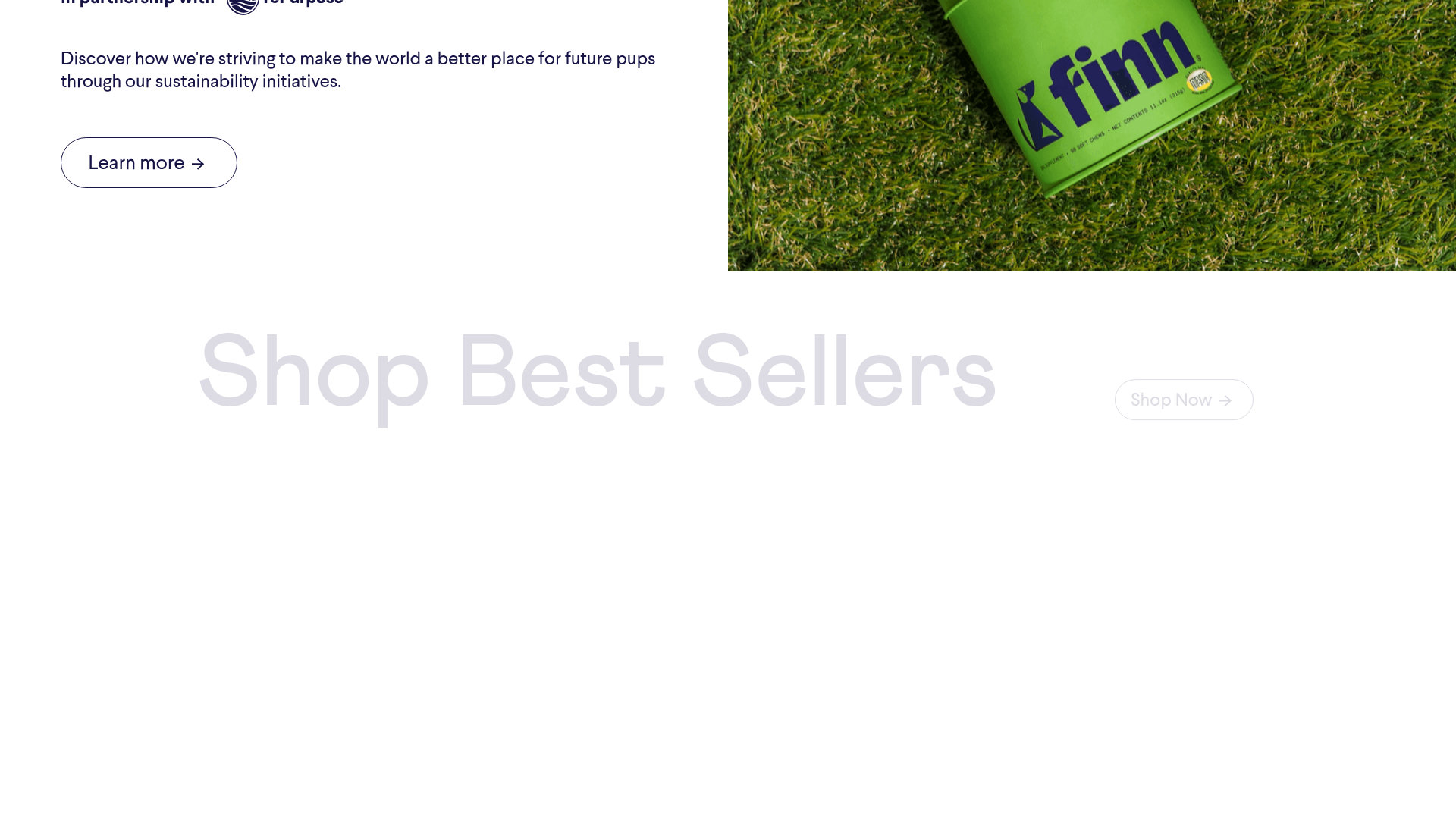
Finn Pet Supplements Landing Page
An e-commerce landing page featuring high-contrast typography, a sticky brand logo banner, parallax scroll effects on product headers, and a clean product grid.
Vita Architecture Portfolio Landing Page
A minimalist, high-end architecture portfolio featuring a custom canvas-based image gallery, split-text animations, and a project slider with dynamic image masks.
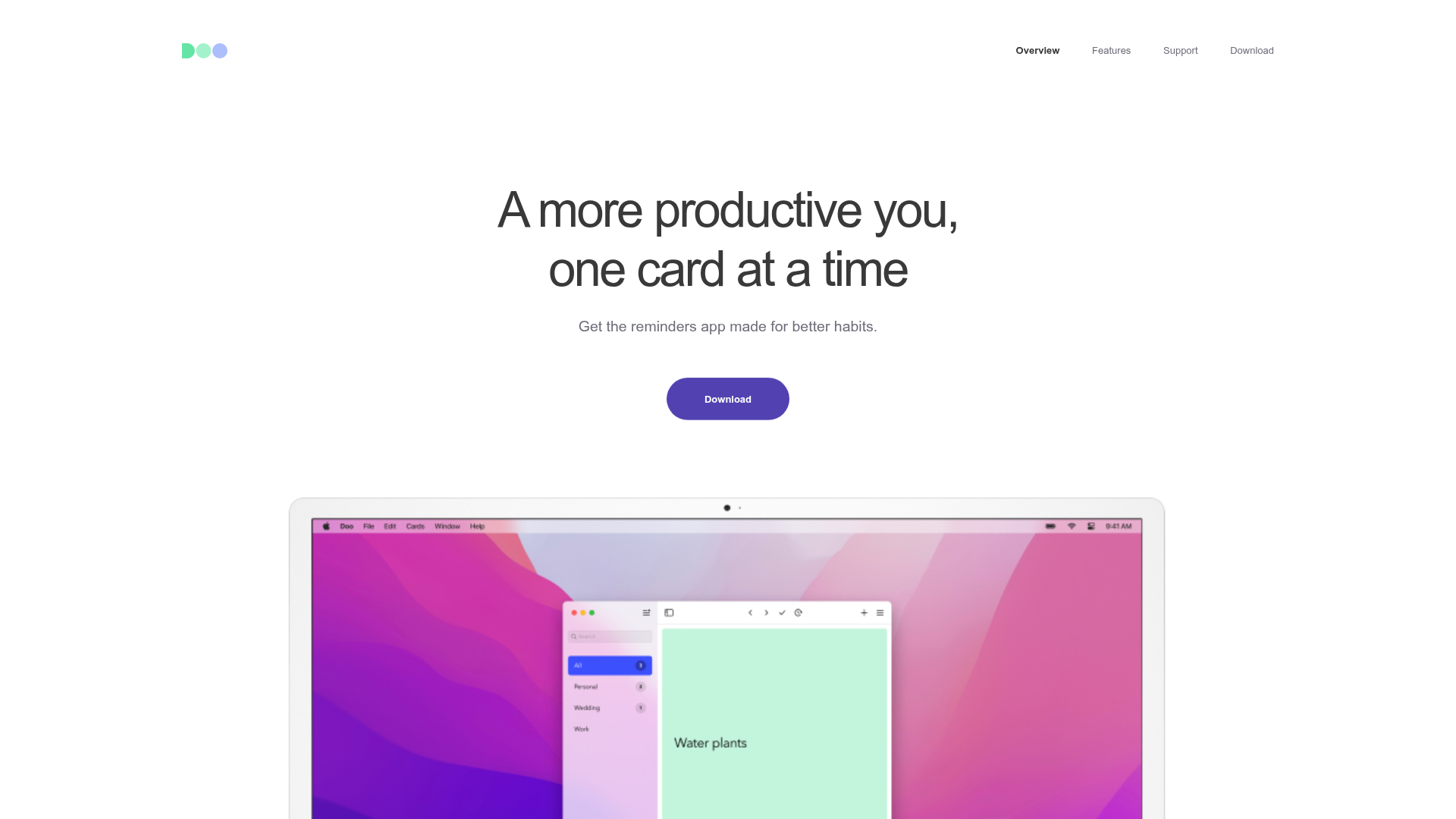
Doo App Minimalist Product Landing Page
A clean, centered product showcase featuring a parallax hero image, icon-based feature checklists, horizontal gesture illustrations, and stacked section layouts with ample whitespace.
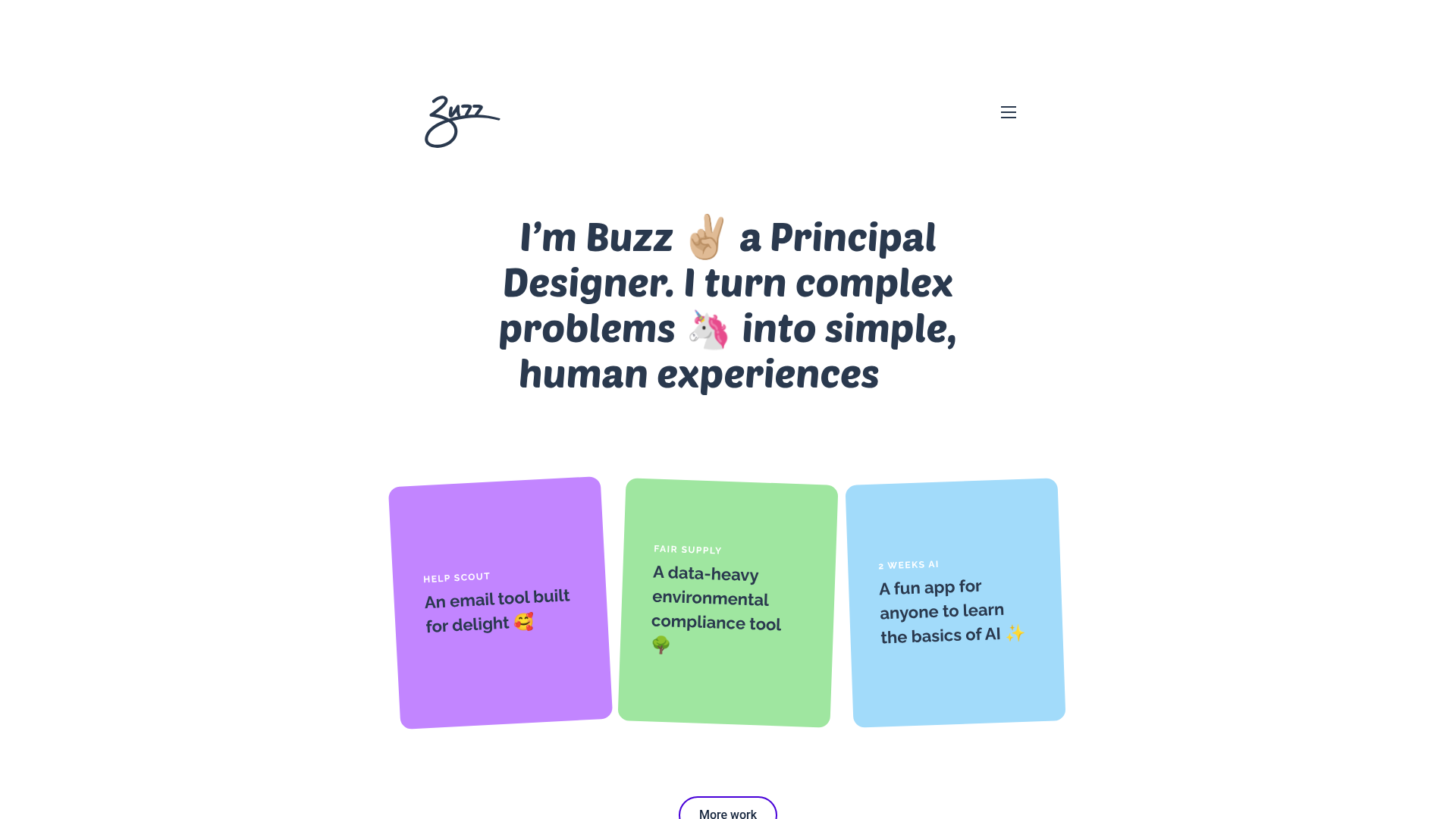
Buzz Usborne Designer Portfolio Landing
A minimalist portfolio layout featuring a large typography-driven hero section with animated emojis and a responsive grid of colorful, card-based project previews.
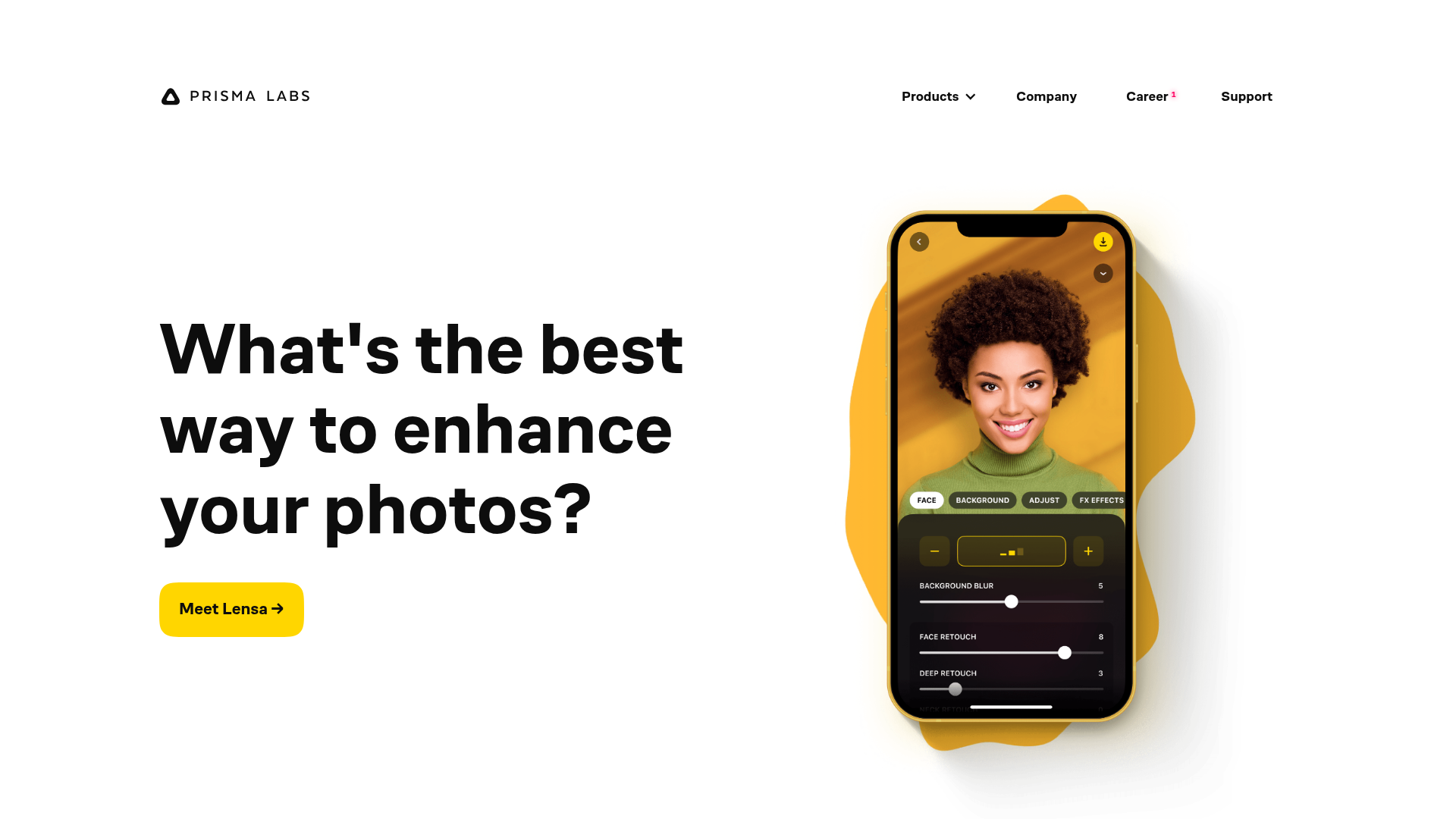
Prisma Labs App Showcase Landing
A clean SaaS landing page layout featuring large typography, magnetic hover buttons, and high-fidelity mobile app mockups with animated video blob backgrounds.
