Soulwire Creative Portfolio Terminal Interface
A minimalist, command-line inspired portfolio featuring an animated typing effect, retro console aesthetics, and dynamic component loading.

Overview
This portfolio follows a hyper-minimalist terminal aesthetic, utilizing a command-line interface (CLI) metaphor to reveal content through sequential animations. It is an excellent reference for builders looking to implement a text-driven, retro-tech ux that prioritizes high conceptual impact and focused content delivery over traditional visual density.
Design System
- Color Palette & Visual Hierarchy: The system uses a high-contrast, monotone palette consisting of a deep charcoal/near-black background (#111111) and off-white/light gray text. Hierarchy is almost entirely temporal, driven by the order in which text is "typed" onto the screen.
- Typography: Features a monospaced font family (e.g., Courier or similar system mono) to reinforce the terminal aesthetic. Scaling is uniform and small to mimic standard console output, with no varying weights or sizes.
- Structure & Flow: The layout is centered and minimal. The flow progresses from a greeting message (
#greeting) to an professional abstract (#about), followed by a project navigational list (#menu). A dedicated project viewport (#project) exists for immersive full-screen content. - Reusable Components: The
typer-componentis the foundational unit, modularly handling character-by-character reveals. Thecursorelement and the canvas-basedtransition-componentare high-value reusable assets for managing state changes between "terminal" states and immersive project views. - Interaction & Motion: The core experience is built on a sequential "typing" animation. Use of a
canvastransition suggests a sophisticated glitch or scanline effect when loading projects, while the application usesdisplay: nonetoggles to manage complex component state transitions without page refreshes. - Implementation Clues: The HTML structure reveals a component-based architecture (
application-component,greeting-component,menu-component) that separates the content engine from the display logic, making it highly modular for developers.
Use Cases
- Who should clone this: Creative developers, AI engineers, and digital artists who want a portfolio that feels like a "developer's internal tool."
- Product Remixing: This pattern is highly effective for technical documentation homepages, interactive developer onboarding flows, or early-access teaser sites for tech startups.
- Remix Directions: Replace the typewriter logic with an instant-load for better SEO while keeping the aesthetic, or adapt the
#menulist to function as a directory for code snippets. The color palette can be swapped for a "Matrix" green or a more modern "Solarized" theme to change the era of technology being referenced. - Clone Scope: A full-page clone is recommended to preserve the timing and pacing of the experience, as the value lies in the cohesive terminal simulation rather than individual UI elements.
Related Inspirations
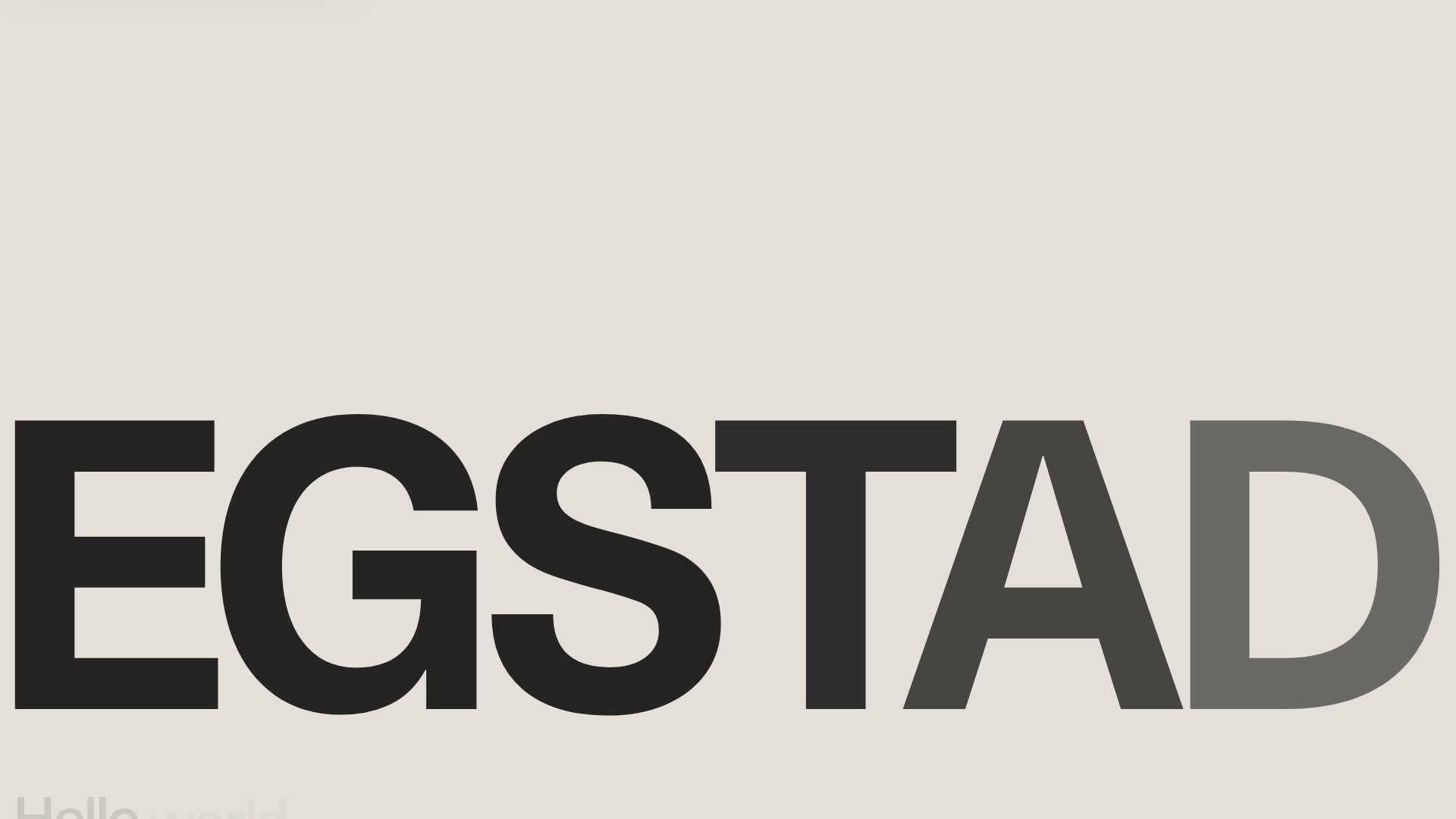
Egstad Minimalist Design Portfolio
A refined Nuxt.js portfolio featuring bold variable typography, interactive canvas elements, and a clean grid-based layout for showcasing design work.
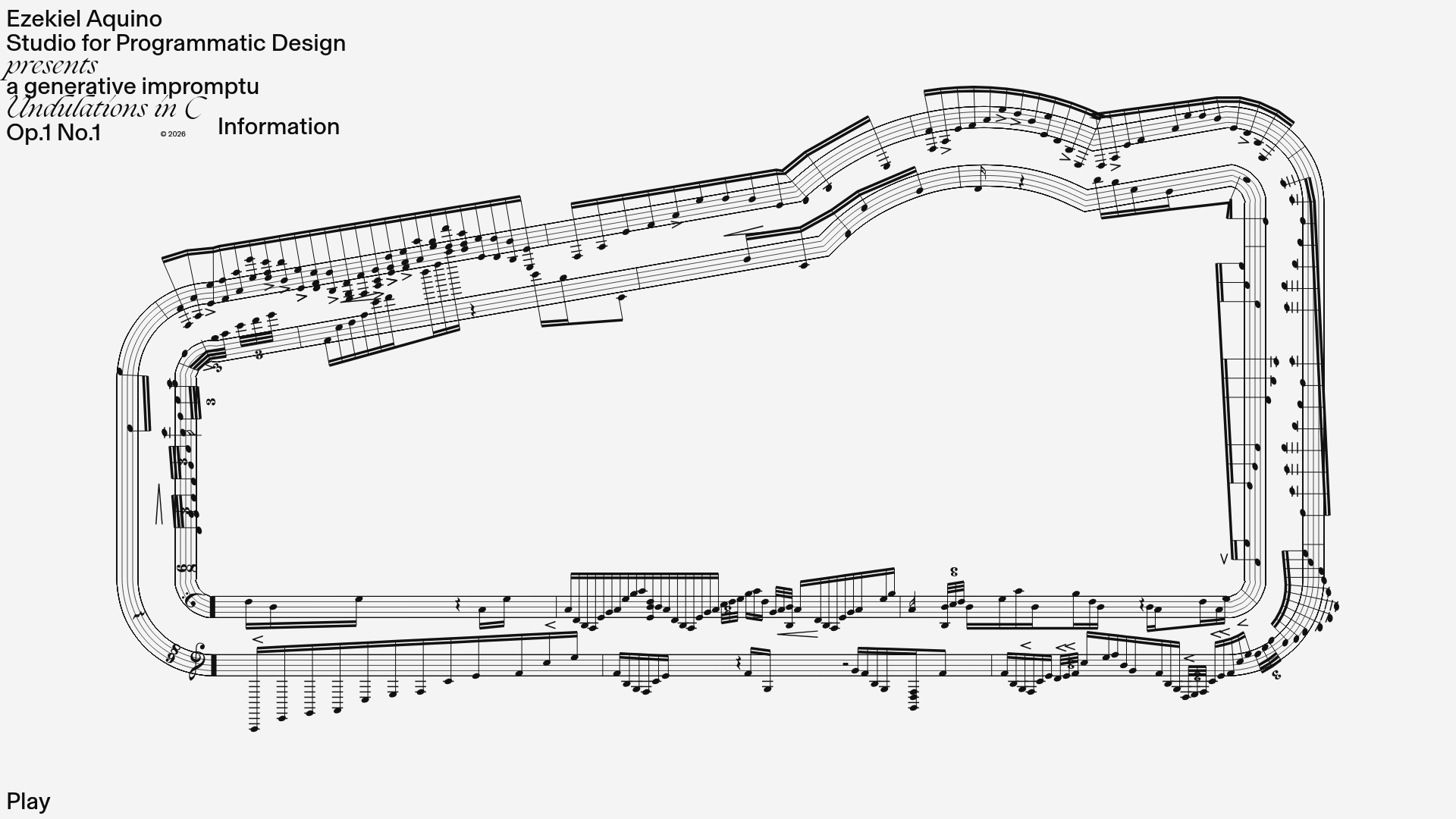
Generative Music Visualization Portfolio Canvas
A creative coding project featuring a generative musical score on a dynamic canvas with a play/pause interaction and custom notation rendering.
Niklas Rosén Designer Portfolio Index
A minimalist, responsive grid-based portfolio index featuring a clean 16-column layout, typographic list components, and a custom dark mode transition.
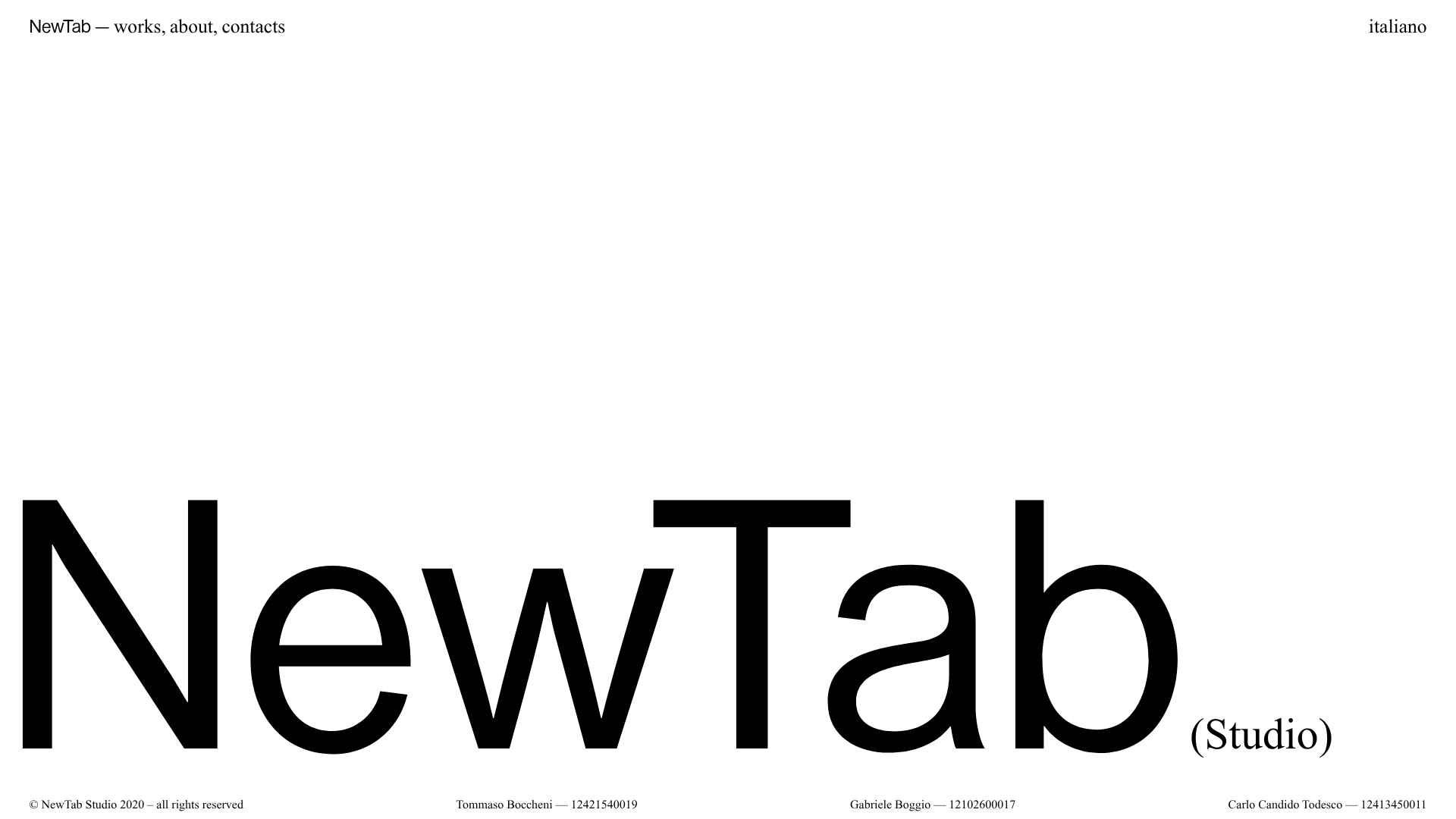
NewTab Studio Minimalist Portfolio Landing Page
A clean, typography-focused landing page featuring an oversized SVG/canvas hero title, a top-aligned navigation bar, and a minimalist footer layout.
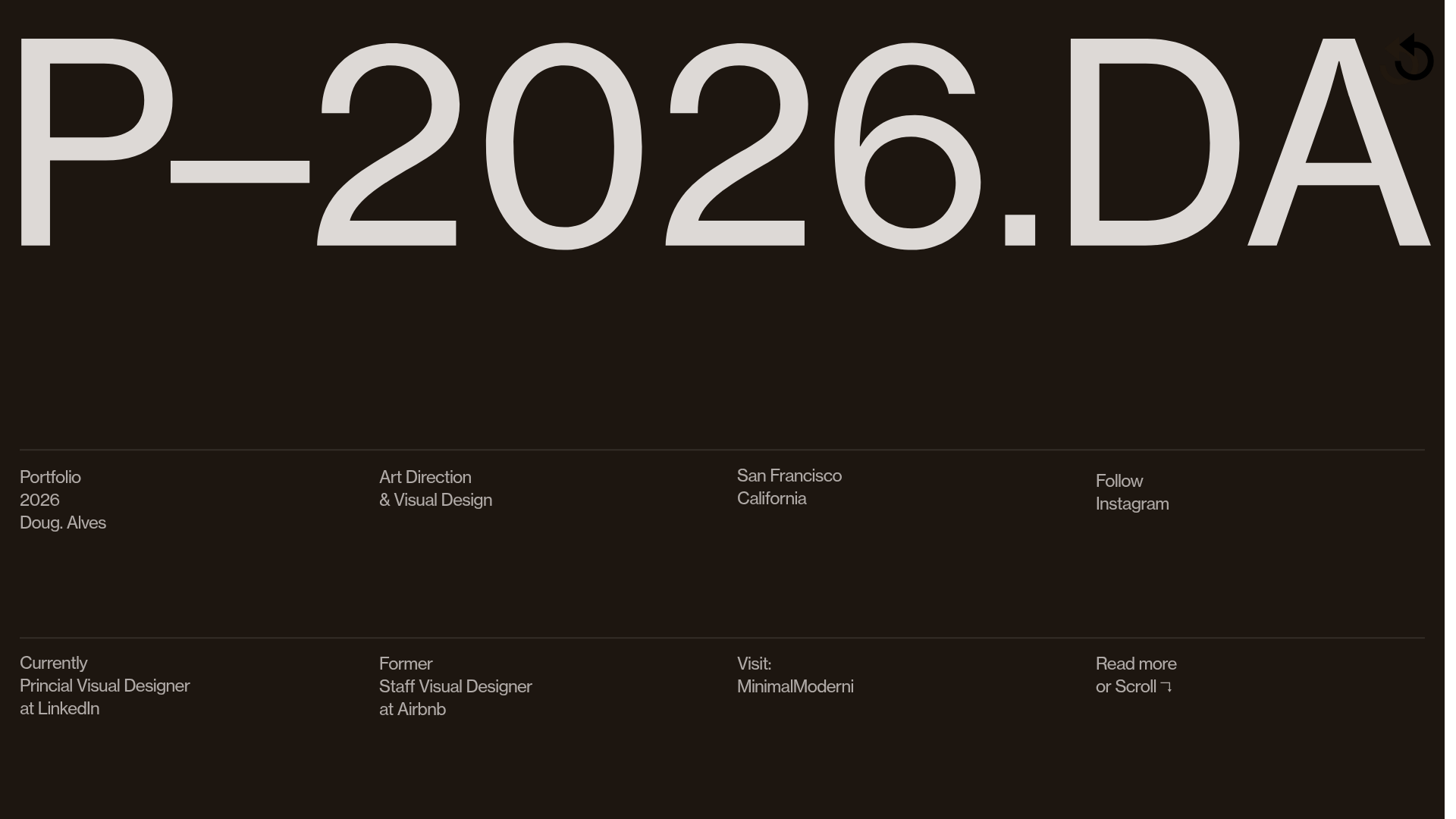
Doug Alves Visual Design Portfolio
A minimalist, high-contrast design portfolio featuring oversized typography, a sticky four-column grid footer, and a vertical scroll-triggered slide-show for project showcases.
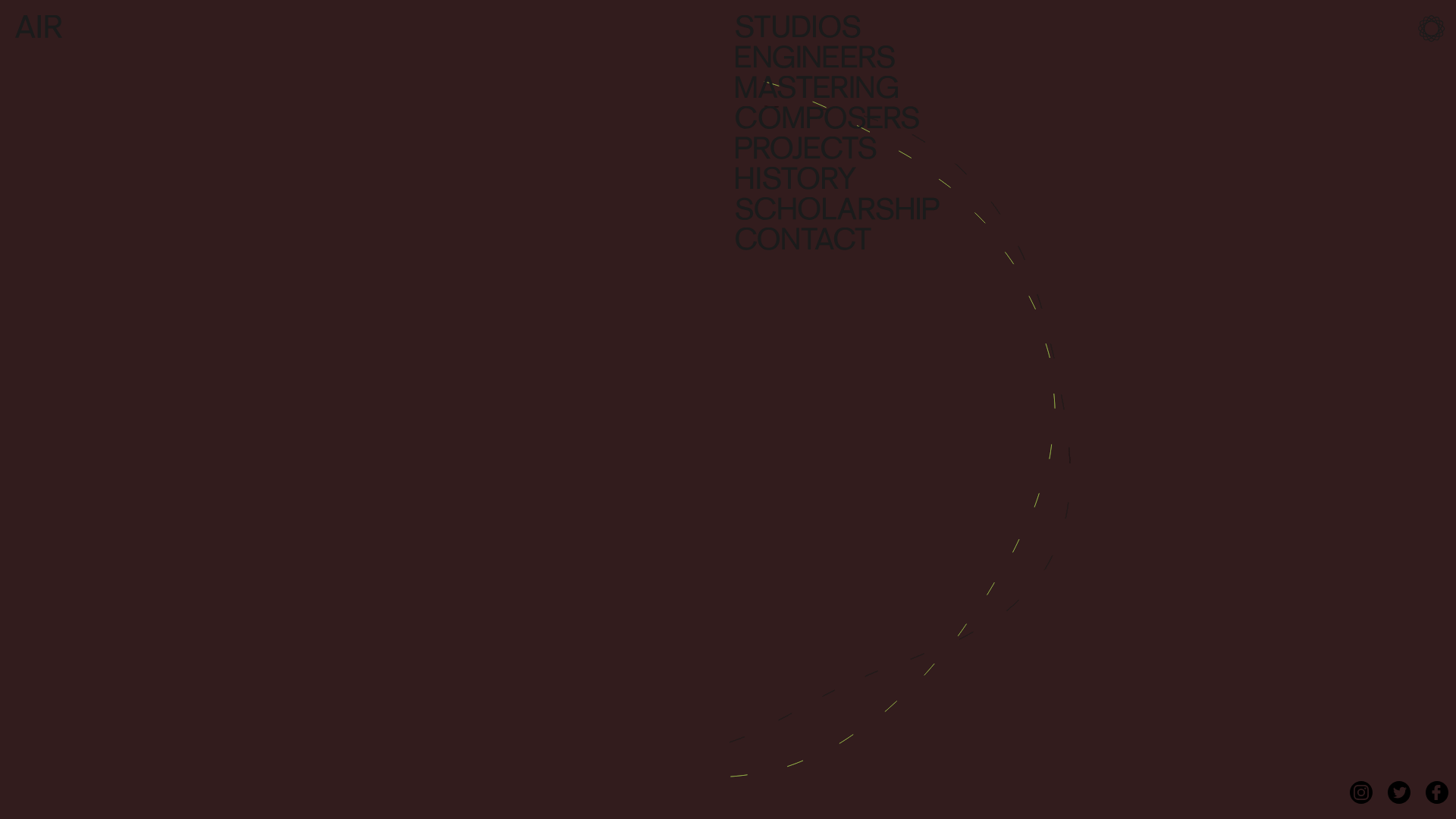
AIR Studios Minimalist Navigation Landing
A dark, minimalist layout featuring a vertical text-based navigation menu, a full-screen background video wrapper, and a dynamic canvas-based interactive drawing layer.
