MAD Agency Interactive Dashboard Portfolio
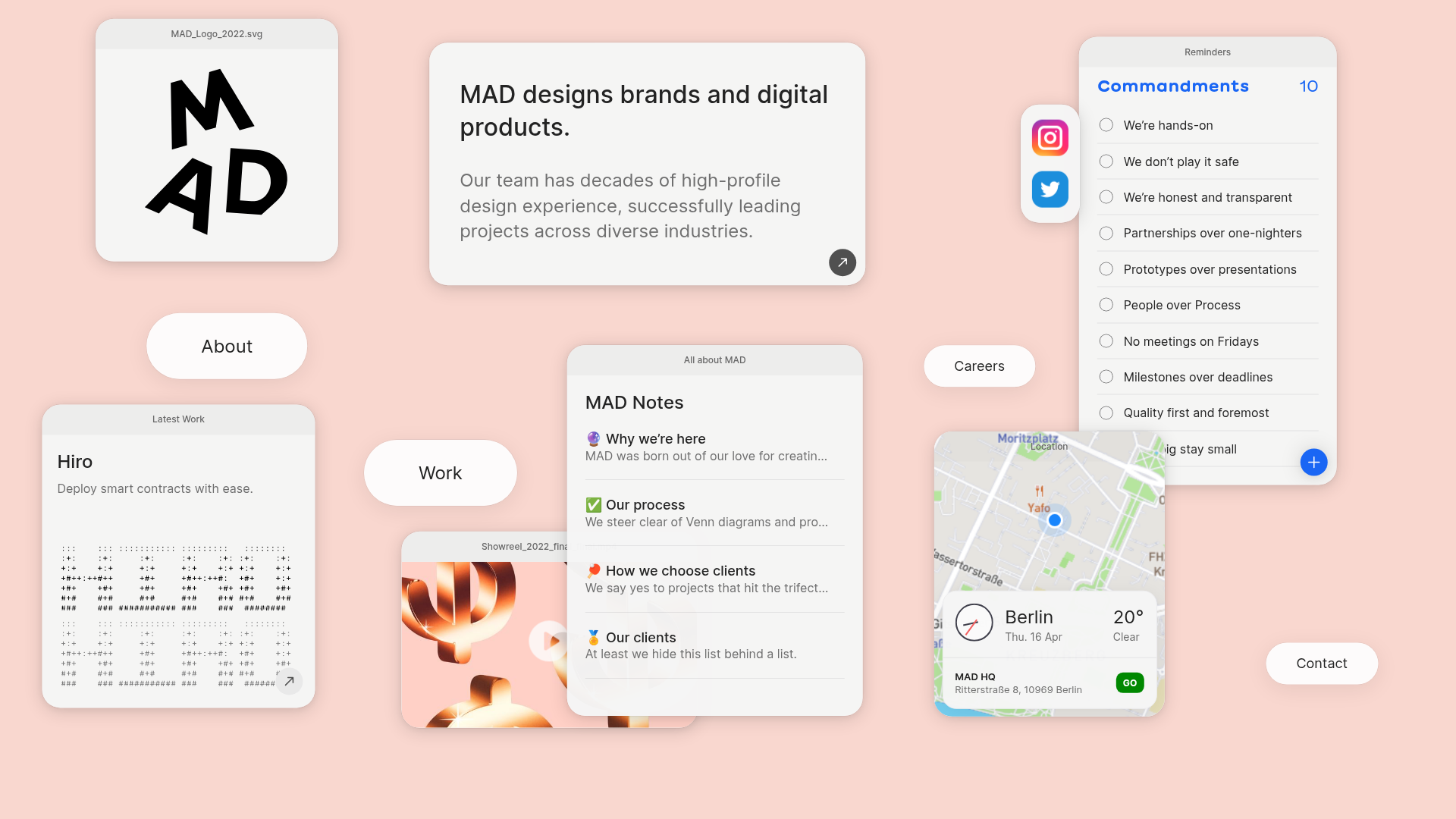
A creative workspace-style layout featuring draggable OS-like applets, including interactive notes, a map widget with live weather, and a custom task checklist.
Overview
This website features a highly interactive "spatial dashboard" layout that reimagines a traditional agency portfolio as a custom operating system desktop. It utilizes draggable, floating applets to present brand information, work samples, and organizational values, offering a unique user experience that feels exploratory and modular. This is an excellent reference for builders wanting to move away from linear scrolling and experiment with canvas-based navigation and object-oriented UI.
Design System
- Color Palette and Visual Hierarchy: The design uses a soft, warm peach/flesh-toned background (#fcd9cc-ish) that creates a calm, high-end editorial feel. Visual hierarchy is established through z-indexed stacking of white and light-gray cards with varying levels of drop shadows and rounded corners (border-radius: ~24px).
- Typography System: The site uses a clean, grotesque sans-serif. Large headings (h3) use a bold weight for impact, while secondary information like the "Commandments" list or "MAD Notes" utilizes a mix of standard weights with emoji-based iconography for visual markers.
- Page Structure: Instead of a vertical flow, the layout is a non-linear canvas (
mad-dashboard). Users encounter a scattering of<draggable-element>components containing specific content modules: a logo sketcher, a sliding "About" card, a video showreel, a navigation map, and a checkable reminder list. - Reusable Components: Notable components include the
<draggable-element>wrapper for OS-like behavior, the<mad-notes>pane with its list-to-detail transition, the map widget with integrated weather (preact-weather) and clock, and the pill-shaped navigation buttons (btn--large) that act as anchors on the canvas. - Interaction and Motion Patterns: The primary interaction is the ability to drag elements across the screen, managed via CSS variables (
--x,--y) and z-index shifts on click. Components also feature internal micro-interactions, such as the checkable "Commandments" items and the video player with a floating play button. - Responsive Behavior: The canvas is likely designed to adjust its coordinate system for smaller screens or switch to a more traditional vertical stack, as evidenced by the
dashboard--initializedclass which suggests JS-driven layout management. - Implementation Clues: The HTML reveals a heavy reliance on Custom Elements (e.g.,
<mad-notes>,<video-player>,<draggable-element>) and Preact for specific widgets, indicating a modular, component-driven architecture.
Use Cases
- Creative Portfolios: Designers and agencies can clone this pattern to showcase their work as a "work-in-progress" desk or a curated toolkit rather than a static list.
- Product Walkthroughs: SaaS platforms can remix this for interactive onboarding tours where users "explore" different features as modular applets.
- Command Centers/Dashboards: Developers building personal productivity tools or internal admin panels can reuse the draggable card logic and the map/weather/notes widget layout for a customizable workspace.
- Remix Directions: Swap the playful peach background for a dark-mode "Terminal" aesthetic for technical projects, or replace the map with a data visualization widget for finance-oriented remixing.
- Clone Scope: A full-page clone is recommended to capture the spatial navigation logic, but builders can also extract individual modules like the interactive task list or the modular notes pane for use in traditional layouts.
Related Inspirations
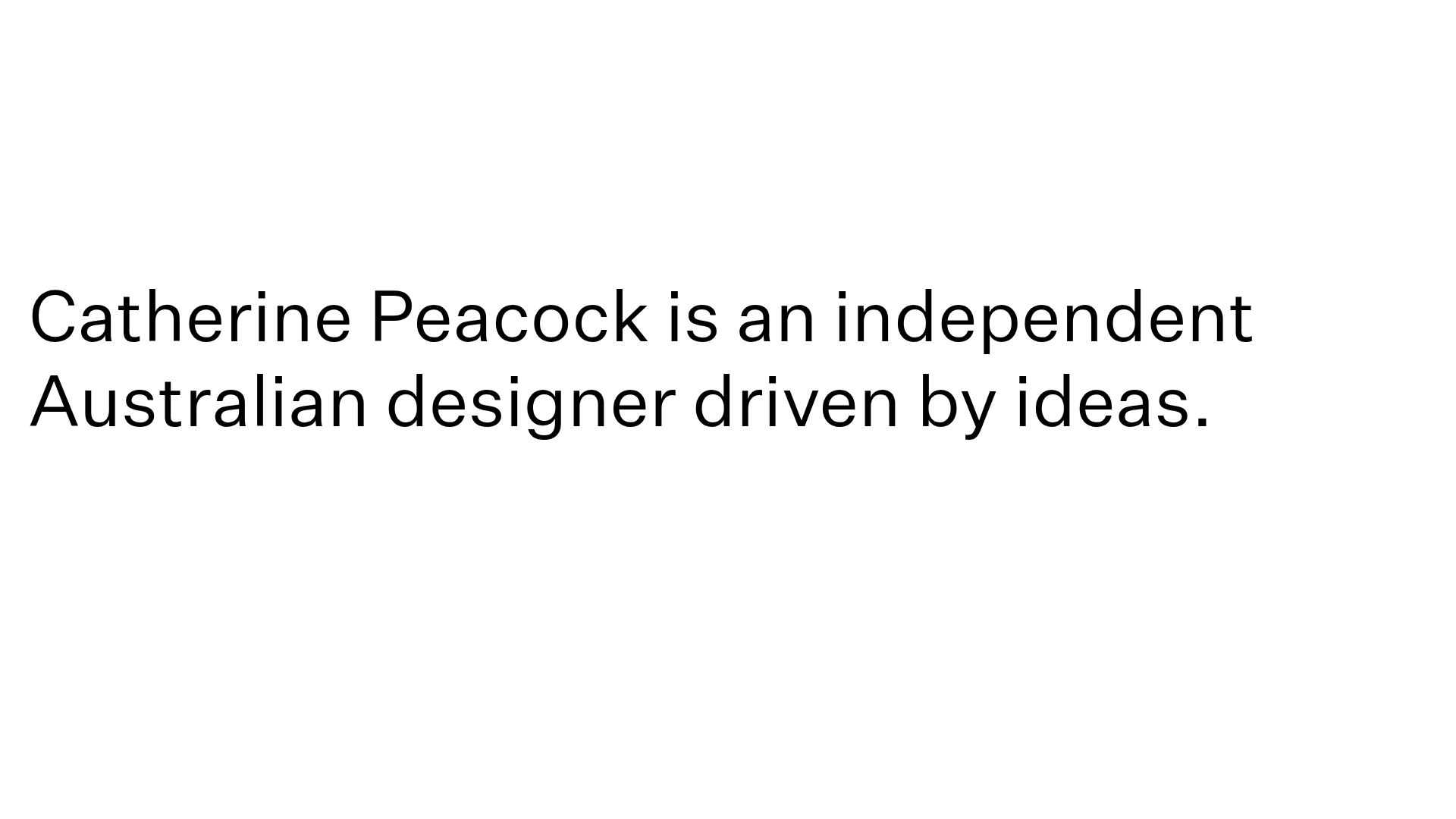
Catherine Peacock Designer Portfolio Home
A minimalist portfolio layout featuring a vertically stacked masonry project grid, sticky navigation with animated icons, and offset typography.
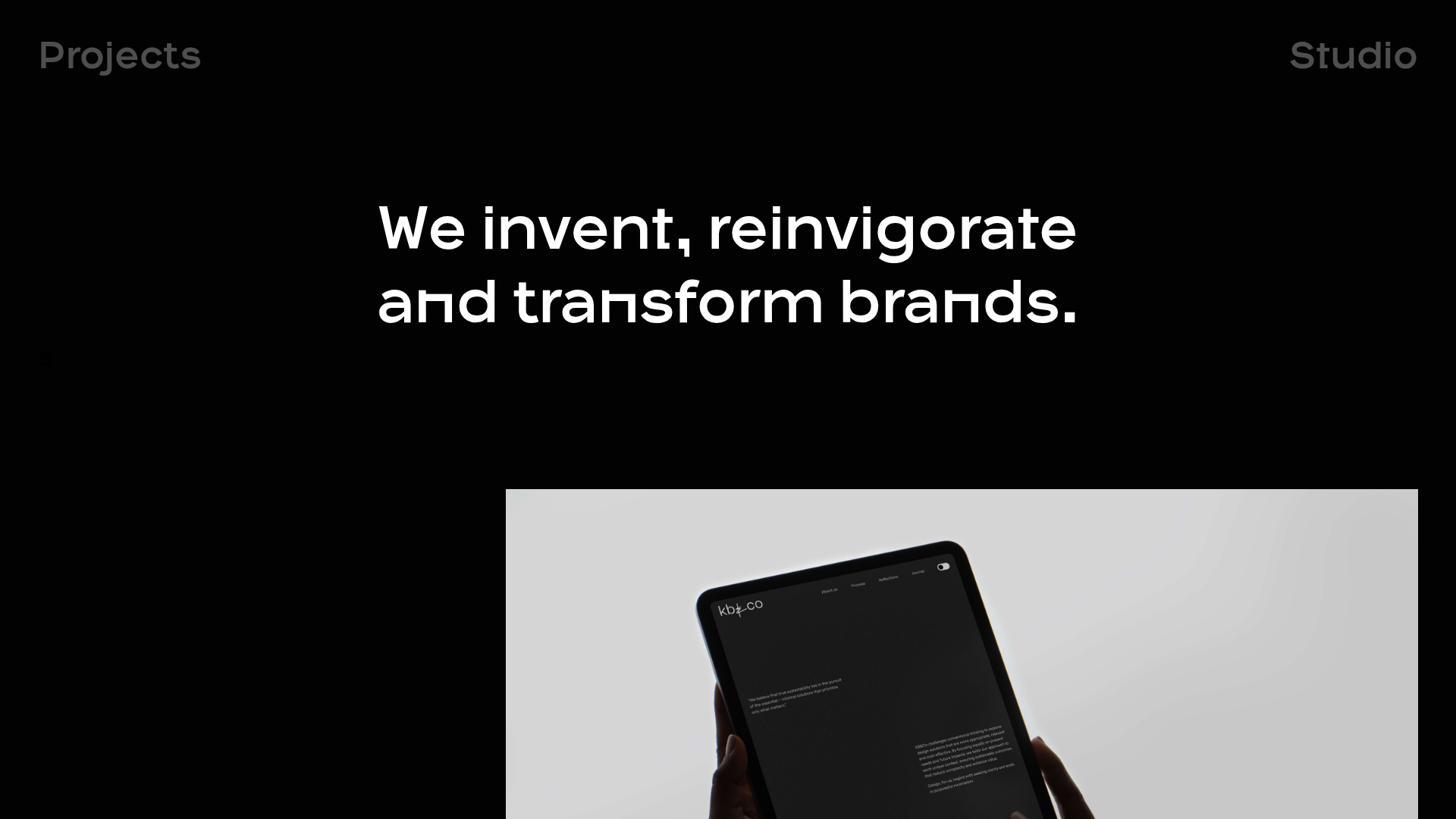
OPX Studio Agency Portfolio
A minimalist dark-themed portfolio featuring a staggered masonry project grid, cinematic video embeds, and a responsive oversized typography hero section.
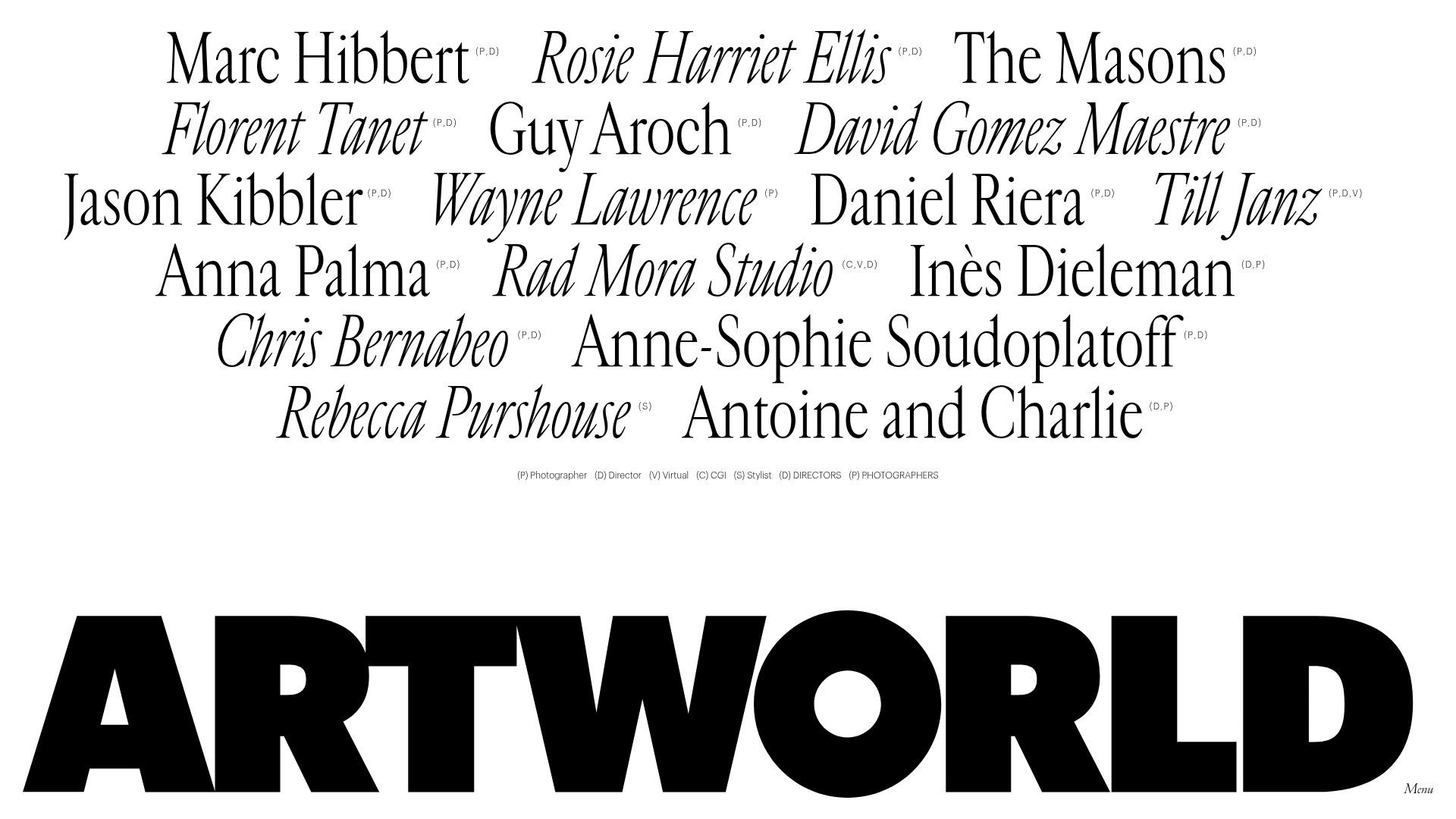
Artworld Agency Artist Portfolio Directory
A minimalist creative agency landing page featuring a typographic artist cloud, interactive category filtering, and image-on-hover card reveals in a clean, high-contrast layout.
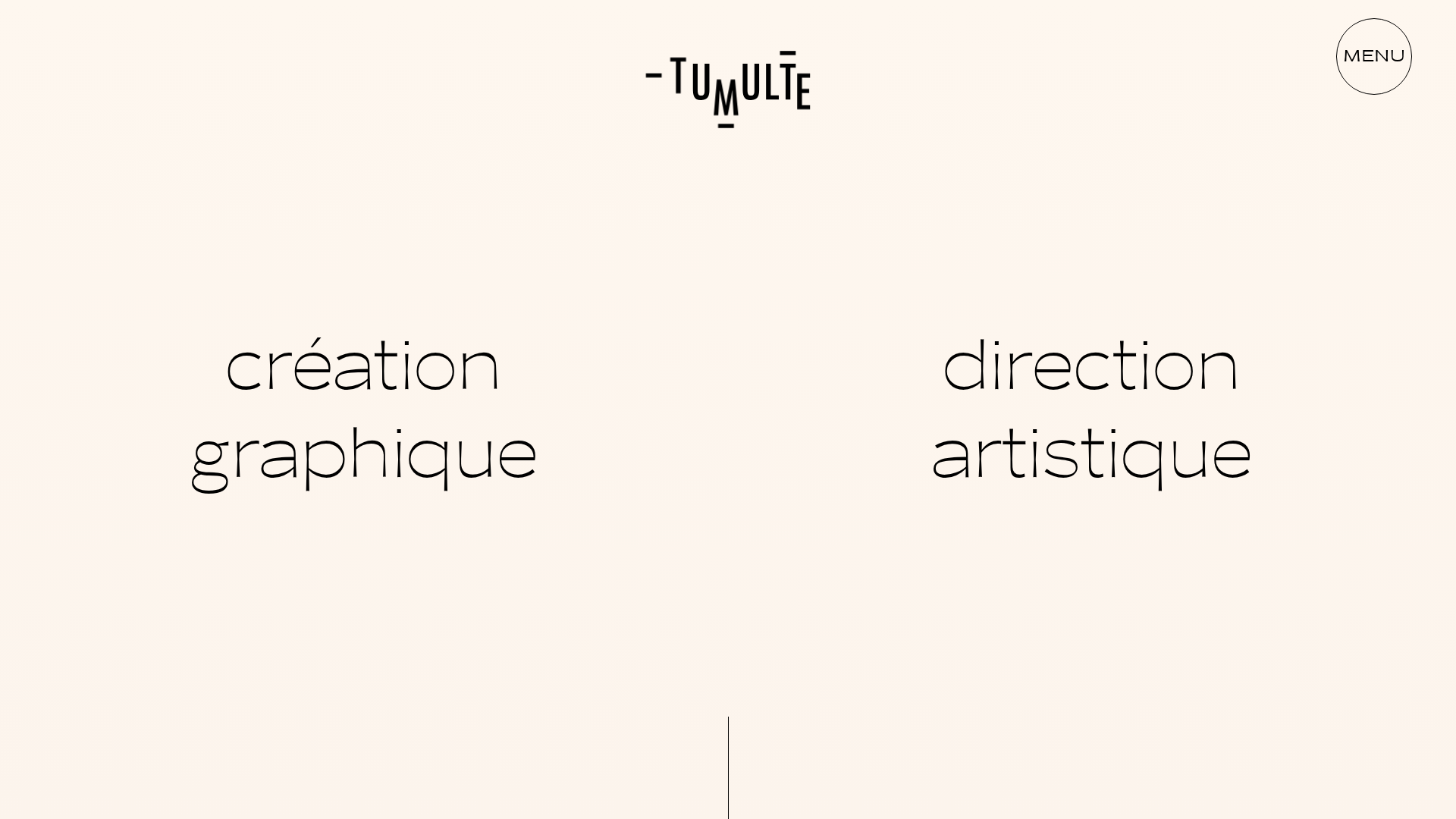
Studio Tumulte Minimalist Portfolio
A design studio portfolio featuring a split-hero landing page, custom cursor interactions, and a non-linear masonry collage layout for creative case studies.
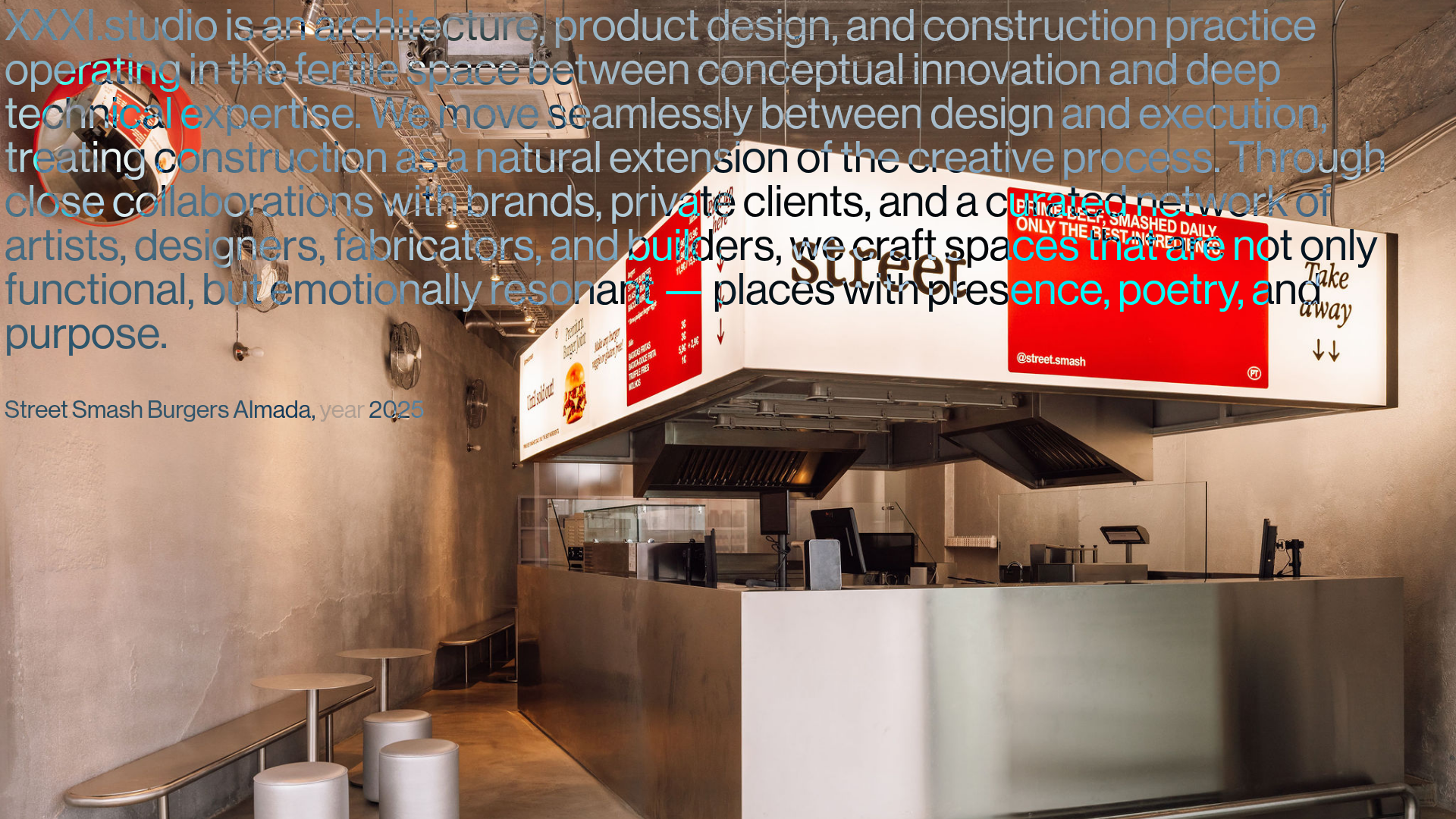
XXXI Studio Architecture Portfolio Showcase
A minimalist design portfolio featuring high-contrast overlapping typography, sticky project captions, and a dynamic masonry-style image grid for architectural storytelling.
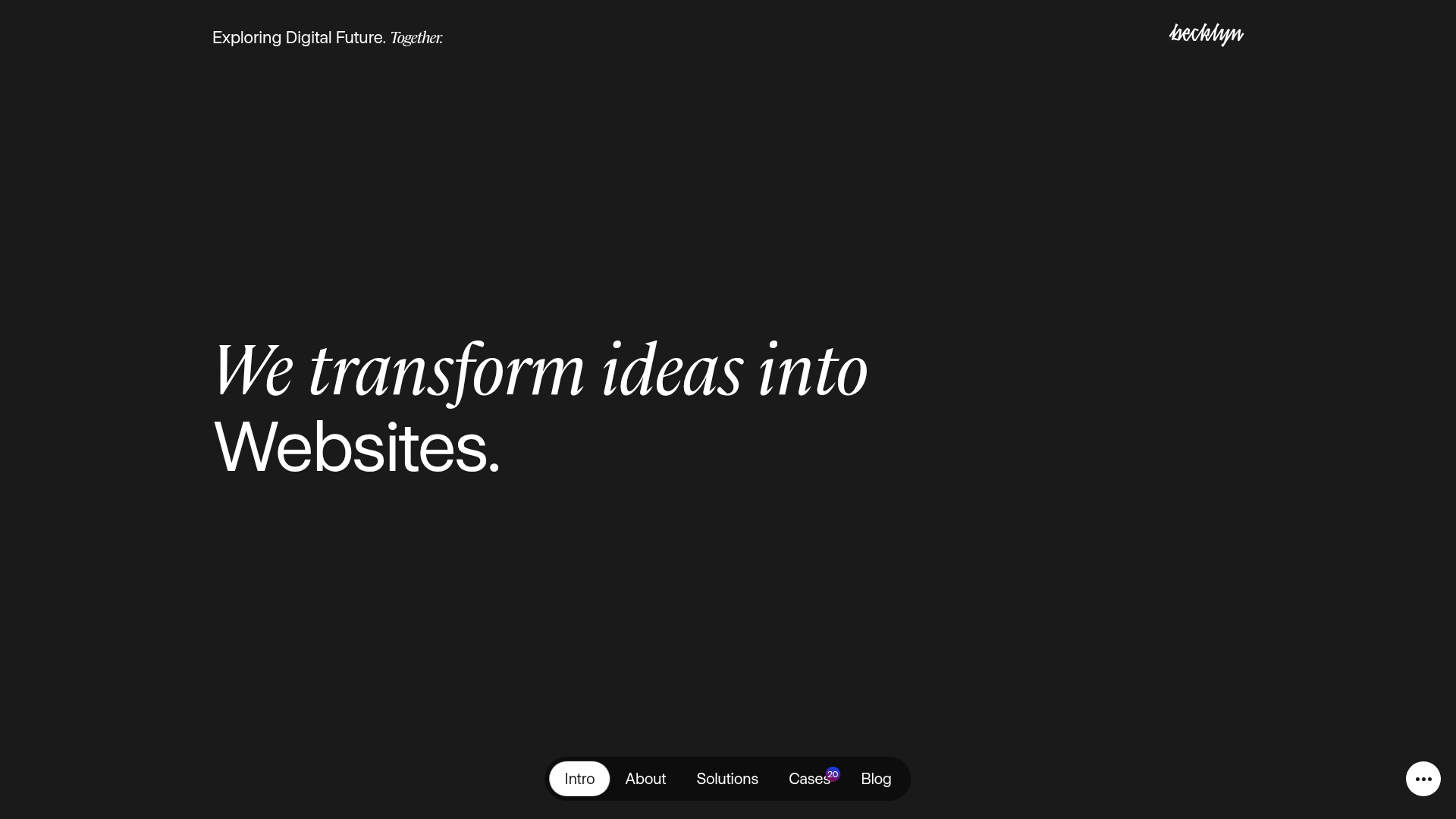
Becklyn Agency Dark Mode Portfolio
A high-end dark-themed agency site with a floating capsule navigation, staggered case study layouts, text-reveal animations, and horizontal team sliders.
